
The Sports Cleat Protector Preorder App helps sporting goods sellers, team coordinators, coaches, clubs, and equipment suppliers collect and organize advance orders for cleat protectors. Customers can browse available protection choices, review product benefits for match-day use, and submit a preorder with their preferred style, cleat size, quantity, and contact details. They can also view preorder status and revisit a clear order summary, reducing manual follow-ups and helping sellers anticipate demand before products are distributed. This app template is especially useful for seasonal sales, team equipment programs, tournament preparation, product launches, and group purchasing.
Jotform App Templates make it easy to turn a product preorder process into a convenient mobile-friendly experience. Using Jotform’s no-code app builder and drag-and-drop interface, sellers can customize pages, update branding, adjust protector options, and connect forms to an organized data collection workflow. The app can be shared through a direct link or QR code, giving buyers simple self-service access from almost any device. Teams can manage incoming preorder information with connected Jotform tools, receive timely updates, and adapt the app as product availability or ordering procedures change.
Related templates

Customizable Coffee Shop App
Wondering how to sell coffee online? A coffee shop app is used by coffee shops as a way to collect orders from customers. With this app template, you can create an online menu with product thumbnails, descriptions, and prices, and customers can place to-go and delivery orders from their favorite device. You can also easily include item discounts, customer testimonials, location, and contact number, as well as social media links. Orders are immediately synced to your secure Jotform account, which baristas can access from a tablet or desktop at the counter.Want to make changes to this app template? Jotform's intuitive app builder makes it easy for anyone to customize the look and feel of their app with just a few clicks. No coding required — just drag and drop to add or change form elements, choose custom color schemes to match your branding, upload your logo, add payment integrations, and more. Once you’re satisfied with the look and feel of your online menu, you can share your app with customers by embedding it in your website or generating a custom QR code to hang in the window of your coffee shop. Give your customers the option to order ahead from any device and sell coffee online with this Coffee Shop App from Jotform.
Go to Category:Food & Beverage Apps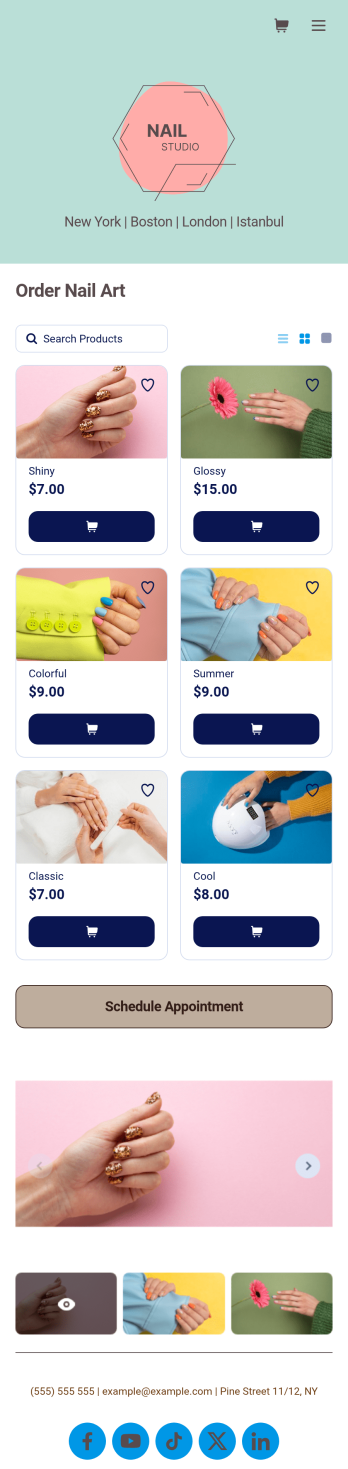
Nail Appointment App
You create beautiful nail art for your clients — so why not create an equally beautiful Nail Appointment App? With our free customizable app template, customers can schedule appointments, order nail art directly from you, and fill out a profile with contact information and medical history. Customers can also leave star ratings and write testimonials, and easily access and download your app on any smartphone, tablet, or desktop.Want to make this Nail Appointment App your own? With just a few clicks, our drag-and-drop interface allows you to add or change forms, upload your logo and nail art thumbnail images, change fonts and colors, and more — all with no coding. You can even fully customize the look of your app icon and splash page. Enjoy an easier way to schedule appointments, sell nail polish online, sell nail kits online, and sell other nail products online in a snap with this Nail Appointment App!
Go to Category:Appointment & Booking Apps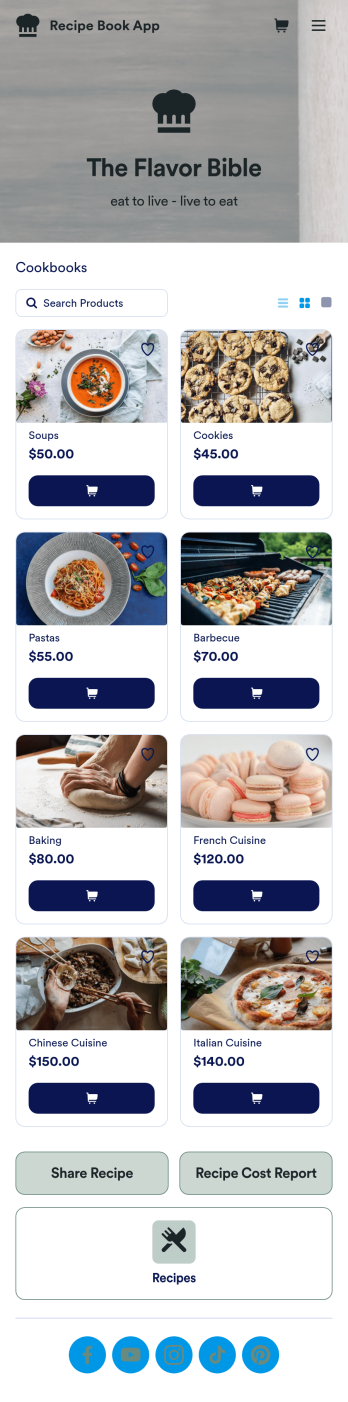
Custom Recipe Book App
As a chef, you’ve probably got a million recipes floating around in your head — so why not keep them all in one convenient place with this Recipe Book App? This free app includes a form where you can record dish type, prep time, ingredients, number of servings, and more — all of which can be viewed and sorted in an easy-to-understand spreadsheet from your Jotform account! There is also an upload form where you can attach notes and images to individual recipes.Want to customize the look of this Recipe Book App? With just a few clicks, our drag-and-drop interface allows you to add or change forms, upload images, change fonts and colors, and more — all with no coding. You can even share your app with other people, who can then add their own recipes to your recipe book from any smartphone, tablet, or computer. Never forget a recipe again with this free Recipe Book App.
Go to Category:Online Store Apps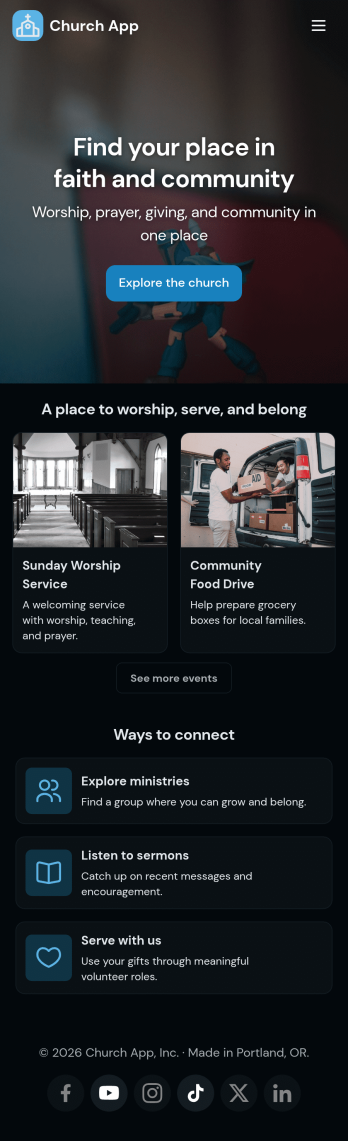
Church Donation App
No matter what type of church you run, create your own online application with our free Church Donation App! You can share all your church forms—such as donation forms, contact forms, prayer request forms, and more—through your app, making it easier to stay connected with your community. Current and new members of your church can open the app from any smartphone, tablet, or computer and even download it for future use.Want to customize this Church Donation App to better represent your church? Your prayers have been answered—using our drag-and-drop builder, you can easily make this ready-made template your own! Jotform’s List Element feature lets you connect Tables and add actions, making it easy to organize data and manage your app’s flow. Feel free to create and add new forms, update the app name and icon, change the background image or splash page, embed links, and much more. When it’s ready, share your app with members of your church via link. Keep in touch with members of your church on the go with a custom Church Donation App for your congregation.
Go to Category:Community & Engagement Portal Apps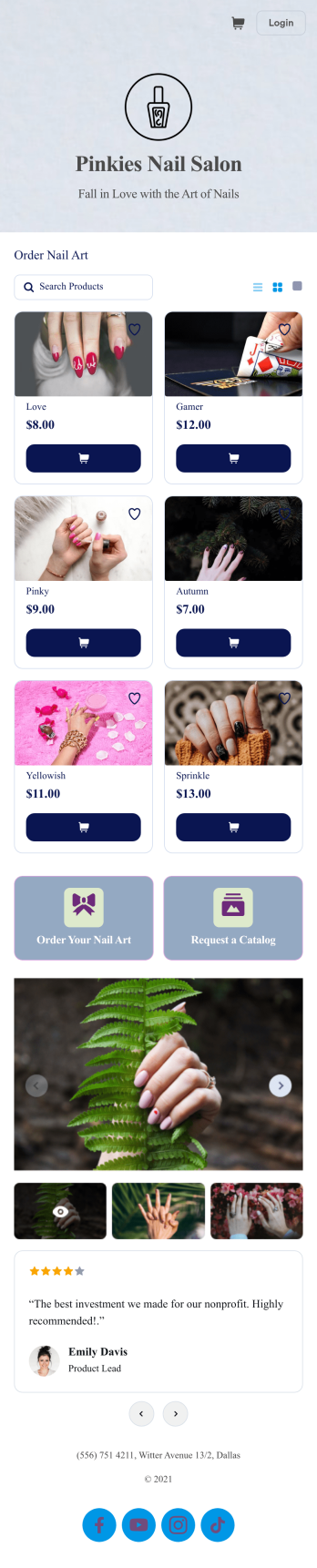
Customizable Product Catalog App
Whether you’ve got an existing customer base, or are trying to attract new ones, our free Product Catalog App is the perfect way to showcase and sell products online! With this ready-to-use app template, customers can browse your products, sign up for promotions, and fill out a general contact form to receive a free nail kit sample. There is also a separate form where customers can request a product catalog. Your app can be accessed and downloaded from any device, whether it’s smartphone, tablet, or computer!Want to customize your Product Catalog App to match your salon’s branding? It’s easy! With our drag-and-drop interface, you can add or change forms, choose fonts and colors, upload your logo or catalog thumbnail images, update the app name or text, and more — all with zero coding. After that, you can share the link on your website or social media and start taking orders. Stop wondering how to sell your products online and showcase your products with this free and fully customizable Product Catalog App!
Go to Category:Online Store Apps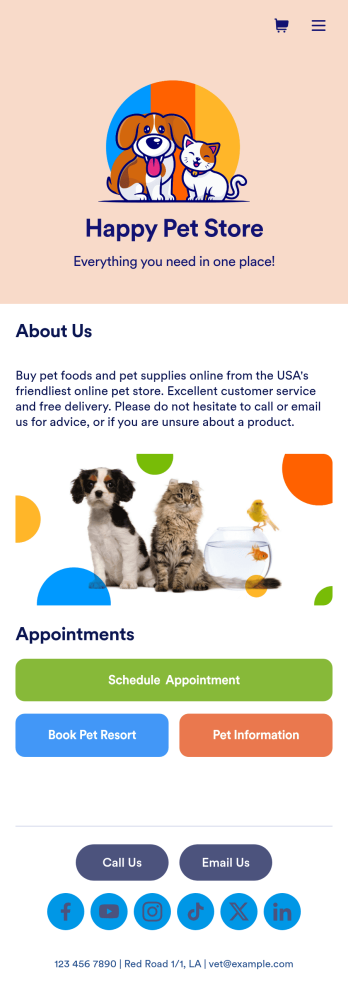
Pet Store App
Pets are always on the move — so shouldn’t your pet store be available on the go too? With our free Pet Store App, you can let customers bring your services with them wherever they are. This ready-to-use app template bundles multiple forms together including a pet information form, pet hotel booking form, pet supply order form, and grooming appointment form, so you can sell pet supplies online and gather any other information you need. Customers will be able to access all of your forms at once from any smartphone, tablet, or computer.You won’t need any training to customize your Pet Store App. In just a few clicks, you can add new forms, tables, links, text, images, and more. You can even update app settings and change the name, icon, and splash page to match your store branding. Once your app is ready, share the app link on your website or social media accounts — customers will be able to download it onto their favorite devices. Stop wondering how to sell pet supplies online and take your pet care business to the next level with a fully-custom Pet Store App!
Go to Category:E-commerce Apps