
Vehicle Location Updates App gives fleet coordinators, dispatch teams, field service businesses, delivery operations, and contractors a convenient way to collect and review reported vehicle locations. Drivers or authorized staff can submit a location update through a connected form, while operations teams can browse vehicle records by identifier and open each entry to view its reported location. This app template is useful when teams need a shared source of location information without relying on scattered messages, calls, or spreadsheets. It supports vehicle check-ins, dispatch coordination, route oversight, job site arrivals, and fleet status reporting.
Jotform makes this Vehicle Location Updates App easy to adapt with a no-code app builder and a visual drag-and-drop interface. Teams can customize pages, navigation, colors, fonts, and branding, then connect forms, tables, notifications, approvals, or other workflow steps as their processes evolve. Jotform App Templates provide a ready-made foundation, helping organizations launch a mobile-friendly self-service experience without programming. Share the finished app through a direct link or QR code so drivers and coordinators can access it from their preferred devices, submit data, and find current records from one organized location.
Related templates
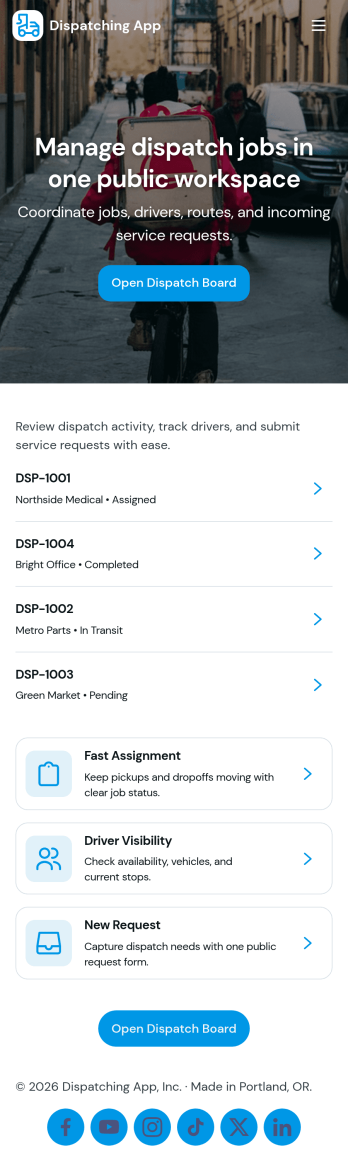
Dispatching App
Dispatching App helps teams coordinate service requests, assign active jobs, and keep day-to-day operations moving without losing track of drivers or vehicles. It’s a practical fit for delivery companies, field service businesses, transportation teams, and operations managers who need one place to add dispatch jobs, view what’s in progress, and route work to the right people fast.With Jotform, you can turn this app template into a branded, mobile-friendly self-service experience using a no-code app builder and a drag-and-drop interface. Connect the app to forms for data collection, keep job, driver, and fleet details organized, and adjust each workflow as your dispatch process evolves. Share the app by link or QR code so dispatchers and teams can access the latest information wherever they are.
Go to Category:Delivery Apps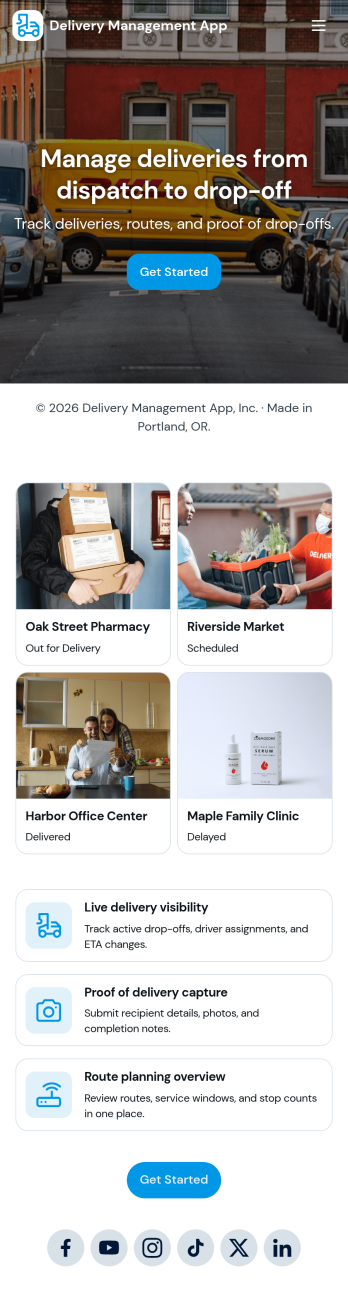
Delivery Management App
Delivery Management App helps teams organize deliveries from intake to assignment and issue reporting in one place. Use it to create new deliveries, browse active orders, assign drivers, and give staff a simple way to report delivery issues as they happen. It’s a practical fit for local couriers, restaurants, retail shops, e-commerce sellers, and service businesses that run their own drivers and need a clear view of what’s going out today, who’s handling it, and what needs attention.With Jotform, you can turn this app template into a branded, mobile-friendly workflow without coding. Use the no-code app builder and drag-and-drop interface to tailor pages, buttons, and lists to match your delivery process, then connect the app to forms and tables for reliable data collection and ongoing updates. Share the app by link or QR code so dispatchers and drivers can access self-service tools, keep information current, and reduce missed handoffs across your operations.
Go to Category:Delivery Apps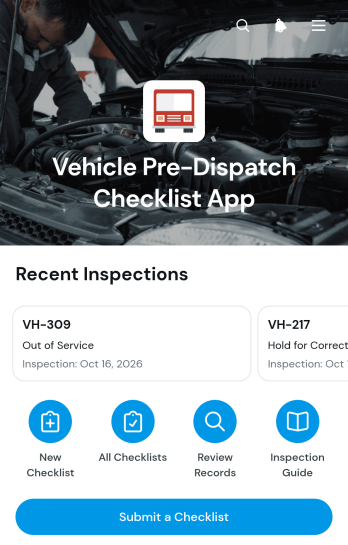
Vehicle Pre-Dispatch Checklist App
The Vehicle Pre-Dispatch Checklist App gives fleet managers, dispatch teams, drivers, inspectors, and transportation contractors a consistent way to assess vehicles before they leave for a route or job. Users can submit a checklist covering essential road-readiness areas, review individual vehicle records, and monitor dispatch decisions through a visual breakdown. This app template helps teams spot concerns involving exterior condition, tires, lights, fluids, safety equipment, and cabin controls before departure. It also creates a clear record of the inspector, odometer reading, inspection date, follow-up notes, and sign-off, making daily fleet oversight easier to coordinate.Built with Jotform Apps, this ready-to-use option can be adapted through a no-code app builder and an intuitive drag-and-drop interface. Organizations can update pages, navigation, colors, fonts, and branding without writing code, then connect data collection to forms and tables for an organized workflow. Share the Vehicle Pre-Dispatch Checklist App by direct link or QR code so field personnel can access it on mobile devices. Jotform app templates also support notifications and connected processes, helping operations teams centralize inspection activity, improve self-service access, and keep vehicle status information available from one convenient location.
Go to Category:Vehicle Inspection Apps
Courier Delivery App
A Courier Delivery App is used by delivery companies to record delivery statuses. With this Courier Delivery App, drivers can fill out the recipient name, reference number, delivery status, and item details, and include any additional notes. Drivers can sign off on deliveries at the bottom using a digital signature box. Delivery reports are stored securely in your account and can be accessed from any device. There is also a separate form for new driver applications, which you can view and manage through our Driver Application Tracking Sheet.It’s easy to customize this Courier Delivery App with our drag-and-drop interface. With just a couple of clicks, you can add or change forms, choose fonts and colors, upload your delivery company’s logo, update the app name, text, and splash page, and more — no coding required. Your app can be shared internally with a link and then downloaded by your drivers on any smartphone, tablet, or desktop. Never lose track of a package again with this Courier Delivery App!
Go to Category:Retail Apps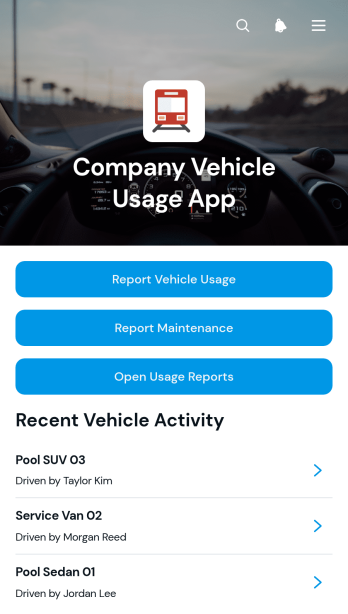
Company Vehicle Usage App
Company Vehicle Usage App is a ready-to-use app template for businesses that need a consistent way to document shared vehicle activity and maintenance concerns. Fleet coordinators, operations teams, office managers, field service companies, and employees can use it to submit vehicle usage, review mileage and fuel details, and report maintenance needs from one organized location. Centralizing driver, trip, odometer, fuel, and priority information improves record accuracy, gives managers clearer visibility into vehicle activity, and helps teams identify service needs before they disrupt daily operations.Jotform App Templates make it easy to adapt this experience to your company without writing code. With Jotform’s no-code app builder and drag-and-drop interface, you can update pages, branding, buttons, and navigation to match internal workflows. Connect forms and tables for data collection, send notifications when new reports arrive, and organize records for easier follow-up. Once the Company Vehicle Usage App is ready, publish it with a direct link or QR code so drivers and authorized staff can access a mobile-friendly self-service tool wherever work takes them.
Go to Category:Fleet Tracker Apps
Custom Logistics Management App
A logistics management app is used by logistic companies to log important company information. With this Logistics Management App from Jotform, managers can keep track of vehicles, drivers, and driver availability information. Drivers can download this app on their mobile devices to record trip information such as truck number, departure date, and total mileage using a Drivers Log Sheet. You can also manage driver job applicants from an easy-to-understand Driver Application Tracking Log.Making changes to this Logistics Management App is easy with Jotform’s no-code app builder. Simply drag and drop to add or change form elements, edit text fields and checklist items, choose fonts and colors, upload your company’s branding, and much more. Share your custom app with management and other drivers by sending email invites or the app link, where they can then download it on any device. Ditch the paperwork and use this Logistics Management App to keep digital records of all your vehicle and driver information.
Go to Category:Automotive Apps