
The Workplace Massage Request App helps employees, office managers, human resources teams, and workplace wellness coordinators collect and manage requests for on-site massage sessions. Employees can submit a request with essential details such as the workplace location, attendee count, preferred session duration, and requester contact information. Authorized staff can review submitted requests from one organized interface, making it easier to assess demand, coordinate wellness visits, and maintain clear request records. This app template suits offices, shared workspaces, employee wellness programs, and organizations arranging massage services for staff events or recurring workplace initiatives.
Jotform Apps makes this experience easy to adapt without coding. Use the drag-and-drop app builder to update pages, branding, buttons, and navigation while connecting request forms to tables, notifications, approvals, and other workflows. Teams can turn the Workplace Massage Request App into a mobile-friendly employee self-service resource, share it through a direct link or QR code, and centralize data collection for simpler coordination. Jotform App Templates also provide a ready-made starting point that can be customized and published quickly for internal use.
Related templates
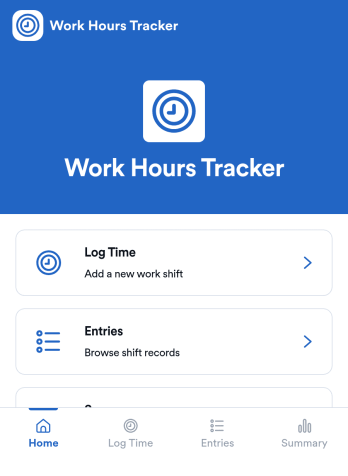
Counting Work Hours App
Counting Work Hours App helps teams record shifts and keep a clear running view of hours worked across a pay period. It works well for businesses that rely on hourly labor such as retail, hospitality, field services, and growing agencies, where missing time entries and manual spreadsheets can quickly cause payroll confusion. With quick time logging, an entries list for reviewing past shifts, and a summary view for totals and patterns, managers and employees can stay aligned on what was worked and what still needs to be added.Jotform makes it simple to turn this workflow into a mobile-friendly experience using app templates and a no-code app builder. Customize pages with a drag-and-drop interface, connect your app to the included shift form and table view, and keep data collection consistent for every employee. Share the app by link so staff can add shifts from anywhere, while supervisors can track updates in one place and keep operations moving without extra tools.
Go to Category:Activity Tracking Apps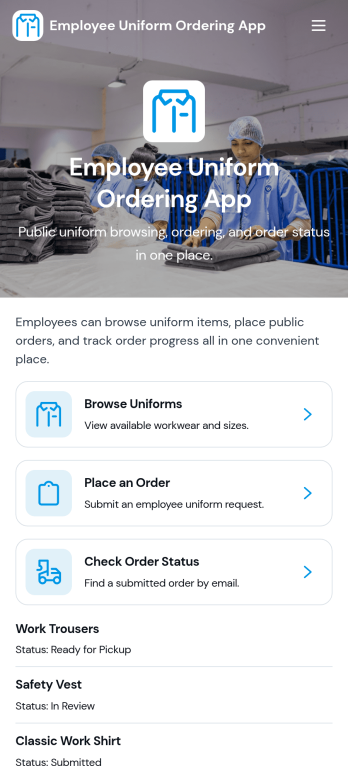
Employee Uniform Ordering App
Employee Uniform Ordering App helps teams manage workplace uniform requests in one place, so employees can browse available uniform options, place an order, and check order status without chasing emails or paper forms. It fits retail stores, restaurants, hotels, healthcare offices, warehouses, and field service organizations that need consistent attire across roles and locations. Use it to reduce ordering mistakes, keep sizing details organized, and give staff a clear path for reorders when items wear out, seasons change, or new hires come onboard.Built with Jotform App Templates, this app template is easy to tailor to your uniform process using Jotform’s no-code app builder and drag-and-drop interface. Connect ordering forms and connected data collection to keep records centralized, then share the app via link or QR code for fast self-service access on any device. As your workflow evolves, you can update pages, adjust categories, and guide employees to the right actions while keeping uniform ordering and status checks simple and consistent.
Go to Category:Employee Self Service Apps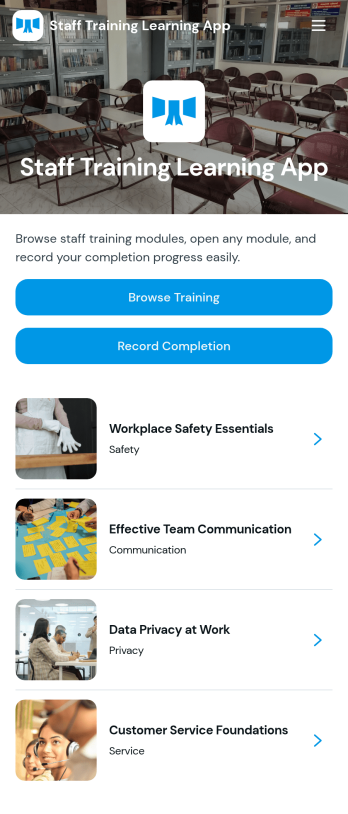
Staff Training Learning App
Staff Training Learning App helps teams share internal training in one place so employees can browse available courses, open a course page to review key details, and request enrollment when they’re ready. It’s a practical fit for HR teams, operations managers, and department leads who need a clear way to roll out onboarding lessons, role-based training, or refresher learning across locations without relying on scattered documents and links.Built with Jotform, this app template can be customized with a no-code app builder and a drag-and-drop interface, so you can organize course information and connect the enrollment request form to your workflow. Publish a branded self-service experience, share it by link or QR code, and keep data collection consistent as training offerings change over time.
Go to Category:Employee Self Service Apps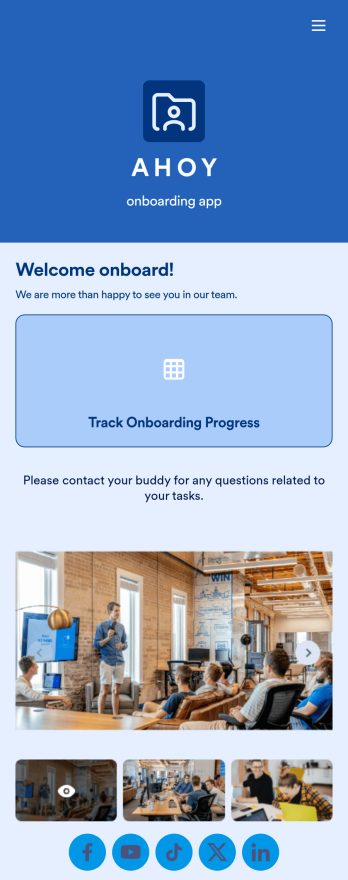
Custom Employee Onboarding App
An employee onboarding app makes it easier to integrate a new employee into your company by making important internal resources available on any device. Simplify the transitional period and successfully onboard new hires with a fully custom Employee Onboard App powered by Jotform. This ready-to-use mobile app includes a table for tracking onboarding progress, company photos and social links, and a separate page with team contact information. New hires can download the app onto their mobile device or computer for easy access at any time.Customize this Employee Onboarding App for your company in just a few clicks. Without coding, you can use our drag-and-drop builder to add forms and tables, embed links, upload documents and training videos, create new pages, update fonts and colors, and much more. When your app is ready to use, it can be sent directly to new hires via email invites or the app link. Successful employee onboarding can be the key to business success — so get started with an efficient, easy-to-use Employee Onboarding App tailored to your company.
Go to Category:Company Portal Apps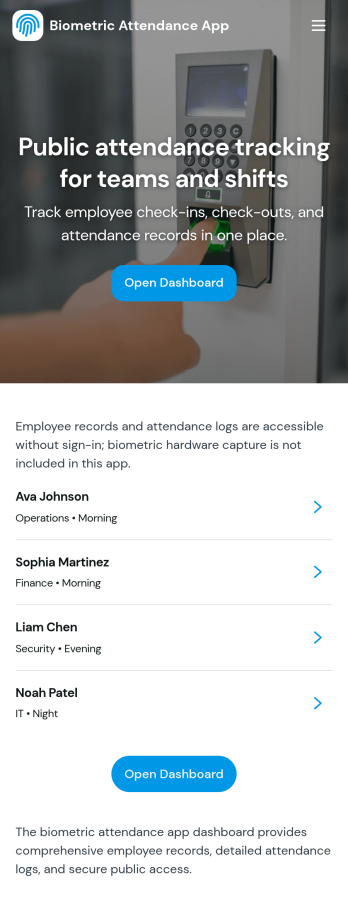
Biometric Attendance App
A biometric attendance app gives teams a central place to manage employee records, log attendance activity, and review time-based insights for day-to-day operations. This template fits HR teams, operations managers, and supervisors who need a clear view of who is on site, who is absent, and how shifts are being covered across locations or departments. Use it to add employees, record attendance logs, and keep shift windows organized so your workforce data stays consistent and easy to reference.Built with Jotform, this app template can be customized in a no-code app builder using a drag-and-drop interface, so you can match your existing workflow without engineering help. Connect forms and tables to keep data collection in one place, route information to the right people, and make self-service updates simple for authorized staff. Share the finished app by link or QR code and keep attendance details and reporting accessible on any device.
Go to Category:HR Portal Apps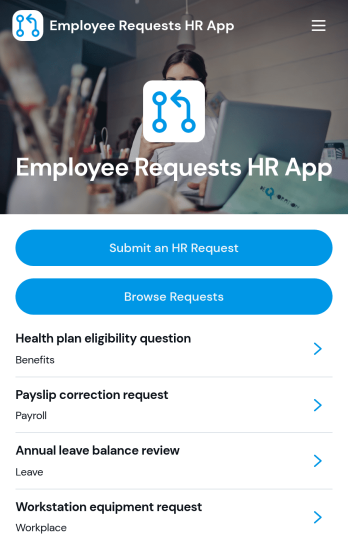
Employee Requests HR App
Employee Requests HR App gives employees a clear place to submit HR requests and follow up without confusion. Use it to centralize common needs like policy questions, workplace concerns, benefits support, or employment verification so HR teams can keep requests organized and easy to review. With quick navigation to submit a new request, browse existing requests, and open a request record to see key details like employee name, email, and preferred response method, it helps reduce missed messages and keeps communication consistent across the organization.Built with Jotform, this app template can be tailored to match your internal workflow and the types of requests you handle most often. Using Jotform’s no-code app builder and drag-and-drop interface, you can adjust pages, connect the app to your form and data collection, and keep request activity in one workflow that’s simple to share with staff. Publish it as a mobile-friendly self-service experience so employees can submit and review requests from anywhere while HR maintains one reliable source of truth.
Go to Category:Employee Self Service Apps