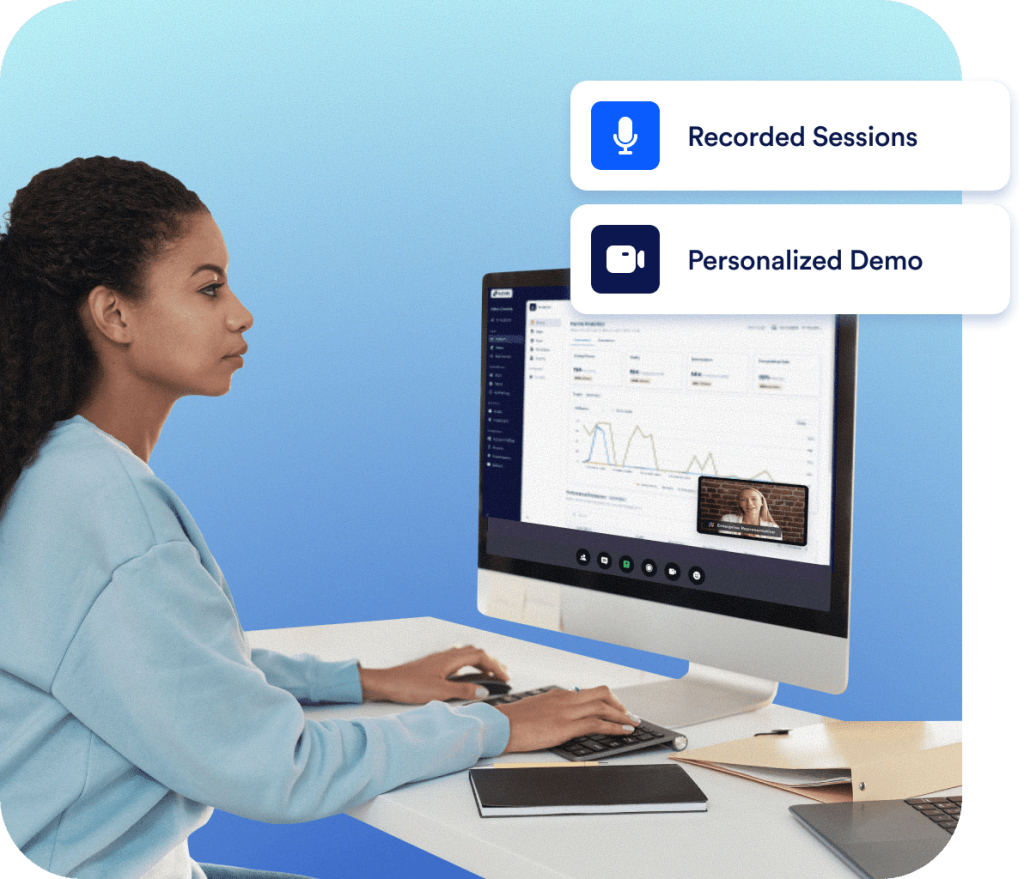

Host your online forms and submission data in a local data center with Jotform Enterprise. Collect submission data from any device and store your data in any part of the world.
Learn more
Get started quicker with Onboarding. Our customer success experts will provide a personalized experience that lays the foundation for long-term success and teaches your teams to harness the full power of the platform.


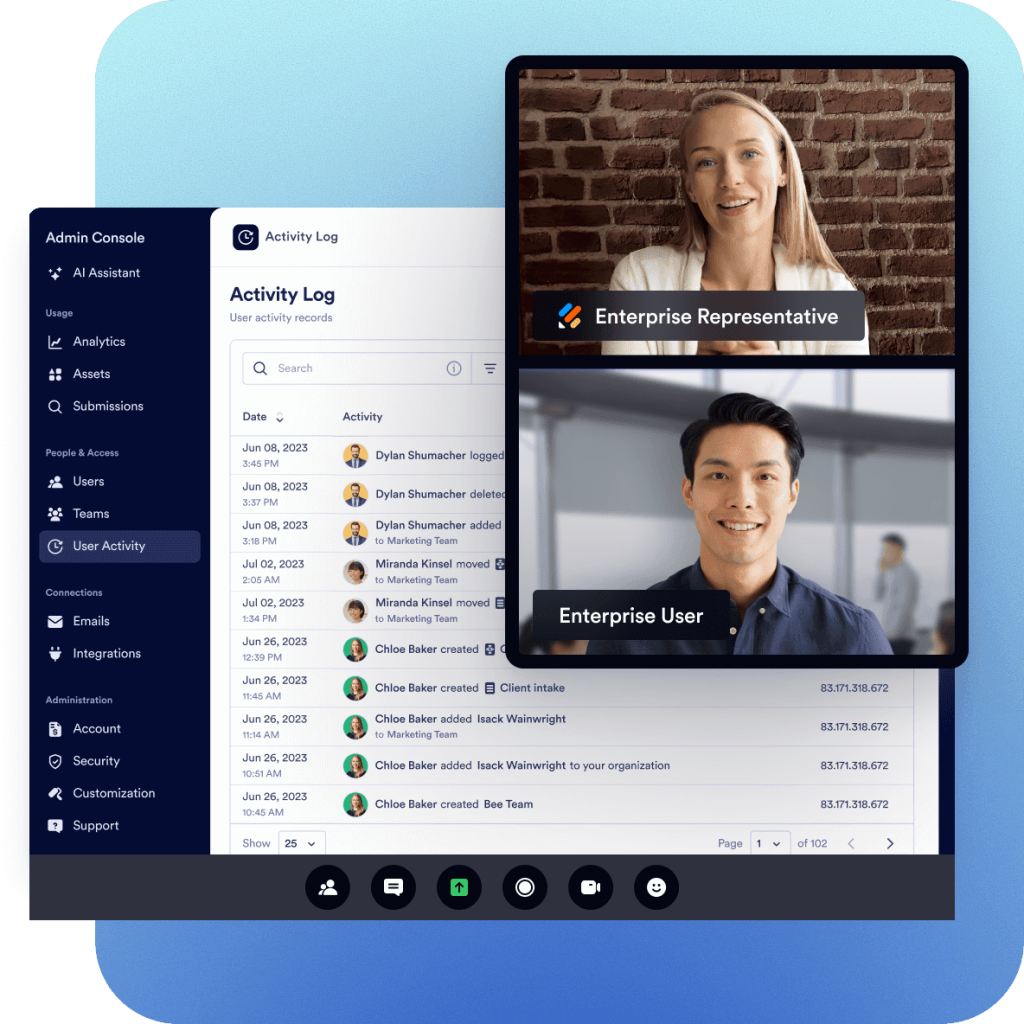
Our customer success experts will deliver three hours of tailored instruction. You can use this time as you wish, all at once or in separate sessions. You can even bank time for new users and/or new use cases in the future

Receive a personalized platform demo to go over the most applicable features for your specific use case. Get expert recommendations for achieving your organizational goals.
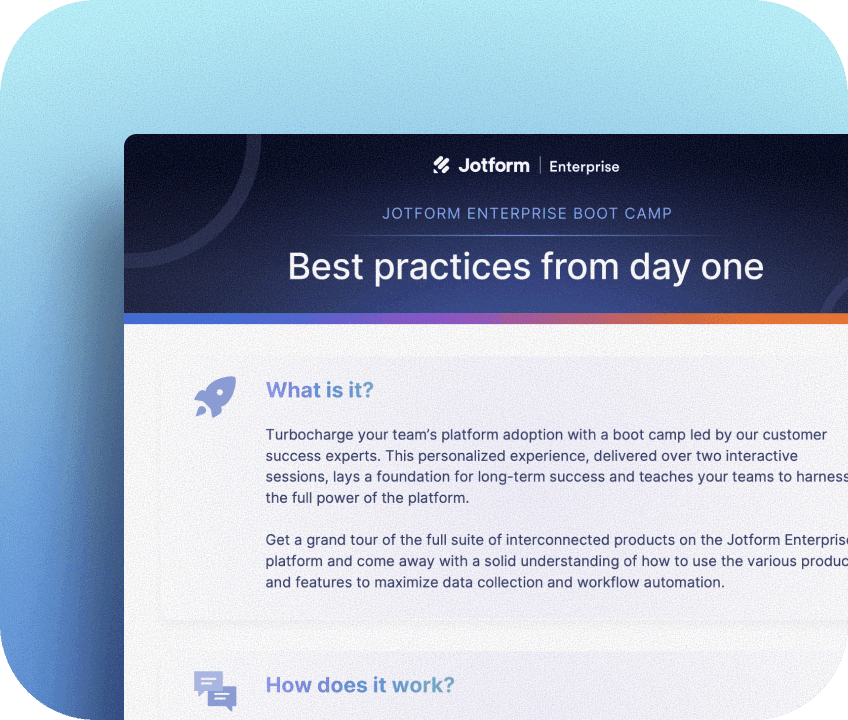
Host your online forms and submission data in a local data center with Jotform Enterprise. Collect submission data from any device and store your data in any part of the world.
Learn more
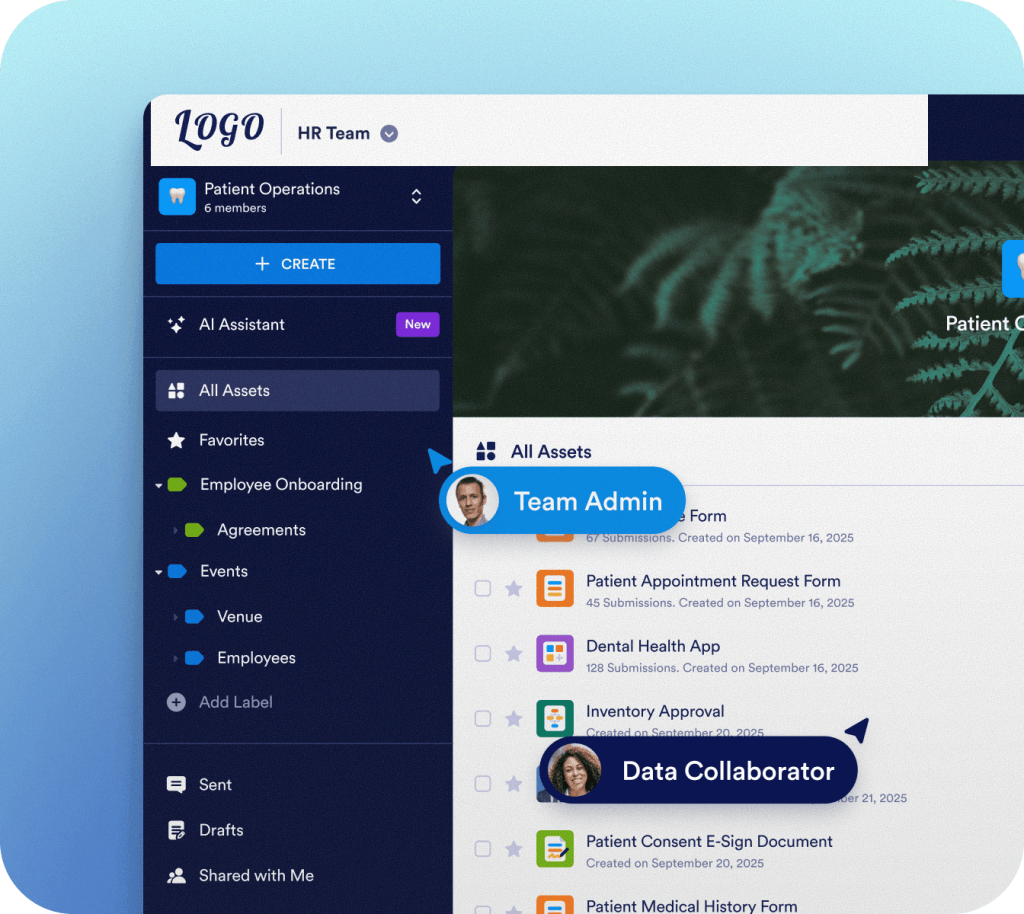
Foster department and cross-functional collaboration with Jotform Teams workspaces. Effortlessly build and share forms, tables, reports, and apps. Monitor team activities and secure data with role-based access.
Learn more

Effortlessly manage users, activity, mobile use, and more from the Admin Console dashboard. Grant organization- or team-level administrative access to adjust user permissions as needed.
Learn more
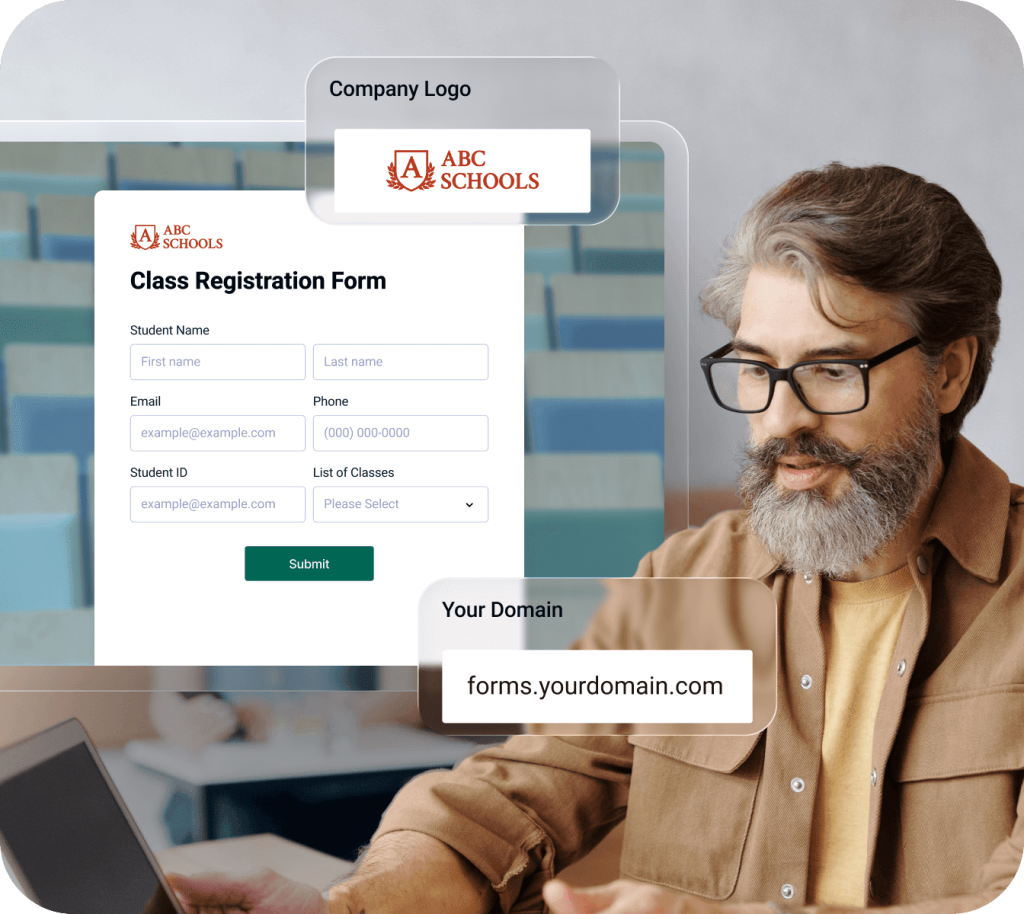
Customize the look and feel of your forms — including the URL — with Jotform Enterprise. Create consistent, on-brand experiences for your organization and your clients.
Learn more

Jotform Enterprise offers single sign-on (SSO) login options to streamline and secure access to forms, submission data, and more. SSO prefill can speed up form-filling, increase conversions, and improve data accuracy. Multi SSO allows seamless login through multiple identity providers like Google and Microsoft, enhancing security, accessibility, and the user experience for dispersed teams.
Learn more
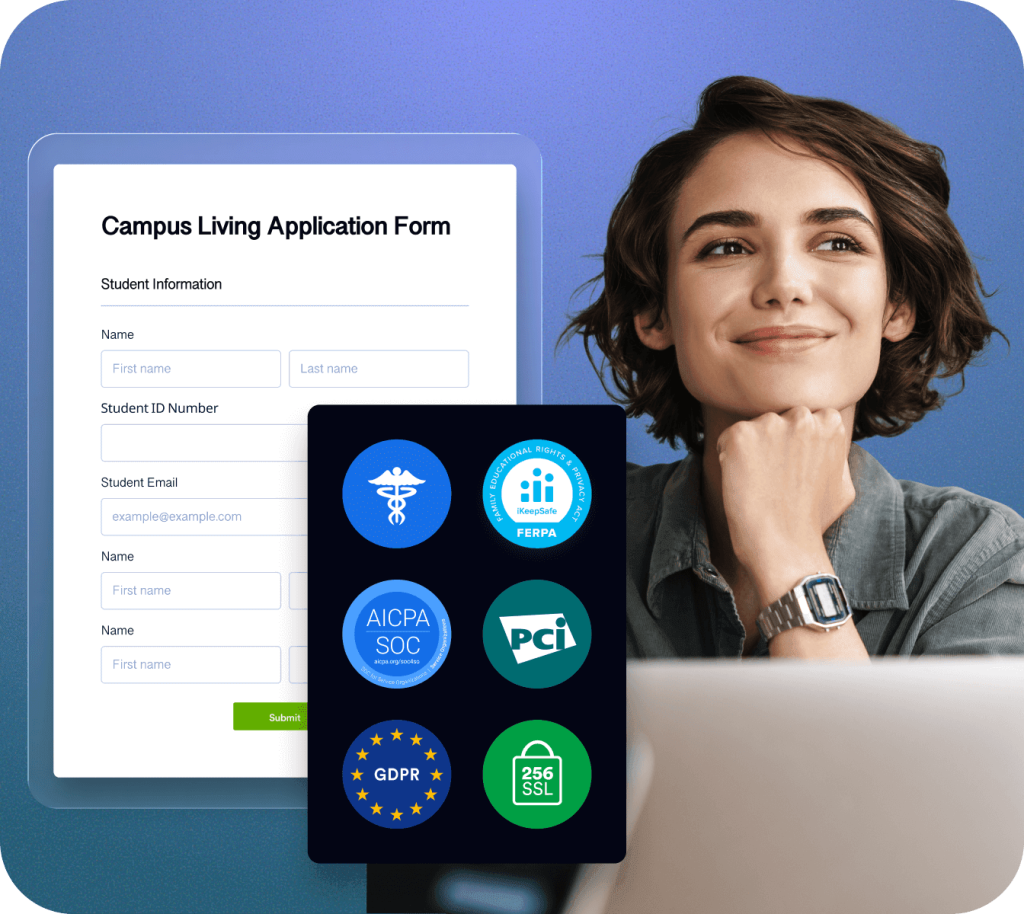
Protect your data with 256-bit SSL encryption and PCI-DSS Level I payment certification. Features to enable compliance with HIPAA, SOC 2, and other standards are also available.
Learn more

Check out Jotform Enterprise Professional Services for expert-built forms, custom workflows, and implementation support.
Schedule a demo with one of our representatives to explore how Jotform Enterprise can support your goals — and your organization.
Jotform Enterprise Onboarding is personalized training that lays the foundation for long-term success and teaches your teams to harness the full power of the platform.
Onboarding includes three hours of instruction delivered as you wish — over one or multiple interactive sessions. You’ll get a personalized platform demo, expert suggestions for achieving your goals, and training resources for future reference.
Onboarding is open to all Jotform Enterprise customers. Any organization that wants assistance with onboarding and platform adoption can benefit from this service.
Training for general platform use and industry- or organization-specific implementation is included. Plus, customer success experts are available to answer any questions you may have.
Organizations in different industries may find different uses for Jotform Enterprise features. With Onboarding, we help you identify which Enterprise features are best suited for your specific use case.
Contact our Enterprise Sales team to discuss your unique needs and schedule a Onboarding.
Jotform Enterprise customers should contact their account manager to request Onboarding. You can also submit a request by contacting the Customer Success team.
Onboarding includes three hours of interactive training delivered as you wish. You can choose one or multiple interactive sessions, and even bank time for new users and/or new use cases in the future.
Yes. After identifying your unique needs, our team will work on customizing your Enterprise Onboarding experience.