Free Online Scheduling Tool
Jotform’s free online scheduling tool is a no-code solution for creating and embedding mobile-friendly scheduling forms in seconds. Use this free online scheduling tool to book meetings or appointments, manage calendars, and send automated reminders and follow-up emails. Customize time slots and form fields with drag-and-drop ease and view all bookings in Jotform Tables to simplify scheduling workflows.
Templates
Free Scheduling Form Templates
Get a head start on scheduling appointments with a ready-made form template. Choose one below to customize with our drag-and-drop builder.
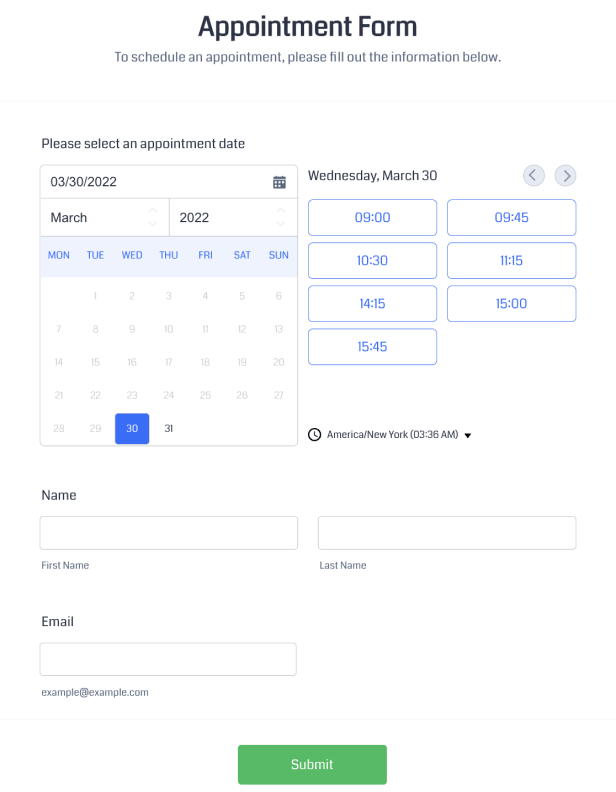
Appointment Form
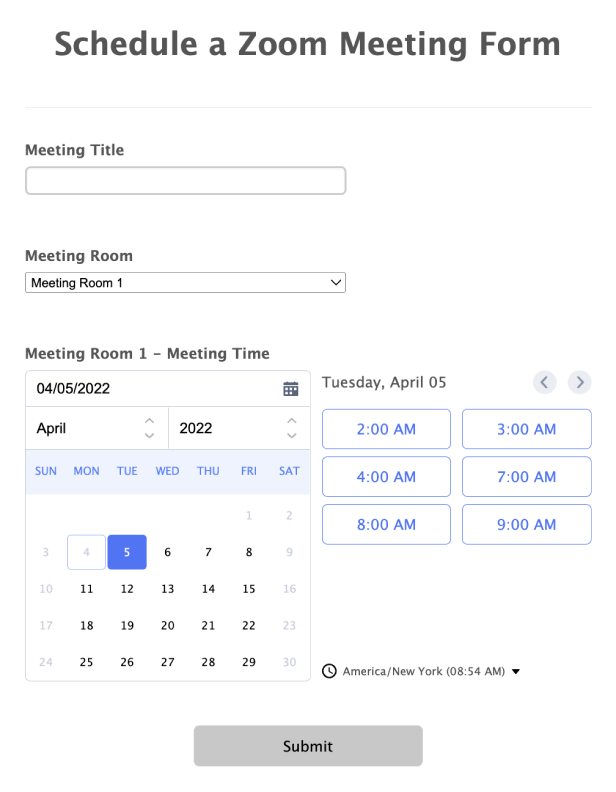
Zoom Meeting Form
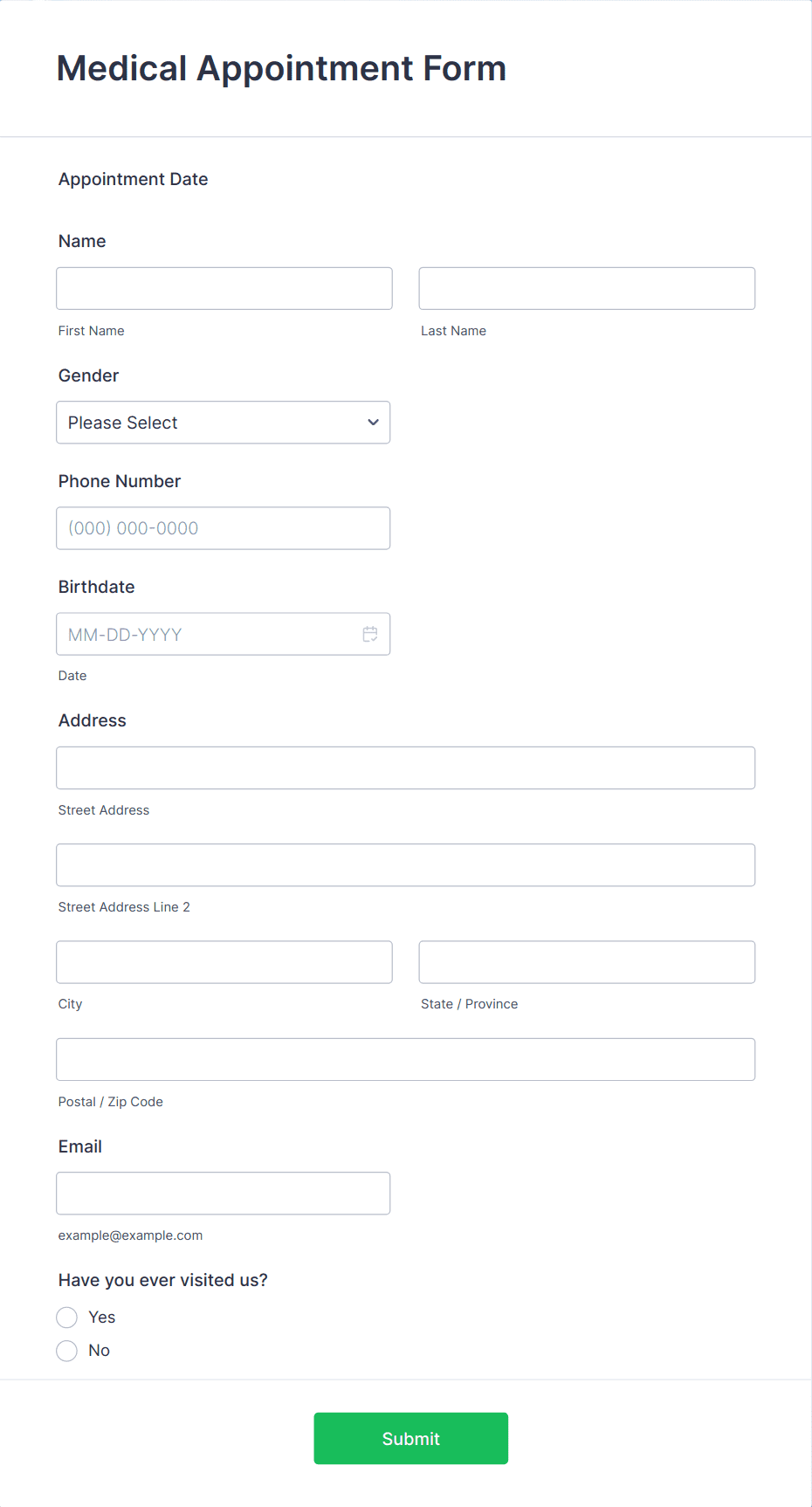
Medical Appointment Form
Benefits
Instantly Create Schedule Forms
Create custom online forms
Design scheduling forms that reflect your brand by adding your logo, customizing available time slots, and styling text and colors without technical effort. Tailored forms help you collect exactly the information you need from attendees or clients.
Let your calendar do the work
Connect your scheduling form to Google Calendar, Outlook Calendar, or Calendly so accepted bookings automatically reflect your real availability. This real-time sync prevents double bookings and saves you from manually updating schedules.
Expertly manage your schedule
View and organize all bookings in Jotform Tables as a calendar, spreadsheet, or card view so the entire scheduling process is easy to track. Centralized scheduling data helps teams stay organized and act on appointments quickly.
Send follow-ups and reminders
Automate reminder and follow-up emails so attendees receive notifications about upcoming meetings or next steps without manual effort. Scheduled reminders can improve attendance and streamline communication.
Automate your workflow
Use conditional logic to personalize what each visitor sees on the form and require key fields to ensure vital information is captured. This helps tailor scheduling flows to unique user needs and improves data quality.
Connect with 150+ integrations
Sync bookings and scheduling data with the tools your team already uses by connecting to 150+ third-party integrations, including Google and Outlook Calendars, CRM platforms, and productivity apps.
Testimonials