You can allow form fillers to securely view the data they have previously submitted. This is highly beneficial for handling applications, support requests, or registrations where fillers need ongoing transparency and records of their entries without requiring internal account access.
Enabling the Autoresponder Email
The most common way to let fillers view their data is by setting up an automated confirmation email that instantly sends a copy of the submission back to them. Here’s how to do it:
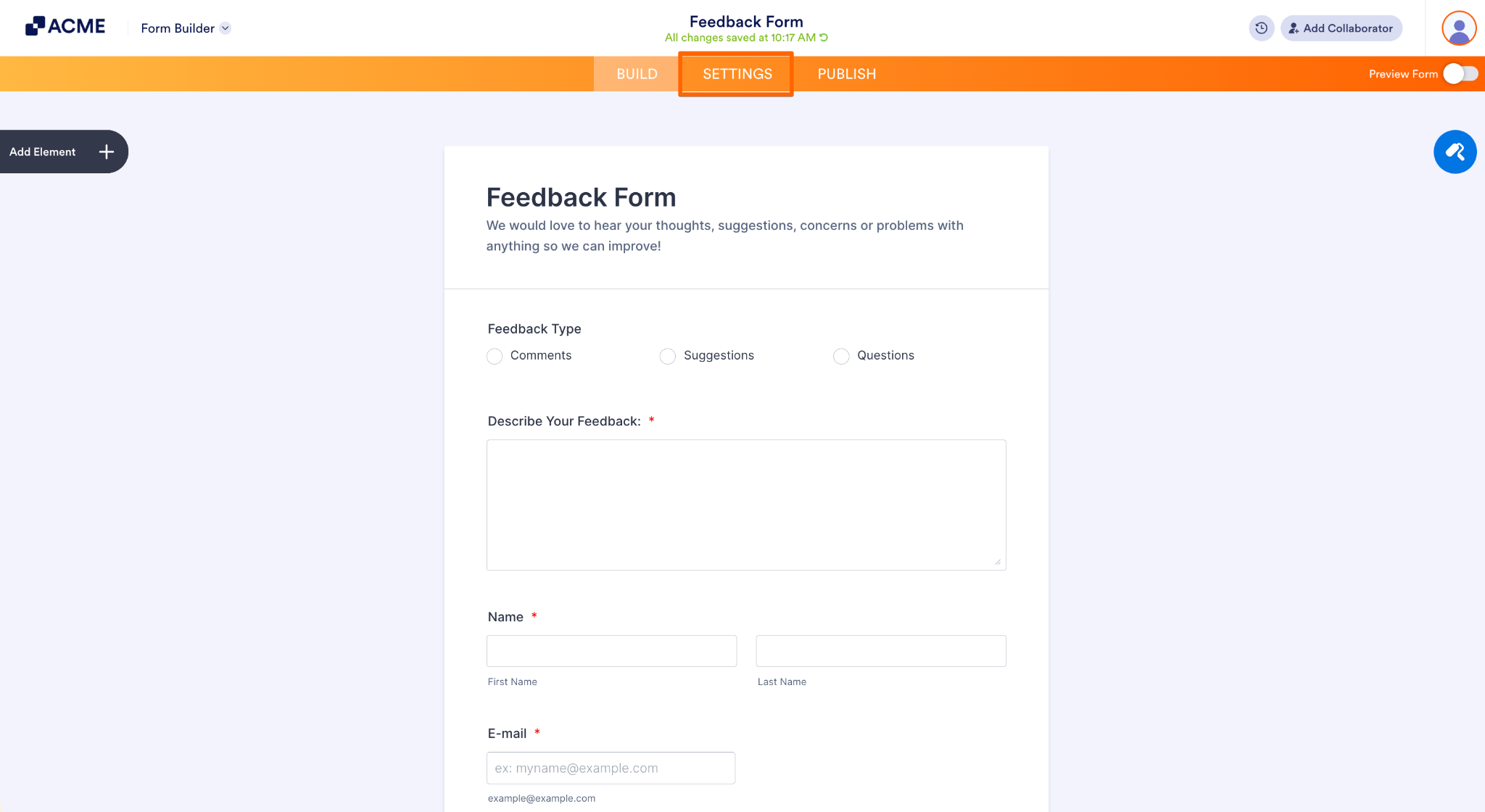
- In the Form Builder, click Settings in the orange navigation bar at the top of the page.
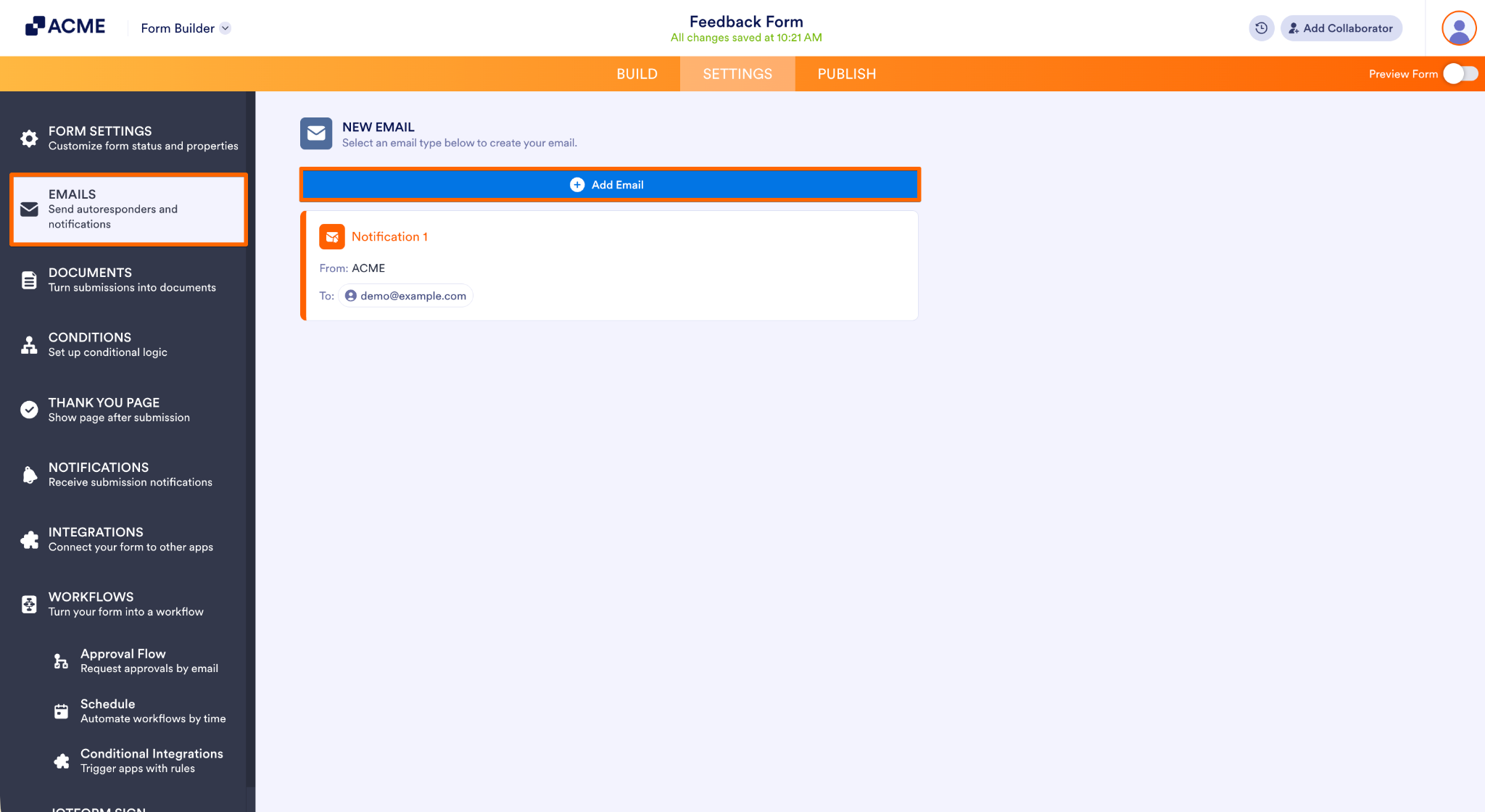
- Click on the Emails tab in the menu on the left side of the page, then click on the Add Email button.
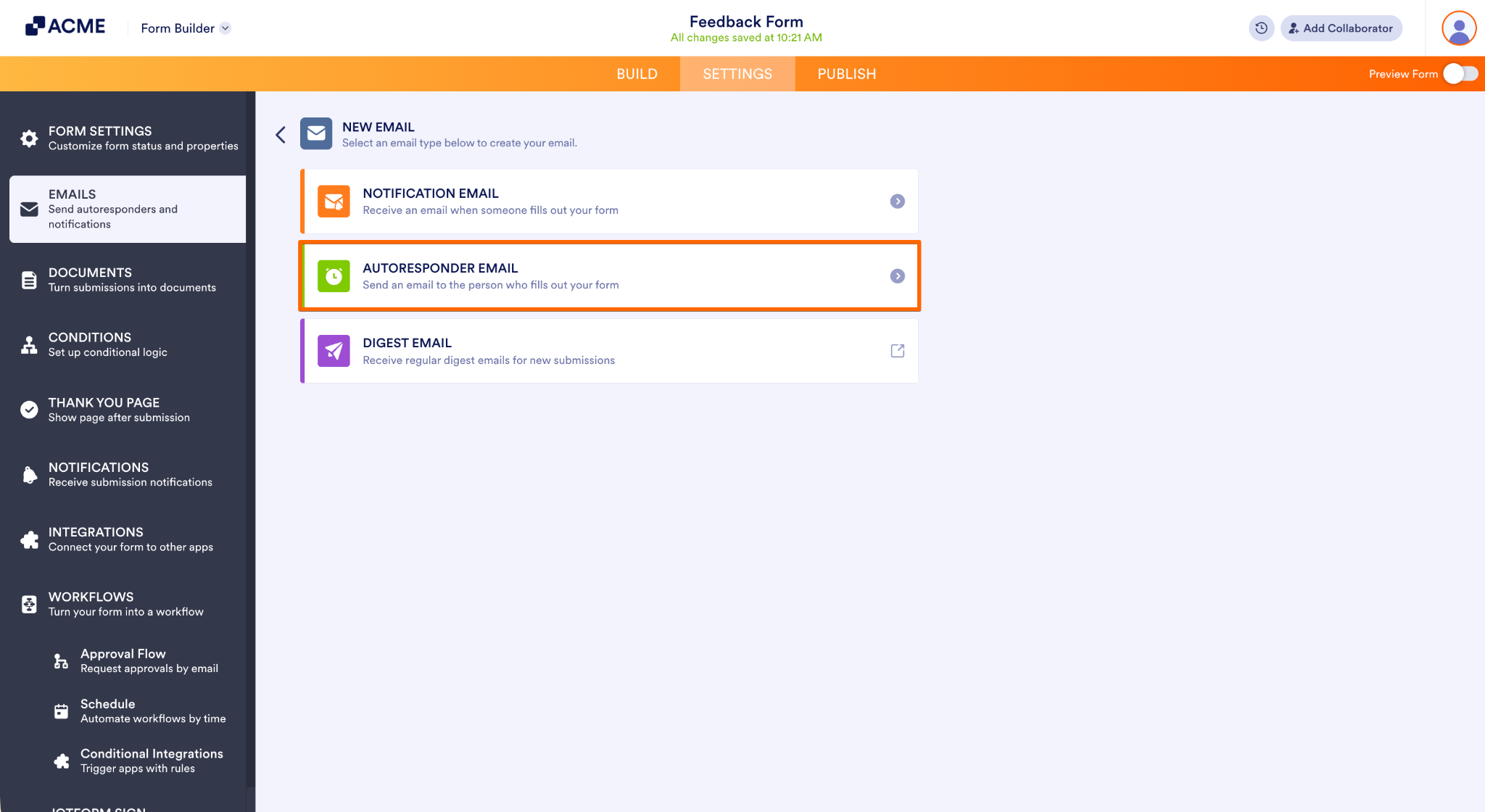
- Now, select the Autoresponder Email to configure its settings.
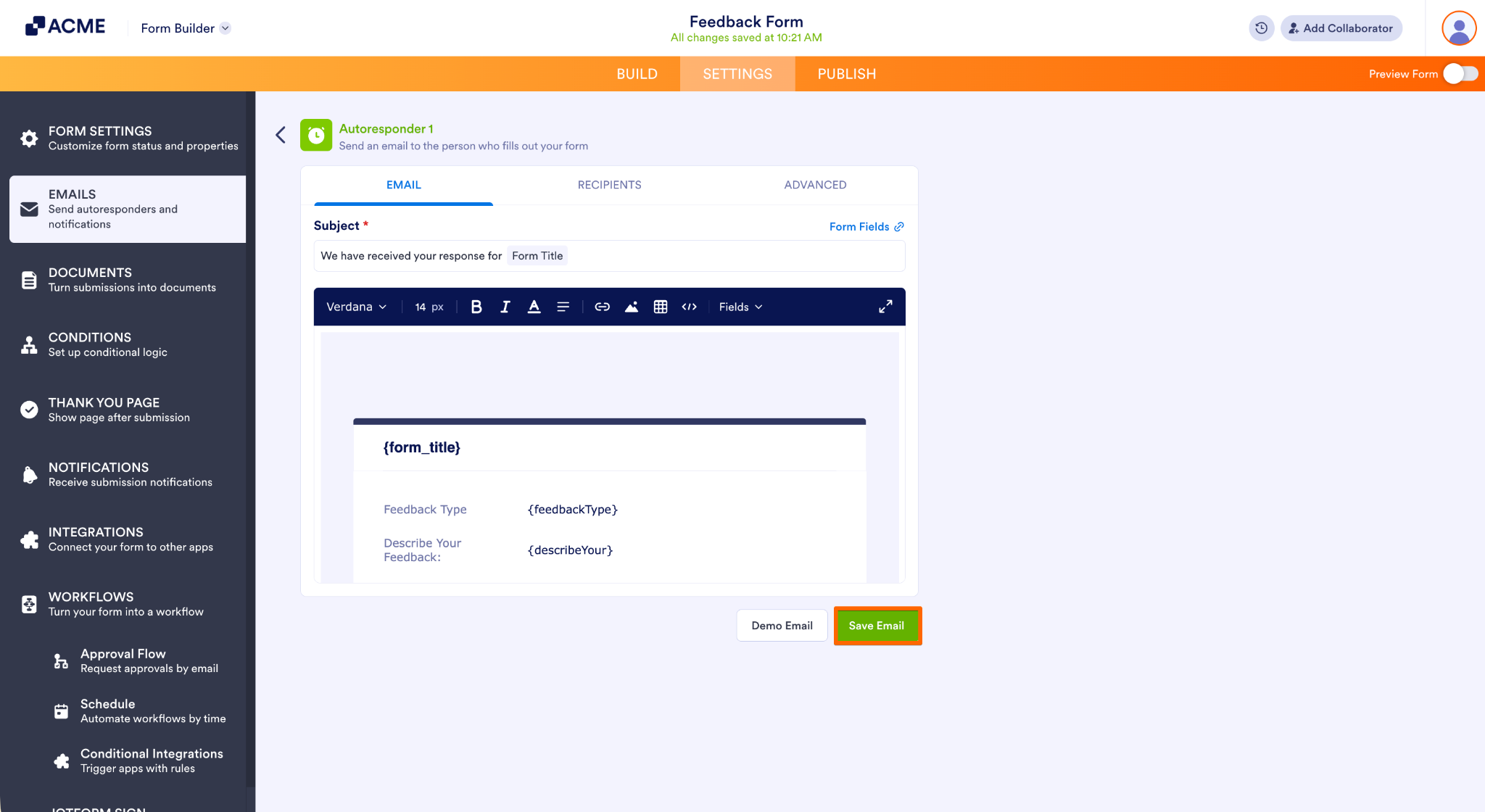
- Then, click on the Save Email button at the bottom of the window to apply your email template settings.
That’s it! Form fillers can now view their submissions by checking their inbox.

Send Comment: