Team Workspaces may contain many different kinds of assets—such as forms, tables, reports, and other items your team members create. Each workspace also includes a Filter menu, which lets you filter your asset list and show only the asset types you want to see.
How to Use the Filter Menu
- Starting in the Team Workspace, click on the Filter dropdown located in the Toolbar across the top of the screen.
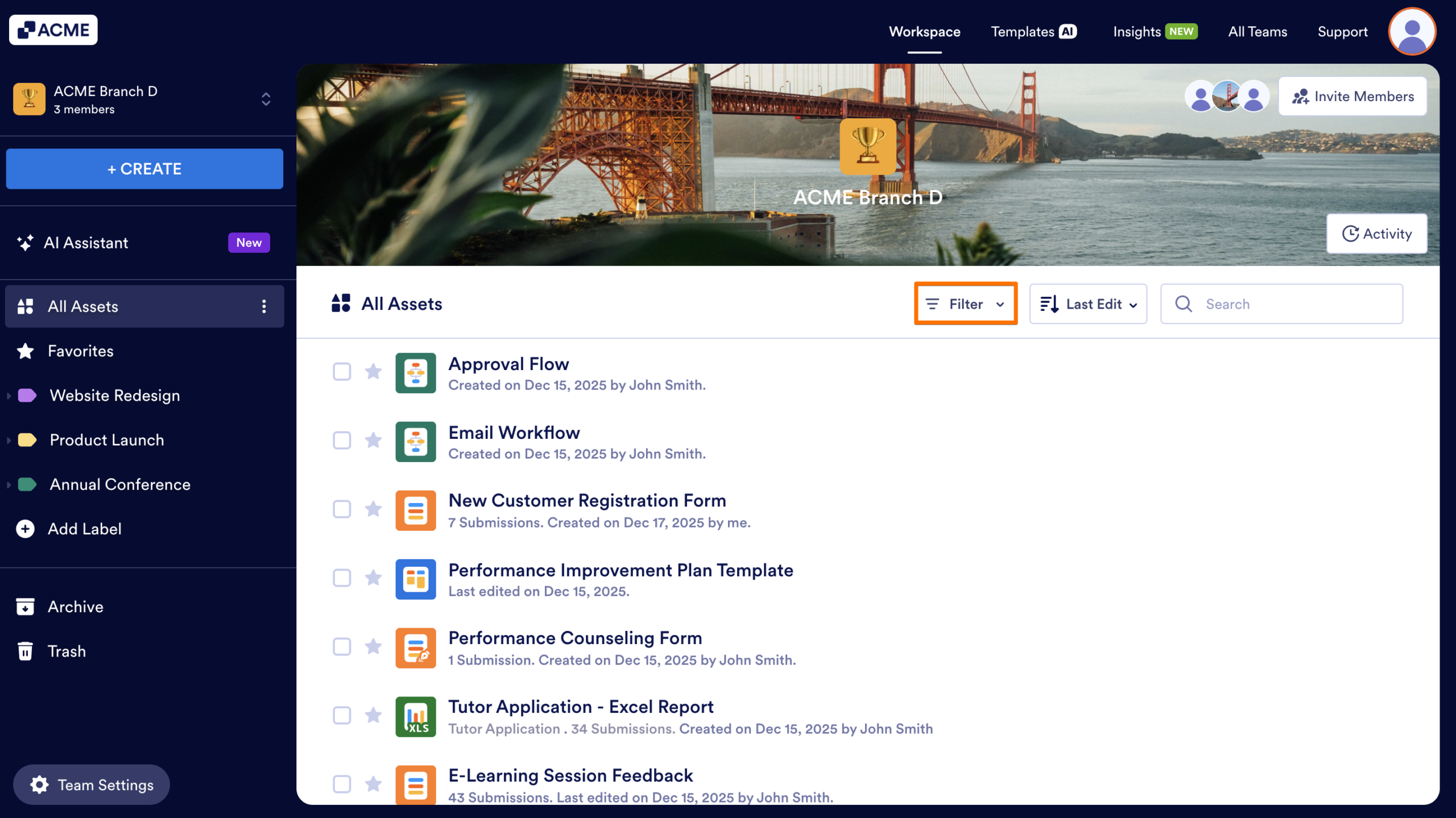
- Select the types of assets you would like to display, in the dropdown menu that appears.
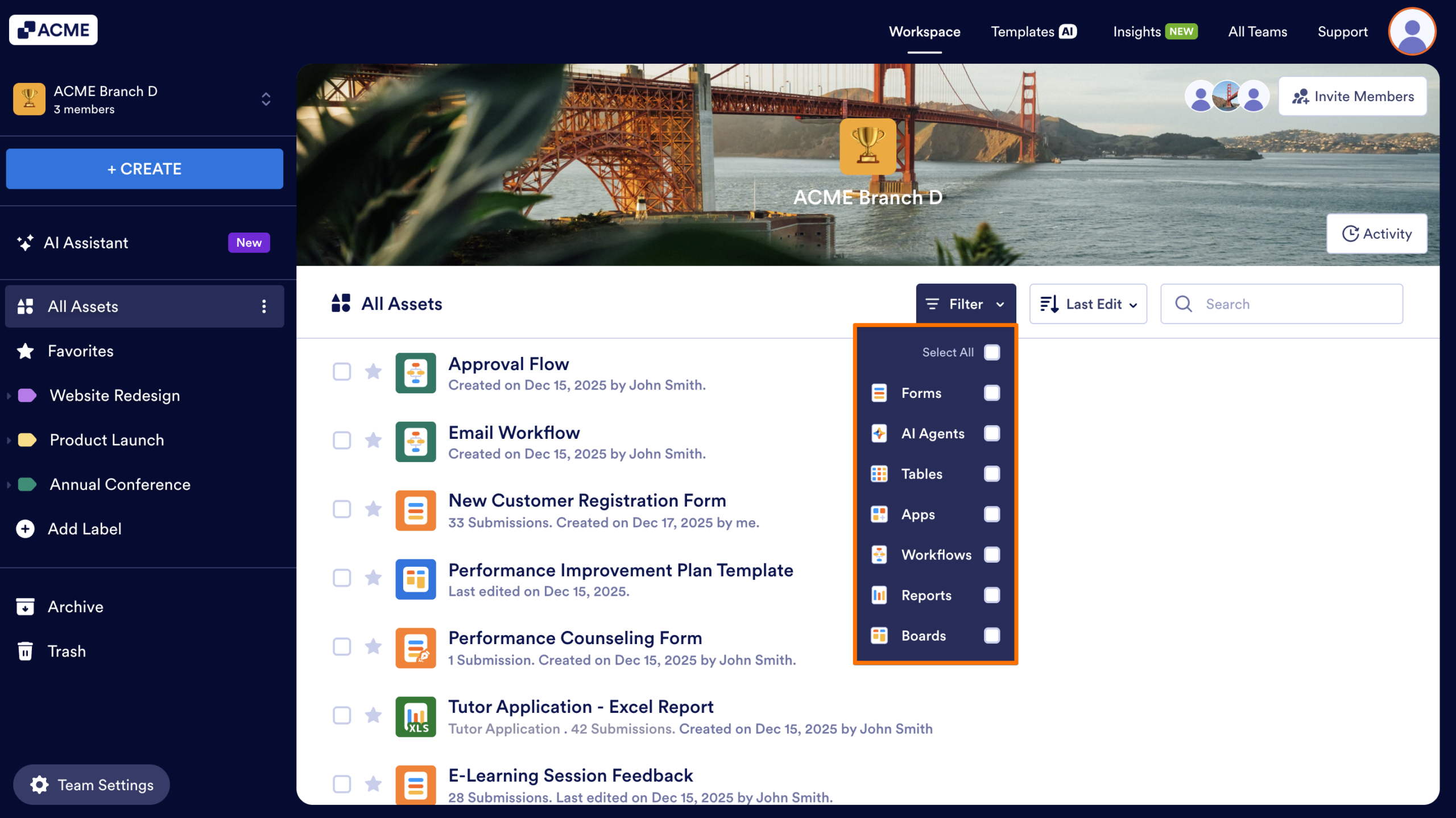
The asset list will refresh automatically, showing only the assets that match your chosen type.
Notes
- The Filter menu affects only your personal view—other team members will still see all asset types unless they apply their own filters.
- The Filter menu works alongside sorting and searching, so you can combine all three options for a more customized view.

Send Comment: