Jotform makes it easy to migrate your Asana projects to Jotform Boards. You can bring your existing project data into your Jotform workspace without having to recreate everything manually.
Whether you’re moving a single project or switching your whole project management workflow to Jotform, you can keep managing your tasks right where your forms are.
Migrating your Asana projects to Jotform Boards only takes a few steps. Here’s what to do:
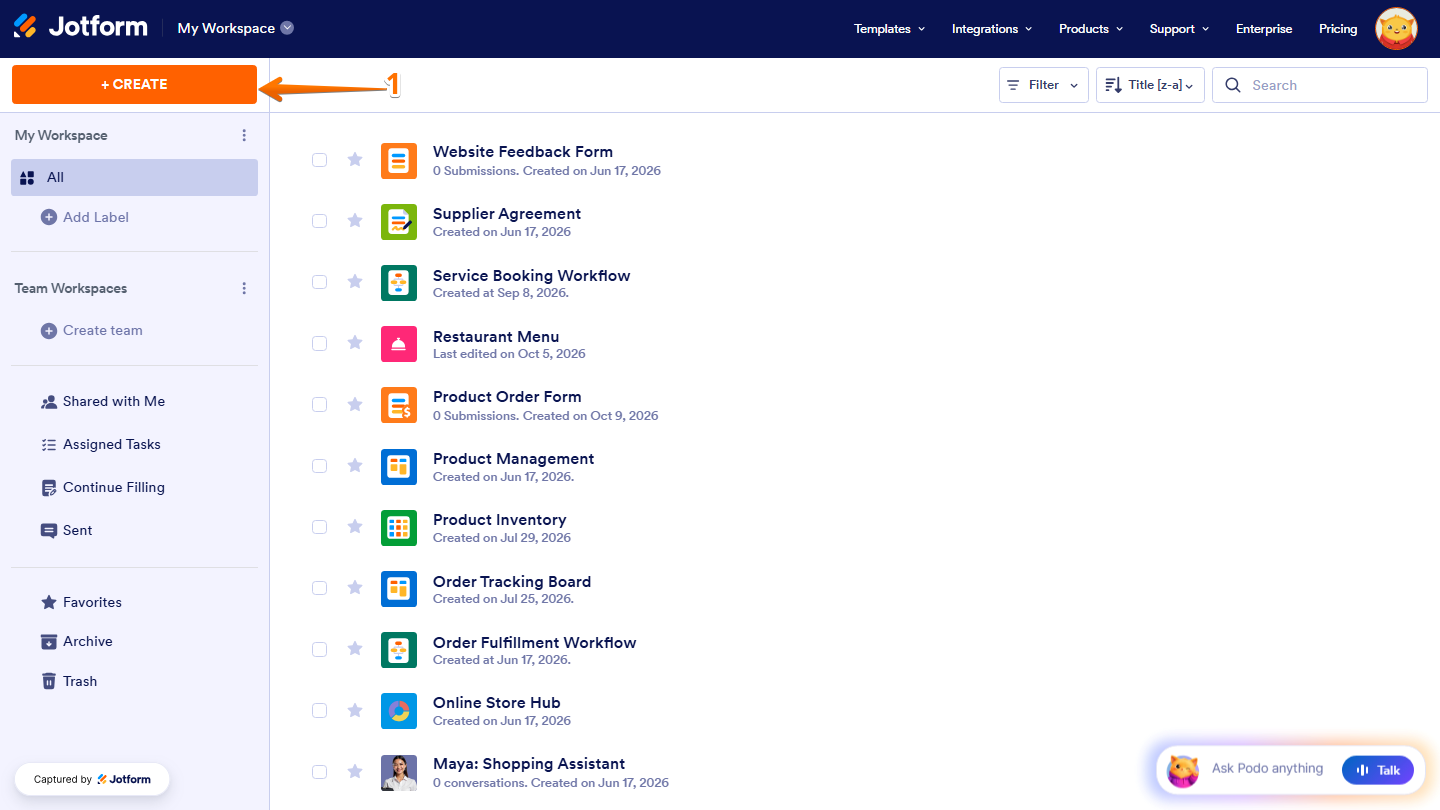
- On the top-left side of your Workspace page, click on Create.
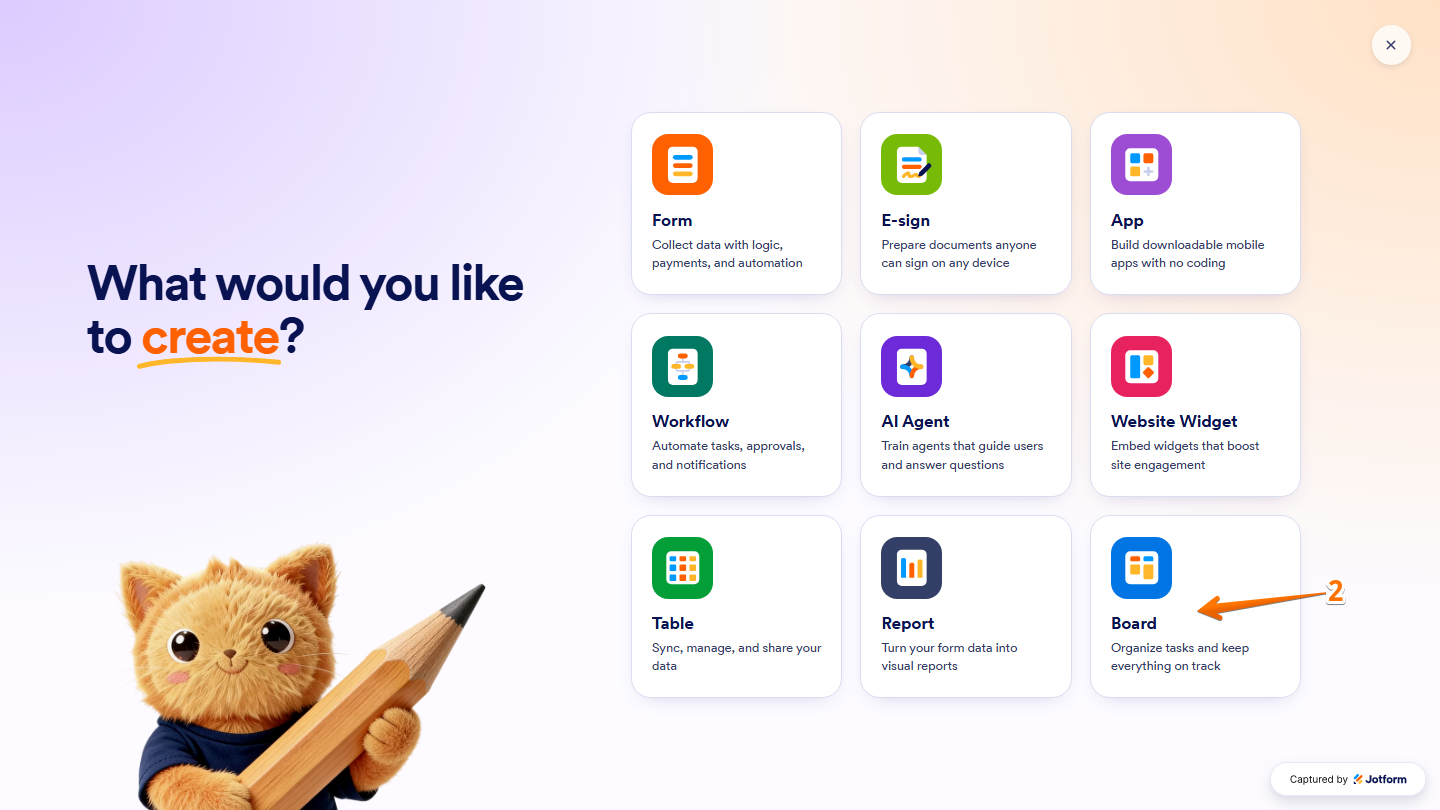
- Then, in the menu that opens up, select Board.
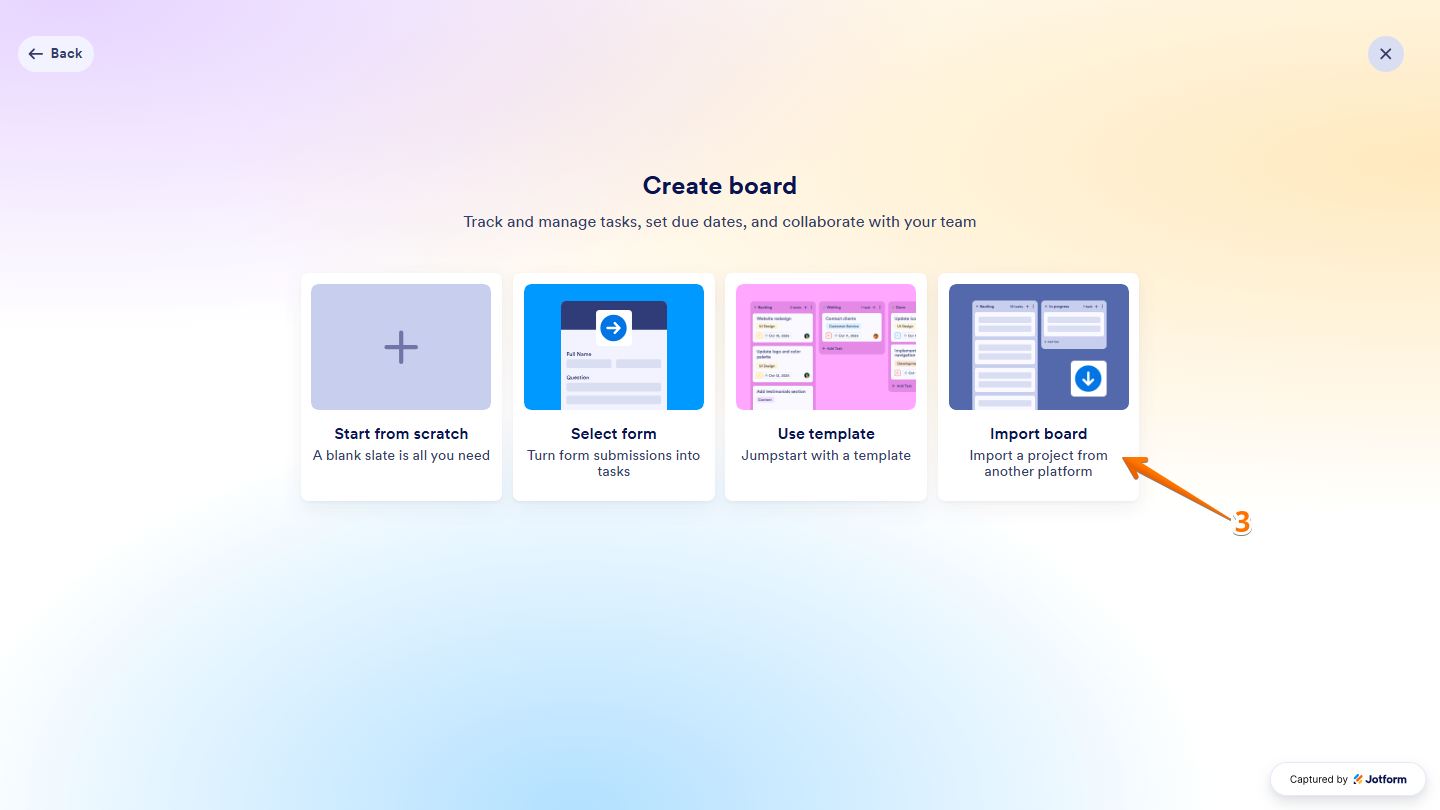
- Now, click on the Import Board.
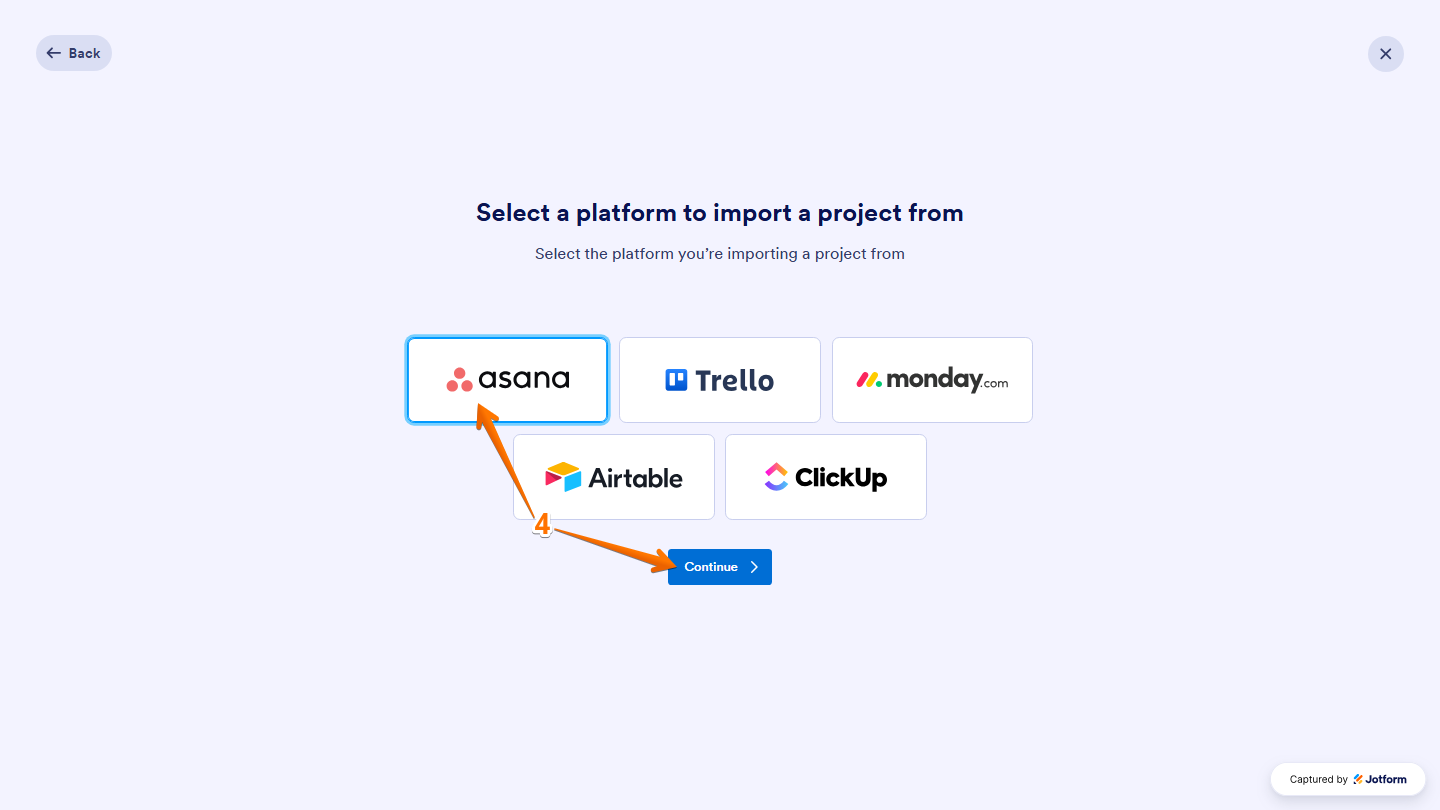
- Next, select Asana, and then click on Continue.
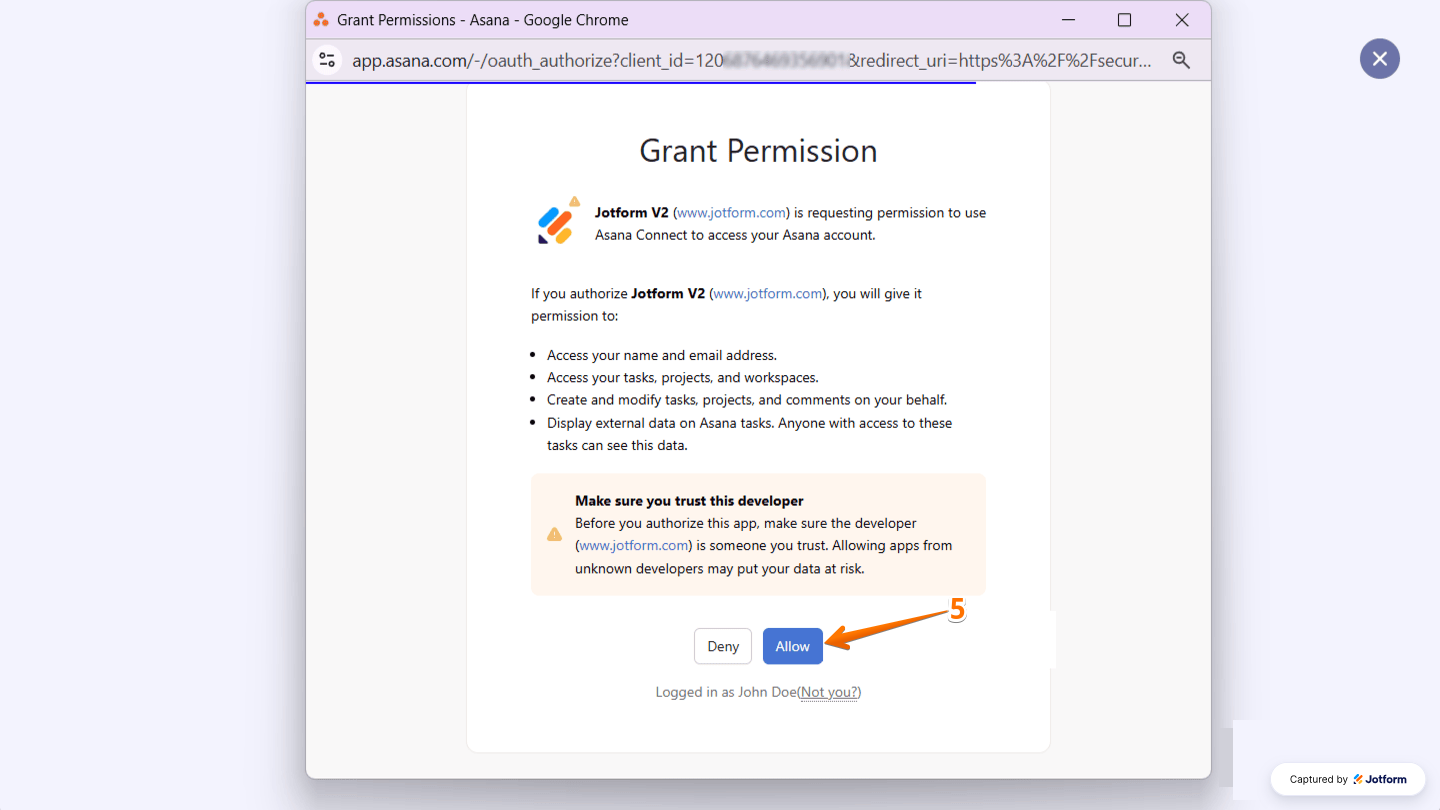
- In the new window that opens up, log in to your Asana account, and click on Allow to give Jotform access to it.
Note
If you’ve already connected your Jotform account to Asana, you won’t have to log in and allow access again.
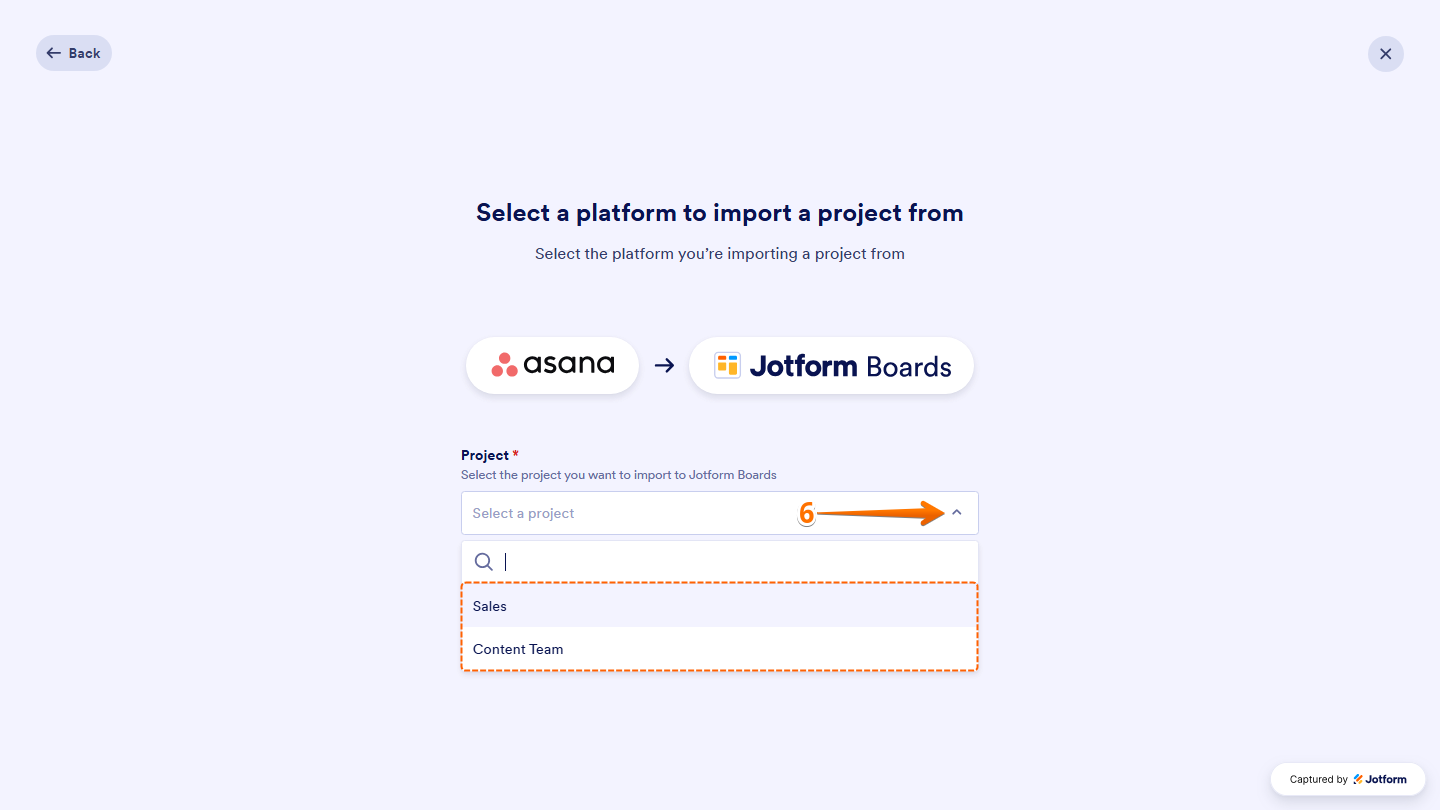
- Then, in the Project section, click on the Downward Arrow icon and select the project you want to import.
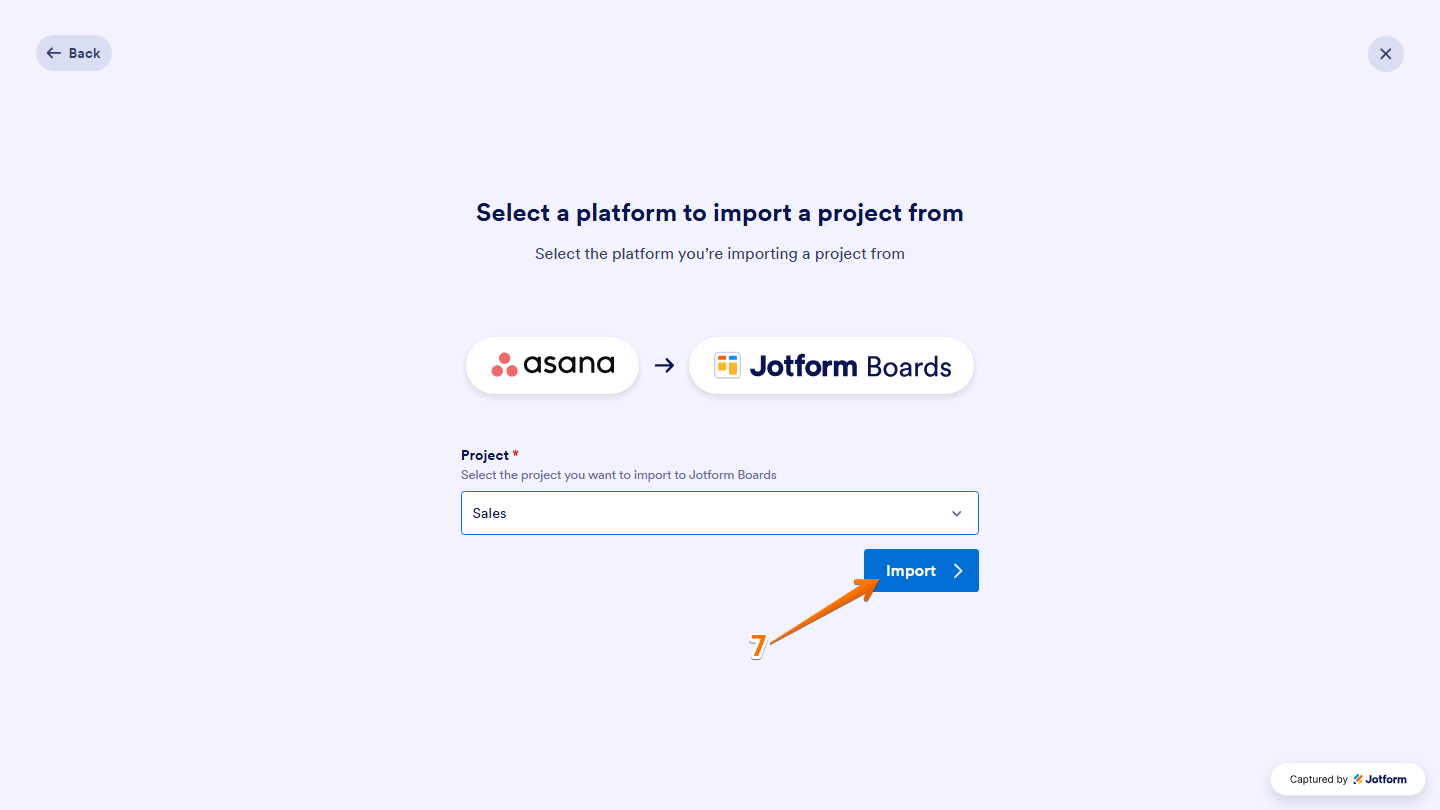
- Once everything’s set, click on Import.
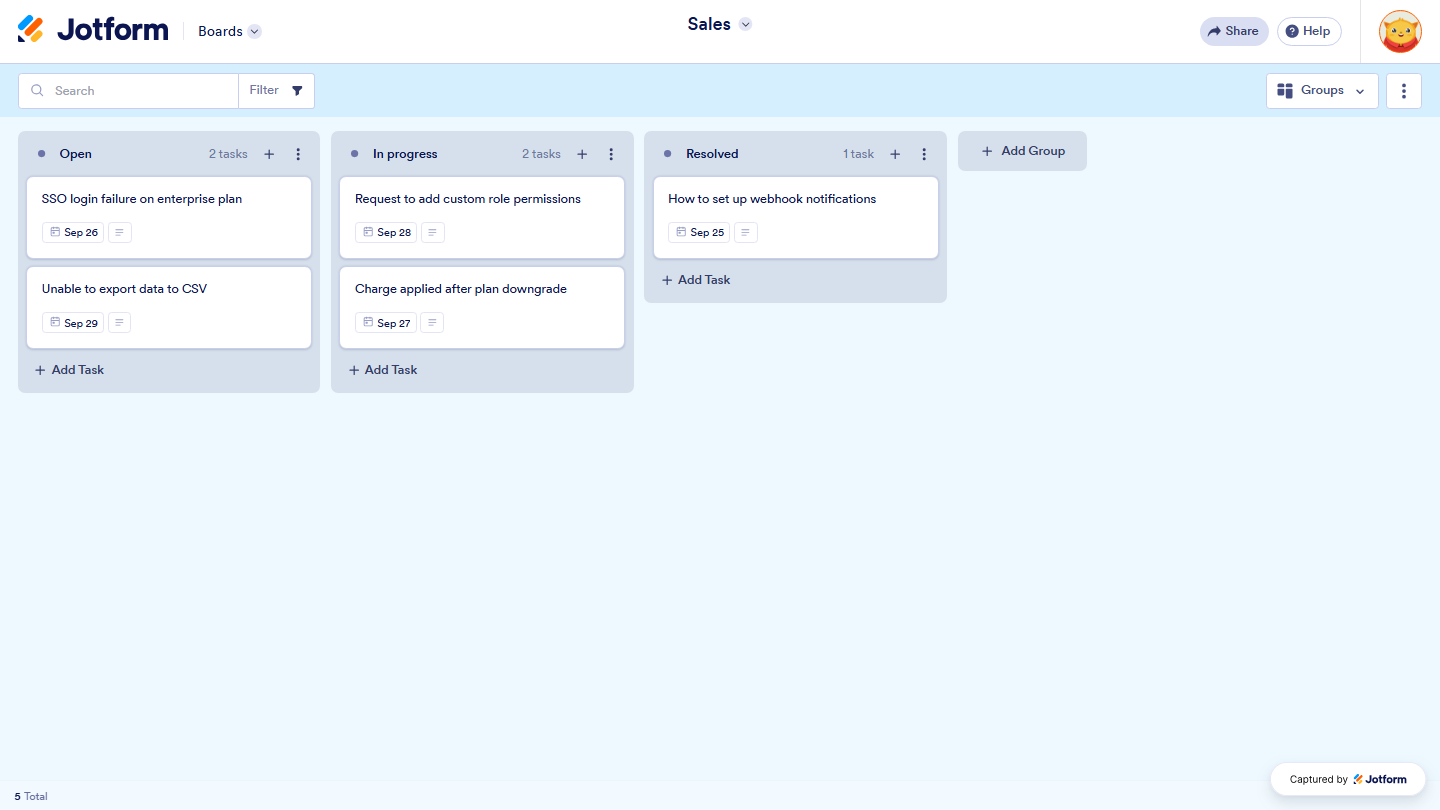
And that’s it! Your Asana project is now on Jotform Boards, where you can keep managing your tasks alongside your forms.

Send Comment:
1 Comment:
April 3, 2025
Does the Jotform Board and Asana continue to sync after the initial integration? Upon a first test, I found that the sync was not ongoing.