Toolkits are pre-packaged collections of assets organized around a specific topic, task, or project. Rather than manually creating individual forms, tables, apps, or reports one by one, a Toolkit gives you a ready-to-use set of assets tailored to a single theme.
How to Add Toolkits to Your Workspace
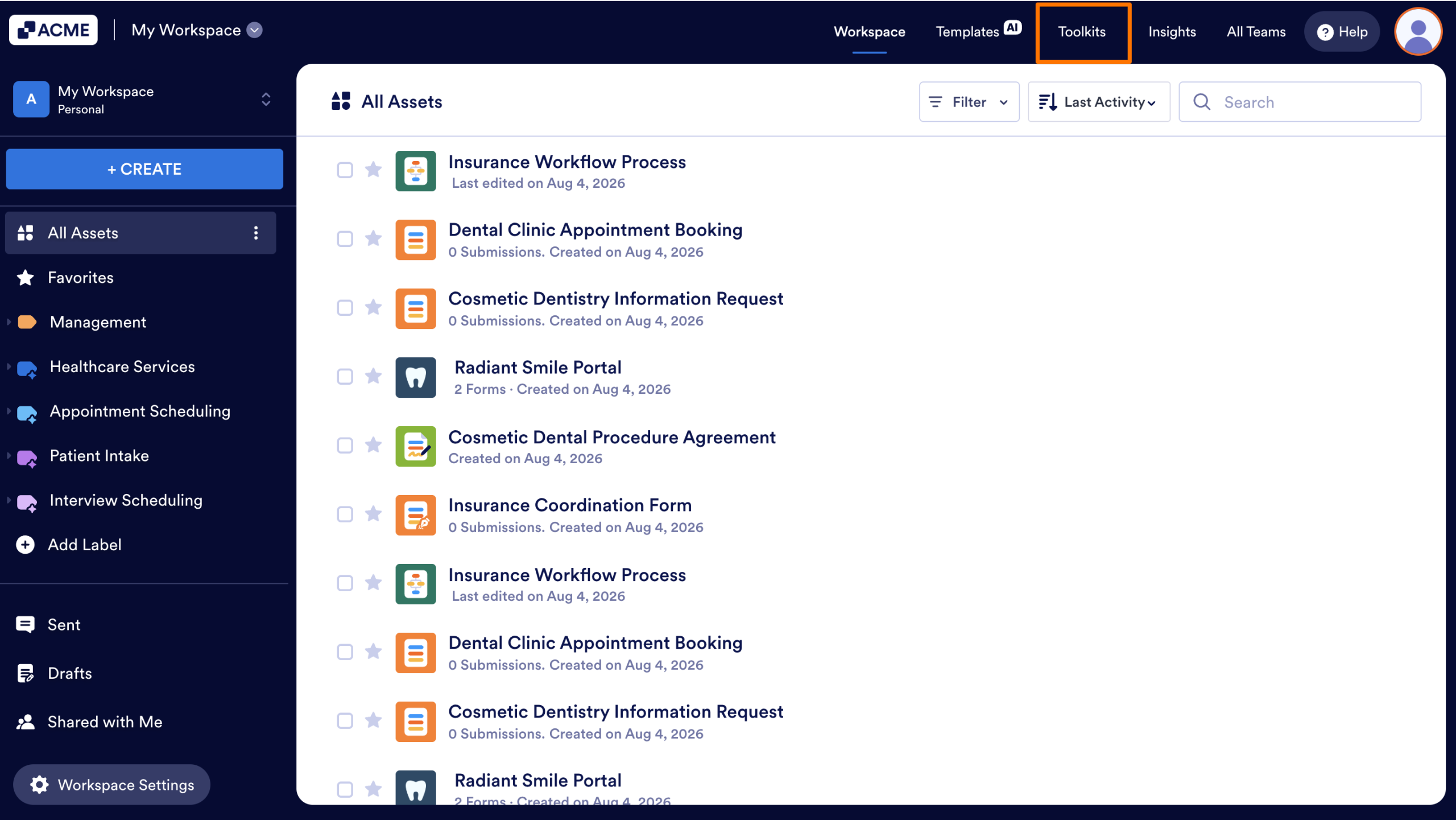
- In your Workspace, select Toolkits from the navigation bar at the top of the page.
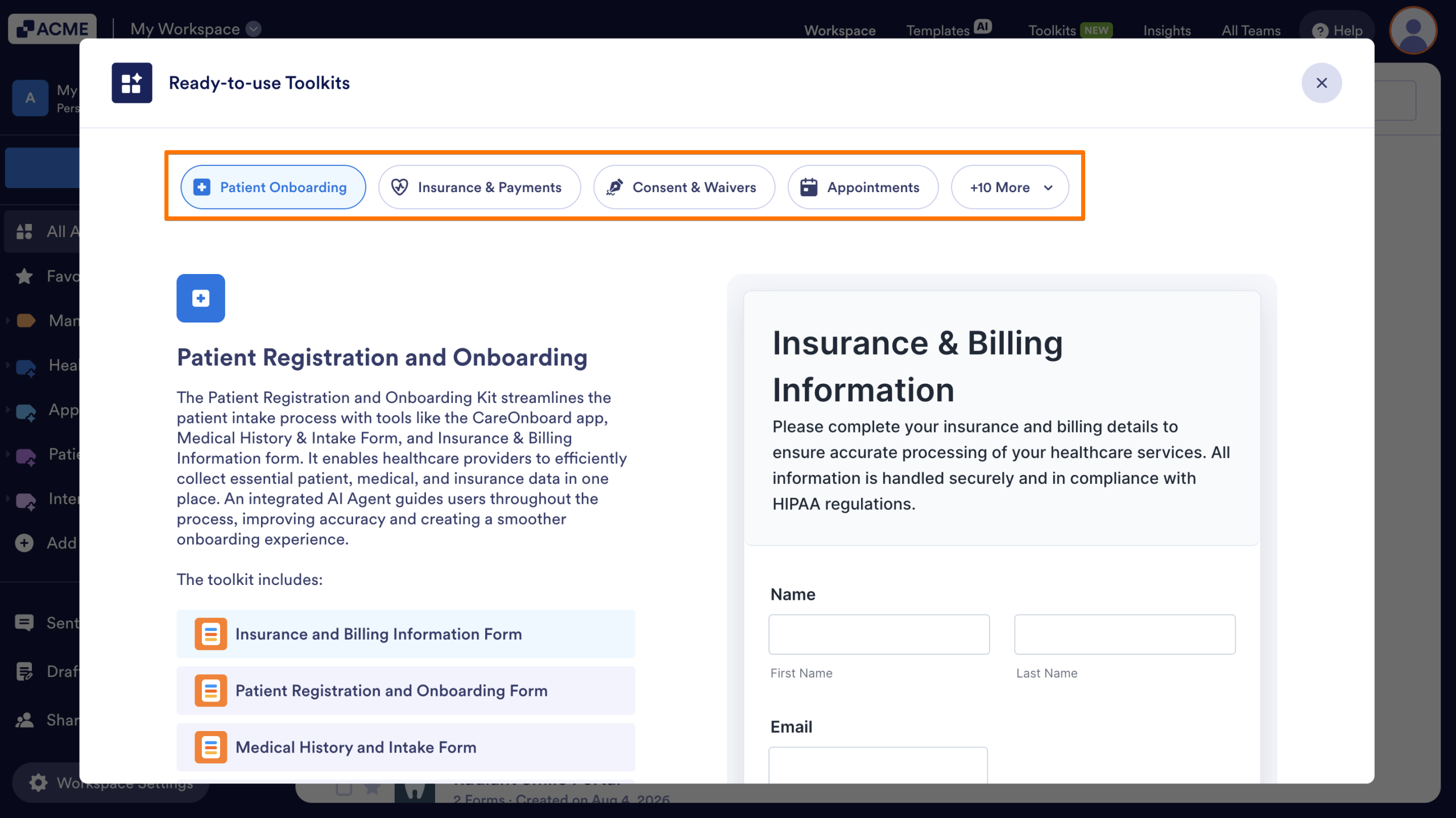
- The pop-up window that opens will display the available toolkits.
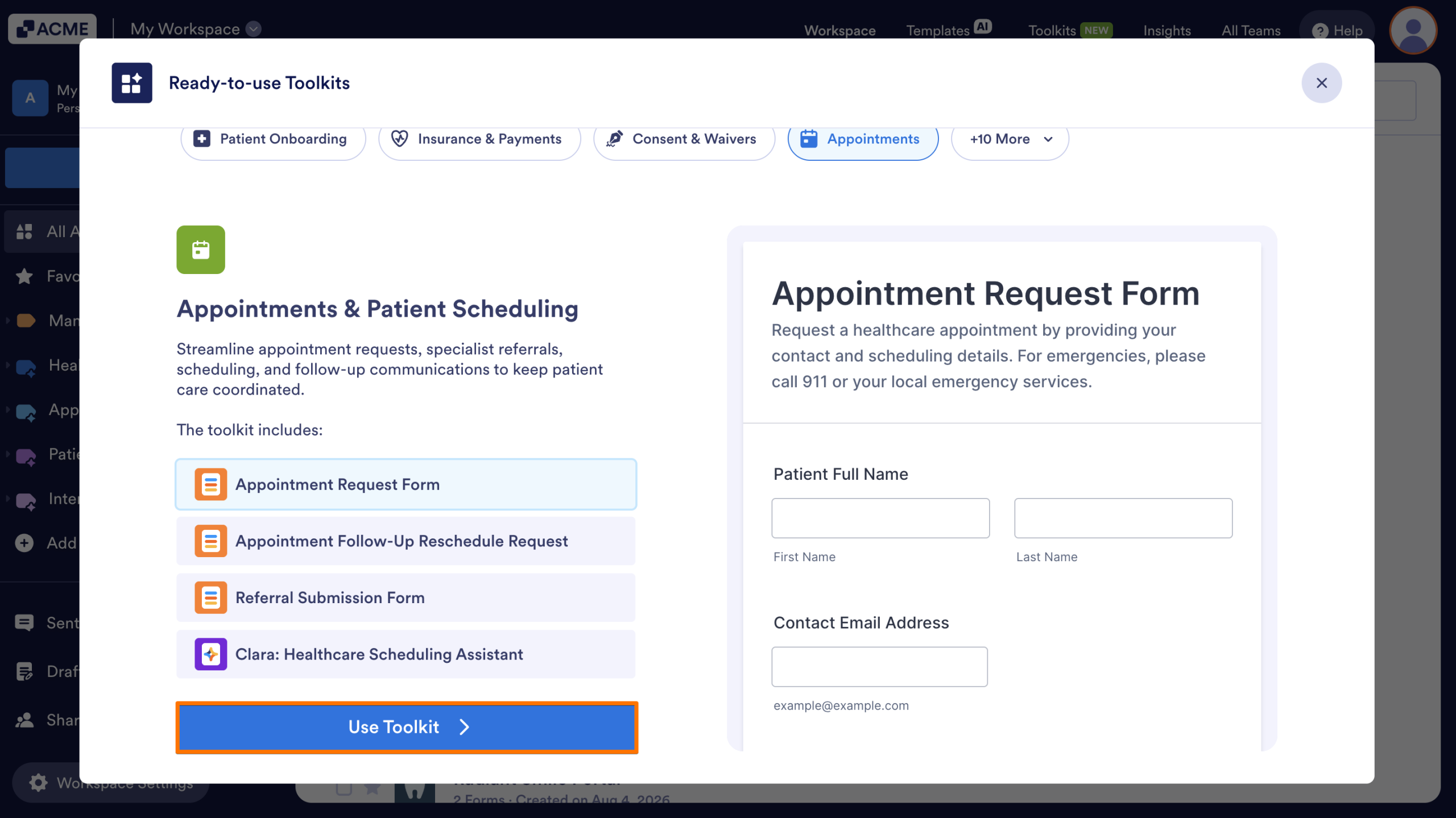
- Once a toolkit is selected, you can preview an asset by clicking on a name from the list on the left side of the window.
- Next, click on the Use Toolkit button.
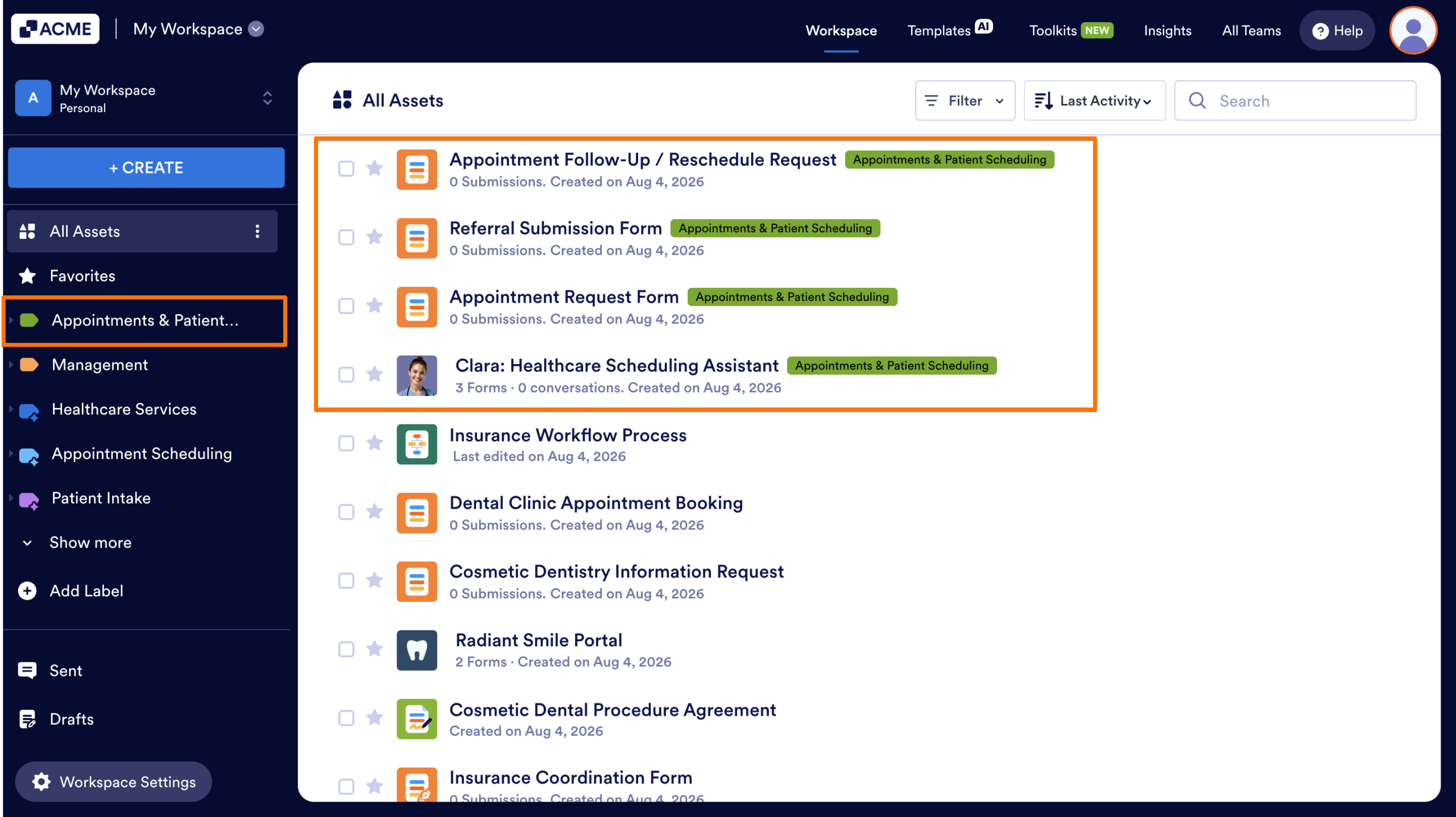
All of the assets from that toolkit will be added to your workspace and labeled with the name of the chosen toolkit. Selecting the label from the left-hand menu will display all assets that were created with the toolkit.

Send Comment: