Connect Jotform to Acuity Scheduling
Sync Jotform submissions to Acuity Scheduling for efficient scheduling.
Effortlessly manage your schedule by connecting Jotform to Acuity Scheduling with this streamlined workflow. When a new submission is received on Jotform, a blocked off time will be added to Acuity Scheduling, ensuring you stay organized and in control of your appointments. Save time and stay on top of your bookings with this convenient automation. Streamline your scheduling process and keep your appointments up-to-date with this integration.
Use this integration to
- Block off time in Acuity Scheduling for new Jotform submissions
- Create tasks in Acuity Scheduling for new Jotform submissions
- Assign prefilled Jotform forms for newly canceled Acuity Scheduling appointments
Create your first workflow with Acuity Scheduling


Jotform is trusted by 40+ million users





What is Jotform?
Power up your workflow with Jotform
Create online forms to collect e-signatures, payments, and more. Manage submissions with Jotform's powerful data management and automation tools.
Use this integration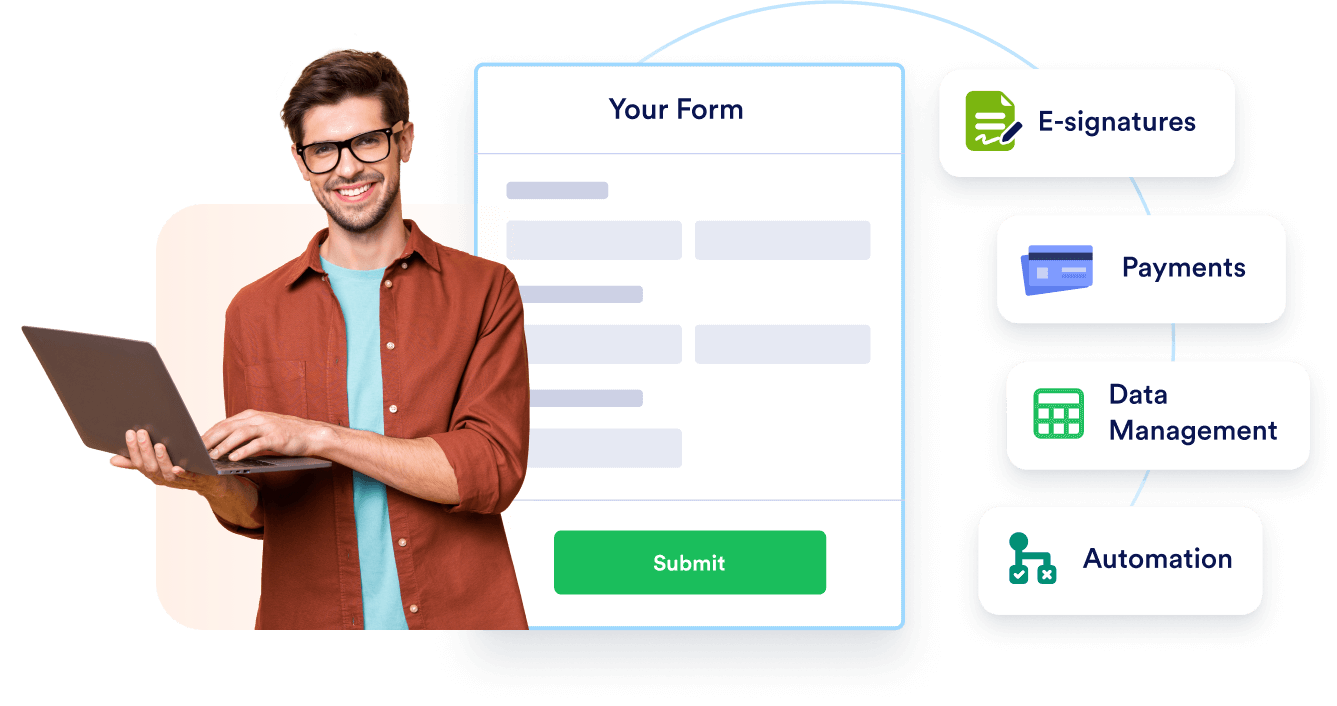
Get started with 20,000+ templates
Choose a free template to customize with our drag-and-drop builder. Then share or embed it with no coding required!
Use this integration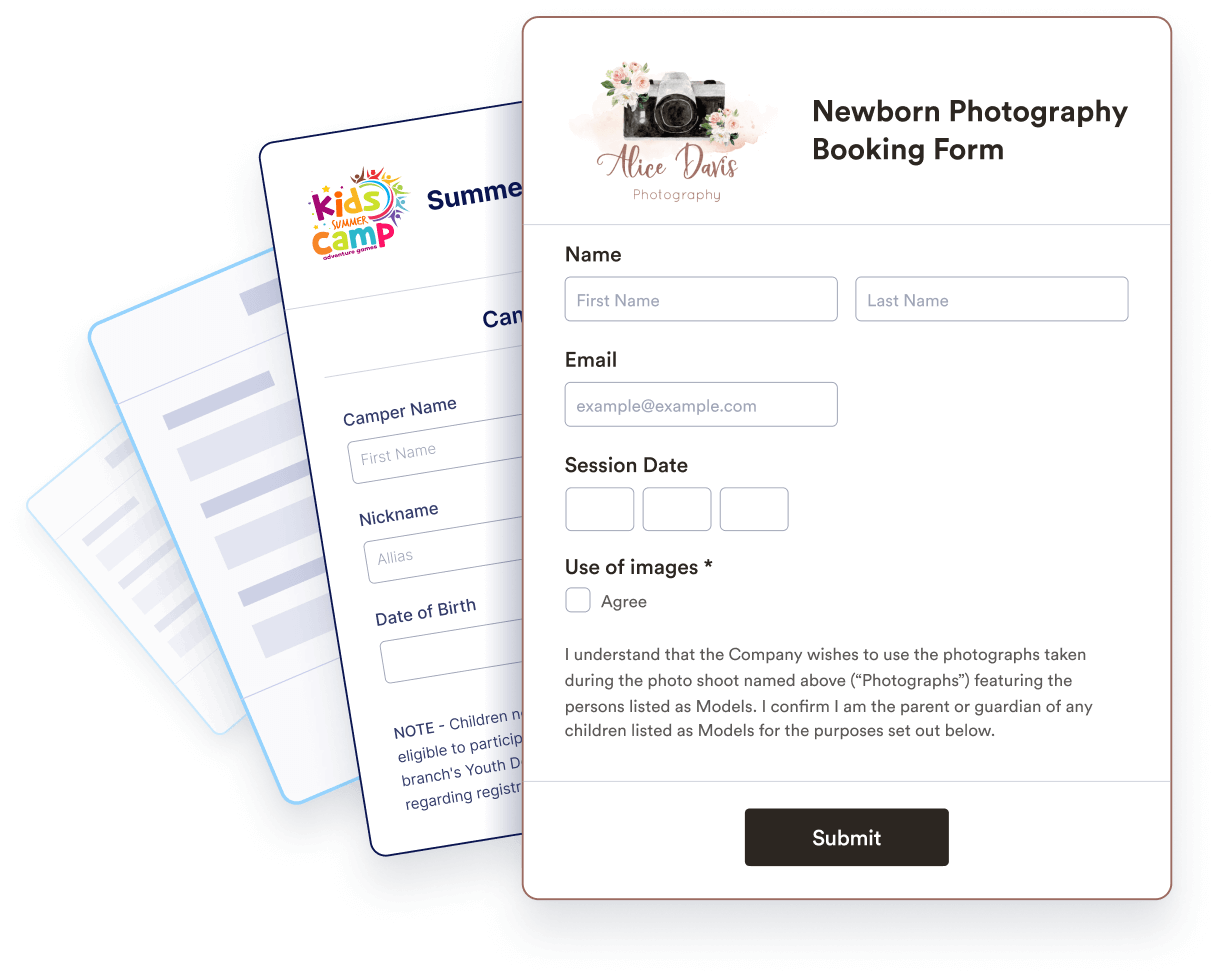
Collaborate with your team
Seamlessly collaborate on submission data with your team. Add automated approval flows, notification emails, and integrations to keep your team in the loop.
Use this integration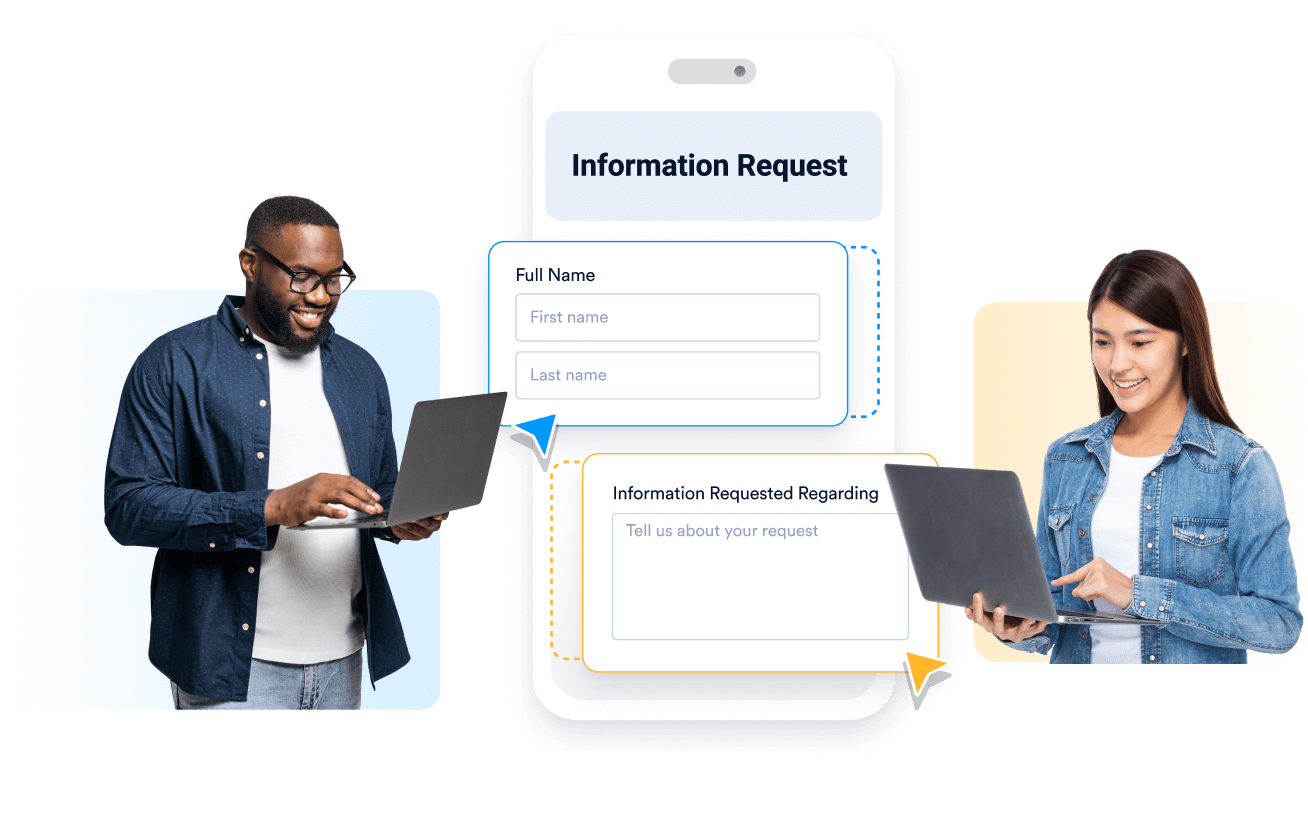
“Jotform has made my job a lot easier.”
Jotform is a fantastic tool to quickly and easily create forms for all occasions! It's easy to use, and the customer service, especially through the forum, allows you to quickly get in touch with technicians who can rapidly solve problems and answer questions. Jotform has made my job a lot easier.
François Laplante-Lévesque,
Research advisor (University)