

イベント参加登録フォーム
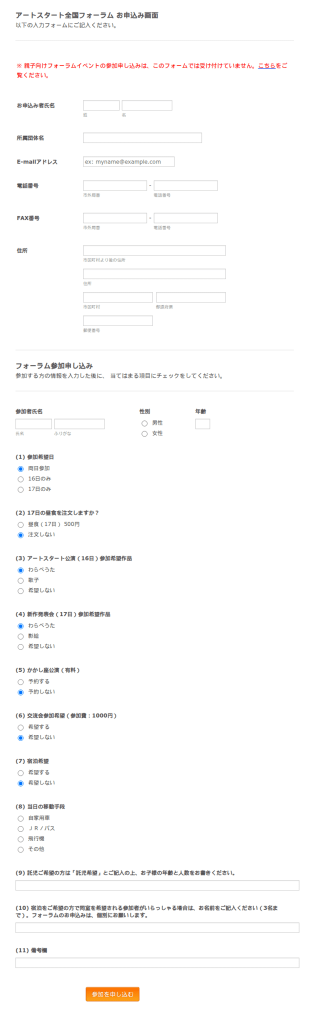
Ohizanoue2013 Quan Guo Huoramu Can Jia Shou Fu Huomu
This is a Japanese Registration Form used for applying to be apart of a Art Show for the State.
カテゴリーへ移動:登録フォーム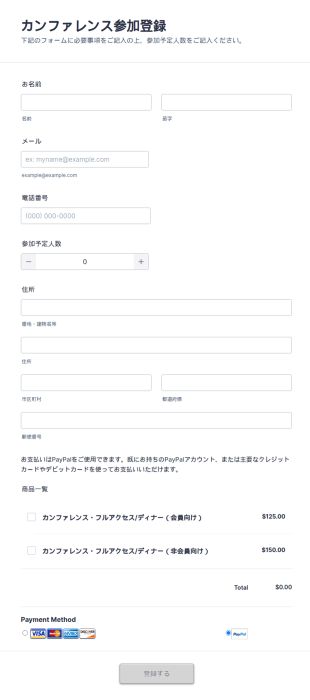
カンファレンス参加登録フォーム(お支払いフォーム)
このカンファレンス参加登録フォームでは、登録者の個人情報を収集するだけでなく、フォーム上で直接支払いを行うことができます。フォームの作成に必要なのは、支払い欄の設定をあなたの情報に更新するだけです。カンファレンス参加登録フォームのテンプレートでは、PayPalを使用していますが、他の多くの統合された決済プロセッサーに更新することができます。今すぐ参加登録プロセスを効率化しましょう。
カテゴリーへ移動:イベント参加登録フォーム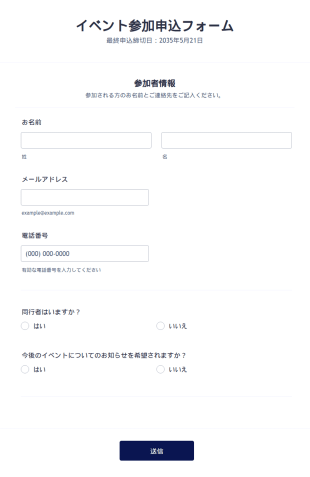
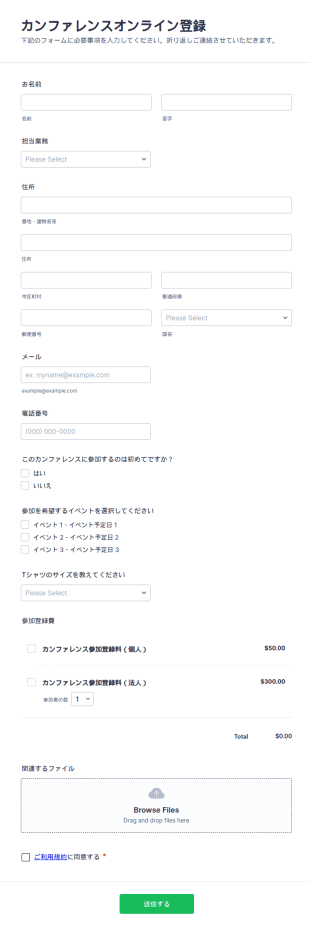
カンファレンスオンライン登録フォーム
カンファレンスオンライン登録フォームは、参加者の個人情報や連絡先、イベントへの出席に必要な情報を収集するためのフィールドが用意されており、登録料を受け取ることができます。また、カスタマイズ可能なツールやウィジェットが多数用意されており、このフォームをベースにして独自のフォームを作成することができます。ロゴを入れたり、画像や色、フォントなどを変更したり、ウェブサイトに追加したり、単独のフォームとして使用することができます。
カテゴリーへ移動:イベント参加登録フォーム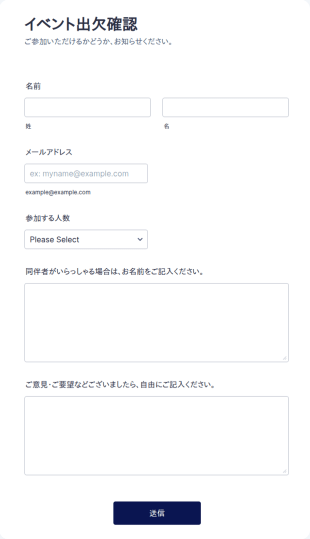

オンラインイベント参加登録フォーム
このオンラインイベント参加登録フォームを使って、次回のオンラインイベントの参加登録を簡単に集めましょう。シンプルながら、設定可能なリストウィジェットや購入注文ツールを備えているため、とても使いやすくパワフルなテンプレートです。
カテゴリーへ移動:登録フォーム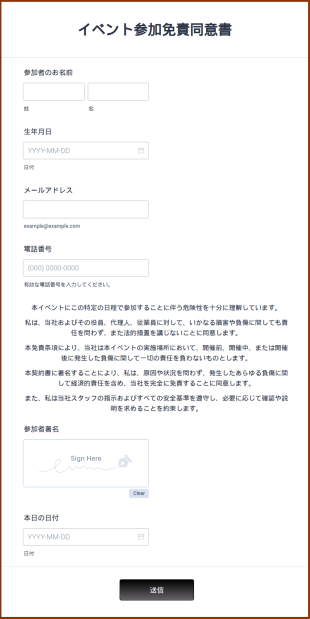
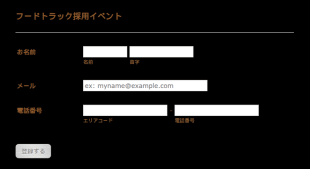
フードトラック採用イベントフォーム
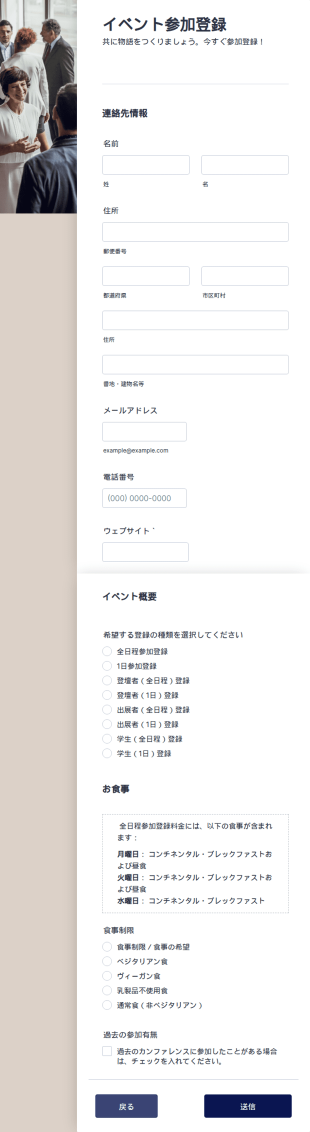
フードトラック採用イベントフォームは、イベント主催者がフードトラックのイベントで働きたい応募者から情報を収集するためのツールです。フードトラックを運営している方、食品業界で働いている方、またはフードトラックのイベントを開催するビジネスを運営している方は、フードトラック採用イベントフォームをぜひご使用ください。この無料のフードトラック採用イベントフォームテンプレートを使用して、オンラインで応募者の情報を収集しましょう。あなたの次のフードトラックイベントに必要なデータを収集するためにフィールドをカスタマイズするだけです。 募集を開始する準備ができたら、ビルトインの共有機能を使って、あなたのウェブサイト、ソーシャルメディア、またはメール内のリンクでフォームを共有できます。また、応募者にオンラインで履歴書を提出してもらうことも可能です。また、別のアカウントで回答を受け取りたい場合は、Jotformの100以上の無料の統合機能を使って、収集した情報を必要な場所に送ることができます。この無料オンライン採用イベントフォームを使えば、時間を無駄にすることなく、採用プロセスを効率化し、新しい従業員を迅速に採用することができます。
カテゴリーへ移動:イベント参加登録フォーム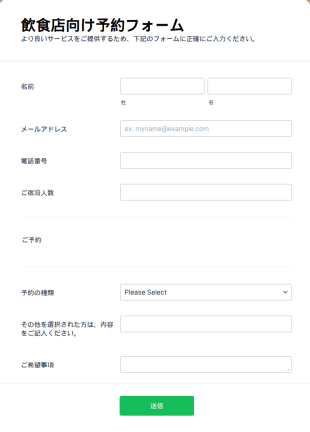
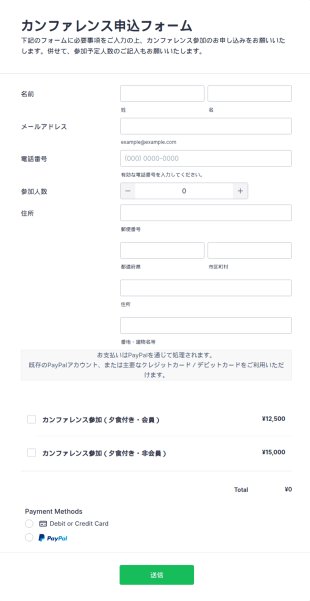
飲食店向け予約フォーム
シンプルで入力しやすい飲食店向け予約フォームです。お客様のお名前、メールアドレス、電話番号、人数、特別なご要望(ベビーチェアやお子様用の補助椅子、アレルギー情報など)をオンラインで簡単に収集できます。
カテゴリーへ移動:ご予約フォーム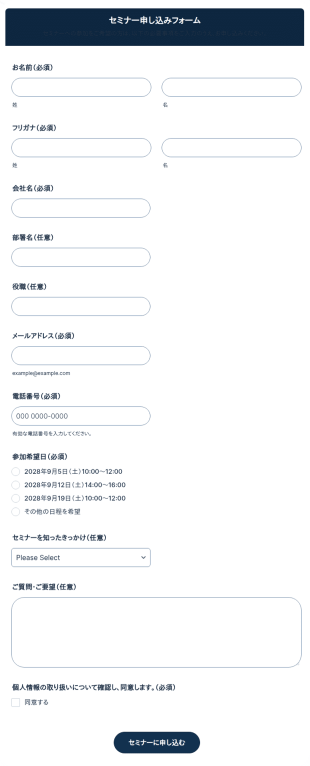
セミナー申し込みフォーム
セミナー申し込みフォームを無料で作成できるテンプレートです。必要な項目を自由にカスタマイズして、簡単にオンラインで申し込みを受け付けられます。
カテゴリーへ移動:ビジネスフォーム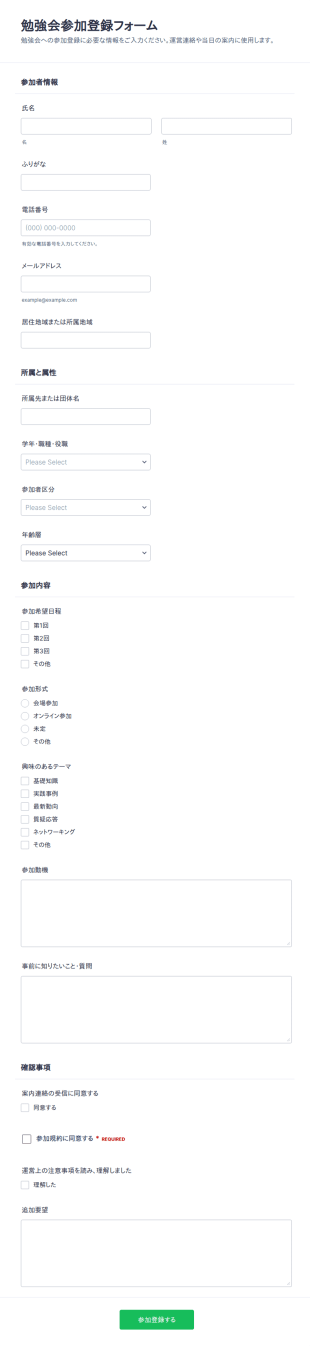
学習グループ登録フォーム
勉強会参加登録フォームで、勉強会や学習会の参加受付をオンライン化し、参加形式の把握と運営連絡を一元化できます。Jotformでデータ収集とフォームの回答管理を効率化したい主催者に最適です。
カテゴリーへ移動:イベント参加登録フォーム
イベント参加者の興味調査
イベント参加者の関心を把握するためのアンケートです。主催者が参加希望者のニーズを把握するために活用し、必要な情報をオンラインで簡単に収集できます。
カテゴリーへ移動:マーケティングフォームイベント参加登録フォームについて
イベント登録フォームは、カンファレンス、ワークショップ、ウェビナー、募金イベント、講座、交流会など、さまざまなイベントの参加者情報を効率的に収集するためのデジタルツールです。 参加者の氏名や連絡先、支払い方法、食事制限、参加セッションの選択など、必要な情報をまとめて取得できます。これにより、RSVP管理や参加者の把握が容易になり、当日の受付もスムーズに行えます。小規模なプライベートイベントから大規模な公開イベントまで、用途に応じて柔軟に対応できる点も大きな特長です。
Jotformを使えば、コーディング不要でイベント登録フォームを簡単に作成・カスタマイズできます。直感的なドラッグ&ドロップ式のフォーム作成ツールで、項目の追加・編集、決済機能の連携、確認メールやリマインドの自動送信設定も可能です。豊富なテンプレートライブラリから、すぐに使えるイベント登録フォームを選び、ブランドやイベント内容に合わせて調整できます。送信されたデータはJotformテーブルに自動で整理され、参加者管理や連絡、効果測定もスムーズに行えます。
イベント登録フォームの活用例
イベント登録フォームは柔軟性が高く、さまざまなイベントや組織のニーズに対応できます。主な目的は、登録作業の簡略化、データ入力の削減、参加者体験の向上です。以下に、活用シーンの例を紹介します。
1. Possible Use Cases:
- カンファレンス・セミナー:参加者情報、セッション希望、決済情報の収集。
- ワークショップ・研修:参加者登録、スキルレベルの収集、キャンセル待ち管理。
- 募金・チャリティイベント:寄付者管理、チケット販売の管理、寄付金の受付。
- ソーシャルイベント(結婚式・同窓会・パーティー):RSVP管理、食事選択、ゲスト管理。
- オンラインイベント・ウェビナー:参加登録、アクセスリンク送信、フィードバック収集。
2. Problem Solving Points:
- 紙の手続きや手入力を減らし、データ収集時のミスを防ぎます。
- 確認メールやリマインドを自動化し、コミュニケーションを改善します。
- 決済サービスと連携し、チケット販売や寄付受付をスムーズに行えます。
- 参加者データを一元管理し、管理やレポート作成を簡単にします。
3. Possible Owners and Users:
- Event planners and coordinators
- 非営利団体と資金調達チーム
- 企業の人事・研修部門
- 教育機関・学生団体
- 個人でプライベートイベントや地域イベントを主催する方
4. Differences of Creation Methods:
- イベントの種類によって内容は異なります。例えば、カンファレンスではセッション選択や会社情報、結婚式のRSVPでは食事の希望や同伴者情報などを含めます。
- 決済連携は有料イベントでは必須ですが、無料イベントでは任意です。
- アクセシビリティ対応、交通手配、グッズの事前注文など、イベントによって追加項目が必要になる 場合もあります。
まとめると、イベント登録フォームはあらゆるイベントシーンに合わせて柔軟にカスタマイズでき、主催者が必要な情報を確実に収集しながら、参加者にもスムーズな体験を提供します。
イベント登録フォームの作り方
Jotformを使ったイベント登録フォームの作成はとても簡単で、ビジネス向けのカンファレンスからカジュアルな交流イベントまで、あらゆる形式のイベントに合わせてカスタマイズできます。いくつかのステップに沿って進めるだけで、必要な情報を漏れなく収集し、参加者管理を効率化しながら、イベント全体の体験価値を高めるフォームを作成できます。
まずは、イベントに必要な要件を整理しましょう。参加者の氏名、連絡先、支払い情報、セッションの希望、特別なリクエストなど、収集したい情報を明確にします。Jotformの柔軟なプラットフォームなら、ゼロからフォームを作成することも、豊富なイベント登録テンプレートを活用することも可能です。
こちらは、Jotformで効果的なイベント登録フォームを作成するためのステップガイドです。
1. フォームビルダーにアクセス:
- Jotformにログインし、マイワークスペースで「作成」をクリックします。
- 「フォーム」を選び、「最初から作成」または「テンプレートを使用」を選択します。多くの場合、テンプレートを使うと効率的です。
2. レイアウトを選択
- クラシックフォーム(すべての質問を1ページに表示)またはカードフォーム(1ページに1つの質問を表示)のいずれかを選択できます。質問数が多い、または詳細な登録が必要な場合は、カードフォームの方が回答しやすく、ユーザー体験の向上につながります。
3. 必須フォーム要素を追加:
- 「要素を追加」メニューから、氏名・メールアドレス・電話番号・住所などの項目をドラッグ&ドロップで配置します。
- セッション選択、食事の希望、Tシャツサイズなど、イベント特有の項目を追加します。
- 有料イベントの場合は、「支払い」タブからPayPalやStripeなどの決済連携を追加します。
4. カスタマイズとデザイン
- ペイントローラーアイコンをクリックしてフォームデザイナーを開きます。
- イベントの雰囲気に合わせて、色・フォント・テーマを調整します。
- 組織のロゴを追加して、よりプロフェッショナルな印象にしましょう。
5. 条件分岐を設定
- 条件分岐を使い、前の回答に応じて項目を表示・非表示にできます(例:食事ありを選んだ場合のみ食事制限を表示)
6. メール通知を設定
- 参加登録者への自動確認メールと主催者への通知メールを設定できます。
- メッセージ内容をカスタマイズして、イベント詳細やチケット、参加用リンクなどを含められます。
7. フォームの公開と共有:
- 「公開」をクリックすると、共有用リンクが生成されます。
- フォームはメールやSNSで共有したり、イベント用Webサイトに埋め込んだりできます。
8. テストと送信内容の管理:
- フォームをプレビューしてテスト送信を行い、すべてが想定通りに動作するか確認してください。
- Jotformテーブルで登録状況を確認し、回答を絞り込んだり、参加者リストをエクスポートしたりできます。
これらの手順に従うことで、登録を簡単にし、データ精度を高め、成功するイベント運営につながります。
よくあるご質問
1. イベント登録フォームとは何ですか?
イベント登録フォームとは、イベントへの参加を希望する人から情報を収集するためのオンラインフォームです。氏名や連絡先、支払い方法、特別な要望などの情報を取得します。
2. なぜイベント登録フォームは重要なのですか?
登録プロセスを簡素化し、手入力の手間やミスを減らしながら、参加者情報やイベント運営を効率的に管理できます。
3. イベント登録フォームには、どのような情報を含めるべきですか?
一般的な項目には、参加者の氏名、メールアドレス、電話番号、決済情報(必要な場合)、参加セッションの選択、食事制限、特別な配慮事項などがあります。
4. イベント登録フォームには、どのような種類がありますか?
はい。フォームは、カンファレンス、ワークショップ、募金イベント、交流会、オンラインイベントなど、さまざまなイベント形式に合わせてカスタマイズできます。それぞれのイベントに応じた項目や要件を設定可能です。
5. イベント登録フォームは、主にどのような人が利用しますか?
イベント企画担当者、非営利団体、企業、教育機関、個人でイベントを主催する方など、幅広い層に利用されています。
6. イベント登録フォームは、イベント運営にどのように役立ちますか?
参加者データを一元管理し、確認メールやリマインドの自動化、決済の受付、イベント後のフォローや分析に役立つ情報を提供します。
7. イベント登録フォームで収集した参加者情報は安全ですか?
はい。Jotformのような信頼性の高いプラットフォームでは、暗号化を採用し、データ保護規制にも準拠しているため、参加者情報は安全に管理されます。
8. イベント登録フォームは、無料イベントと有料イベントの両方に使えますか?
はい。無料イベントの出欠確認(RSVP)のみを受け付けることも、有料イベントのチケット販売や寄付金の決済を行うために決済機能と連携することも可能です。