

ビジネスフォーム

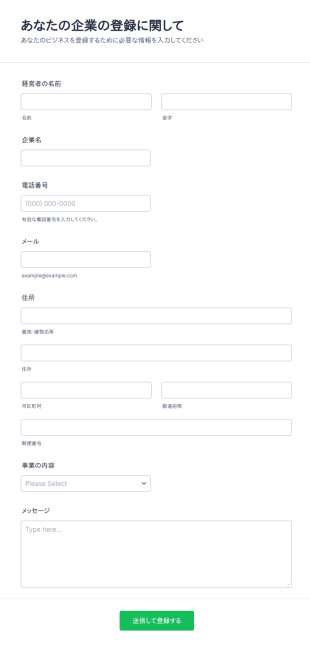
企業登録フォーム
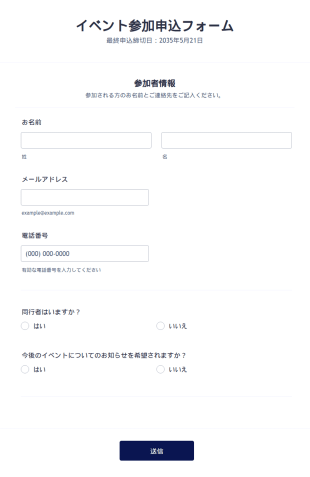
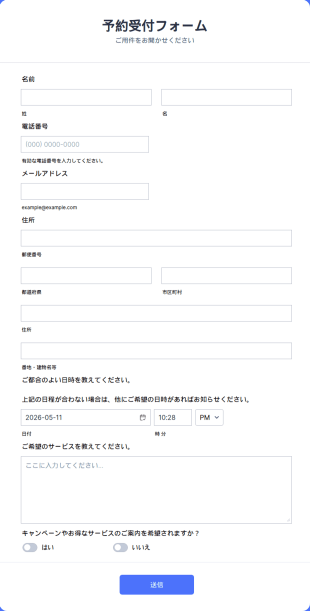
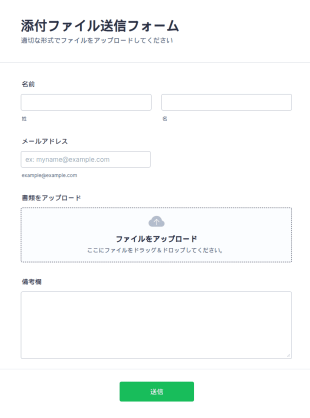
企業登録フォームでは、場所、名前、経営者、サービスタイプに関する情報を収集することができ、登録プロセスをより簡単で魅力的なものにするためのツールやウィジェットが用意されています。このフォームをベースにして、あなた独自のフォームを作成することができます。あなたのロゴ、イメージ、フォント、カラーを追加して、あなたのウェブサイトにフォームを追加したり、スタンドアロンのフォームとして使用することができます。
カテゴリーへ移動:ビジネスフォーム

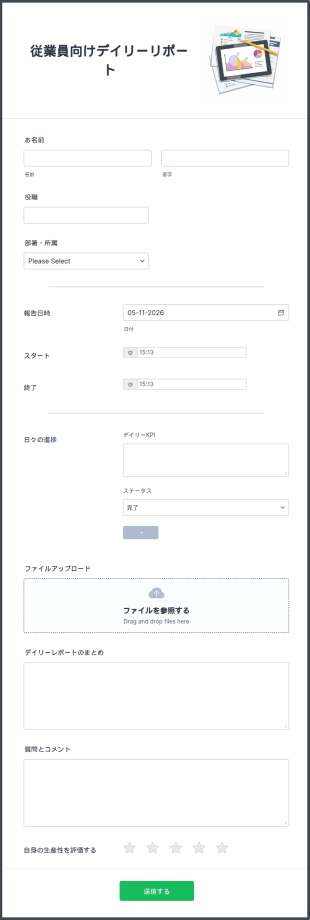
従業員向けデイリーリポート
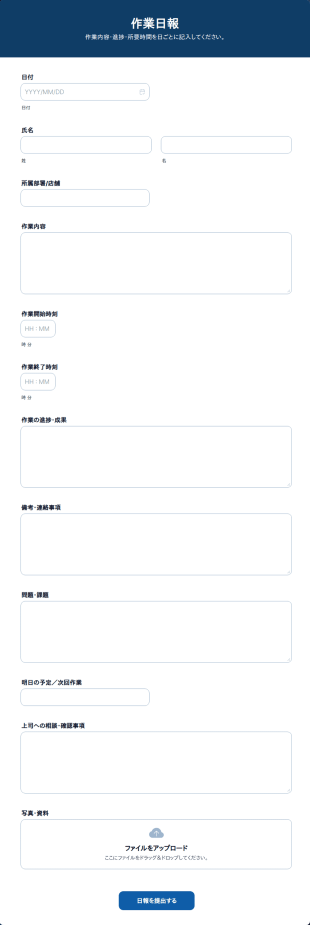
従業員向けデイリーリポートは、従業員の進捗状況を把握し、日々の成果を記録するために使用できます。このフォームは、メールで送信したり、ウェブサイトに埋め込んで簡単にアクセスすることができます。また、従業員だけが記入できるようにパスワードで保護することもできます。退勤時間、目標、完了したタスク、上司への質問など、重要な情報を集めることができます。受信内容はJotformのアカウントに保存され、どのデバイスからでも簡単にアクセスできます。 業務の内容により求められるレポートは異なります。Jotformのフォームビルダーを使って、必要な情報を得るために、従業員向けデイリーリポートをカスタマイズしましょう。Jotformのフォームビルダーを使えば、ドラッグ&ドロップでフィールドの配置を変えたり、背景画像をアップロードしたり、会社のロゴを入れたりして、プロフェッショナルに仕上げることができます。Slack、monday.com、Googleドライブ、Salesforce CRMなどのサードパーティアプリとフォームを連携させれば、デイリーリポートの管理がよりスムーズになります。無料の従業員向けデイリーリポートフォームを使えば、オンラインですぐに情報を収集することができるので、面倒な書類作成や時間のかかる毎日のミーティングは必要ありません。
カテゴリーへ移動:ビジネスフォーム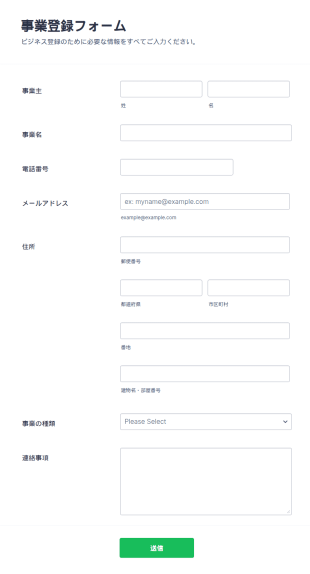

確定申告書チェックリスト
確定申告書フォームで、確定申告の準備状況や申告内容をオンラインで整理し、個人や税理士事務所の事前確認に役立つデータ収集をJotformで行えます。
カテゴリーへ移動:ビジネスフォーム

議事録 テンプレート
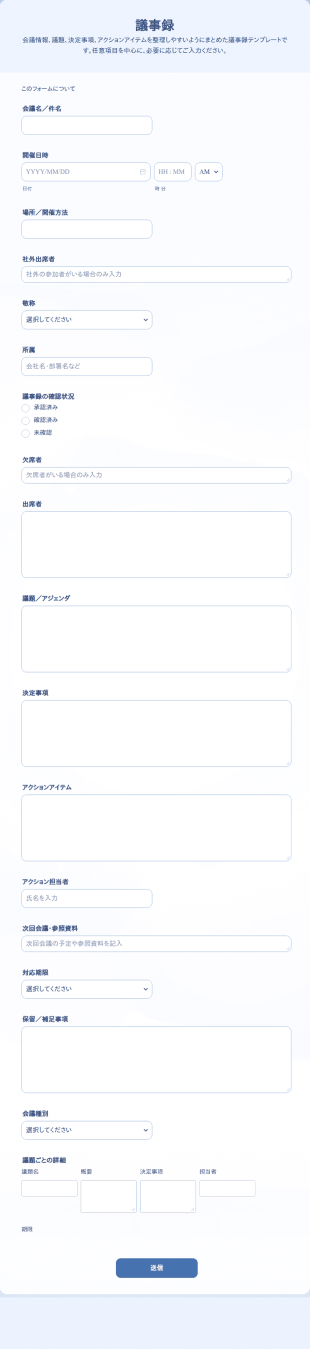
会議の議題や決定事項、アクションアイテム、担当者、期限などをまとめて記録できる無料の議事録テンプレート。Jotformで簡単にカスタマイズできます。
カテゴリーへ移動:ビジネスフォーム
合計金額自動計算フォーム
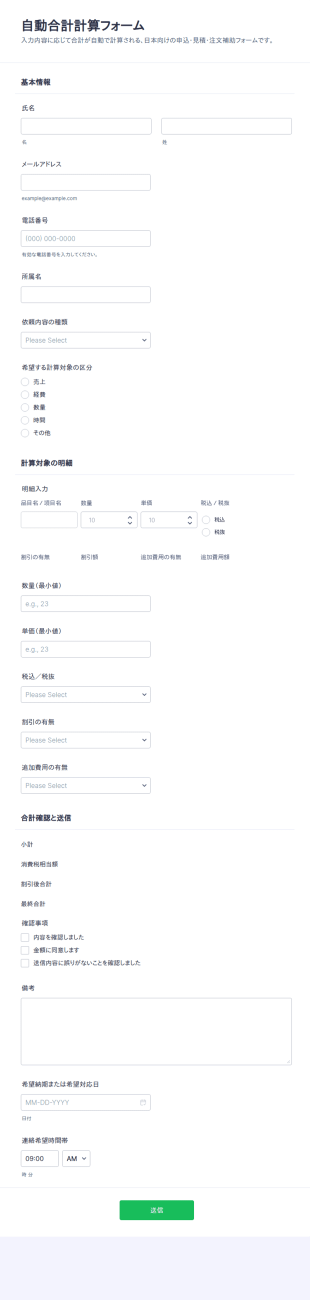
合計金額自動計算フォームは、見積依頼や精算依頼などの金額確認に必要なデータ収集をオンラインで行い、明細にもとづく合計の算出と送信の管理をまとめて行いたい事業者に役立ちます。
カテゴリーへ移動:計算フォーム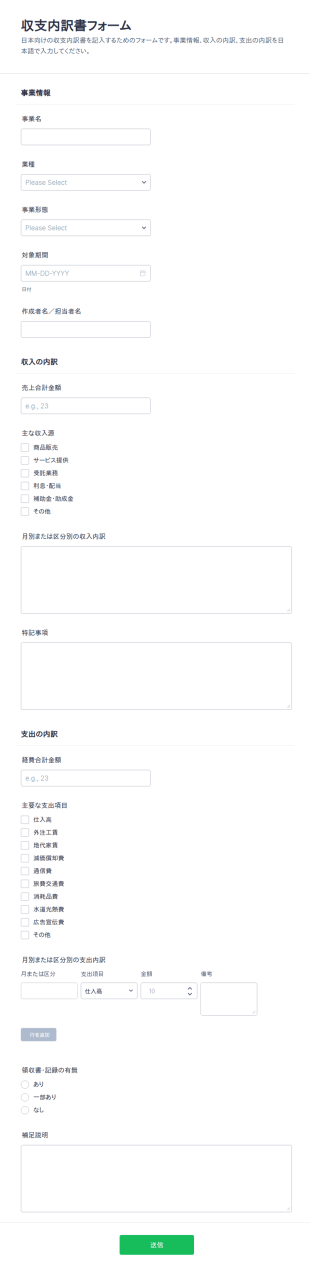
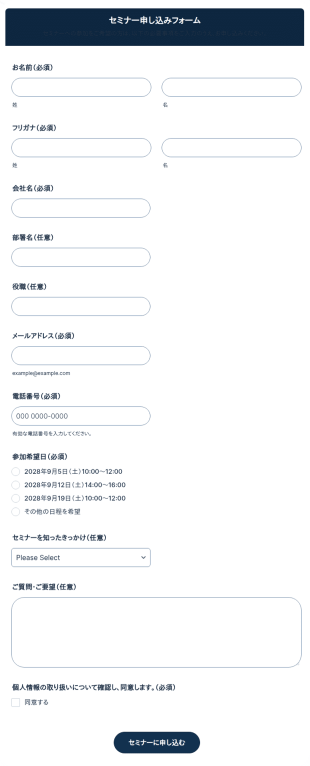
セミナー申し込みフォーム
セミナー申し込みフォームを無料で作成できるテンプレートです。必要な項目を自由にカスタマイズして、簡単にオンラインで申し込みを受け付けられます。
カテゴリーへ移動:ビジネスフォーム
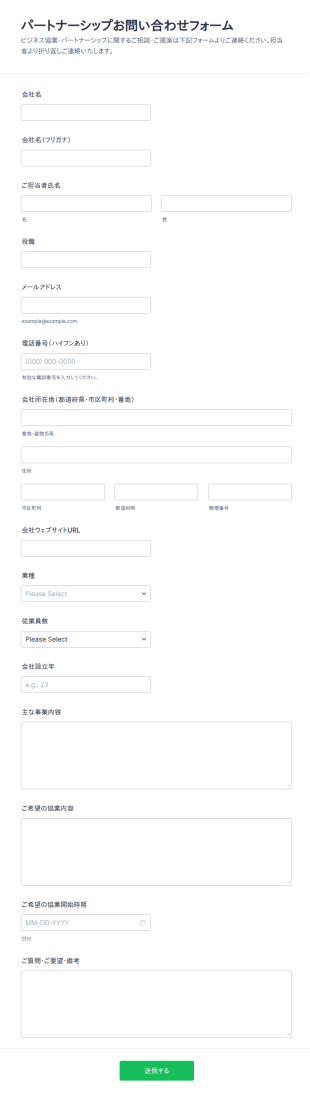
提携お問い合わせフォーム
パートナー候補からの協業提案や相談をオンラインで受け付け、社内の検討に必要な情報を整理してデータ収集できるパートナーシップお問い合わせフォームです。
カテゴリーへ移動:お問い合わせフォーム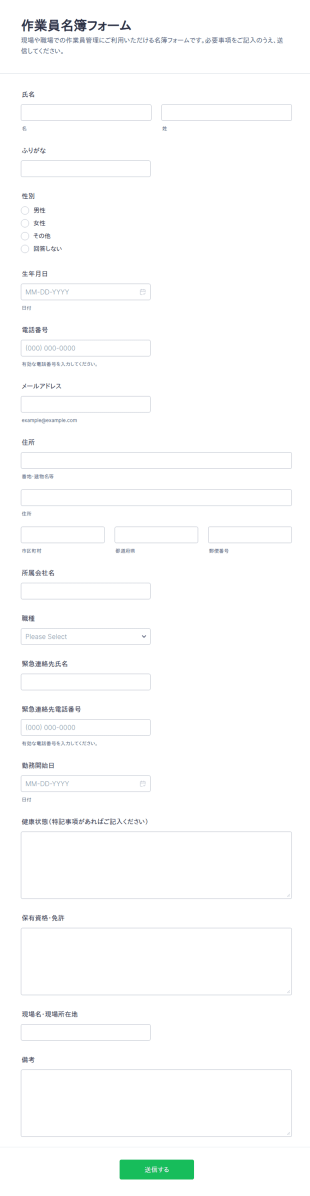
作業員名簿チェックリスト
作業員名簿フォームを使って、現場の作業員情報をオンラインで取りまとめ、連絡先や配置管理のためのデータ収集を行いたい建設業者や協力会社に役立てられます。
カテゴリーへ移動:ビジネスフォーム
営業問い合わせ結果フォーム
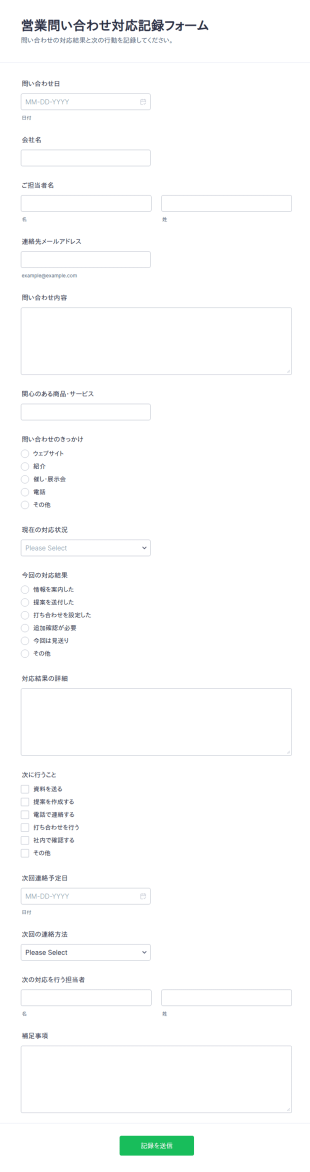
営業問い合わせ対応記録フォームは、問い合わせ対応の状況と結果を社内で共有しながら記録し、次の対応につなげたい営業部門やサポート部門のデータ収集に役立ちます。
カテゴリーへ移動:ビジネスフォーム確定申告書チェックリスト
確定申告書フォームで、確定申告の準備状況や申告内容をオンラインで整理し、個人や税理士事務所の事前確認に役立つデータ収集をJotformで行えます。
確定申告 テンプレート
確定申告フォームで、申告に必要な情報と書類準備状況をまとめてデータ収集し、個人事業主や副業のある方の確認作業をJotformで効率化できます。
収支内訳書 作成フォーム
収支内訳書フォームで、事業の収入と支出の内訳をオンラインでまとめて管理し、個人事業主や経理担当者のデータ収集と送信確認をスムーズにします。

車両点検表 チェックリスト
車両点検チェックリストフォームで社用車やリース車両の点検結果をオンラインでデータ収集し、点検履歴の共有や整備判断に役立てられます。
ビジネスフォームについて
Business Forms are essential digital forms designed to streamline various operational processes within a business setting. These forms cater to a multitude of operational needs by enabling companies to collect, process, and manage data efficiently. In real-world workflows, Business Forms are used for tasks such as employee onboarding, customer feedback collection, and internal audits. They ensure that businesses can maintain a professional standard of data collection and processing, ultimately enhancing productivity and accuracy across different departments.
Jotform stands out as the premier online form builder for creating and customizing Business Forms. Known for its user-friendly interface, Jotform offers a seamless drag-and-drop form-building experience, allowing businesses to tailor each form to specific operational needs. Moreover, Jotform facilitates automated data collection, reducing the manual effort required to gather insights. The platform also provides centralized data management through Jotform Tables, ensuring that all collected data is accessible and secure in one place, thereby empowering businesses to make informed decisions swiftly.
Why Use Business Forms?
- Business Forms enhance the accuracy of data collection by minimizing human error, which is often prevalent in manual entry processes. With automated workflows, data is captured directly from the input source, ensuring high precision and reliability.
- The speed of data processing is significantly increased with Business Forms, as they allow for instantaneous data capture and transfer. This reduces the time lag between data collection and analysis, enabling faster decision-making.
- Professional data handling is a key advantage of using Business Forms. These forms are designed to handle sensitive business data securely, ensuring compliance with industry standards and regulations, thus safeguarding company information.
- Business Forms streamline the workflow by integrating seamlessly with existing business systems. This integration capability reduces the need for redundant data entry and facilitates a smoother transition of information across various platforms.
- Customization options allow businesses to create forms that reflect their brand identity. This ensures consistent communication and data collection practices across all departments, promoting a unified corporate image.
Common Problems Solved by Business Forms
- One of the primary issues businesses face is the cumbersome nature of paperwork, which often leads to inefficiencies and errors. Business Forms digitize this process, eliminating the need for physical documents and reducing clutter.
- Manual data entry is prone to mistakes and is time-consuming. Business Forms automate this process, ensuring that data is accurately captured and stored without the need for constant human intervention.
- Lost data can be a significant setback for any business. With Business Forms, all submissions are securely stored in the cloud, ensuring that important information is always accessible and cannot be misplaced or lost.
- The challenge of maintaining consistent data collection methods across various departments is effectively addressed by Business Forms. They provide a standardized approach to data collection, ensuring uniformity and consistency in the information gathered.
- Data analysis can be a daunting task if the data is not structured properly. Business Forms organize data in a systematic manner, making it easier to analyze a and derive actionable insights.
活用例に適した機能
- For businesses that require dynamic forms to adapt to user input, the Conditional Logic feature is invaluable. It allows forms to change in real-time based on the respondent's answers, leading to more relevant data collection and enhanced user experience.
- Companies looking to streamline payment processes can utilize Jotform's integration with over 30 payment gateways, such as Stripe and PayPal. This feature enables businesses to collect payments directly through forms, simplifying the transaction process.
- The need for digital signatures in contract management is met with Jotform Sign. This feature allows businesses to capture legally binding electronic signatures, expediting the approval process and reducing the need for physical document handling.
- For organizations that rely on data visualization, the Report Builder feature provides a robust solution. It transforms raw data into insightful reports, enabling business leaders to make data-driven decisions with ease.
- Offline Data Collection, facilitated by Jotform Mobile Forms, is crucial for field operations where internet access is limited. This feature ensures that data collection is uninterrupted and automatically syncs once connectivity is restored.
- Secure Data Management is a priority for businesses handling sensitive information. Jotform Tables offer a secure environment for data storage, ensuring that all information is protected and accessible only to authorized personnel.
- Integrations with over 100 third-party applications, such as Google Sheets and Salesforce, enhance operational efficiency by allowing seamless data transfer between systems, reducing the need for manual data export and import.
How to Create a Business Form
- Begin by browsing the Template List for a Business template that suits your needs, or start from a blank form to create a custom solution.
- Customize the design and fields of your form using the Drag-and-Drop Form Builder. This intuitive feature allows you to personalize your form’s appearance and functionality to align with your business requirements.
- Once your form is ready, publish and share it via Direct Link, Email, or Website Embed to ensure it reaches the intended audience effectively.
Top Use Cases for Business Forms
- For Managers: Business Forms are invaluable for managers who need to track and analyze performance metrics efficiently. They offer a standardized way to gather and process data, enabling managers to make informed decisions quickly. By using digital forms, managers can streamline reporting processes and ensure accuracy in the data collected, leading to more effective business strategies.
- For Teams: Teams benefit from Business Forms by using them to facilitate collaboration and communication. Forms can be used to gather feedback, track project progress, and manage tasks, ensuring that team members are aligned and informed. The ability to integrate forms with communication platforms like Slack further enhances teamwork by providing real-time updates and notifications.
- For Customers: Customers experience improved service quality when businesses use Business Forms to collect feedback and inquiries. These forms provide a direct channel for customers to communicate their needs and concerns, enabling businesses to respond promptly and effectively. By leveraging digital forms, businesses can enhance customer satisfaction and foster loyalty through timely and appropriate responses.
Summarizing Business Forms
In summary, Business Forms offer a comprehensive solution for businesses looking to enhance data collection and management processes. They provide a platform for efficient, accurate, and secure data handling, ensuring that business operations are streamlined and effective. By leveraging Jotform’s capabilities, businesses can customize and automate form workflows, leading to improved productivity and decision-making. As businesses continue to evolve, the adaptability and integration features of Business Forms make them an indispensable part of modern business operations.
よくあるご質問
1. ビジネスフォームテンプレートとは何ですか?
業務用フォームテンプレートとは、あらかじめ設計されたデジタルフォームのことです。顧客情報の収集、従業員のオンボーディング、注文処理など、さまざまな業務シーンでの情報収集・管理・処理に活用できます。
2. 組織にとってなぜ重要なのですか?
Absolutely, Jotform ensures that all forms and submitted data are protected with high-level security measures, including SSL encryption and compliance with industry standards like GDPR.
3) Do I need coding knowledge to build a Business Form?
No coding knowledge is required to build a Business Form using Jotform. The platform’s drag-and-drop feature makes it easy for anyone to create professional forms without technical skills.
4. ITフォームには、さまざまな種類がありますか?
Yes, you can collect payments directly through your forms by integrating with Jotform’s supported payment gateways, including Stripe, PayPal, and Square.
5. ITフォームは誰が使うべきですか?
Yes, Jotform forms are fully responsive and can be accessed and submitted from any mobile device, ensuring flexibility and convenience for users on the go.
6. ITフォームは、どのようにワークフローの効率を向上させますか?
Certainly, with Jotform’s PDF Editor, you can automatically generate professional PDF documents from form submissions, which can be customized and downloaded as needed.
7. ビジネスフォームは他のツールと統合できますか?
Business Forms streamline the collection of customer feedback by providing a structured and efficient way to gather insights. This facilitates quicker analysis and implementation of customer-driven improvements.
8. 紙の書類ではなく、デジタルの業務フォームを使うメリットは何ですか?
Yes, Business Forms can be integrated with popular CRM systems like Salesforce, allowing seamless data transfer and enhanced customer relationship management.