

管理フォーム

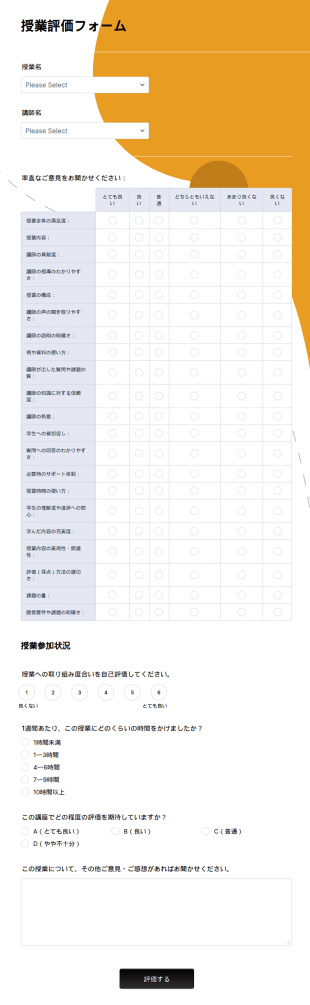
サンプル授業評価フォーム
無料のサンプル授業評価フォームで学生のフィードバックをオンライン収集。簡単にカスタマイズ・埋め込み可能。100以上のアプリと連携でき、先生に最適です。
カテゴリーへ移動:教育フォーム
学校の入学・登録フォーム
学生がオンラインで登録できる学校入学・登録フォームです。教育者や管理者の方は、この無料の学校登録フォームを使って、迅速に学生情報をオンラインで収集できます。
カテゴリーへ移動:教育フォーム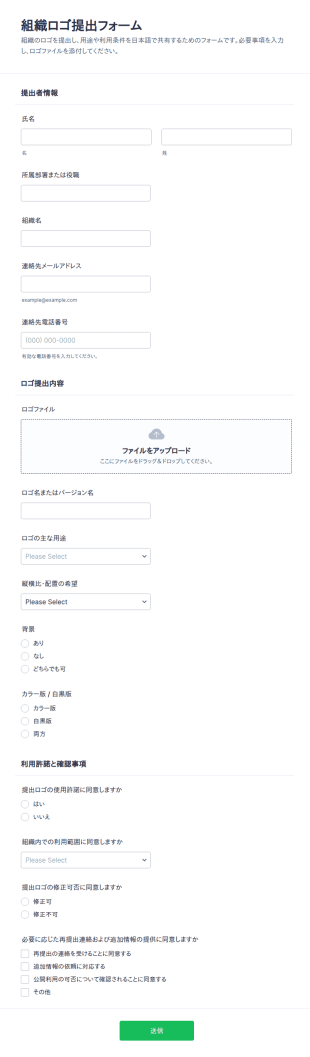
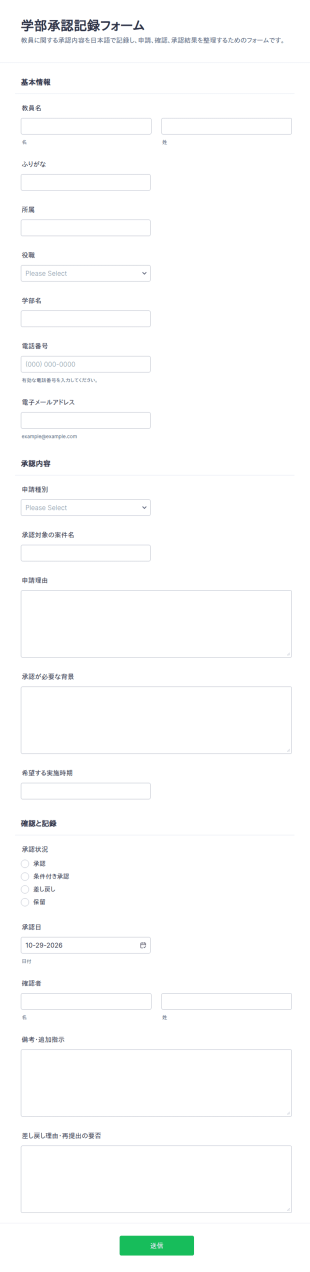
教員承認記録フォーム
学部内の申請内容を承認結果までまとめて記録し、教員に関する確認作業を整理したい大学・学部事務に役立つ学部承認記録フォームのフォームテンプレートです。
カテゴリーへ移動:稟議書 テンプレート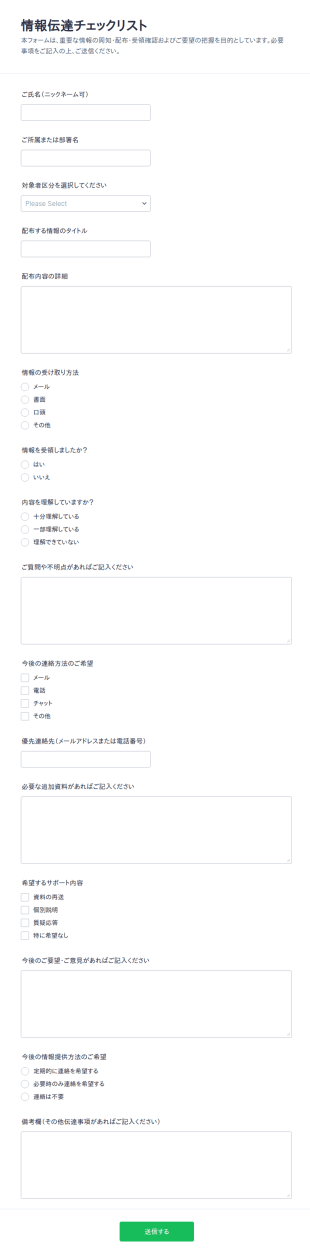
情報共有アンケート
情報伝達チェックリストフォームで、お知らせの配布状況と受領確認をまとめて管理し、社内連絡や取引先連絡、学校や団体のお知らせに必要なデータ収集をJotformで行えます。
カテゴリーへ移動:チェックリストフォーム管理フォームについて
事務用フォームとは、教育機関が学生、教職員、日常業務に関する情報を記録・管理するために使用する書類です。Jotformの強力なオンラインフォームを使えば、管理業務を迅速化し、記録管理プロセスを簡単に効率化できます。カスタムオンライン申請書、入学フォーム、授業評価アンケートなどを作成できます。無料の事務用フォームテンプレートから選択して、組織のブランドに合わせてカスタマイズ可能です。リンクを共有したりWebサイトに埋め込むだけで、PCやモバイルからスムーズに回答を収集できます。
Jotformの直感的なオンラインフォーム作成ツールを使えば、コーディング不要で管理フォームを素早く簡単にカスタマイズできます。要素をドラッグ&ドロップしてテンプレートのデザインを変更し、コンテンツを更新し、学校のロゴを追加し、電子サインを収集するフィールドを含め、Googleカレンダー、Dropbox、Slackなどの便利なツールと連携できます。すべての送信は、安全なJotformアカウントに自動的に保存され、プロフェッショナルなPDFファイルに即座に変換して、ダウンロード、共有、印刷することができます。
Why Use Administrative Forms?
- Administrative forms are crucial for maintaining accuracy in data collection, reducing the risk of errors that often occur with manual entry. By using digital forms, organizations can ensure that data is captured consistently across various departments, fostering uniformity and reliability in information management.
- The speed at which data can be collected and processed is significantly increased with administrative forms. Instead of relying on time-consuming paper processes, digital forms allow for immediate data capture and processing, accelerating decision-making and operational efficiency.
- Professional data handling is enhanced through features like electronic signatures and secure data storage, which are integral to administrative forms. These features ensure that sensitive information is handled with the utmost care, complying with industry regulations and protecting organizational data integrity.
- Administrative forms facilitate seamless integration with existing systems, thanks to over 100 third-party integrations available in Jotform. This connectivity allows organizations to synchronize data across platforms such as Google Sheets, Salesforce, and Slack, creating a cohesive data management ecosystem.
- Automation capabilities in administrative forms, such as conditional logic and approval workflows, enable organizations to minimize manual interventions. This automation reduces the workload on staff, allowing them to focus on more strategic tasks while ensuring that routine processes are handled efficiently.
Common Problems Solved by Administrative Forms
- One of the primary issues addressed by administrative forms is the reduction of paperwork. Traditional paper forms are cumbersome and prone to being misplaced or damaged, whereas digital forms eliminate these risks by providing a durable and easily accessible alternative.
- Manual data entry is often fraught with errors and inefficiencies. Administrative forms solve this problem by automating data input, reducing the likelihood of human error and ensuring that information is captured accurately and swiftly.
- Lost data can be a significant concern for organizations relying on paper-based systems. Digital forms offer a secure solution, with data being stored safely in the cloud, ensuring that important information is never lost and can be retrieved whenever necessary.
- Inefficient workflows can hinder organizational productivity. Administrative forms streamline processes by automating routine tasks, such as approvals and notifications, allowing teams to operate more efficiently and focus on their core responsibilities.
- Communication breakdowns within teams are minimized with the use of administrative forms, which facilitate clear and structured information exchange. By standardizing data collection and dissemination, these forms help maintain clarity and cohesion in organizational communications.
活用例に適した機能
- For organizations requiring seamless data collection, Jotform's drag-and-drop form builder allows users to create customized administrative forms quickly. This feature enables the design of forms that perfectly align with specific operational needs, enhancing data capture efficiency.
- Conditional logic in administrative forms is ideal for businesses that need to tailor form questions based on user responses. This feature ensures that users are only prompted with relevant questions, streamlining the data collection process and improving user experience.
- Organizations processing payments can benefit from Jotform's integration with over 30 payment gateways, including Stripe and PayPal. This capability allows for the secure collection of payments directly through forms, simplifying financial transactions and record-keeping.
- For teams requiring document signing, Jotform Sign offers electronic signature capabilities. This feature is invaluable for ensuring that documents are signed promptly and legally compliant, enhancing the speed and efficiency of administrative processes.
- The automated PDF generation feature of Jotform's PDF Editor is perfect for organizations needing to convert form submissions into professional documents. This capability allows for the easy creation of polished, ready-to-use PDFs from collected data, facilitating reporting and documentation.
- Jotform Tables provides secure data management, which is crucial for organizations handling sensitive information. This feature ensures that all collected data is stored safely, with easy access for analysis and decision-making, enhancing data security and compliance.
- Approval workflows streamline decision-making processes by automating the routing of forms for approval. This feature is beneficial for organizations looking to reduce administrative delays and ensure that decisions are made swiftly and efficiently.
How to Create a Administrative Form
- Browse the Template List for a Administratives template or start from a blank form.
- 企業広報部門
- 適切なタイミングでの在庫補充と、在庫ロスの防止に役立つ
Top Use Cases for Administrative Forms
- For Managers: Administrative forms are indispensable for managers who oversee multiple operational aspects within an organization. These forms allow managers to efficiently collect and analyze data related to team performance, project progress, and resource allocation. By streamlining information gathering and providing real-time insights, administrative forms empower managers to make informed decisions and optimize their teams' productivity. Additionally, they can automate approval processes, reducing the time spent on routine administrative tasks and enabling managers to focus on strategic planning and execution.
- For Teams: Teams benefit greatly from the use of administrative forms as they facilitate seamless collaboration and communication. These forms can be used to coordinate tasks, track project milestones, and gather feedback, ensuring that everyone is aligned and working towards shared goals. By standardizing processes and automating routine data collection, administrative forms help teams operate more efficiently, reducing the potential for errors and miscommunication. Furthermore, the integration of forms with tools like Slack and Google Sheets allows for real-time data sharing, enhancing team collaboration and productivity.
- For Customers: Customers experience improved service quality when organizations utilize administrative forms. These forms enable businesses to streamline customer interactions, from service requests to feedback collection, ensuring that customer needs are addressed promptly and accurately. By providing a structured and user-friendly way for customers to communicate with businesses, administrative forms enhance customer satisfaction and foster loyalty. Moreover, the ability to collect payments and signatures through forms simplifies transactional processes, offering customers a convenient and efficient service experience.
Summarizing Administrative Forms
Administrative forms are a vital component of modern business operations, offering a structured and efficient way to manage data collection and processing. Through the use of Jotform's online form builder, organizations can create highly customizable forms that align with their specific needs and enhance operational efficiency. By automating routine tasks and ensuring data accuracy, administrative forms empower businesses to focus on strategic objectives rather than administrative burdens. The integration of advanced features such as electronic signatures, payment gateways, and approval workflows further enhances the functionality and value of these forms, making them indispensable in any organizational setting.
よくあるご質問
1. 教育機関向け事務フォームとは何ですか?
教育向け事務フォームは、学校や教育機関が学生登録、インシデント報告、同意書、教職員評価などの日常的な事務業務を管理するために使用するデジタル文書です。
2. 事務フォームは、教育においてなぜ重要なのですか?
業務の効率化、正確なデータ収集、書類作業の削減、そして教職員・学生・保護者間のコミュニケーションの円滑化を実現します。
3. 管理フォームでは、一般的にどのような情報を収集しますか?
一般的な項目には、個人情報、連絡先、日付、イベントやインシデントの説明、同意署名、フィードバック欄などがあり、フォームの目的に応じて異なります。
4. 学校向けの事務フォームには、どのような種類がありますか?
はい、フォームは学生登録、欠勤届、インシデント報告、施設利用申請、スタッフ評価など、多岐にわたり、それぞれが特定の管理ニーズに合わせて作成されています。
5. 教育管理フォームは、誰が利用できますか?
学校管理者、教師、スタッフ、学生、保護者は、管理するプロセスに応じて、これらのフォームを利用できます。
6. 事務フォームは、コンプライアンスと記録管理にどのように役立ちますか?
オンラインフォームなら、すべての送信データが安全に保管され、簡単にアクセスでき、教育規制に準拠した監査、レポート作成、コンプライアンス対応のために整理された状態で管理できます。
7. 事務フォームは、教育レベルごとにカスタマイズできますか?
もちろん可能です。フォームは、K-12、高等教育、職業訓練、専門プログラムなど、それぞれの用途に合わせてカスタマイズでき、各状況に応じてフィールドやワークフローを調整できます。
8. オンライン事務フォームを使用する際、プライバシーはどのように保護されますか?
Jotformは、安全なデータ保管、暗号化、アクセス制御を使用して機密情報を保護し、FERPAやGDPRなどのプライバシー法への対応を確保しています。