

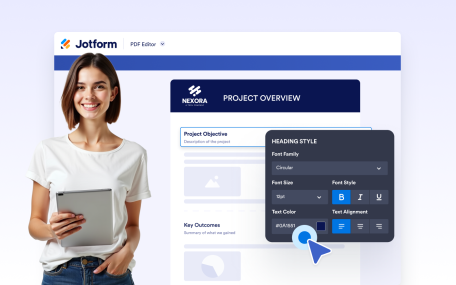
Heading Element
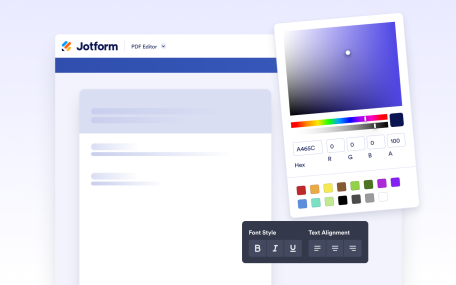
Add headings and subheadings to structure your document content clearly. Create well-defined sections with styled titles that improve readability and visual hierarchy.
PDF Builder
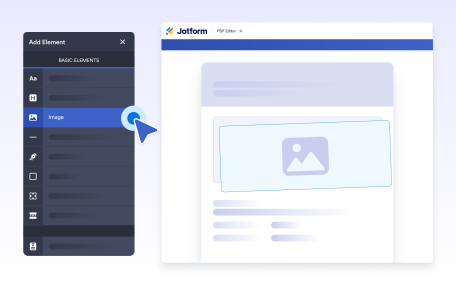
Easily edit PDFs with our drag-and-drop PDF builder. Add text, images, fields, and more in just a few clicks.
Insert page breaks wherever you need a clean separation. Keep sections from splitting awkwardly and .
Page breaks let you control how content flows across pages, making it easy to organize long documents and separate sections clearly. Layouts remain consistent and predictable, even as content length changes.
Add page breaks anywhere in your document to control exactly where a new page begins. This helps prevent awkward content splits, keeps sections intact, and ensures your layout remains intentional and predictable across pages.
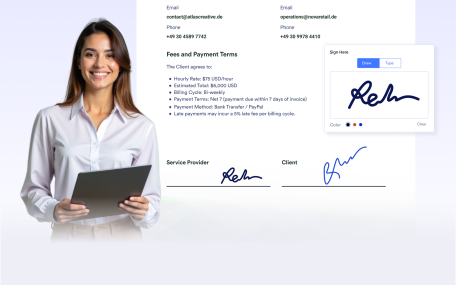
Use page breaks to separate summaries, terms, signatures, appendices, or sections that need visual distinction. Clear separation improves readability and document structure.
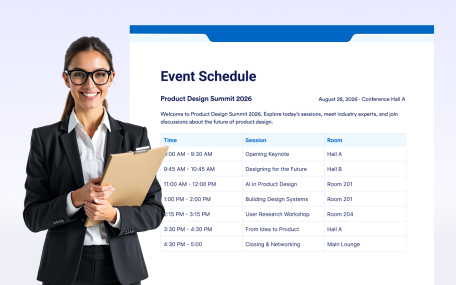
Page breaks help manage long answers, tables, and dynamic fields that change between submissions. By controlling where pages start, documents stay clean, well organized, and readable even when content length varies.
Ensure documents print exactly as expected by controlling page transitions. Page breaks prevent awkward cutoffs, keep sections intact, and help produce clean, professional PDFs ready for sharing or printing.