Jotform’s electronic signature for accounting is an e-signature solution for creating and e-signing accounting documents securely on any device with Jotform Sign. Automate document workflows to collect data and e-signatures more efficiently for legal, tax, and financial services needs. Organize how you send, sign, and manage completed documents in one process.

Jotform Sign Mobile is the simplest way to sign, send, and track documents from your phone.



Templates
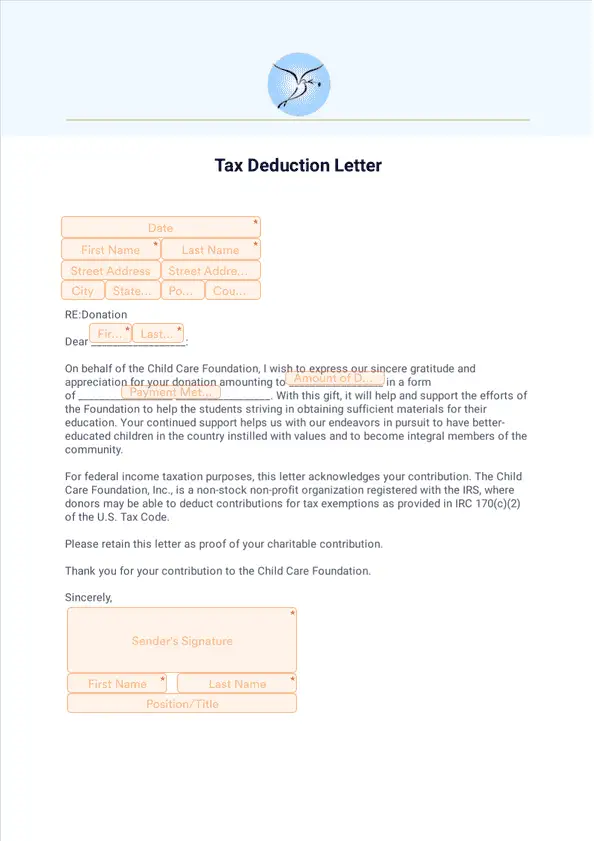
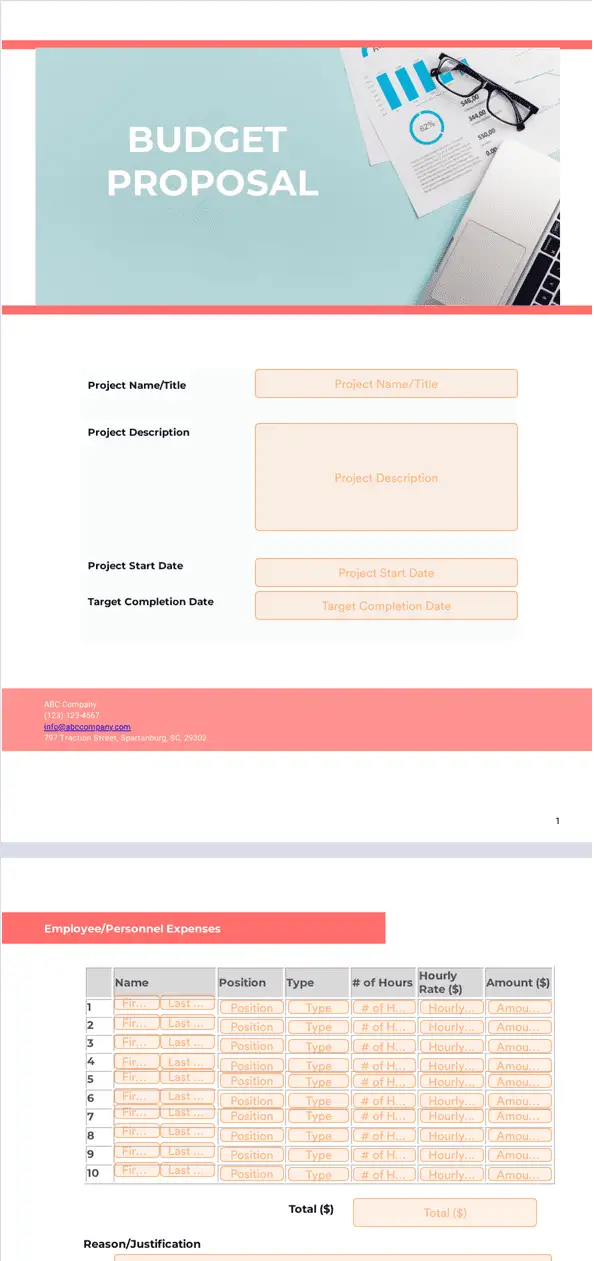
Get started in seconds with ready-made accounting document templates you can customize with our drag-and-drop builder.
Benefits
Create an electronic signature for accounting document by uploading an existing PDF or starting from a ready-made template in Jotform Sign. Jotform Sign can automatically scan uploaded PDFs for fillable fields, so document setup takes fewer manual steps. Use the drag-and-drop builder to add signature fields and adjust the layout so the document matches accounting workflows and company branding.
Send a sign document with a public link or embed the document on a website so clients and colleagues can open it right away. Workflows can route documents through the right people and notify the team when signing is complete, which reduces manual follow-ups. Automated reminder emails can nudge signers before deadlines, so fewer accounting documents get stuck waiting for signatures.
Set roles, add multiple signers, and define signing order so each step is clear and trackable in Jotform Sign. Jotform Sign provides an audit trail that records signer actions, so accounting teams can review what happened during the signing process. Jotform Sign Inbox can send status notifications and support reminders, so teams can keep signatures moving without checking each document manually.
Jotform Sign is designed to help teams stay GDPR, CCPA, and PCI friendly when collecting signatures and document data. Add an access code when extra control is needed, so only intended recipients can open sensitive accounting documents. Jotform Sign can provide a digital certificate and an audit trail for completed documents, which helps teams verify document integrity after signing.
Discover how your accounting department can use Jotform Sign to automate document workflows.
Gather e-signable confidentiality agreements from clients or coworkers without the need for messy paperwork.
On-board employees seamlessly by having them sign their employee contracts on any device.
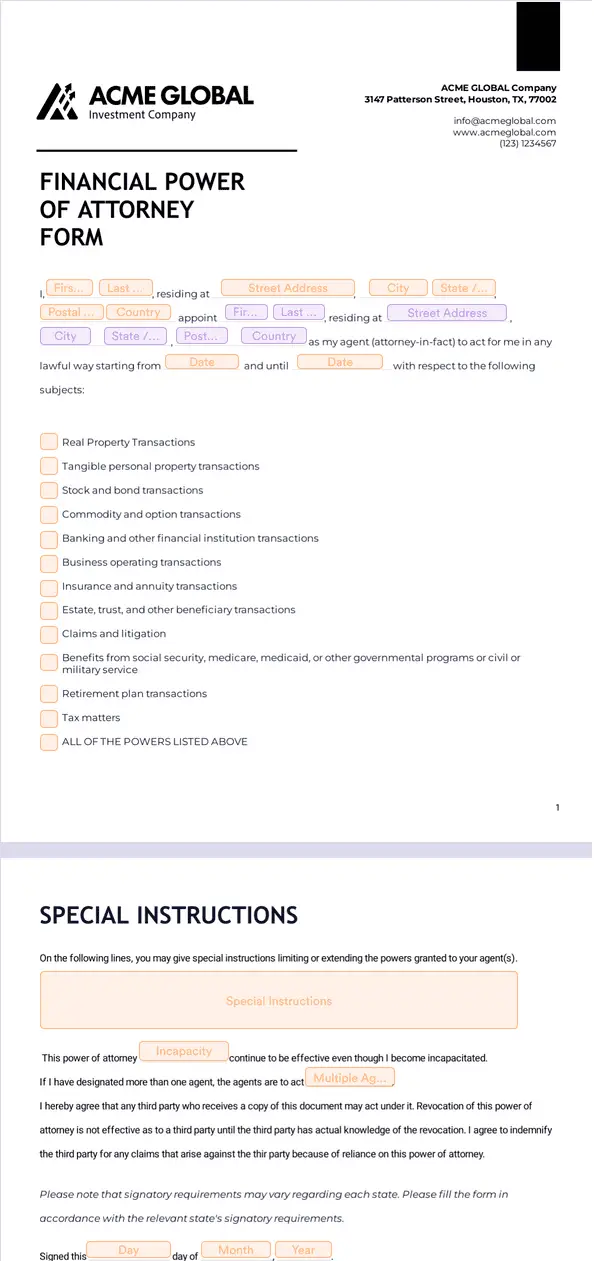
Clients can grant you power of attorney by signing power of attorney agreements from their computer, tablet, or smartphone in a few clicks.
Keep track of the assets your clients have purchased with automated online asset purchase agreements.
Disclaimer: The information provided in this guide is for general informational purposes only and is not intended to constitute legal advice. While we strive to keep the information accurate and up-to-date, laws and regulations vary by jurisdiction and can change frequently. Should you have specific legal questions about any of the information on this site, you should consult with a licensed attorney in your area.