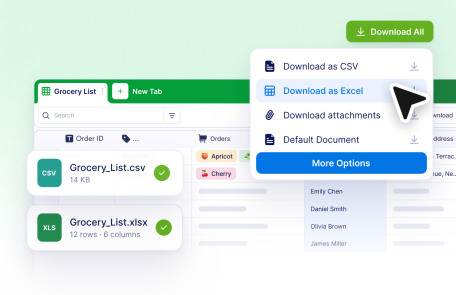
Export Submissions to CSV or Excel
Export form submissions as CSV or Excel files for easy reporting, sharing, and offline analysis.
Export Data
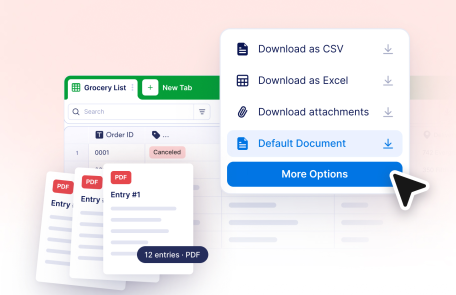
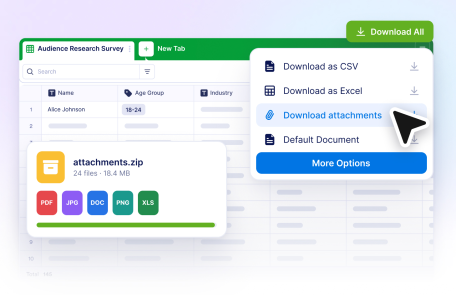
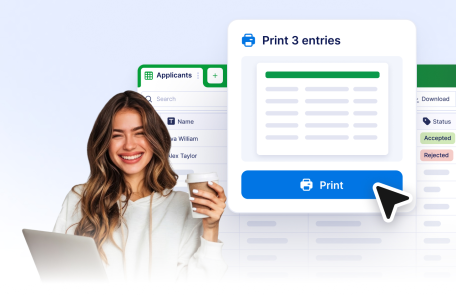
Export data from Jotform Tables in formats like Excel, CSV, and PDF. Download form submissions, attachments, and reports to back up records, share information, and work with your data offline.
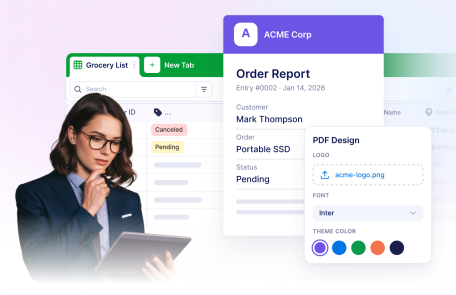
Create personalized PDF documents for your form submissions with Jotform PDF Editor. Access editing tools from Jotform Tables to customize layouts, fields, and document designs before downloading.
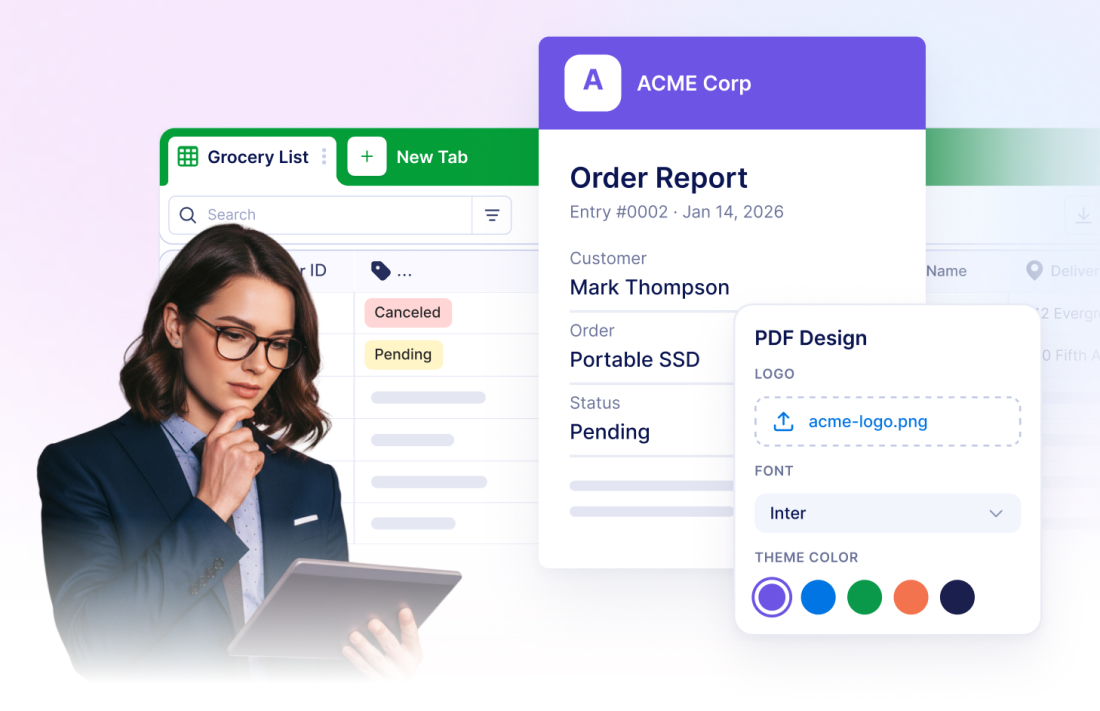
Turn submission data into professional documents that match your needs. Customize PDF layouts and create consistent documents for sharing or record-keeping.
Make your submission PDFs work for your business. Use Jotform PDF Editor to adjust document layouts, organize form data, and create personalized PDFs without manually recreating each document.
Open PDF Editor directly from a submission's download options in Single Entry View. Customize your document's appearance and structure using dedicated editing tools.
Choose which submission fields appear in your PDFs, adjust their layout, and personalize the design. Create documents that display the right information in a clear, professional format.
Open a submission in Single Entry View, select Download, and choose Customize PDF. This opens Jotform PDF Editor, where you can modify the document's layout, fields, and appearance.
Yes. Jotform PDF Editor lets you customize which form fields appear in your PDF document. You can arrange information and remove unnecessary fields to create a layout that fits your needs.
Yes. Once you've customized a document in Jotform PDF Editor, you can select that PDF design when downloading submissions from Jotform Tables. This lets you export records using your preferred document layout.