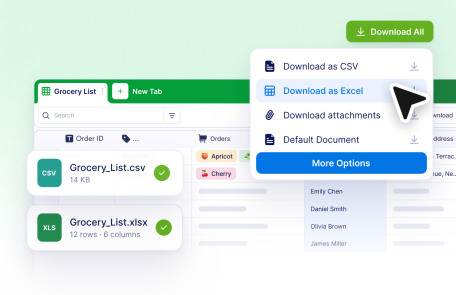
Export Submissions to CSV or Excel
Export form submissions as CSV or Excel files for easy reporting, sharing, and offline analysis.
Export Data
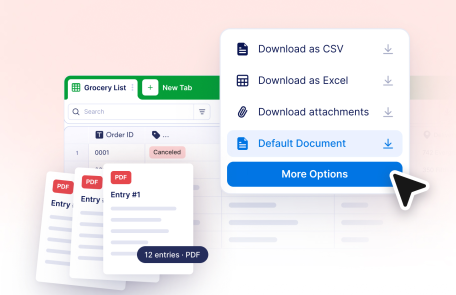
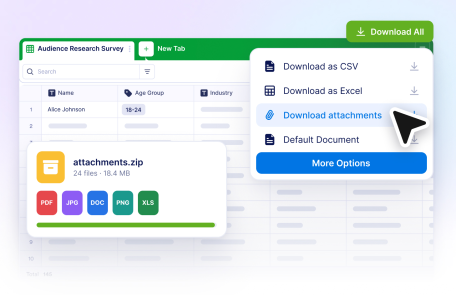
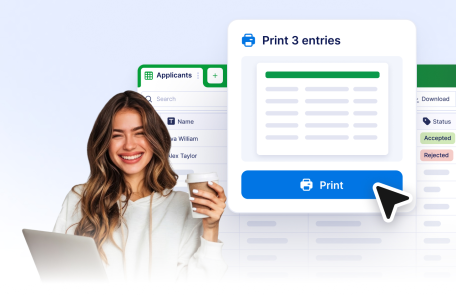
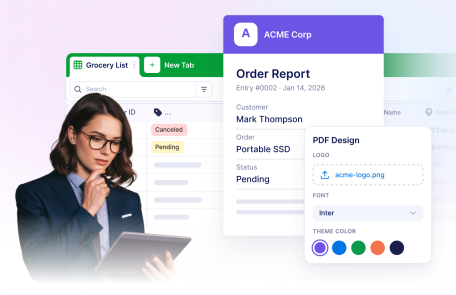
Export data from Jotform Tables in formats like Excel, CSV, and PDF. Download form submissions, attachments, and reports to back up records, share information, and work with your data offline.
Download form submissions from Jotform Tables as CSV or Excel files. Export complete datasets or specific entries to analyze results, create reports, and manage your information offline.
Take your submission data beyond Jotform Tables. Export records in spreadsheet-friendly formats to explore trends, share information with your team, and keep copies of important data.
Turn collected form responses into downloadable spreadsheets. Choose CSV or Excel to organize records, perform calculations, and work with your submission data in other applications.
Export your form responses in CSV format for compatibility with spreadsheet and data analysis tools, or choose Excel to organize information, create reports, and work with your records offline.
Download your entire table or select individual entries to export only the records you need. Apply filters before exporting to focus on specific submissions, categories, or time periods.
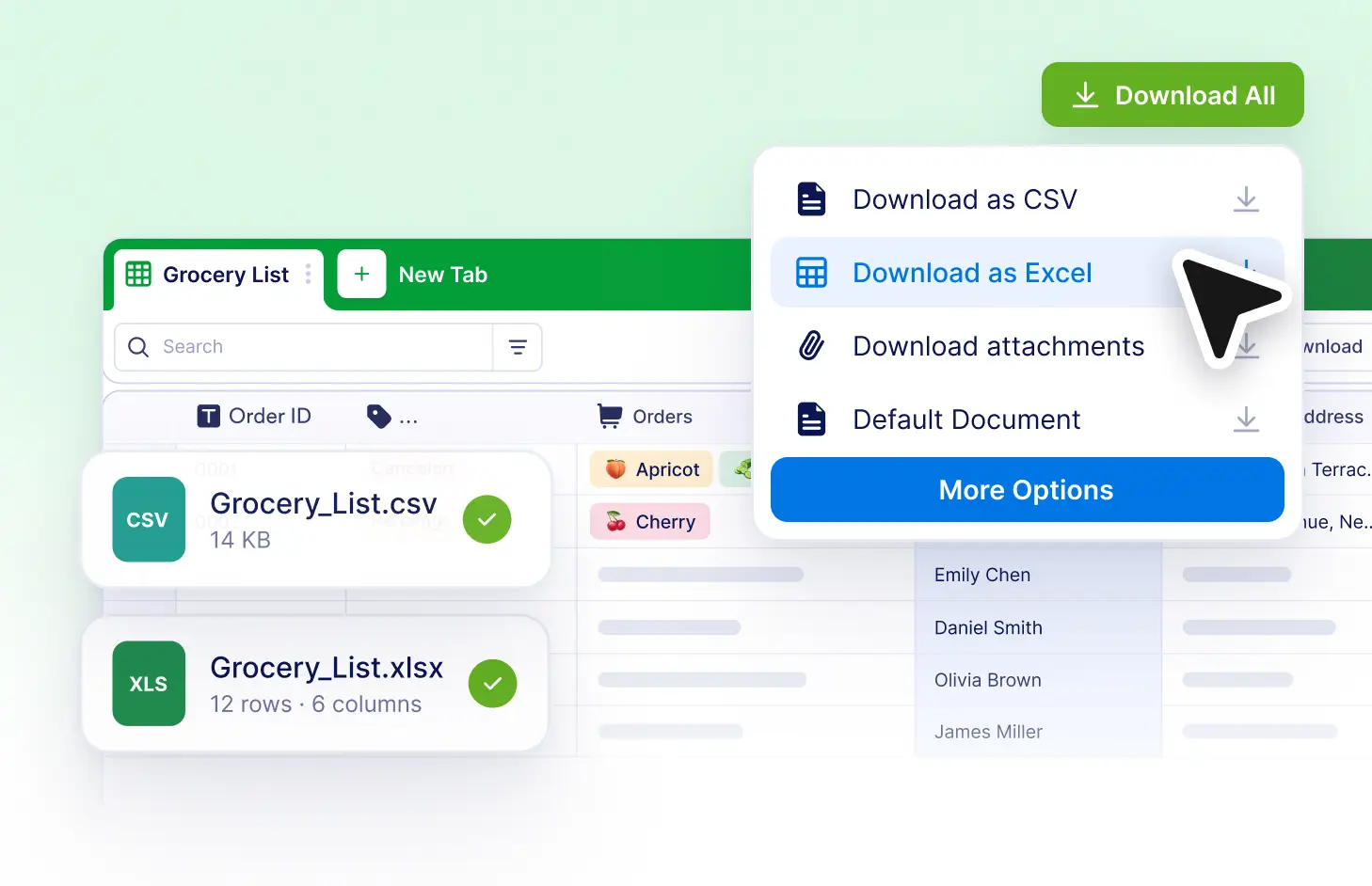
Open Jotform Tables and choose Download All. Select Download as CSV or Download as Excel to export your submission data in your preferred format.
Yes. You can select specific entries or apply filters before downloading. This allows you to export relevant records instead of downloading your entire submission dataset.
CSV files store data in a simple format compatible with many spreadsheet applications and data processing tools. Excel files are designed for use in Microsoft Excel and are convenient for organizing, analyzing, and reporting on submission data.