The Better Alternative to Tally Forms. More Features, One Platform.
If you are comparing Tally Forms vs Jotform, you may want a form builder that feels lightweight, looks clean, and lets you get started quickly. Jotform gives you that same easy start, but it also gives you more ways to use your forms when your work grows. You can stay simple today, then add what you need later without switching tools. Start free in Jotform and build your first form in minutes.
Get Started NowSide-by-side comparison
| FEATURES | Jotform | Tally Forms |
|---|---|---|
| Entry-Level Price | Tally Forms FREE | |
| Templates | Tally Forms 100+ | |
| Conditional Logic | Tally Forms Yes | |
| Form Sharing Options | Tally Forms 4+ | |
| QR Code Forms | Tally Forms No | |
| Autoresponder Email | Tally Forms Pro Plan | |
| Email Customization | Tally Forms Pro Plan | |
| Reminder Email | Tally Forms Not Available | |
| Form Translations | Tally Forms 80+ Languages | |
| Embedding Options | Tally Forms 3+ | |
| Form Styling | Tally Forms Restricted | |
| Save & Continue Later | Tally Forms Yes | |
| Thank You Page | Tally Forms Yes | |
| Mobile App | Tally Forms Not Available | |
| Offline Mode | Yes | Tally Forms No |
| Kiosk Mode | Yes | Tally Forms No |
| Widgets | Hundreds of Widgets | Tally Forms 7+ |
| Integrations | Tally Forms 30+ | |
| Form Submission Management | Tally Forms Only Submissions Tab | |
| Export Submission Data | Tally Forms Only CSV | |
| AI Agents | Tally Forms Not Available | |
| Electronic Signature | Tally Forms Signature Field | |
| PDF Creation | Tally Forms Not Available | |
| Workflow | Tally Forms Not Available | |
| Results & Analysis | Tally Forms Restricted | |
| White Labeling | Available on Enterprise | Tally Forms Restricted |
| Payment Gateways | Tally Forms Only Stripe | |
| Recurring Donations & Subscriptions | Tally Forms No | |
| Encrypted Forms | Tally Forms Yes | |
| Two-Factor Authentication (2FA) | Tally Forms Yes | |
| reCAPTCHA | Tally Forms Yes | |
| PCI Compliance | Tally Forms Not Available | |
| HIPAA Compliance | Tally Forms Not Available | |
| SOC 2 Compliance | Available on Enterprise Plan | Tally Forms Available |
| GDPR Compliance | Available | Tally Forms Available |
If you see any incorrect, incomplete or inaccurate information, please request correction by filling out the form below.
Request CorrectionStart simple. Expand in one place.
Many people start with basic forms, then require more as their work expands. Jotform lets you add those next steps in the same platform. You can collect payments, route submissions for approval, automate follow-ups, manage responses in Tables and much more. You keep your forms as they are and expand only when it helps you.








A simple form builder you already understand
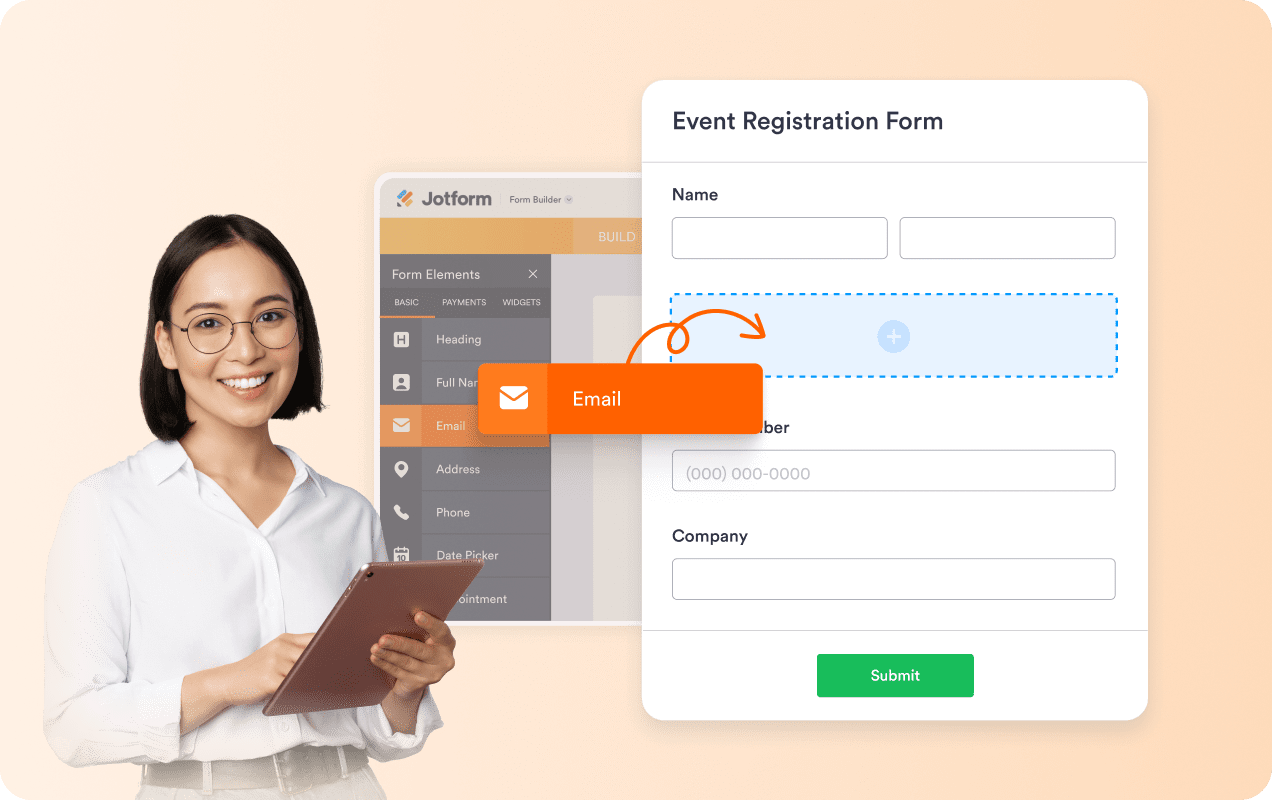
Jotform is easy to start with. You can pick a template or build from scratch, then drag and drop fields into place. The builder stays clear and organized, even when your form gets longer. You do not need a learning curve to get something live. You just build, publish, and share.
Forms that look right for your audience
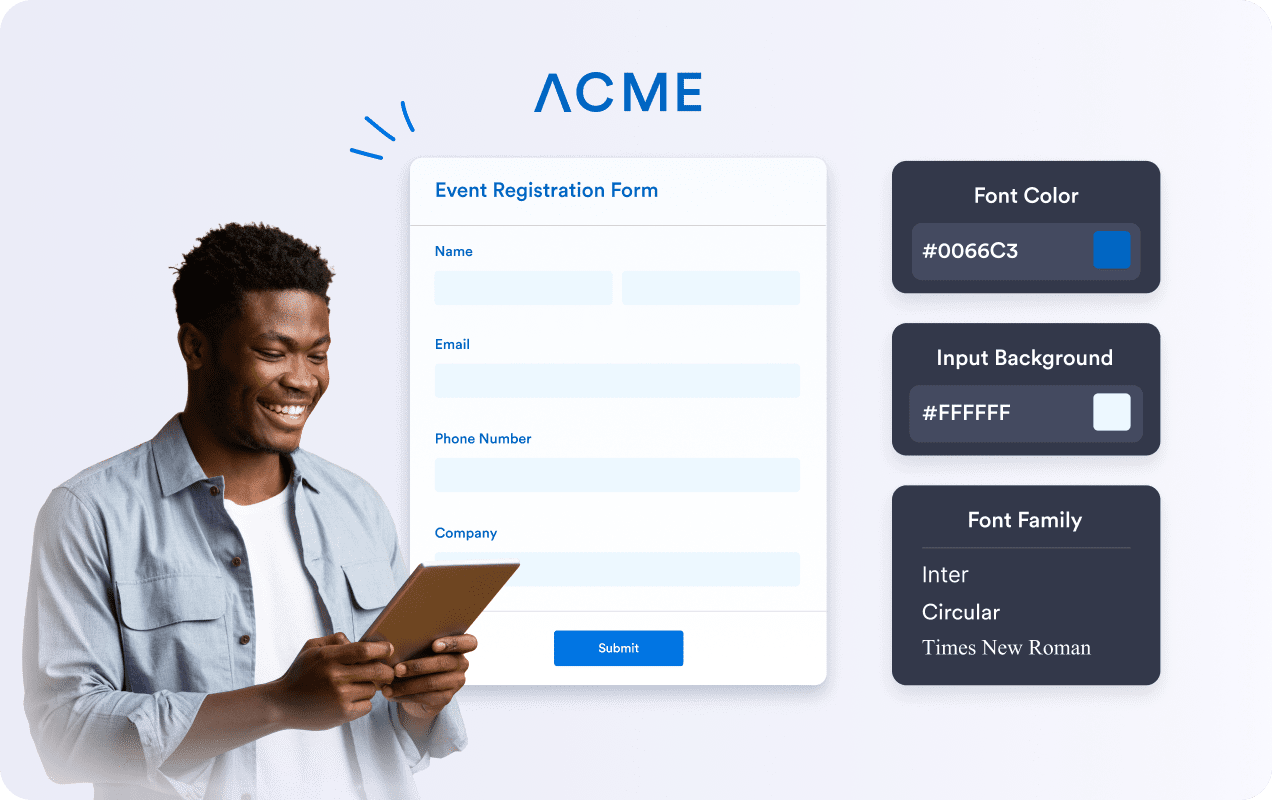
Jotform gives you clean form layouts from the start. You can keep that simple look, or adjust the design to match your brand. Change spacing, sections, fonts, and colors in a few clicks. When a form looks like it belongs on your site, more people trust it and finish it. That leads to more submissions and fewer drop-offs.
AI Agents that help people finish your forms
Jotform is easy to start with, and AI Agents fit into the same flow. You begin with a form, then add an agent when you want extra guidance for users. Agents answer questions while people fill out the form and guide them step by step. You can run an agent on phone, web chat, SMS, WhatsApp, Instagram, Gmail, and more.

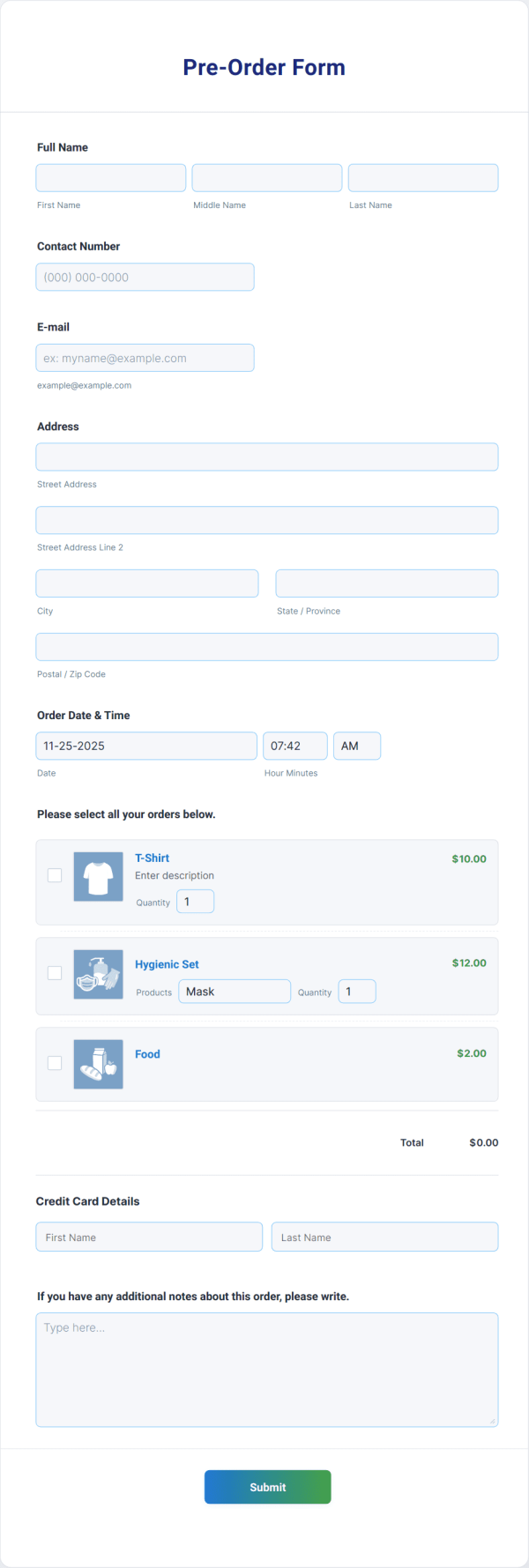
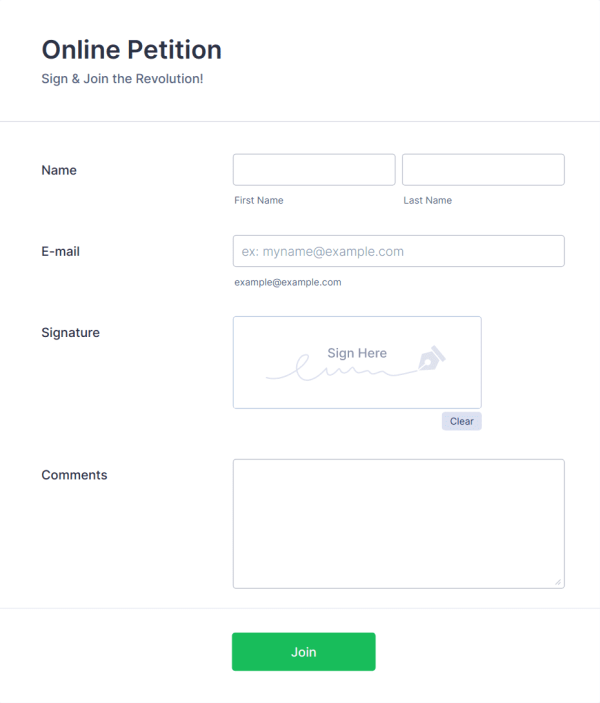
20,000+ form templates that save build time
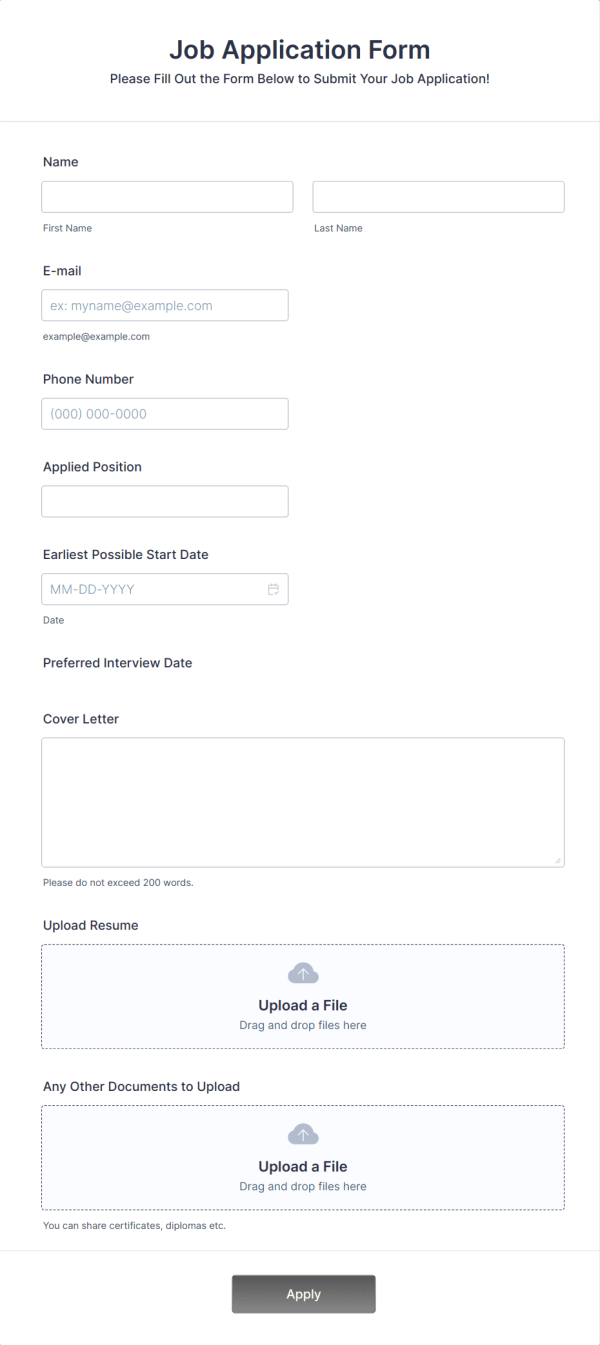
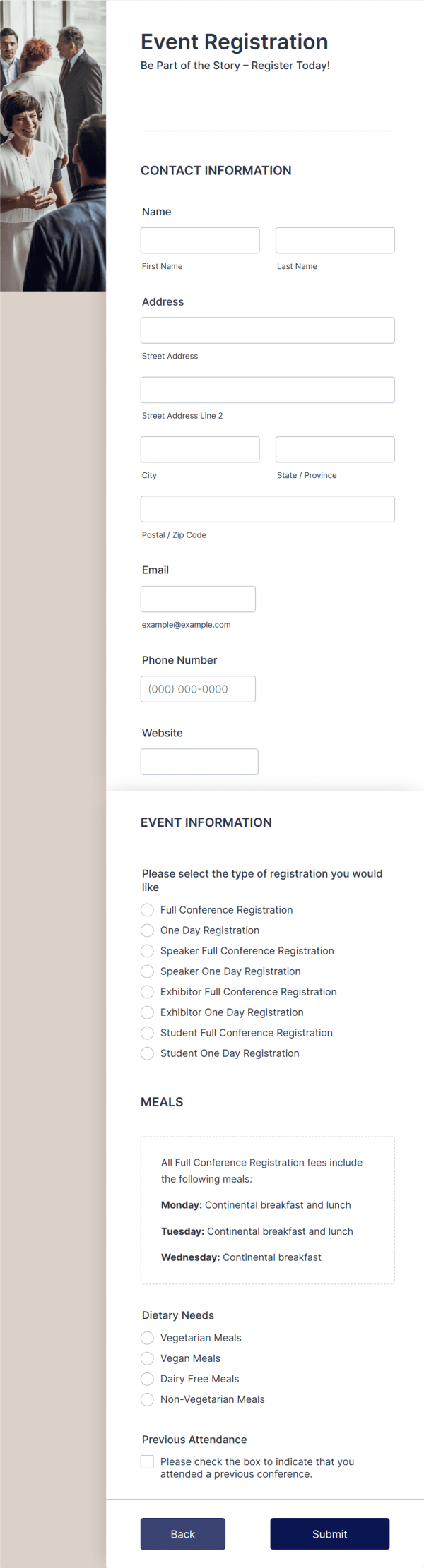
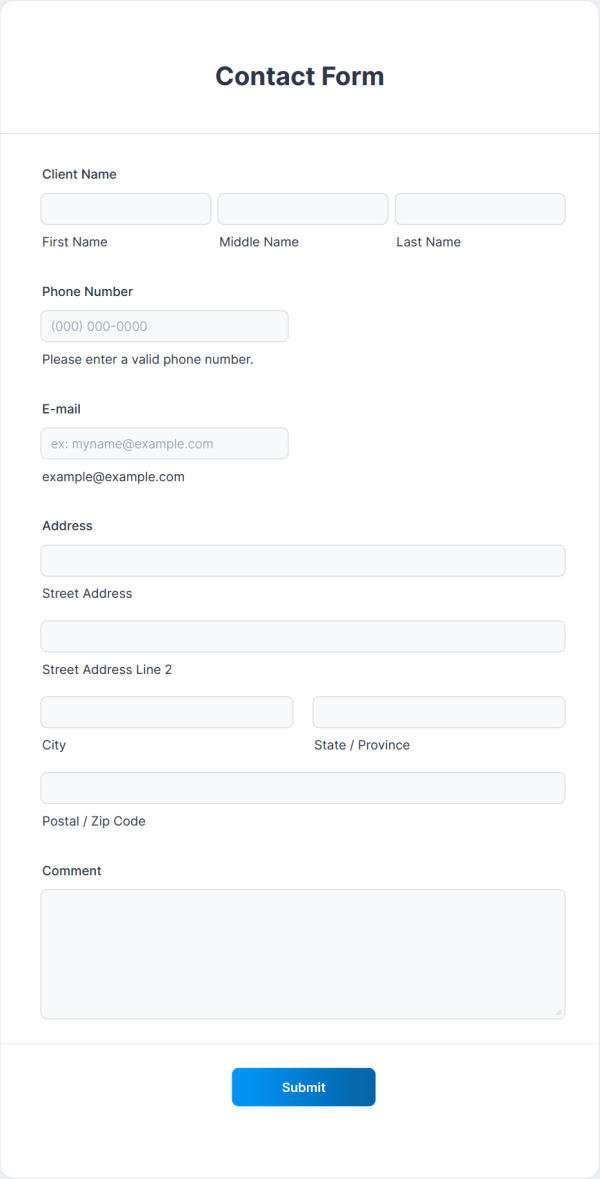
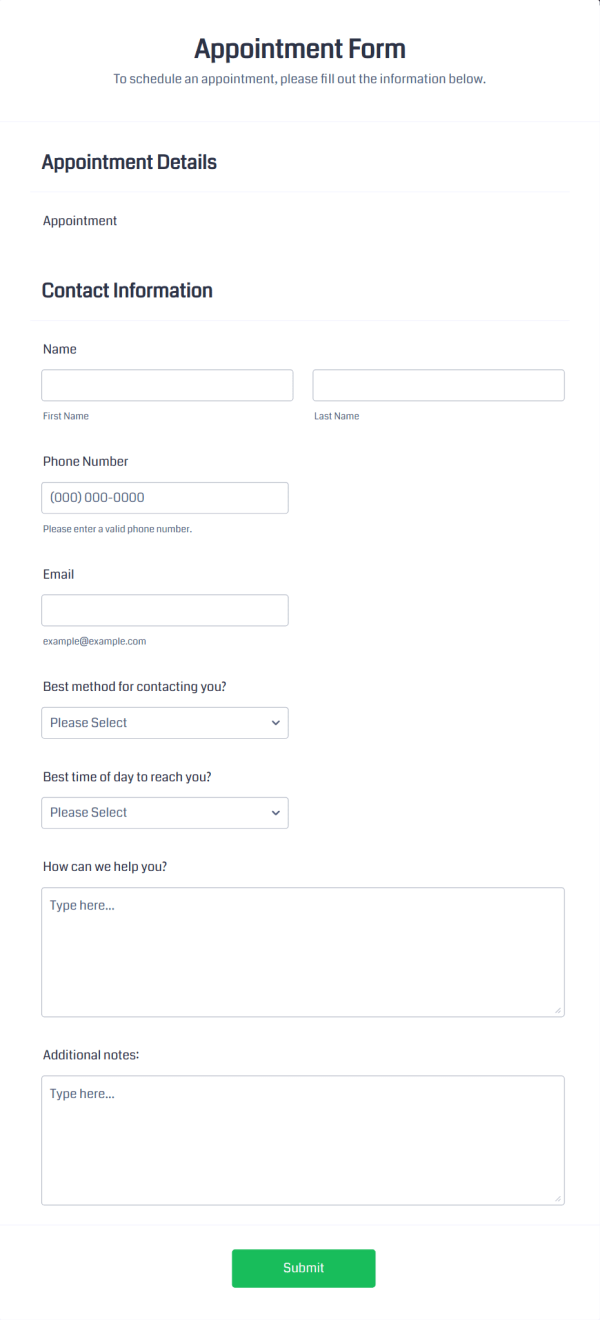
Jotform includes thousands of templates for common business cases. You start with a structure that already fits your goal. Then you edit fields, adjust design, and publish.
Jotform is a complete form builder solution
More ways to build the form you need
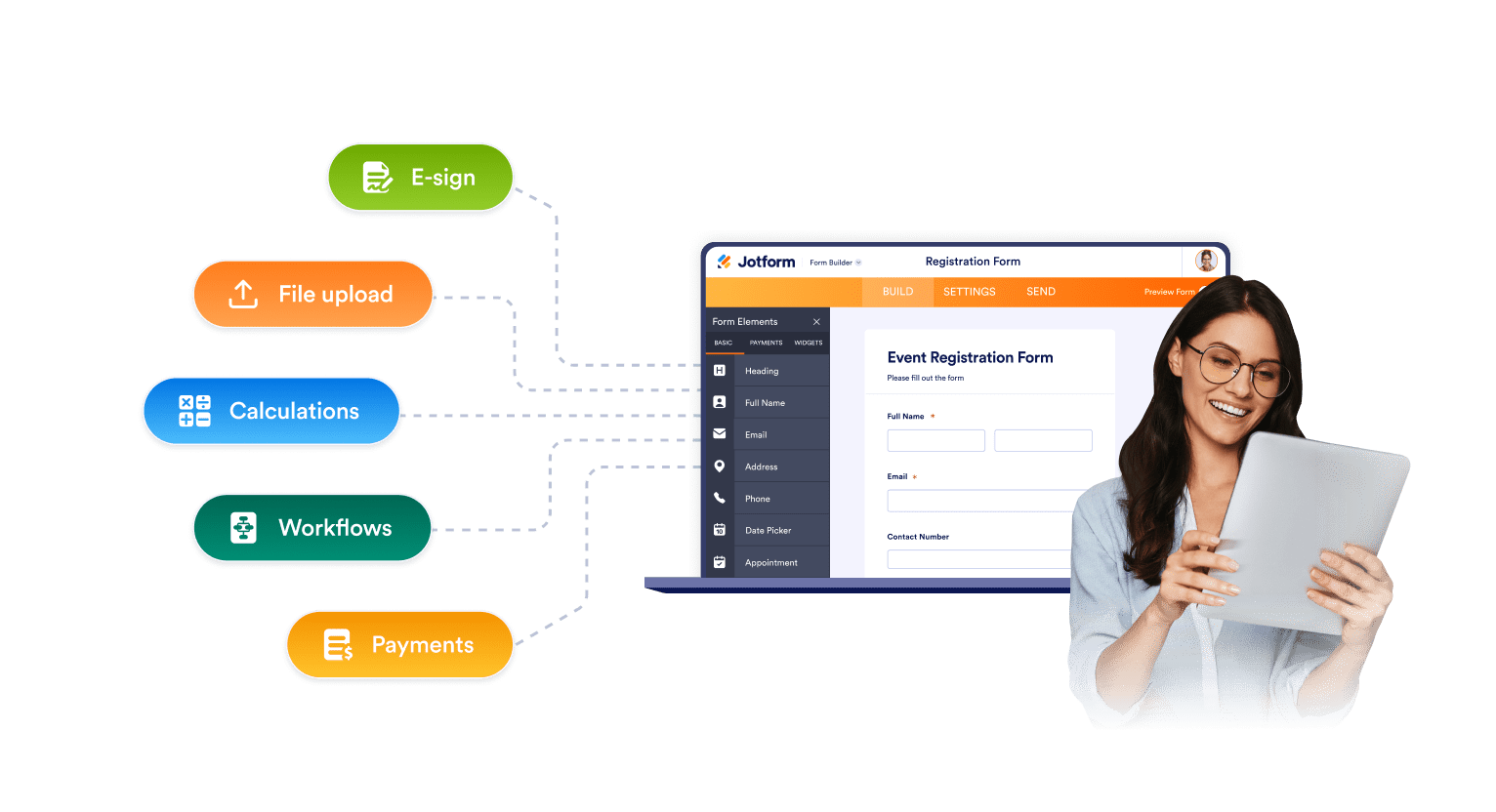
Jotform supports quick forms and complex ones. You can keep a form short and clean, or build multi-step flows for longer tasks. You can add logic, calculations, file uploads, and rich fields without code.
Layouts that help more people finish
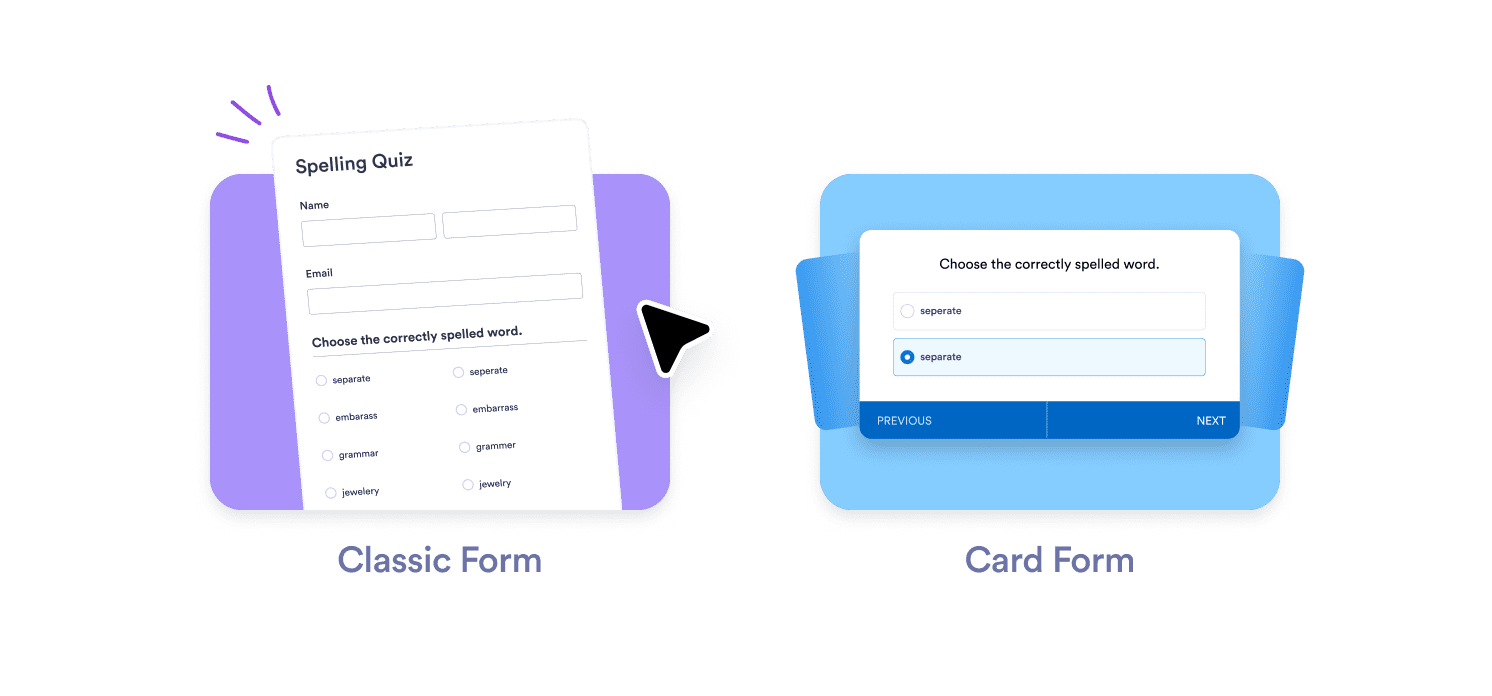
Different tasks need different form experiences. Jotform gives you several layout options in one place. You can use a classic form for fast submissions, multi-page steps for long applications, or one-question-at-a-time Cards for focused completion. When people stay on track, you get more finished forms and better data.
Payments that work for more customers
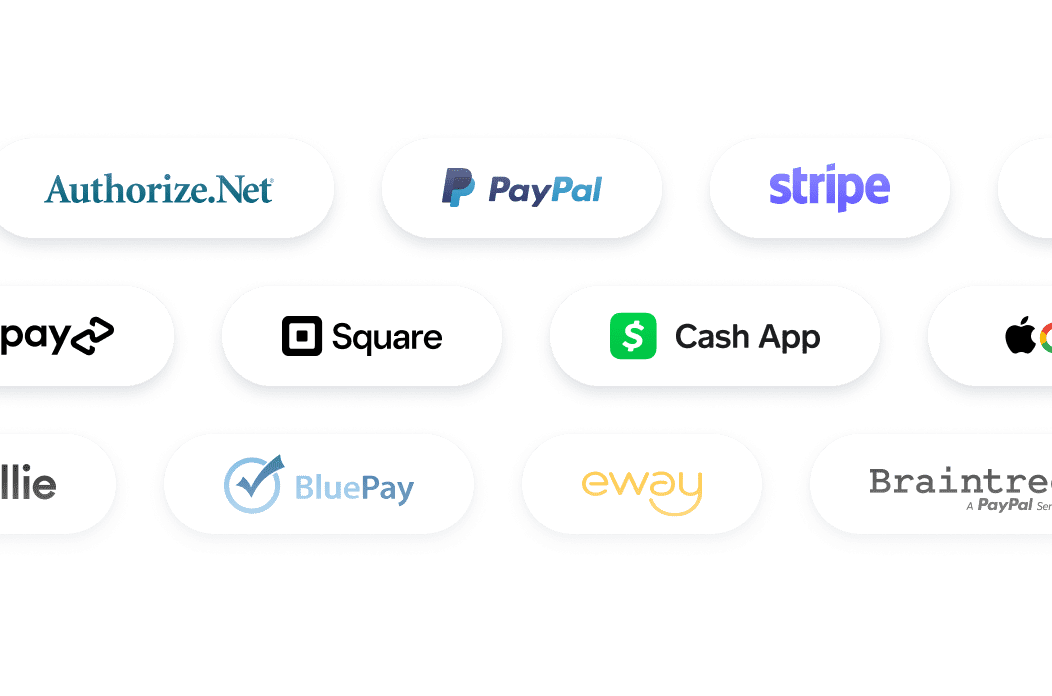
Jotform supports over 40 payment gateways. You can collect money in the way your customers prefer. Use Stripe, PayPal, Square, or regional options based on your market. You can run ticket sales, donations, deposits, service payments, or product orders from a single form. You do not need extra checkout tools to get paid.

Built-in submission management
Jotform Tables gives you a live workspace connected to your form. You can sort, filter, and search submissions in seconds. You can track status, assign owners, and add internal notes. You can switch views to match your workflow, like table, cards, calendar, or reports.

Strong options for sensitive data
If you handle private or regulated data, you need control. Jotform supports setups that meet GDPR, PCI, and HIPAA-ready requirements, depending on your plan. You can choose the level of protection that fits your work which makes Jotform a safe choice for healthcare, education, finance, and any team that collects sensitive information.
FAQ
Is Jotform free to use?
Yes. You can start on a free plan and build working forms right away. The free plan includes core features so you can test real use cases before you upgrade. When your limits need to grow, you can move to a paid plan without rebuilding your forms.
What makes Jotform a strong alternative to Tally Forms?
What do you get in one Jotform plan besides forms?
How many integrations does Jotform support?
Can I collect payments with Jotform?
Does Jotform have templates?
What are Jotform AI Agents and how do they help forms?
Where can Jotform AI Agents run?
Is Jotform good for business workflows, not just simple forms?
Can AI Agents take payments or collect info during a chat?
Can I manage submissions inside Jotform?
Is Jotform safe for sensitive data?
Start with one form
You do not need to change everything at once. Start by rebuilding your most used form. Keep it simple. Then connect it to payments, approvals, workflows, or Tables when it helps. Most users see the value after the first form because Jotform removes extra steps.
Get Started Now