


Donation Widget for your website
Create a branded donation campaign form for nonprofits, fundraisers, community drives, and cause pages. Add suggested amounts, donor fields, and responsive styling without code.
How to add a Donation Widget
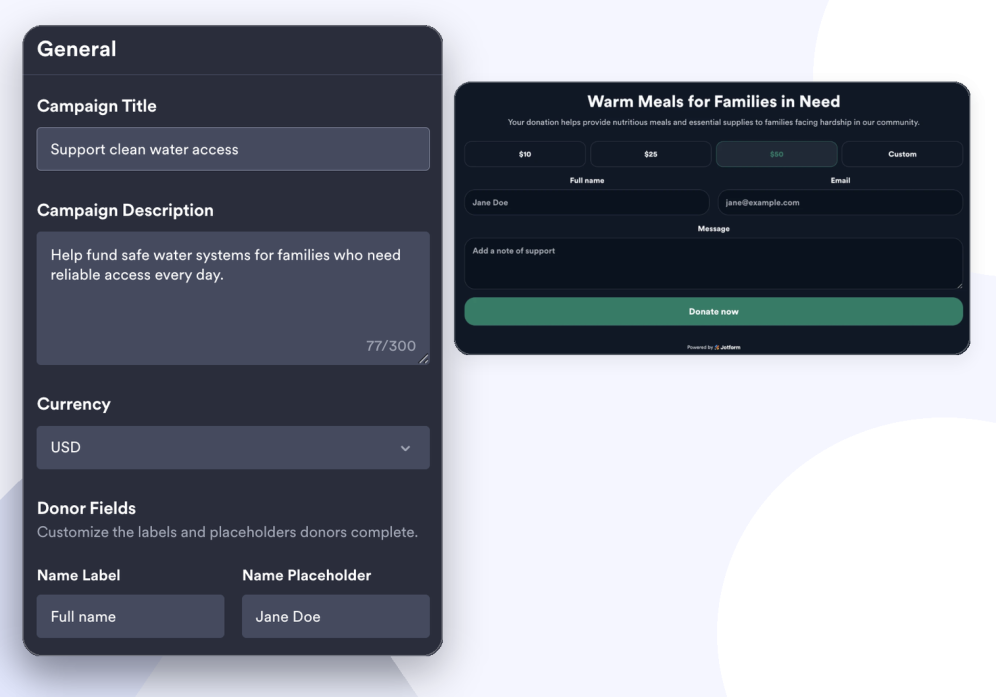
Set up your campaign
Add a campaign title, description, image, currency, fixed amounts, frequency options, donor fields, and donation link.
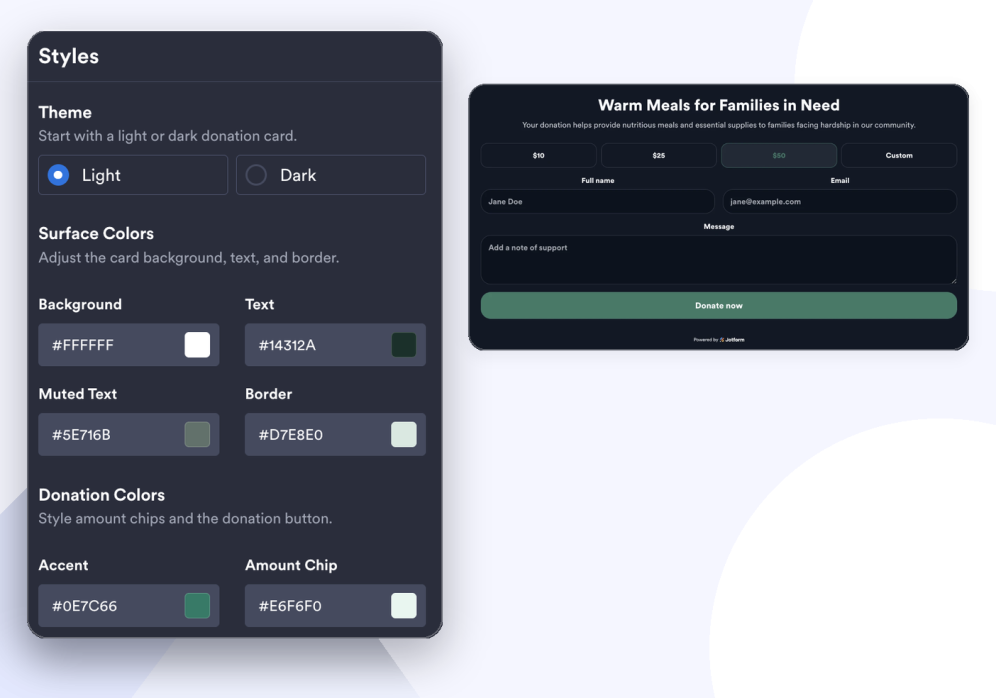
Style the donation form
Choose a light or dark theme, adjust surface and donation colors, toggle branding, and add custom CSS.
Adjust layout and embed
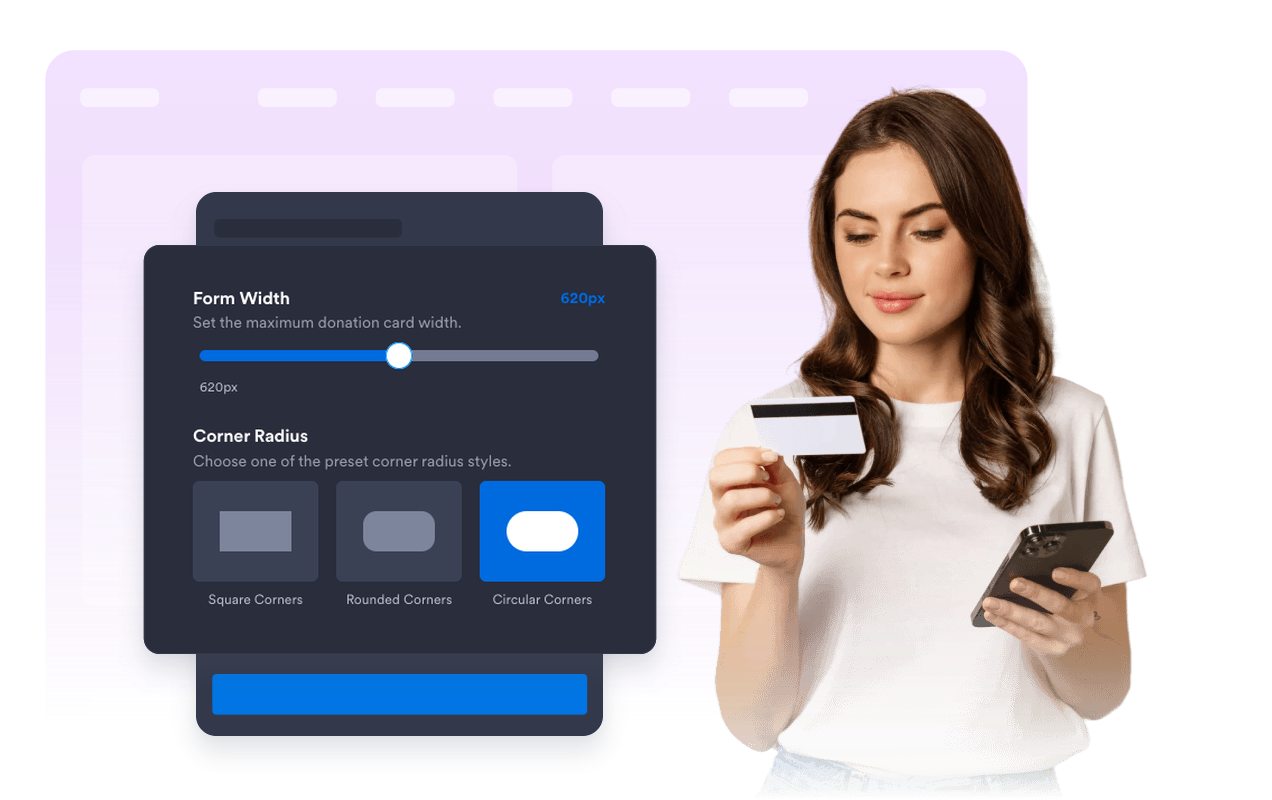
Set form width, text alignment, corner radius, shadow, and desktop or mobile visibility before publishing.
Build a donation experience that feels clear and trustworthy
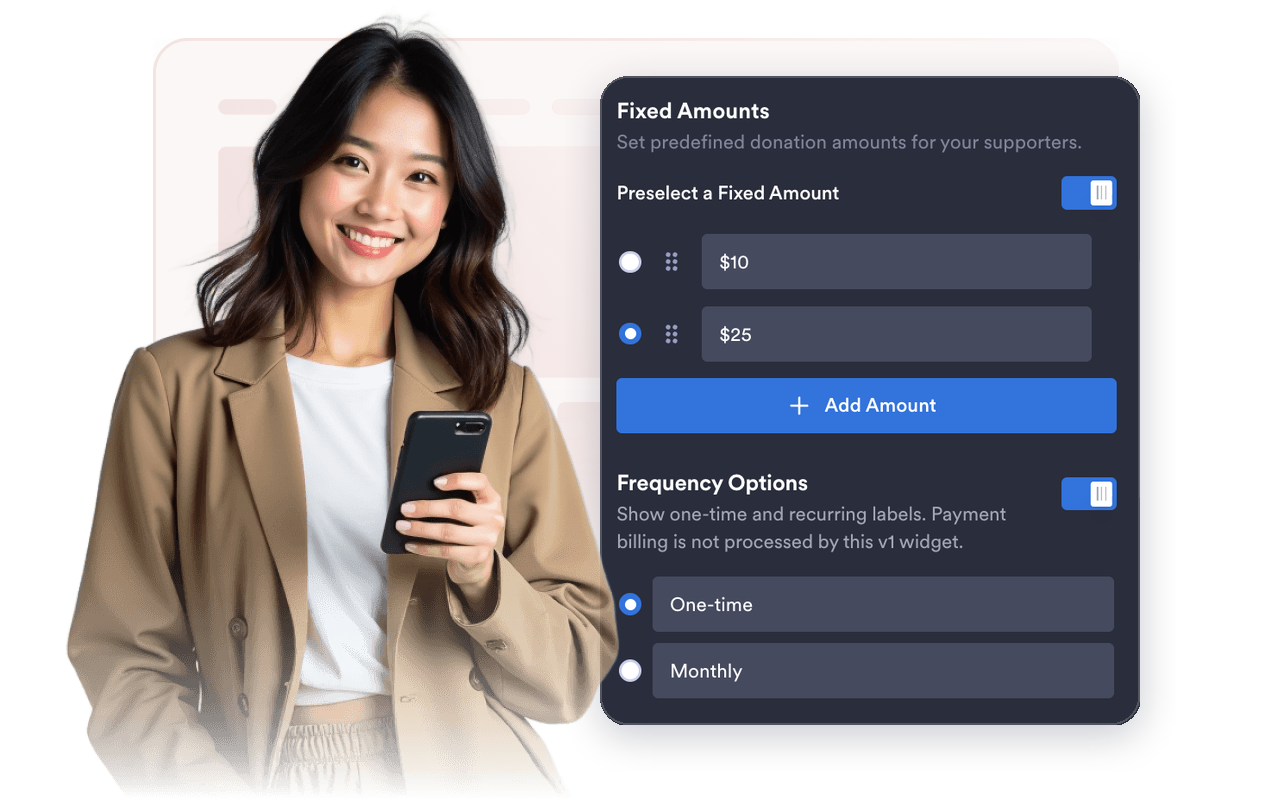
Guide supporters with suggested amounts
Offer preset and custom amounts, set frequency labels, and pass donation details to your button URL.
Tell donors what their gift supports
Use campaign title, description, optional image, and donor fields to keep the cause front and center.

Match your campaign branding
Choose light or dark themes, adjust surface and donation colors, toggle branding, and add custom CSS.

Embed a form that adapts to any page
Set width, text alignment, corner radius, shadow, and desktop or mobile visibility to fit your page.
Why Jotform Widgets stand out
Jotform’s widgets make your website more interactive and conversion-ready. From star ratings and testimonial sliders to social proof pop-ups and media embeds, you can combine tools inside your forms or landing pages to collect data, display proof, and capture leads without writing code.
Add Jotform widgets to your website with a simple embed code. Customize the widget, preview how it looks, and paste it into any page that supports custom HTML or embed blocks to all platforms, no developer required.
Use Jotform Website Widgets to collect leads, show customer feedback, display social proof, embed media, or add helpful on-page tools. Each widget helps visitors interact with your business directly from the page.
If you need help setting up, customizing, embedding, or troubleshooting your widget, Jotform’s customer support team is available 24/7. You can move forward with confidence, knowing help is there when you need it.
Where to use your Donation Widget
Place the widget on pages where supporters need a direct, low-friction way to understand a cause and start a donation.
Nonprofit campaign pages to explain a cause and invite one-time or monthly support.
Community fundraising pages to share details about a school, club, or neighborhood project.
Event pages to collect support around charity runs, galas, drives, and awareness campaigns.
Memorial or emergency relief pages where visitors need a respectful donation path.
Creator and membership sites to encourage voluntary support for ongoing work.
Landing pages where a donation form can keep the next action visible near the campaign story.
Convert leads into paying customers with Jotform Form Builder
Turn engagement into action with Jotform. Create powerful forms that capture leads, collect payments, and automate responses, all in one place. Every submission lands in your Jotform Inbox, ready to follow up or connect with your favorite apps.
Get Started - It’s Free!
FAQ
What is a Donation Widget?
A Donation Widget is an embeddable campaign form that lets you present suggested donation amounts, donor fields, and campaign details on your website.
Can I collect real payments with this widget?
Can donors enter a custom amount?
Can I customize the donor fields?
Can I customize the design?
Does the Donation Widget work on mobile?
Do I need to write code?