Free Website Widgets
Easily enhance your website without writing a single line of code. Add powerful widgets in seconds to boost engagement, collect leads, and build trust using a simple, no-code builder.
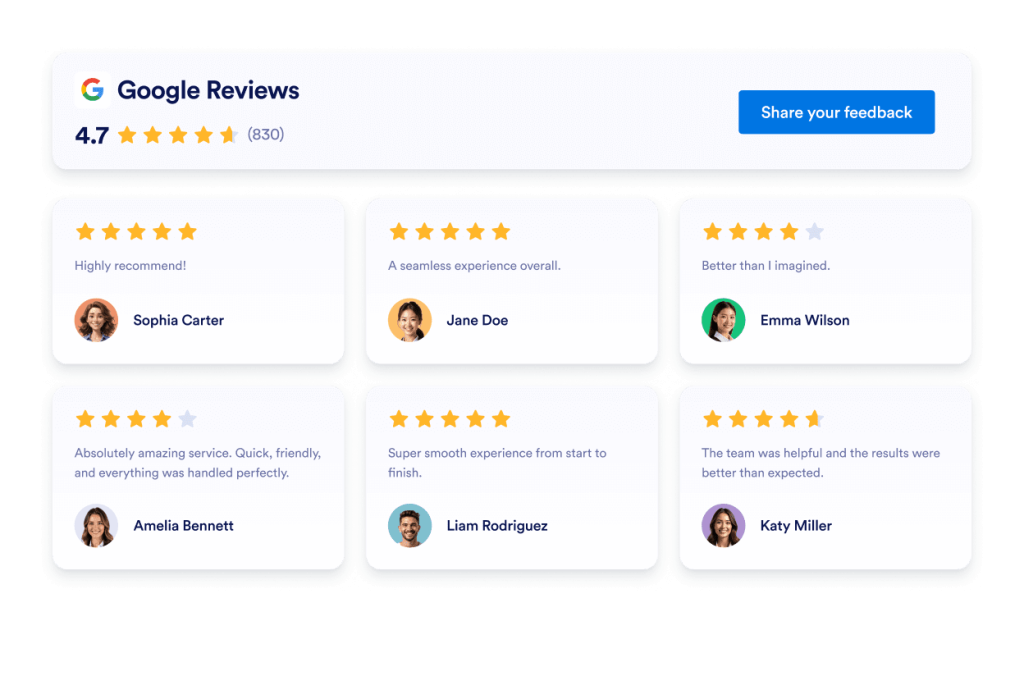
Google Reviews
Add a Google Reviews widget to your website in seconds. Showcase customer feedback, build trust, and grow conversions - no coding required.
Go to Category:Review WidgetsUse Widget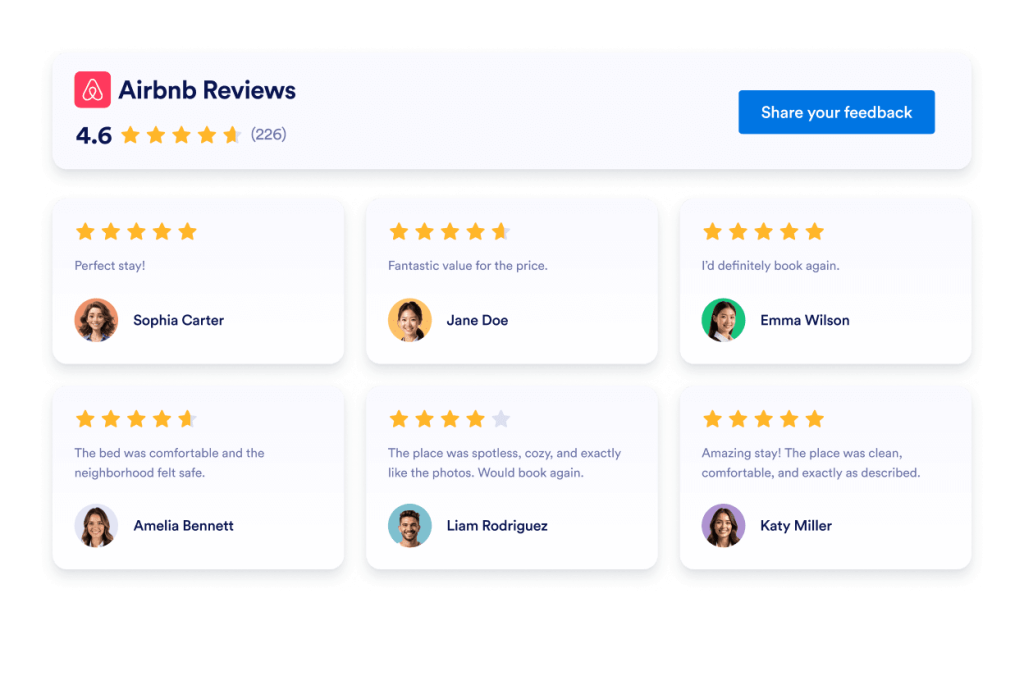
Airbnb Reviews
Airbnb Reviews Widget shows real guest feedback in a clean layout. Jotform no-code tool lets you auto-sync, customize, and embed anywhere.
Go to Category:Review WidgetsUse Widget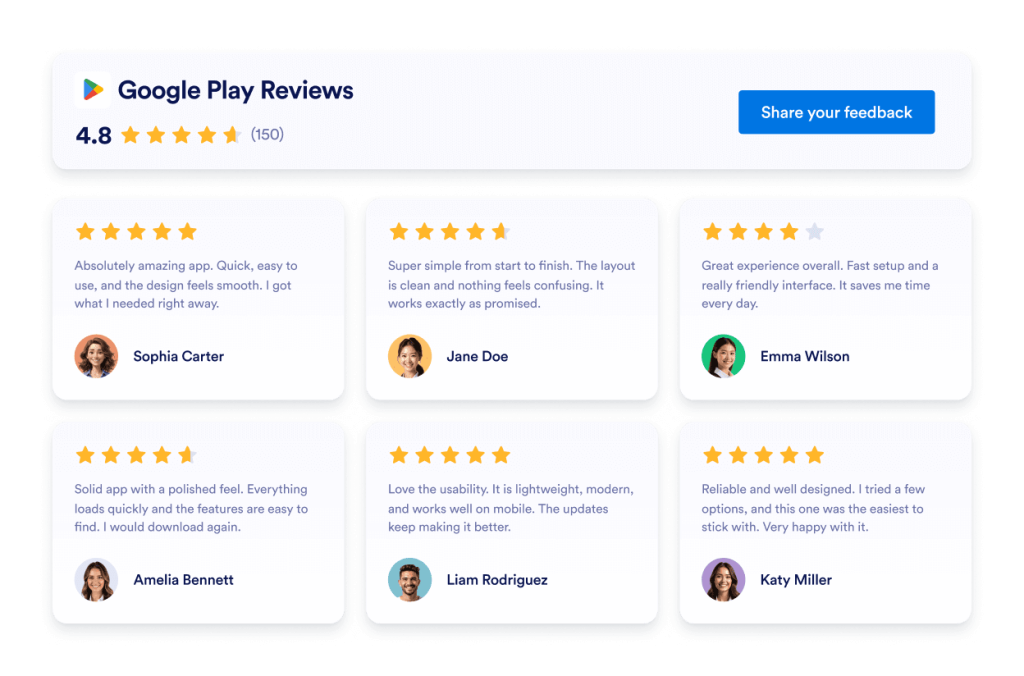
Google Play Reviews
Google Play Reviews Widget shows real user ratings and reviews in a responsive design. Jotform, no-coding required to auto-sync, customize, and embed anywhere.
Go to Category:Review WidgetsUse Widget
App Store Reviews
App Store Reviews Widget shows real iOS user ratings in a clean layout. Jotform no-code tool lets you auto-sync, customize, and embed anywhere.
Go to Category:Review WidgetsUse Widget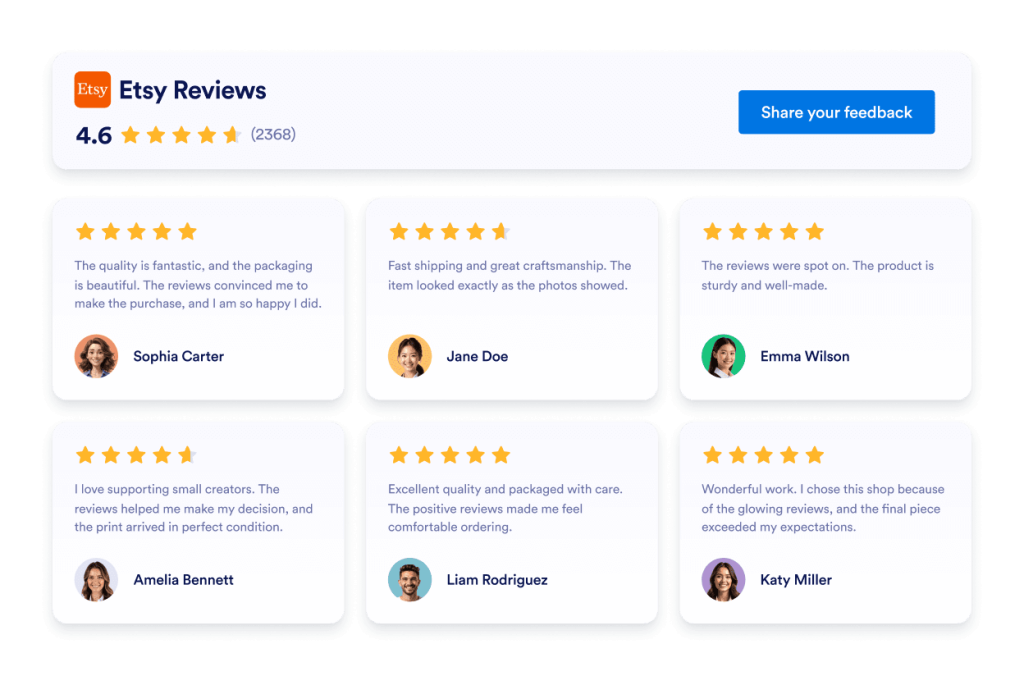
Etsy Reviews
Etsy Reviews Widget shows real buyer ratings in a clean layout. Jotform no-code tool lets you auto-sync, customize, and embed anywhere.
Go to Category:Review WidgetsUse Widget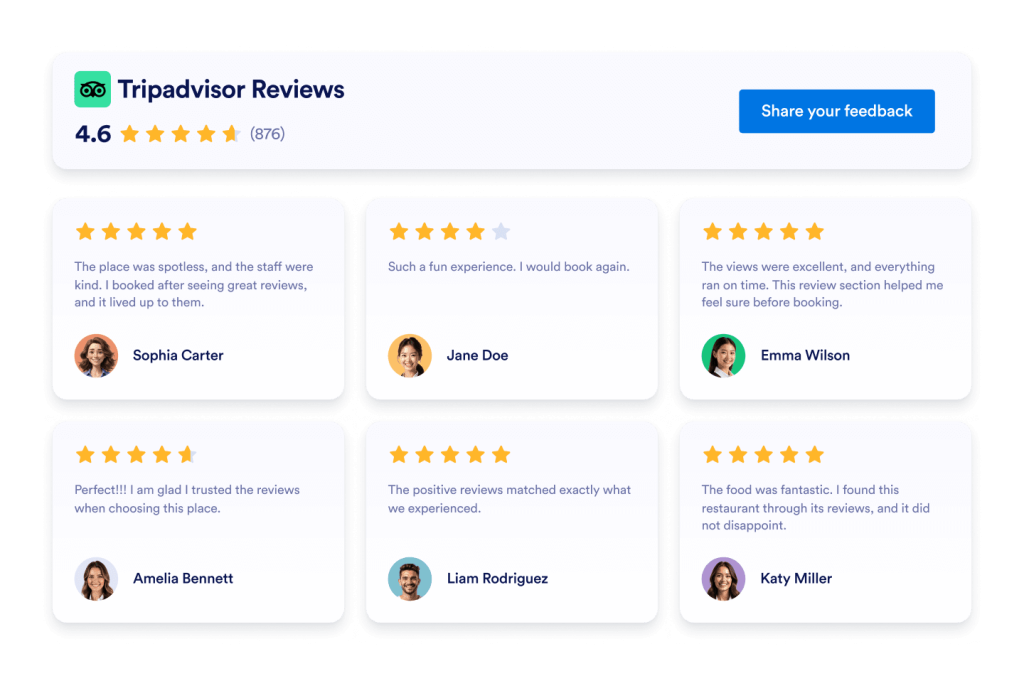
Tripadvisor Reviews
Tripadvisor Reviews Widget shows real traveler ratings in a clean layout. Jotform no-code tool lets you auto-sync, customize, and embed anywhere.
Go to Category:Review WidgetsUse Widget
Yelp Reviews
Yelp Reviews Widget shows real customer ratings in a responsive layout. Jotform no-code tool lets you auto-sync, customize, and embed anywhere.
Go to Category:Review WidgetsUse Widget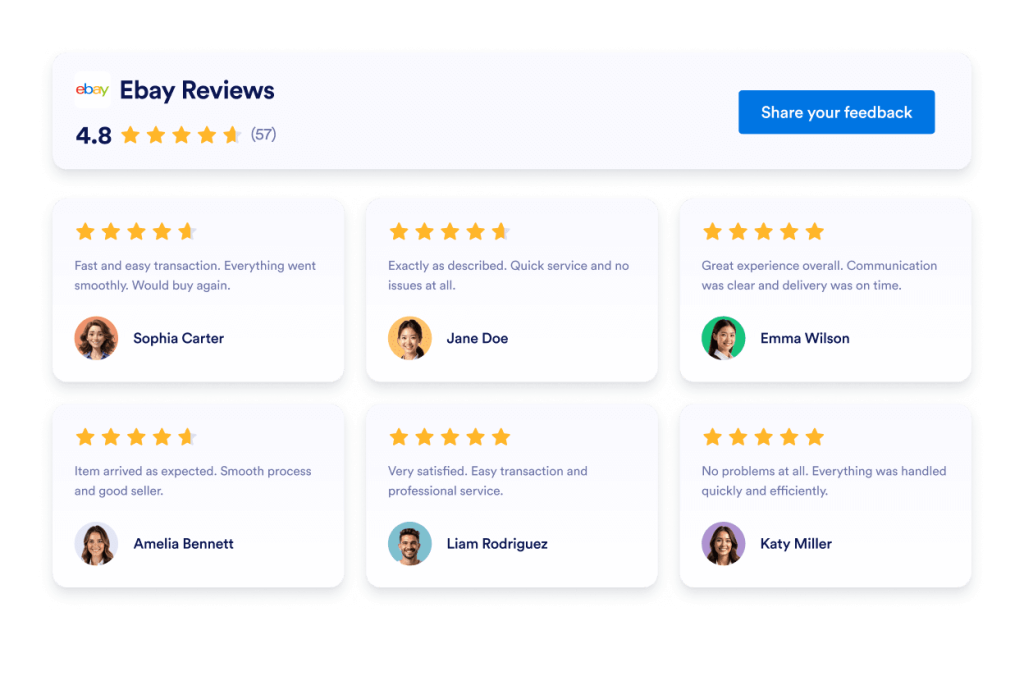
Ebay Reviews
eBay Reviews widget to boost trust. Show live buyer feedback, ratings, and auto-updated reviews. Set up in seconds with Jotform’s free no-code embed. Start now.
Go to Category:Review WidgetsUse Widget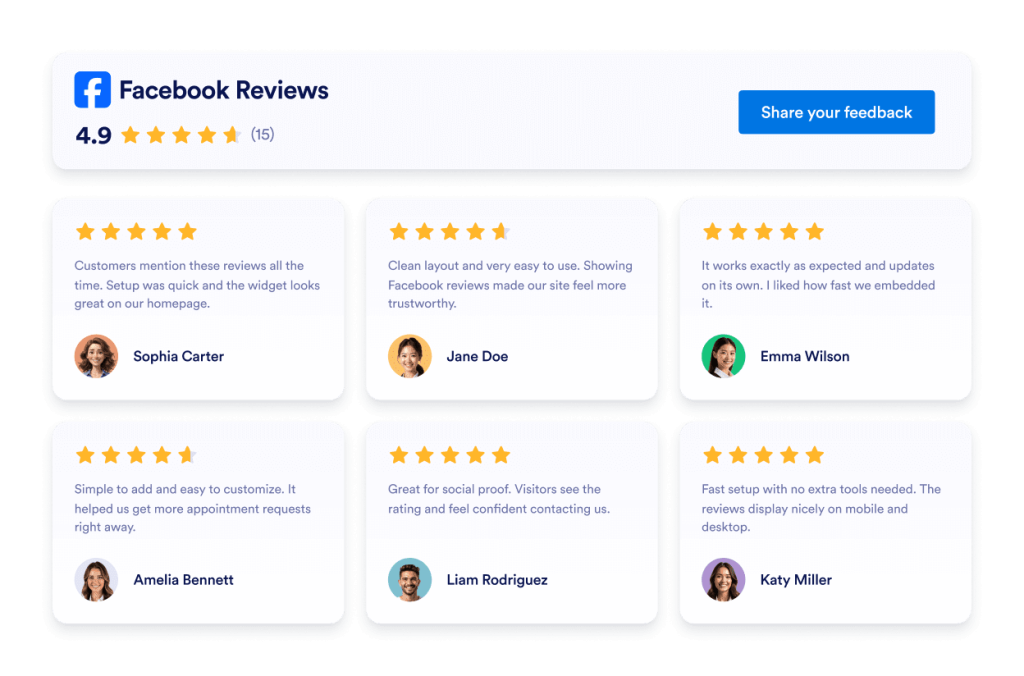
Facebook Reviews
Facebook Reviews Widget shows real customer ratings in a clean layout. Jotform no-code tool lets you auto-sync, customize, and embed anywhere.
Go to Category:Review WidgetsUse Widget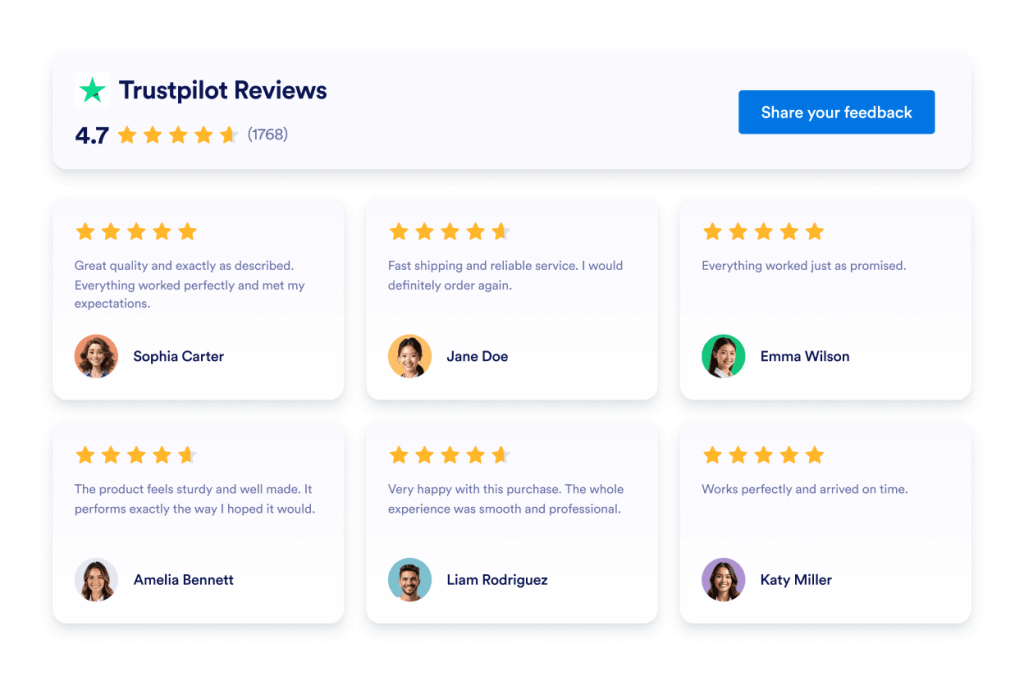
Trustpilot Reviews
Trustpilot Reviews Widget showcases real customer feedback in a clean layout. Jotform’s no-code tool lets you auto-sync, customize, and embed your Trustpilot reviews anywhere to build trust and boost conversions.
Go to Category:Jotform WidgetsUse Widget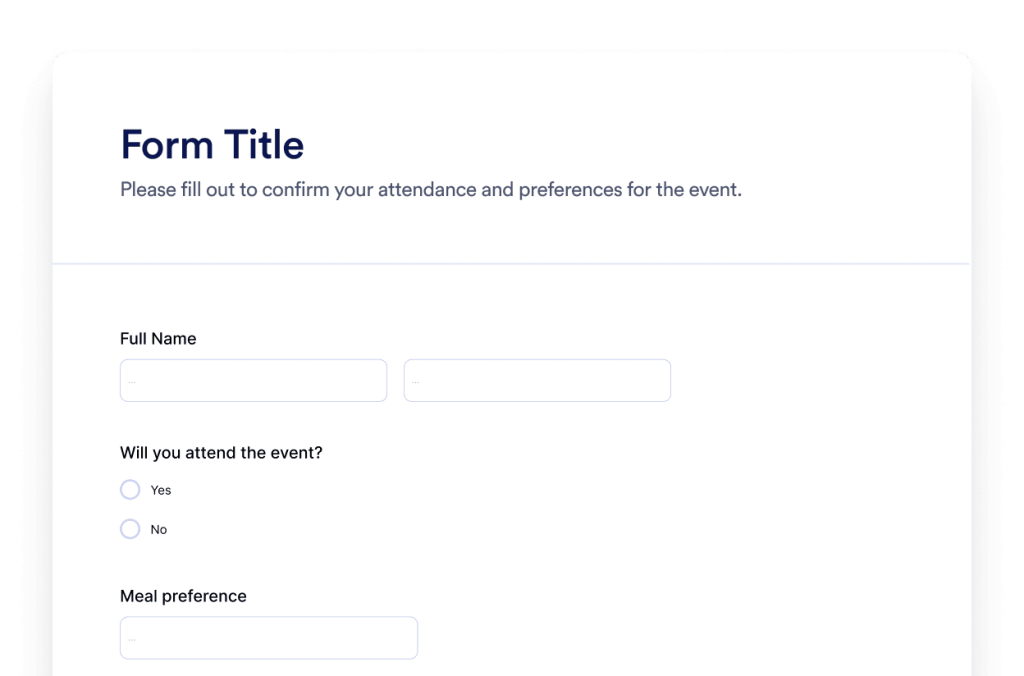
Form
Create custom forms with the Jotform AI Form Generator. No coding, no templates, and no hassle. Just tell our AI chatbot what kind of form you want to create.
Go to Category:Jotform WidgetsUse Widget
Chatbot
Turn your website into an interactive experience with the Jotform AI Chatbot Builder. Give users real-time answers and smooth form-filling help that matches your brand.
Go to Category:Jotform WidgetsUse WidgetCan’t find the widget you’re looking for?
If you’re looking for a widget we haven’t covered yet, feel free to request it using the form below and tell us what you’d like to build or add to your website.
Request a widgetWhy choose Jotform for website widgets?
Built to grow with you
You can begin with a single widget and keep things simple. When you are ready, add more widgets for new pages, campaigns, or goals, all from the same Jotform account, without moving to a different tool or starting from scratch

Easy to set up and customize
Every widget is built with Jotform’s familiar no-code editor, so customizing layouts and styles feels simple and intuitive. You can adjust colors, spacing, and design details on your own, without needing a developer or technical support.

Works on most websites and platforms
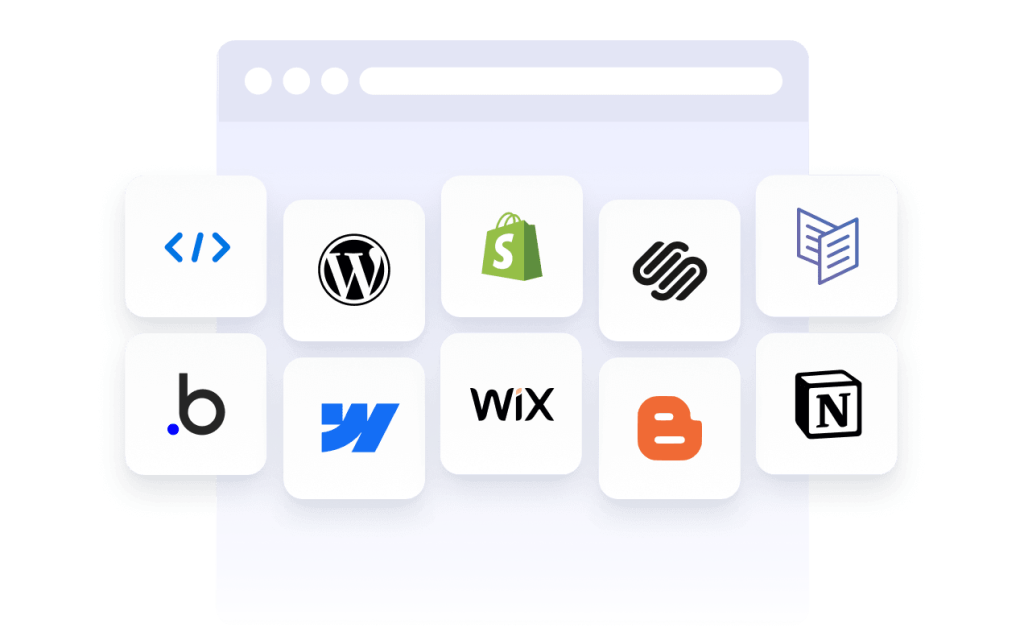
Embed Jotform widgets on many website platforms and custom sites using standard embed options. Keep the same widget working across different pages and environments.
Convert leads into paying customers with Jotform Form Builder
Turn engagement into action with Jotform. Create powerful forms that capture leads, collect payments, and automate responses, all in one place. Every submission lands in your Jotform Inbox, ready to follow up or connect with your favorite apps.
Get Started — It’s Free!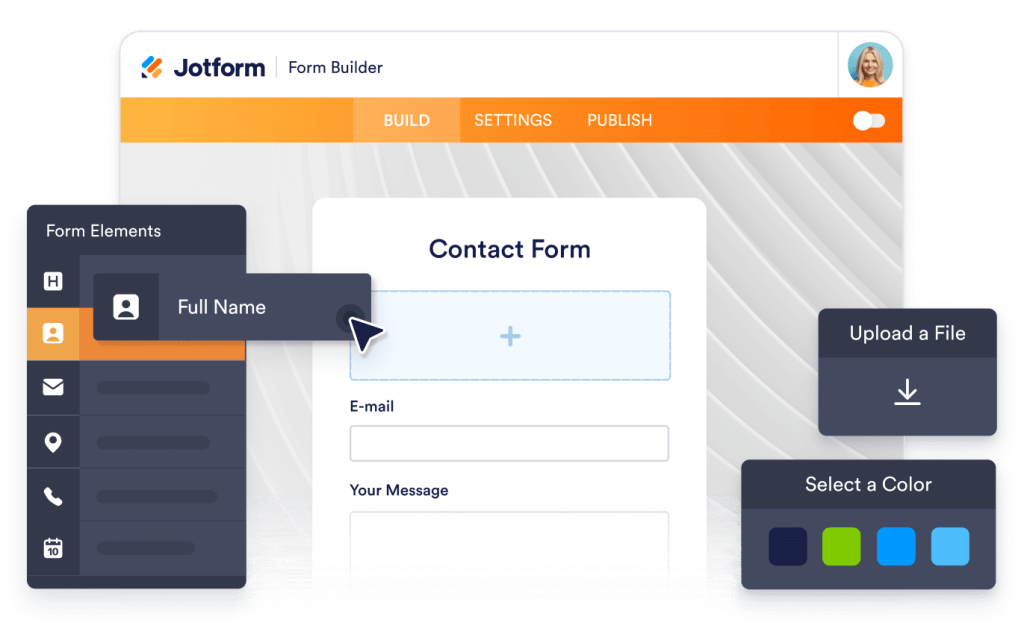
Why use widgets?
Website widgets help you improve your site without building every feature from scratch. They can support business goals like trust, lead generation, and customer support.
Build credibility with reviews and testimonials
Improve conversions with clear calls to action
Keep visitors on your site longer by reducing friction
Trusted by millions
Jotform is used by businesses around the world, from small teams to large organizations.





Understanding website widgets
The sections below provide a more detailed explanation of how surveys work, when to use them, and how to turn survey responses into valuable insights. This information is intended for readers seeking a deeper understanding beyond the basics.
What are website widgets?
A website widget is a small feature you can add to a webpage using embed code. Widgets are often used to display content or enable actions like showing reviews, collecting leads, taking payments, booking appointments, or answering questions.
How widgets fit into a website
This section explains what website widgets are, how they work within a webpage, and how they can be used effectively as your widget library grows. Website widgets are usually embedded using a short code snippet and load within a defined area of a webpage. They can be placed alongside existing content and updated without changing the page structure.
Common types of website widgets
Widgets can be placed alongside existing content and updated without changing the page structure. This makes them useful for adding features without rebuilding or redesigning a website. Website widgets come in many forms, depending on the goal they support. Common types include:
Review widgets to display customer feedback from third-party platforms
- Form widgets for contact forms, lead capture, and registrations
- Scheduling widgets for booking meetings or appointments
- Payment widgets for collecting one-time or recurring payments
- Chat and messaging widgets for customer support and inquiries
- Feedback and survey widgets to collect opinions and responses
This page currently focuses on review widgets. Additional widget types can be added over time as the widget library expands.
How website widgets affect SEO
Website widgets can support SEO when used intentionally and aligned with the page's purpose. Widgets that improve usability, engagement, and task completion can help visitors spend more time on a page and interact with content more effectively.
To avoid SEO issues:
- Place widgets on pages where they add clear value
- Use descriptive headings and supporting text around the widget
- Avoid adding too many widgets to a single page
- Ensure widgets load efficiently and do not block content
Widgets work best when they complement content rather than replace it.
Website platforms that support widgets
Most website widgets can be embedded on a wide range of platforms using standard embed code. This typically includes content management systems, website builders, and custom-built sites.
Common platforms that support embedded widgets include WordPress, Webflow, Wix, Shopify, Squarespace, and static HTML sites. The exact placement method depends on the platform, but widgets are usually added through a code block, a custom HTML section, or a page editor.
Website widgets vs plugins and extensions
Website widgets are generally platform-agnostic and can be embedded on many types of websites using code. Plugins or extensions are usually built for a specific platform and must be installed and maintained within that system.
Widgets offer more flexibility when you manage multiple sites or use different platforms, since the same widget can often be reused across environments.
Choosing widgets based on your goal
Choosing the right widget depends on what you want visitors to do on your site. If your goal is to build trust, review widgets can highlight customer feedback. If you want to collect information, form widgets may be more appropriate. For bookings or transactions, scheduling or payment widgets are a better fit.
Start with the widget that supports your primary goal, then expand as your site grows and needs change.
Managing and updating embedded widgets
Most website widgets can be updated after they are embedded. Changes to design, content, or settings are usually reflected automatically on any page where the widget is used, without requiring changes to the website code.
This makes widgets useful for campaigns, seasonal updates, and ongoing optimization.