Click to Call Widget
Create a Click to Call Widget for Your Website in Seconds
Give website visitors a convenient way to call your business from any page. Create a floating click-to-call button, add your phone number and label, control its placement and device visibility, and customize the design without coding.
Create Your Click to Call Widget — It’s Free!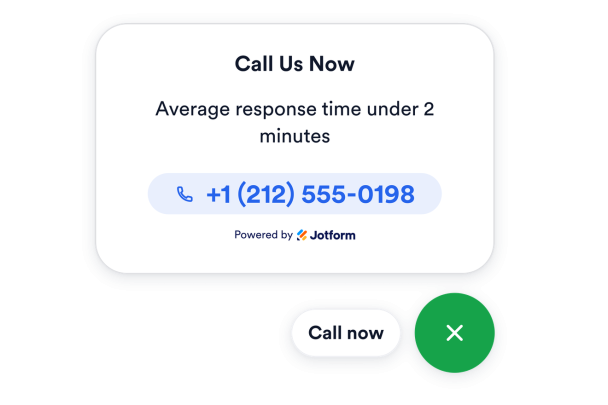

Let Visitors Call With One Tap
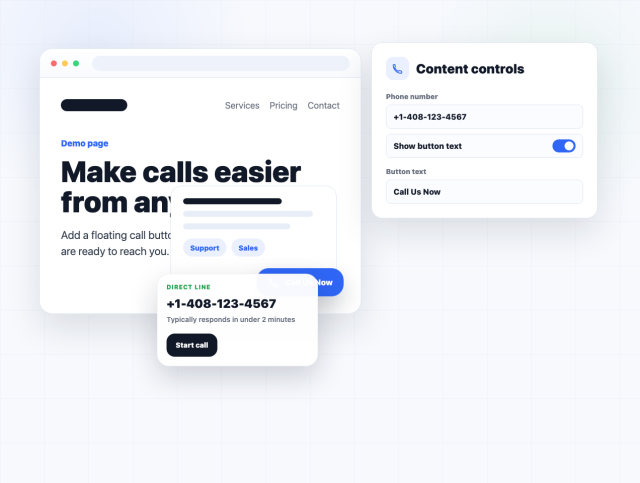
Create a direct calling option for visitors who need sales, support, booking, or service information. Add the phone number behind the call action and choose whether your floating phone button displays a short label beside its icon.
Call button controls include:
Keep the Call Button Within Reach
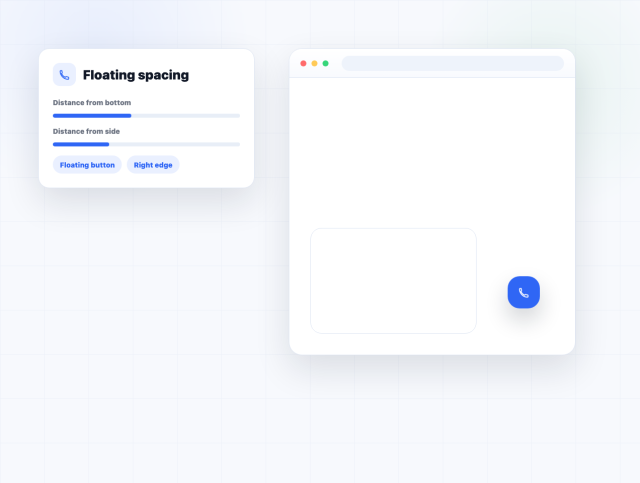
Keep your website call button accessible as visitors browse the page. Adjust its distance from the bottom and side of the viewport to support convenient calling while preventing the floating button from covering navigation, text, forms, or other important content.
Position controls include:
Match the Call Button to Your Brand
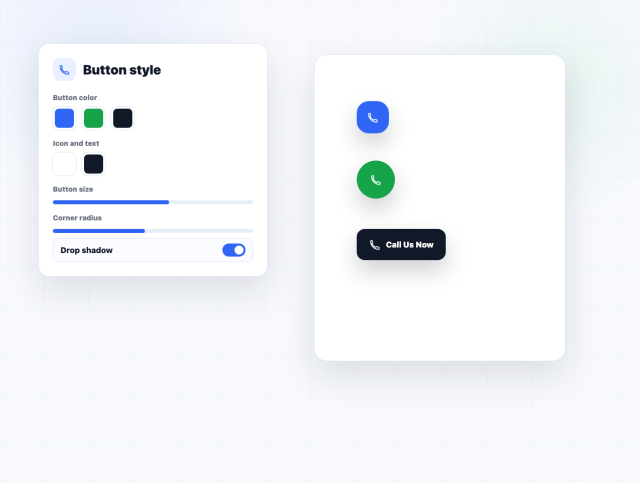
Make the call action noticeable without disconnecting it from your website design. Customize the button background, phone icon, label color, size, corner radius, and drop shadow to create a clear, brand-friendly calling option.
Style controls include:
Show the Button on the Right Devices
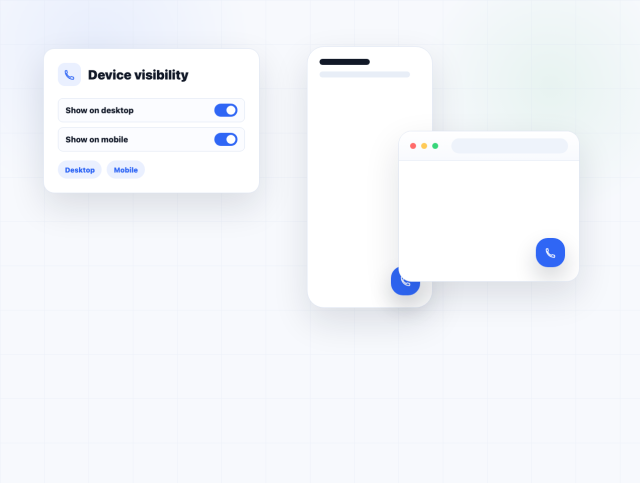
Adapt your click-to-call experience to different browsing contexts. Show or hide the floating phone button independently on desktop and mobile views, then use the responsive preview to check how its position and design fit each screen.
Device controls include: