


PDF Embed Widget for your website
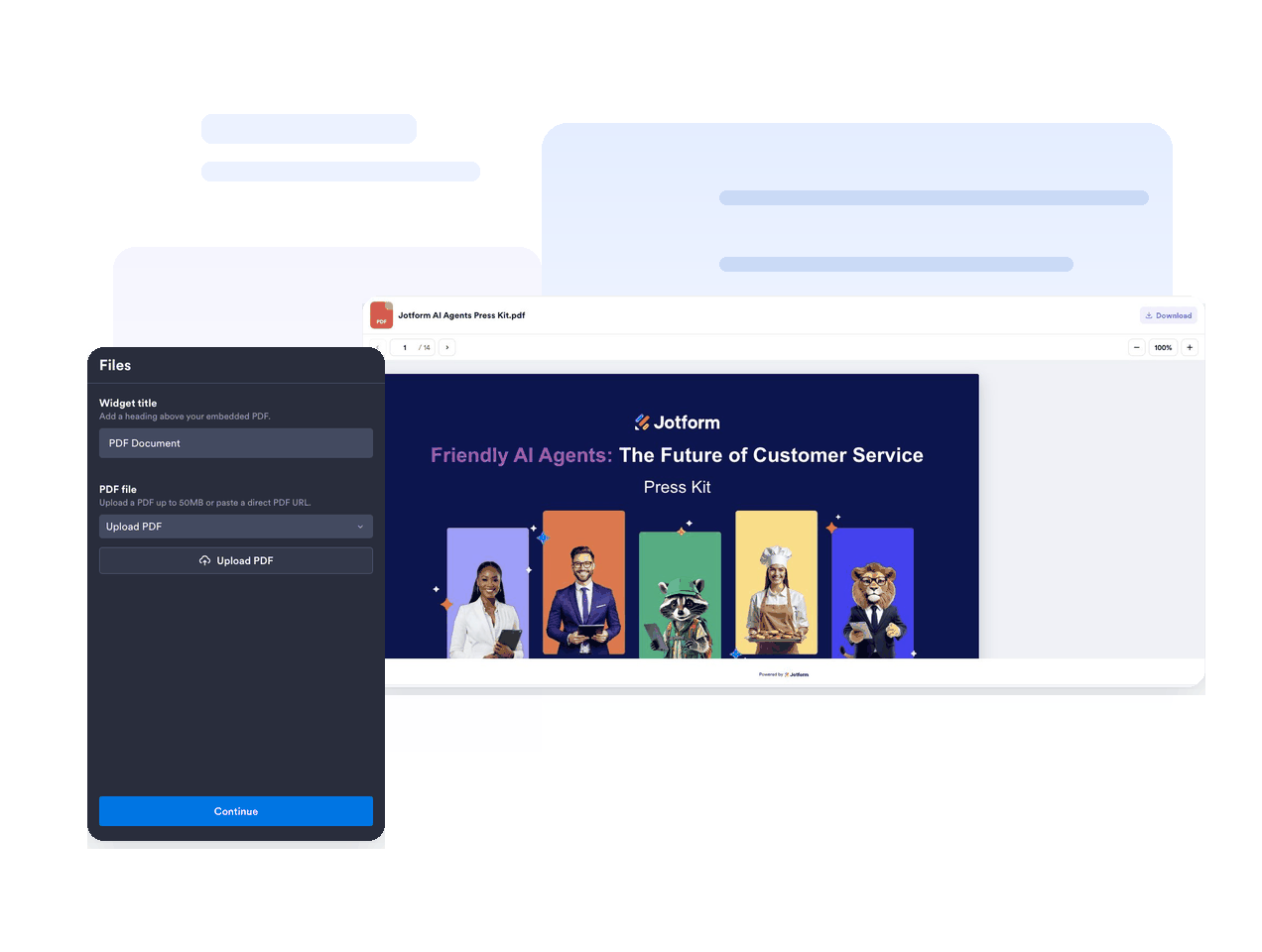
Display one PDF directly on your site. Upload a PDF or paste a direct PDF URL, then customize the viewer, file name, icon, download access, colors, width, height, and typography without code.
How to add a PDF Embed widget
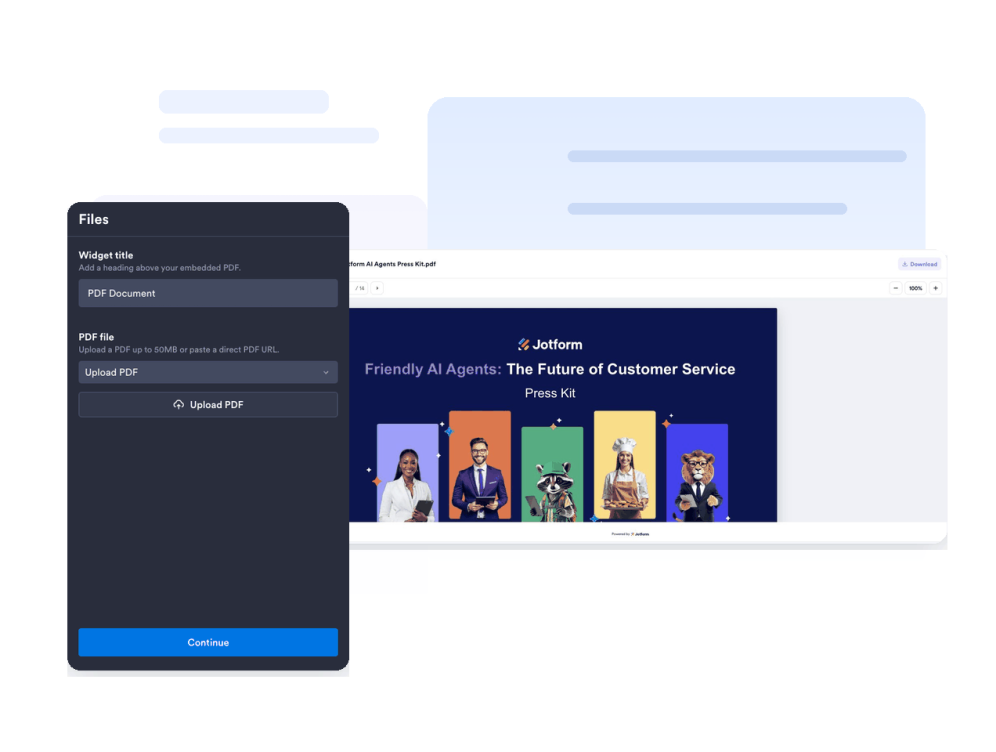
Add your PDF
Upload one PDF file or paste a direct PDF URL, then keep a clear file name for visitors.
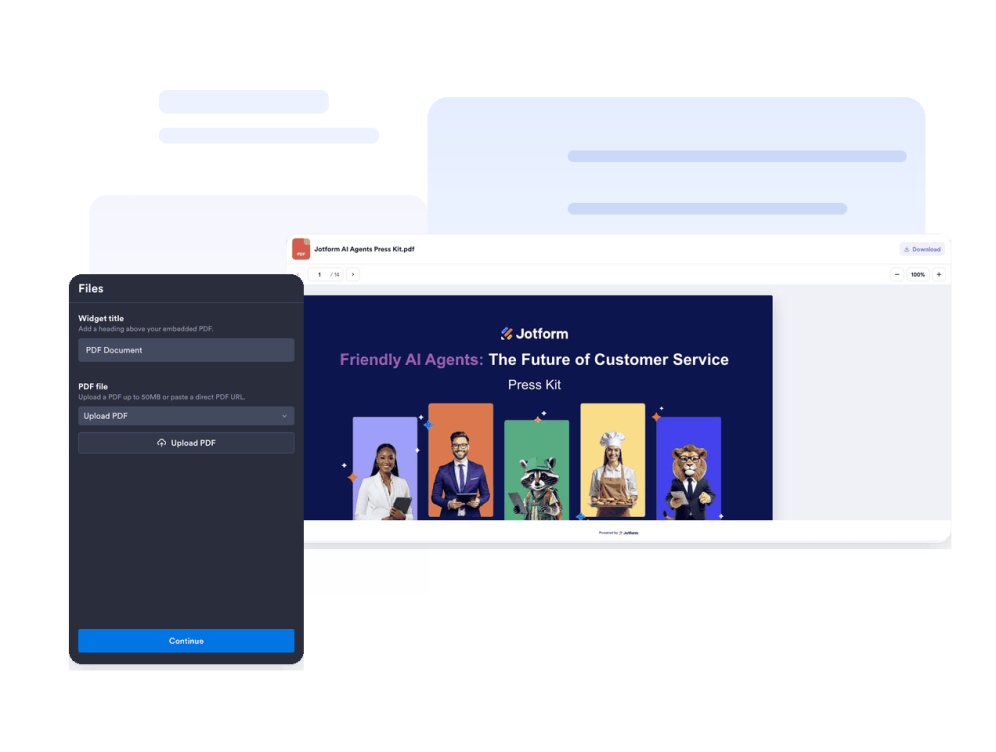
Set the viewer
Use the built-in PDF viewer with default zoom, height, and optional download access.
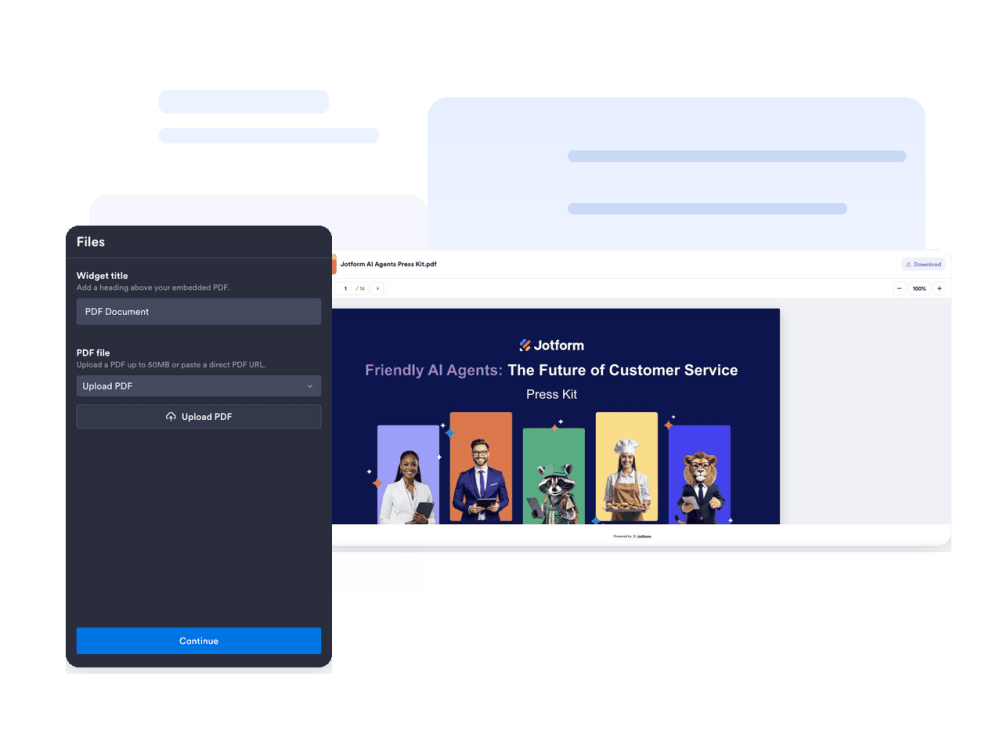
Style and embed it
Adjust width, height, colors, icon, file name, download control, and typography, then publish the embed code on your website.
Put a readable PDF directly on your site
Upload a PDF or paste a direct link
Add one document source from an uploaded file or direct PDF URL, with validation that helps keep broken or non-PDF links out of the widget.
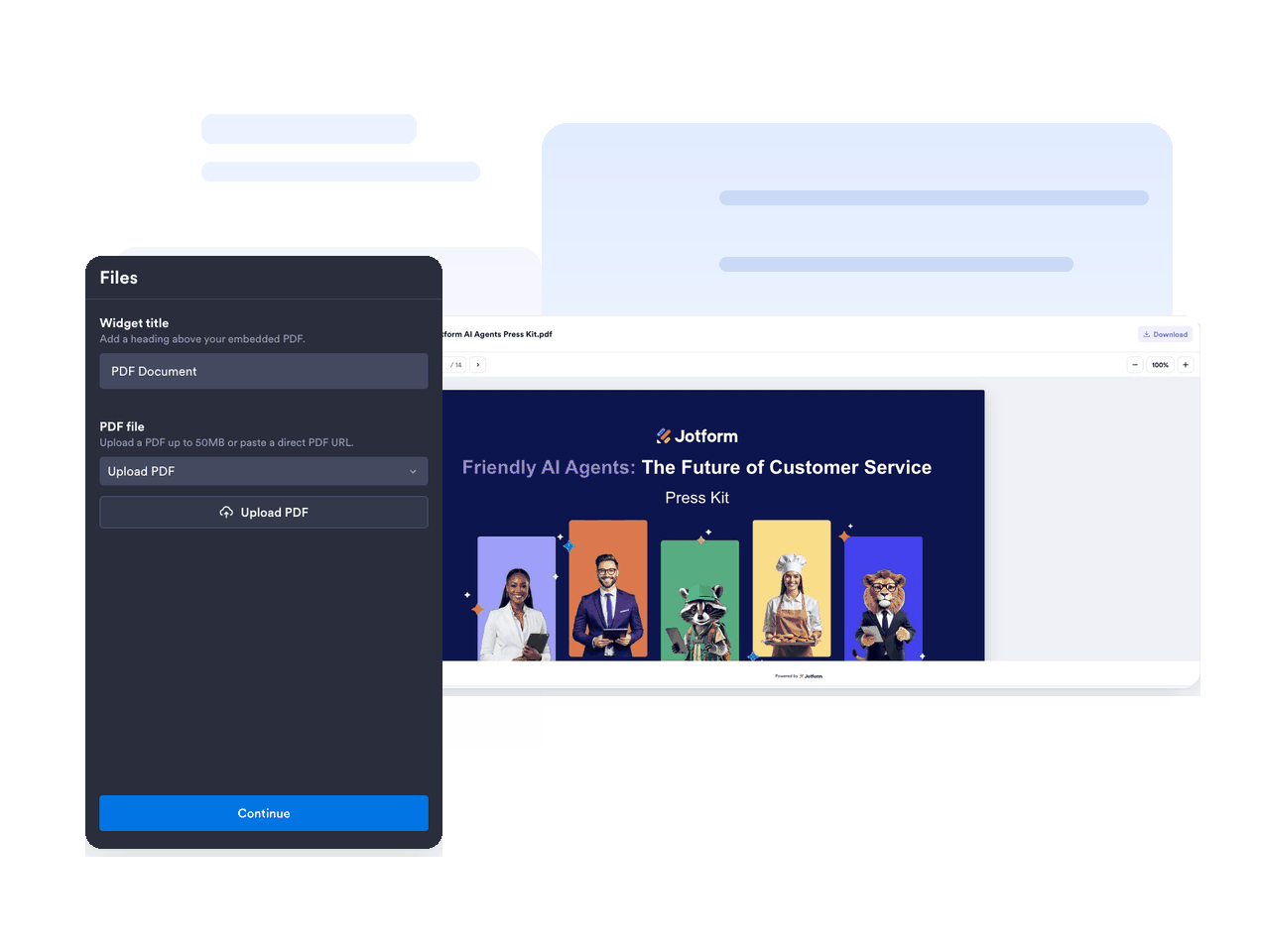
Use a focused PDF viewer
Show a clean inline reader for one PDF so visitors can read the document without leaving your page.

Give visitors reader controls
Let visitors move page by page, scroll the current page, zoom, and use download actions when enabled.
Customize the document experience
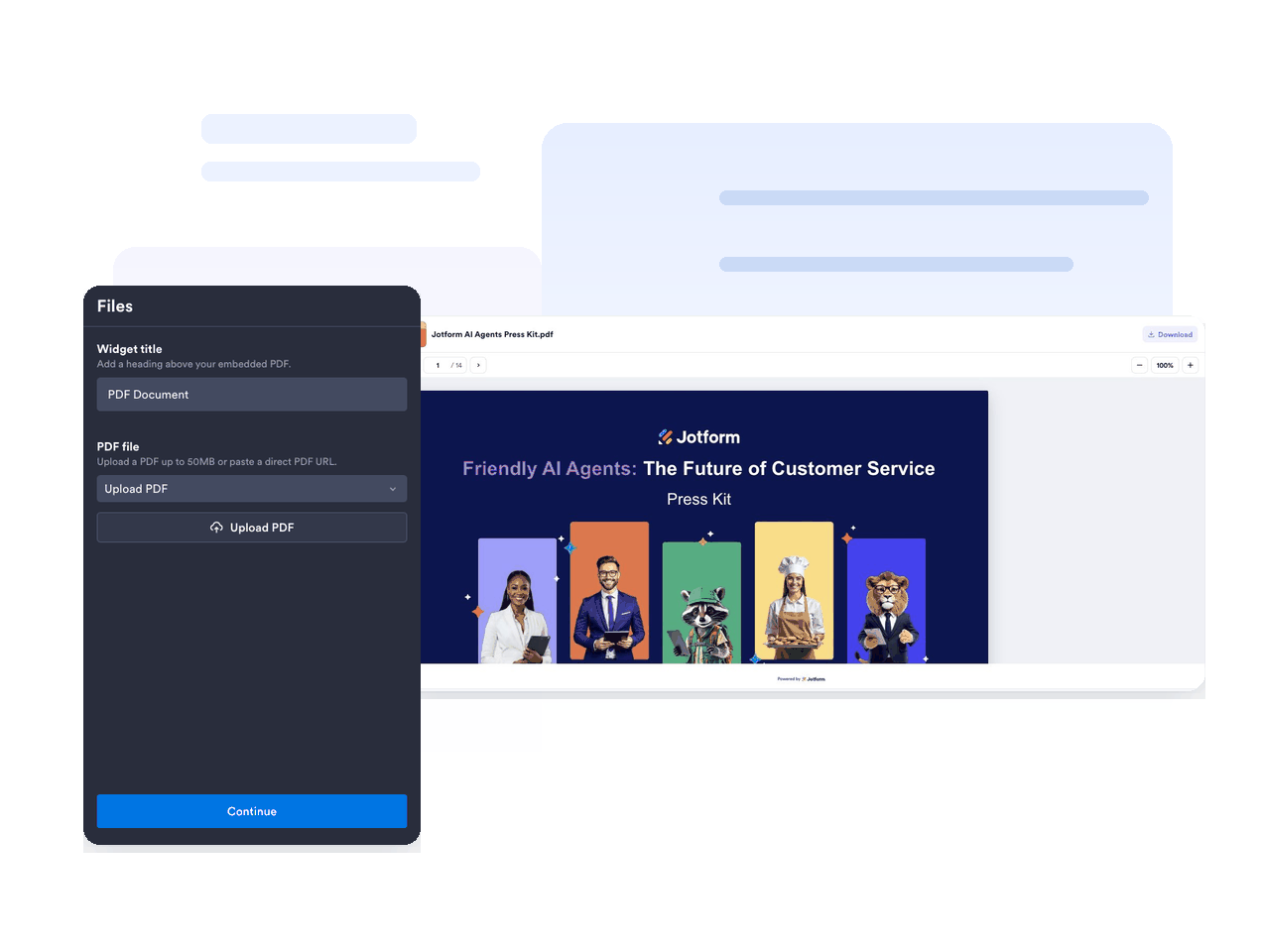
Control title, file name, icon, icon color, text color, accent color, viewer background, widget width, height, font sizes, branding, and scoped CSS.
Why Jotform Widgets stand out
Jotform’s widgets make your website more interactive and conversion-ready. From star ratings and testimonial sliders to social proof pop-ups and media embeds, you can combine tools inside your forms or landing pages to collect data, display proof, and capture leads without writing code.
Explore all Jotform WidgetsWhere to use your PDF Embed widget
Use PDF Embed anywhere visitors need to read, open, or download important documents without leaving your website.
Resource pages for a guide, report, policy PDF, or downloadable document.
Product pages for manuals, spec sheets, catalogs, warranty files, and installation guides.
Restaurant and venue pages for menus, event packets, schedules, and brochures.
Education websites for a syllabus, lesson plan, worksheet, or parent resource.
Company pages for a press kit, annual report, brand document, or onboarding PDF.
Convert leads into paying customers with Jotform Form Builder
Turn engagement into action with Jotform. Create powerful forms that capture leads, collect payments, and automate responses, all in one place. Every submission lands in your Jotform Inbox, ready to follow up or connect with your favorite apps.
Get Started - It’s Free!
FAQ
What is a PDF Embed widget?
A PDF Embed widget is an embeddable document widget that displays one PDF on your website as an inline viewer.
Can I add more than one PDF?
Can I use a PDF URL instead of uploading a file?
Can I hide downloads?
Can I customize the design?
Does the PDF Embed widget work on mobile?