


Website Translator Widget for Your Website
Help visitors read your website in their preferred language with Jotform's Website Translator widget. Choose the languages you want to offer, customize the switcher to match your brand, and embed it anywhere on your site without writing code. Make your content accessible to a global audience in just a few clicks.
How to Add a Website Translator Widget
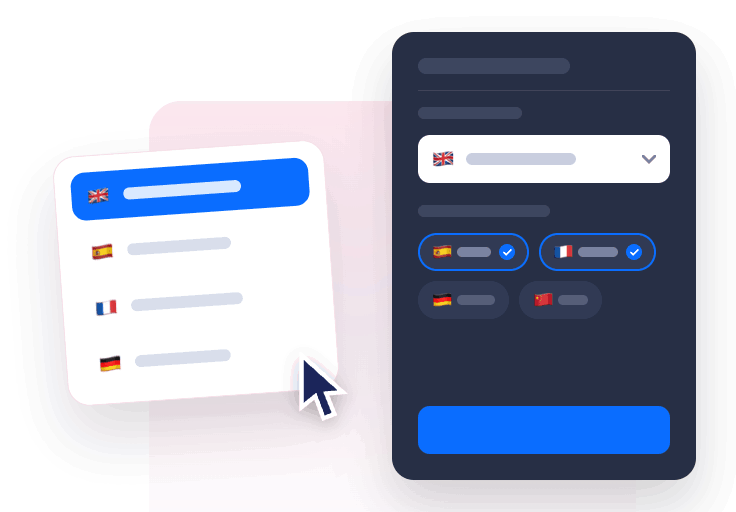
Choose your languages
Select your website's original language, then choose which languages visitors can switch between using the language selector.

Customize the translator
Choose a dropdown, inline, personalize colors, flags, corners, languages and whether it floats in a corner or sits inline.
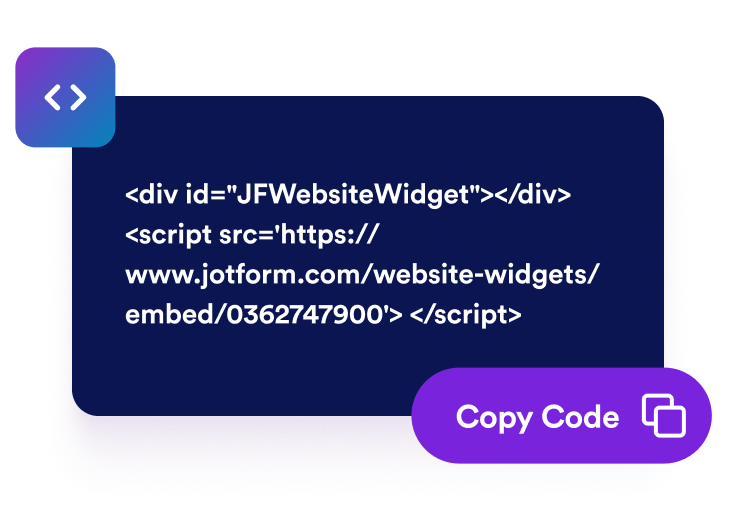
Embed it on your site
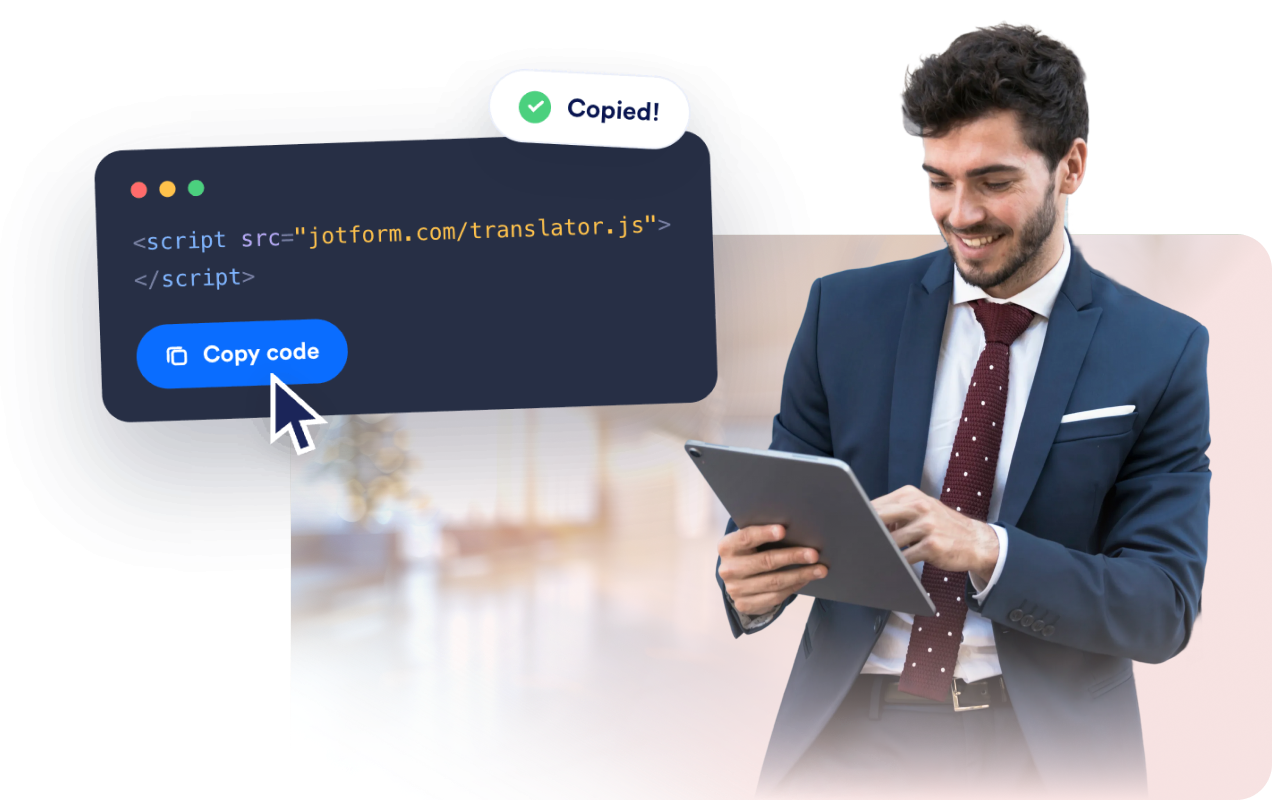
Copy the generated embed code and place it anywhere on your website to let visitors translate the page instantly.
Why use the Website Translator widget?
Reach a Global Audience
Let visitors translate your website into their preferred language so they can browse comfortably without leaving your site.
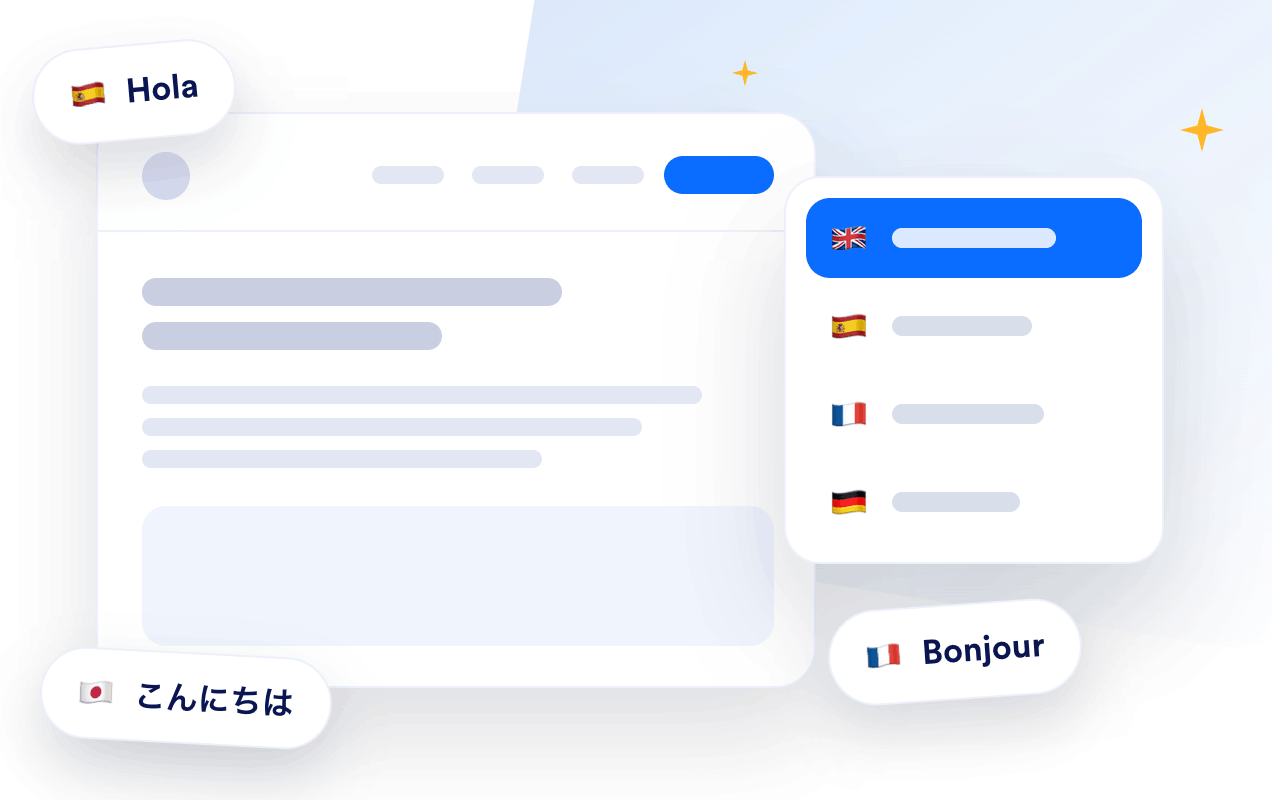
Match Your Brand
Customize the layout with dropdown or inline styles, toggle flags and language names, and adjust colors and corner radius to match your website's design.

Flexible Placement
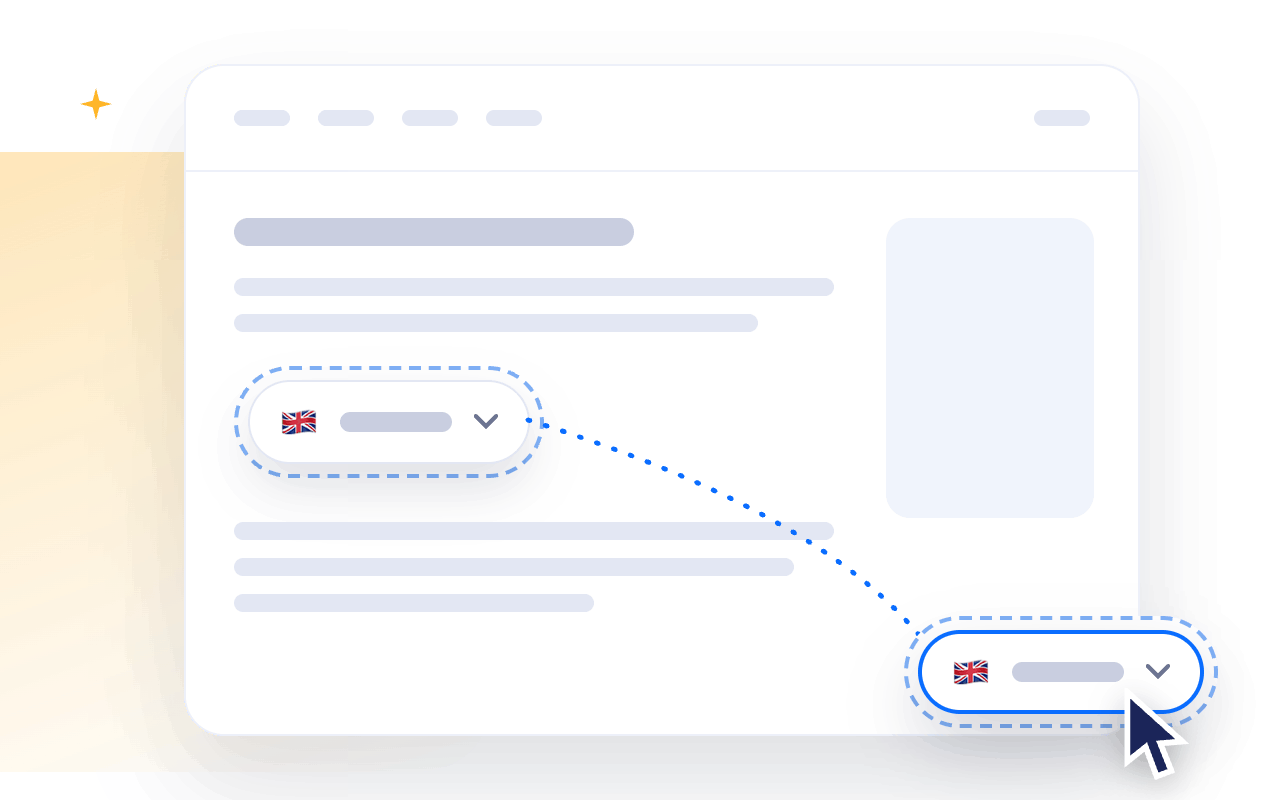
Display the language switcher inline with your content or pin it to a corner of the screen so it's always easy to access.
No Coding Required
Configure everything visually, copy a single embed code, and give visitors on-demand page translations without maintaining multiple versions of your website.
Why Jotform Widgets stand out
Jotform’s widgets make your website more interactive and conversion-ready. From star ratings and testimonial sliders to social proof pop-ups and media embeds, you can combine tools inside your forms or landing pages to collect data, display proof, and capture leads without writing code.
Add Jotform widgets to your website with a simple embed code. Customize the widget, preview how it looks, and paste it into any page that supports custom HTML or embed blocks to all platforms, no developer required.
Use Jotform Website Widgets to collect leads, show customer feedback, display social proof, embed media, or add helpful on-page tools. Each widget helps visitors interact with your business directly from the page.
If you need help setting up, customizing, embedding, or troubleshooting your widget, Jotform’s customer support team is available 24/7. You can move forward with confidence, knowing help is there when you need it.
Where to use your Website Translator widget?
Add the Website Translator widget anywhere visitors may need to understand your content in their own language. It's ideal for websites that serve international audiences and want to improve accessibility and user experience.
Marketing and landing pages where global visitors decide whether to sign up, buy, or contact you.
Online stores and product pages where shoppers want descriptions, policies, and details in their own language.
Help centers and documentation where clear instructions in multiple languages reduce support requests.
Blogs and content sites where readers arrive from search in many countries.
Event and travel pages where audiences span multiple regions and languages.
Portfolios and small business sites that want to feel welcoming to an international audience.
Convert leads into paying customers with Jotform Form Builder
Turn engagement into action with Jotform. Create powerful forms that capture leads, collect payments, and automate responses, all in one place. Every submission lands in your Jotform Inbox, ready to follow up or connect with your favorite apps.
Get Started - It’s Free!
FAQ
What is a Website Translator widget?
A Website Translator widget is a language switcher you can embed on your website. Visitors simply choose their preferred language, and the widget translates the visible page content so they can browse more comfortably.
How many languages does it support?
Do I need to create separate translated pages?
Can I customize the language translator looks?
Do I need coding skills?
Does it work on mobile devices?
Can I embed the widget on any website platform?
Is the Website Translator widget free?