

If your business makes your customers feel comfortable and heard, you’ll likely outperform your competitors. According to Salesforce research, 80 percent of customers say the experience a business offers is as important as its products or services.
A survey is a valuable tool for collecting your customers’ opinions, allowing your company to adjust based on their feedback. Traditionally, the task of creating an effective survey has been time-consuming. You have to gather the right questions, structure the flow, avoid bias, distribute the survey, and then analyze the results.
Today, AI survey generators can automate much of the heavy lifting, so you can go from idea to publish-ready survey in minutes.
The 5 best AI survey generators in 2026
There are hundreds of AI survey generators out there. I tested dozens of AI survey creators, evaluating their ability to generate surveys, ease of use, available integrations, pricing, and value based on their cost. Then I narrowed down the list to AI tools that met the following criteria:
- Widely used and recommended by the business community
- Above-board value
- Free plan or trial period, to test-drive before fully committing
Here are the top five AI survey generators.
| Tool | Unique feature | Native integrations | Survey generation method | Free plan/trial |
|---|---|---|---|---|
 Jotform AI Survey Generator |
Survey generation from prompts and uploaded PDFs |
150+ |
Prompt and PDF based |
Free plan available |
 SurveyMonkey |
AI survey tips and bias detection based on decades of survey science |
200+ |
Prompt based |
Free plan available (limited questions and responses) |
 Forms.app AI Survey Maker |
AI surveys with conditional logic and form customization |
10+ |
Prompt based |
Free plan available |
 Responsly AI Survey Generator |
AI-driven adaptive logic and automated survey personalization |
100+ |
Prompt based |
Free plan available, along with a seven-day trial period for each paid plan |
 BlockSurvey |
Privacy-focused AI with adaptive questioning and AI data analysis |
10+ |
Prompt based |
Free plan available (limited surveys) |
1. Jotform AI Survey Generator
Best for: Advanced customization and integration
The Jotform AI Survey Generator is a suitable choice if you want to collect data efficiently through customizable surveys. It offers automated question suggestions and real-time analytics, simplifying your survey creation and analysis.
Describe the survey you want in a text prompt, and the generator will instantly create it for you. I asked the Jotform AI Survey Generator to create a customer satisfaction survey.
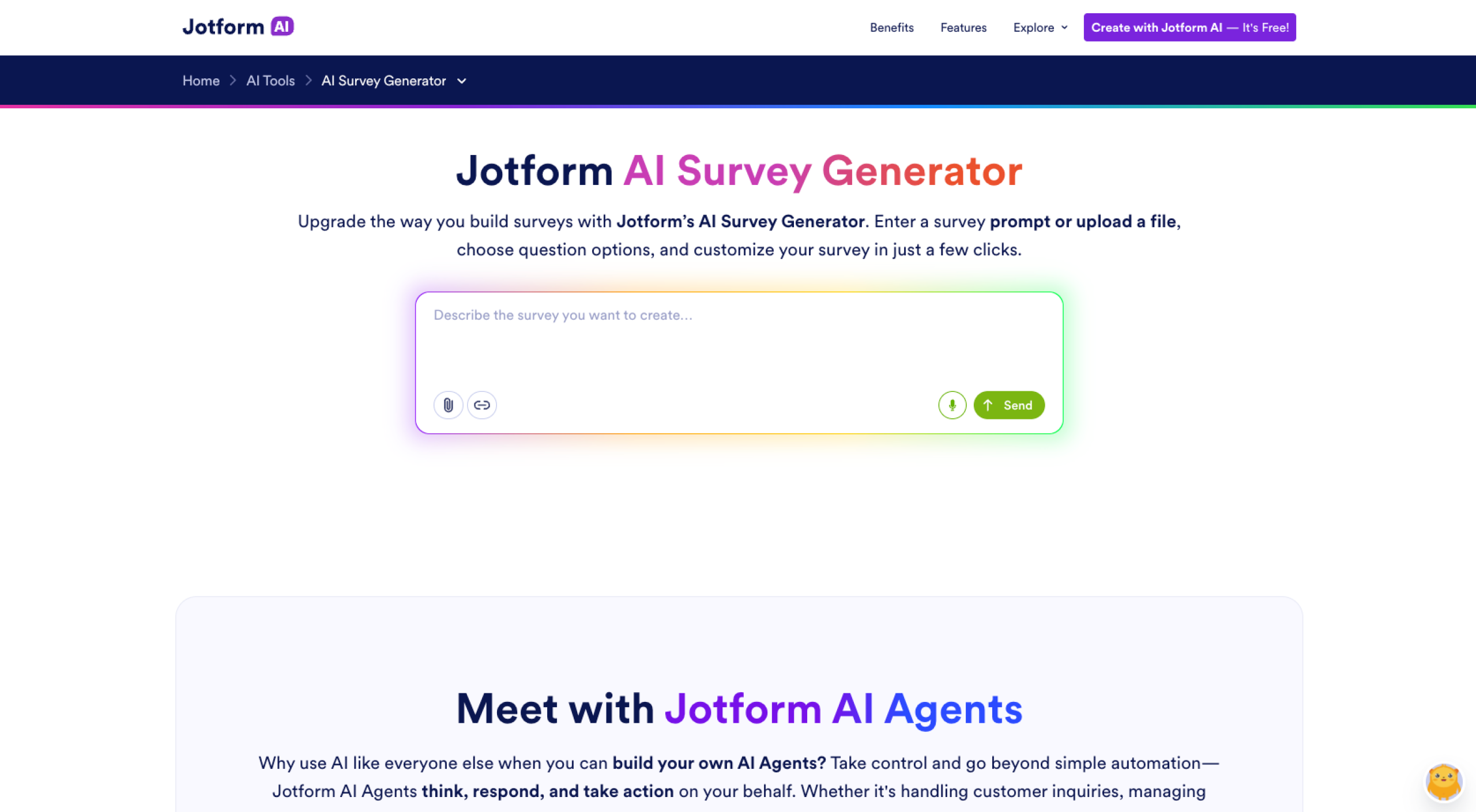
The free AI survey generator fulfilled my request within seconds, and I didn’t have to write any questions.
Alternatively, you can upload a document in the prompt area, and Jotform’s AI will extract its data to create a survey. Once it generates the document, you can click the Add Element button to refine the survey.
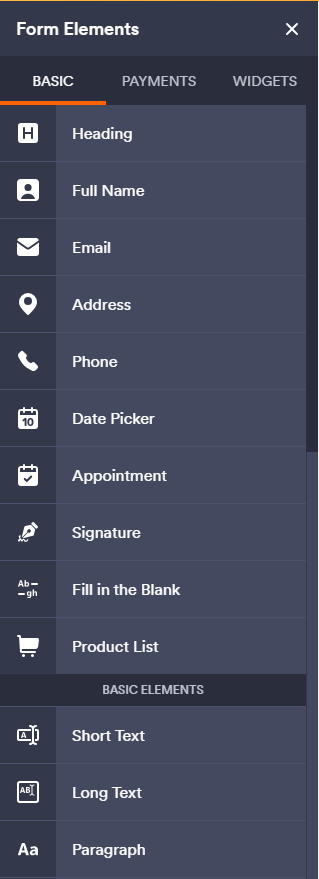
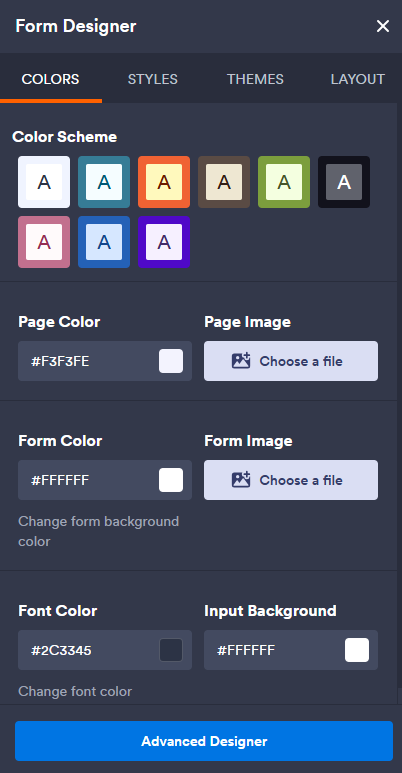
You can also click the Painting Roller icon at the top right. That opens the Form Designer pane, where you can customize the survey design to meet your branding needs.
If you want to do more with your survey data, you can use built-in tools (such as the Report Builder) that write a survey report for you. The Report Builder can turn your responses into graphics. You can also use Jotform Tables to organize responses. In addition, Jotform offers more than 150 integrations that make it easy to automate your survey workflows and push survey data into tools your team already uses.
Key features: Jotform AI, Jotform AI Agents, over 2,000 customizable templates, the drag-and-drop Form Builder, and the ability to embed surveys on your website
| Pros | Cons |
|---|---|
| No manual question-writing required | Jotform branding in the free plan |
| Document-to-survey generation | Limited fields and forms on the free plan |
| 150+ native integrations that automate related workflows |
Pricing
- Starter plan (free): Five forms, one user, 100 fields per form, 10 monthly payment submissions, no Jotform branding
- Bronze plan ($34 per month): 25 forms, 250 fields per form, 100 monthly payment submissions, Jotform branding
- Silver plan ($39 per month): 50 forms, 500 fields per form, 250 monthly payment submissions
- Gold plan ($99 per month): 100 forms, 1,000 fields per form, 1,000 monthly payment submissions
- Enterprise plan (custom pricing): Unlimited usage, multiuser access, dedicated support, and user access control
G2 rating: 4.7/5*
2. SurveyMonkey
Best for: Enterprise-grade surveys and advanced analytics
If you’re looking for an AI questionnaire generator with extensive data analysis capabilities, you’ll be pleased with SurveyMonkey’s advanced analytics and automated survey creation. Like Jotform, it quickly creates a survey from a prompt.
I asked the SurveyMonkey tool to create an employee engagement survey.
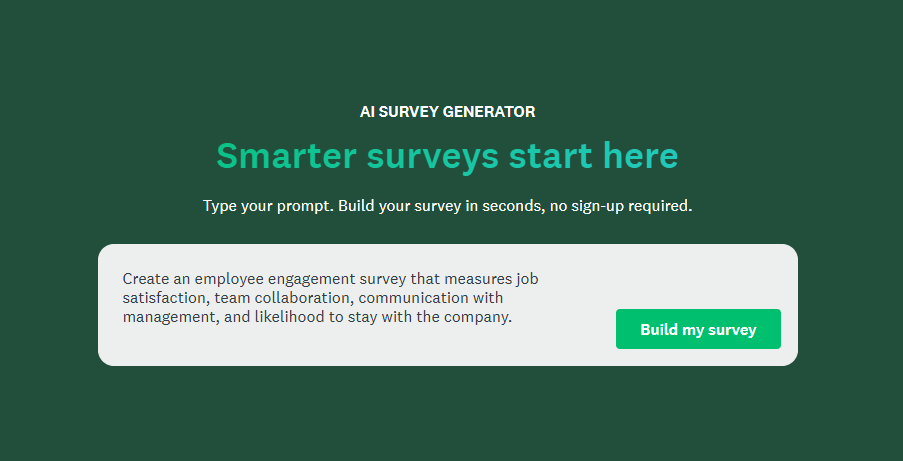
Within seconds, it created the document.
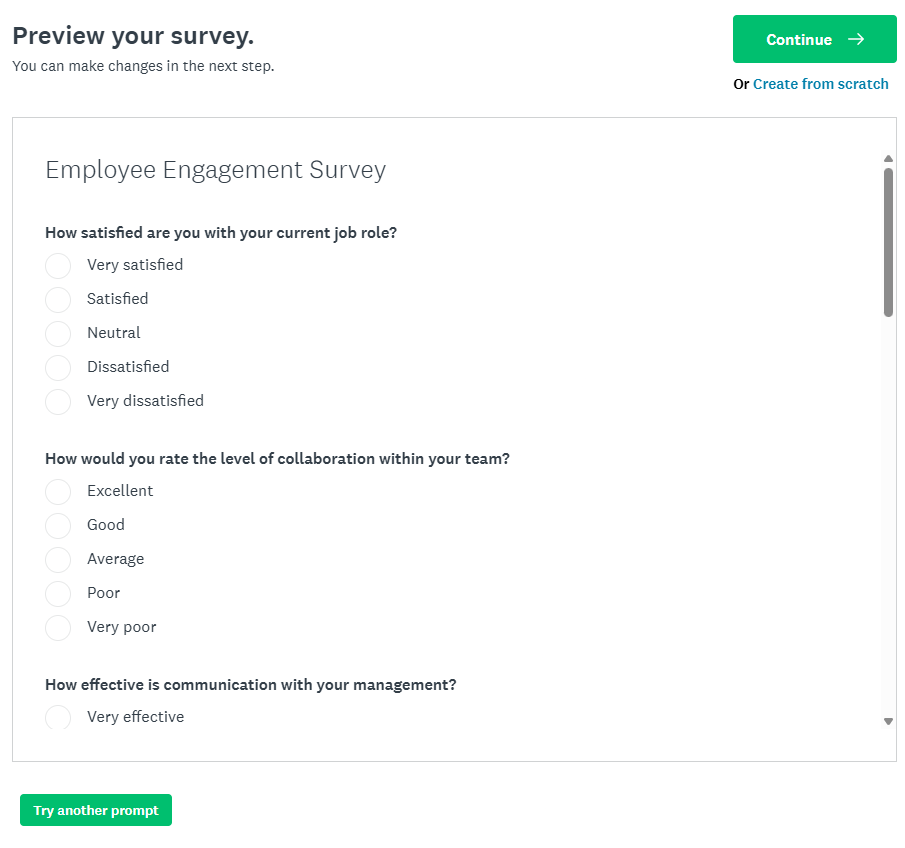
Unlike the Jotform AI Survey Generator, SurveyMonkey doesn’t generate surveys from document uploads. You’ll have to copy and paste your content manually to generate a survey from documents.
However, SurveyMonkey does have an AI Analysis Suite. It includes a chatbot that answers questions about your survey, and it creates charts and summaries from your data. SurveyMonkey natively integrates with over 200 business tools, so you can send responses and insights into your existing workflows.
Key features: A huge catalog of survey templates, comprehensive analytics tools, and sentiment analysis
| Pros | Cons |
|---|---|
| Wide variety of survey templates | Paid plans required for advanced features |
| Strong data analysis and real-time visualization tools | SurveyMonkey branding even on Standard and Advantage plans |
| Conditional survey-logic flows |
Pricing
- Basic plan (free): Unlimited surveys, 10 questions per survey, view of 25 responses per survey, 175 templates, AI survey generation
- Standard plan ($35 per month): Unlimited surveys and questions, 1,000 responses per month, more than 500 templates, quiz scoring, AI survey generation
- Advantage Annual plan ($34 per month): Standard plan features, 15,000 responses per year, ability to accept payments, file uploads, A/B testing
- Premier Annual plan ($99 per month): Advantage Annual plan features, 40,000 responses per year, no SurveyMonkey footer, advanced branching and survey personalization
- Team Advantage plan ($25 per user, per month): Starts at three users, individual Advantage Annual plan features, 50,000 responses per year
- Team Premier plan ($75 per user, per month): Starts at three users, individual Premier Annual plan features, 100,000 responses per year, no SurveyMonkey branding
- Enterprise plan (custom pricing): Team Premier plan features, a custom number of responses, a custom subdomain, smart notifications, ability to send a survey via SMS, offline mode
G2 rating: 4.4/5
3. Forms.app AI survey maker
For startups and small businesses that need a free AI survey generator, the free tier of the forms.app AI survey maker might fit the bill. You’ll get a feature-rich tool, and when you want to scale, you can get strong feature sets starting at $19 per month.
I asked the forms.app tool to create a post-event feedback survey.
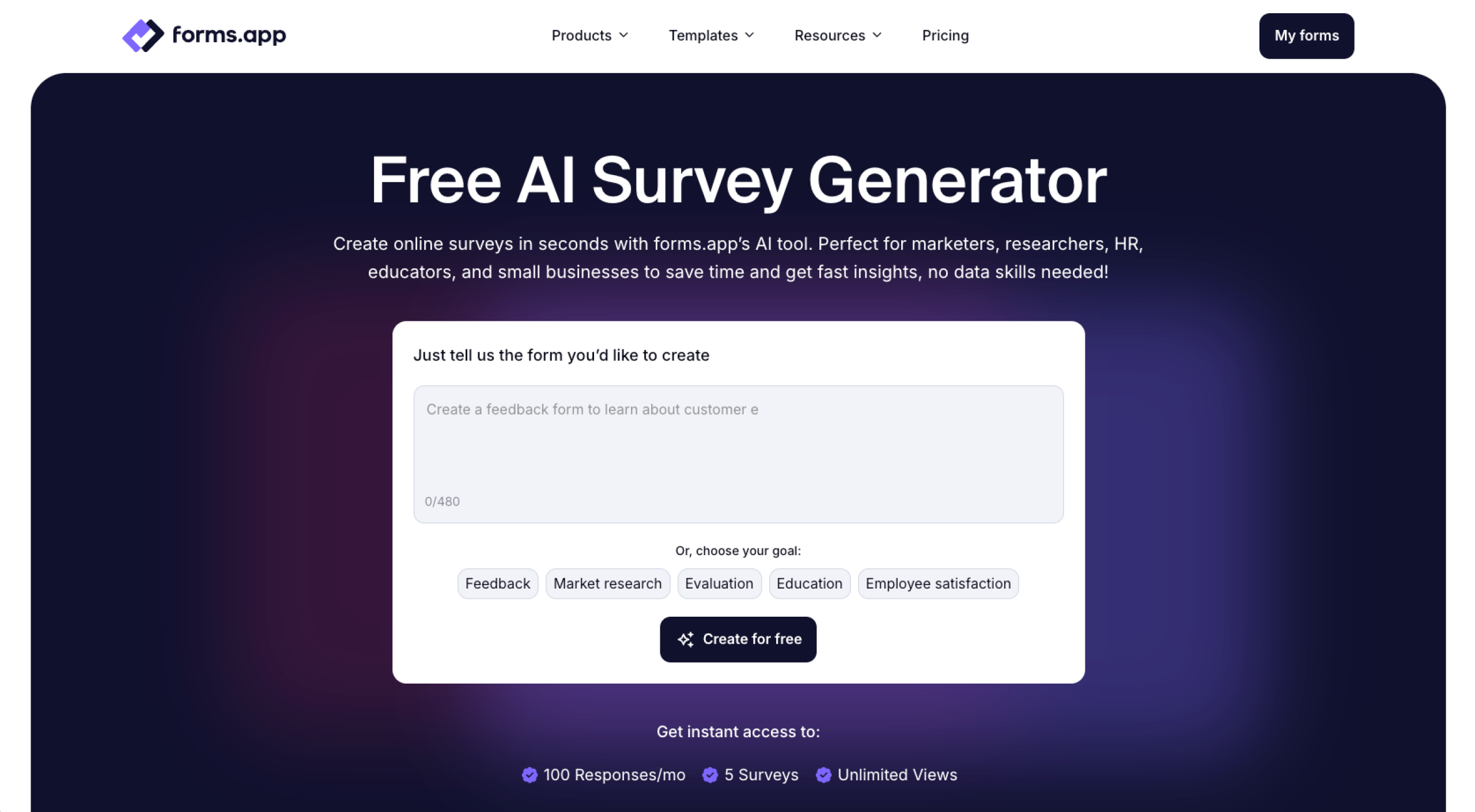
Again, I got results within seconds.
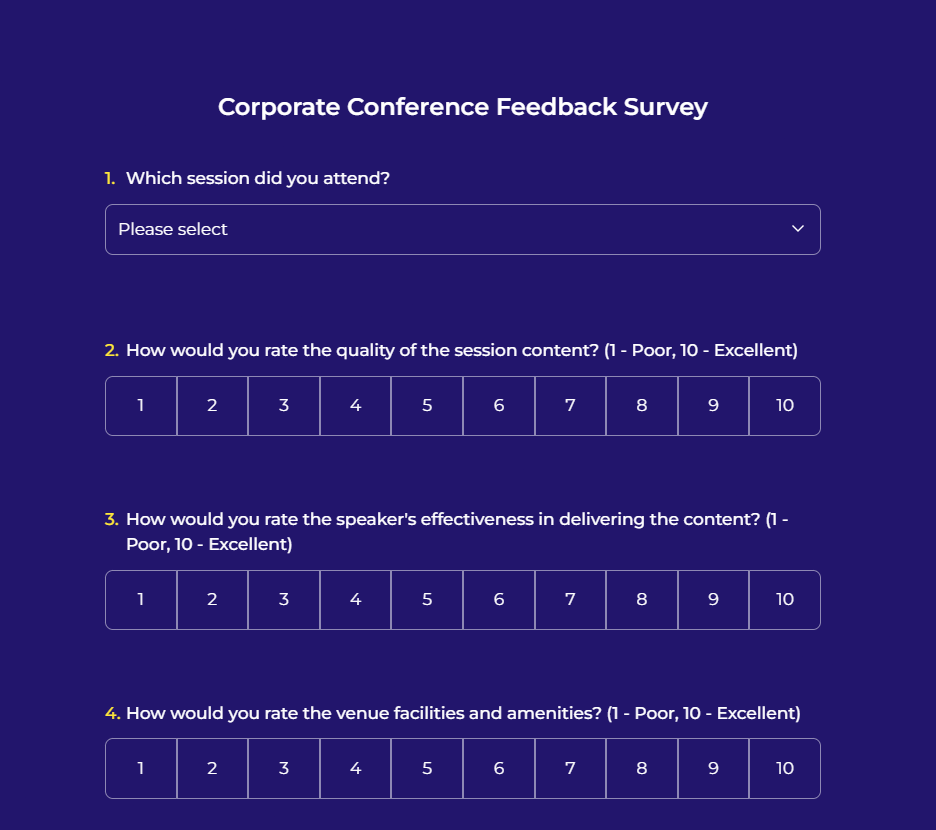
For better results, add the following to your prompt: the kind of form you want and the number of questions. The forms.app tool can also create your survey from uploaded documents.
However, the platform has only about 10 native integrations. You may need to use third-party automation tools such as Zapier to connect your survey results to the solutions you already use.
Key features: Generous free plan, robust analytics, flexible sharing
| Pros | Cons |
|---|---|
| One-step document-to-survey AI feature | Limited integration options |
| Context-aware question phrasing | Advanced AI features only in higher-tier plans |
| Strong customer support |
Pricing
- Free plan: Five forms, 100 responses per month, unlimited questions and views, conditional survey logic, 10 MB storage, forms.app branding
- Basic plan ($19 per month): Free plan features, 25 forms, 1,000 responses per month, 10 GB storage, no forms.app branding, ability to add one team member
- Pro plan ($29 per month): Basic plan features, unlimited forms, 10,000 responses per month, 100 GB storage, ability to add four team members, custom subdomain
- Premium plan ($59 per month): Pro plan features, 100,000 responses per month, 1 TB file storage, custom domain, ability to add nine team members, priority support
G2 rating: 4.5/5
4. Responsly AI Survey Generator
Best for: Customer experience and feedback surveys
Responsly, an experience management platform, has an AI feedback form generator that lets you create surveys and simplifies your feedback workflow. You can create surveys, distribute them across multiple channels, analyze survey data with built-in reporting, and use the insights to improve your customers’ experiences.
I asked the Responsly tool to create a customer onboarding survey for a SaaS company.
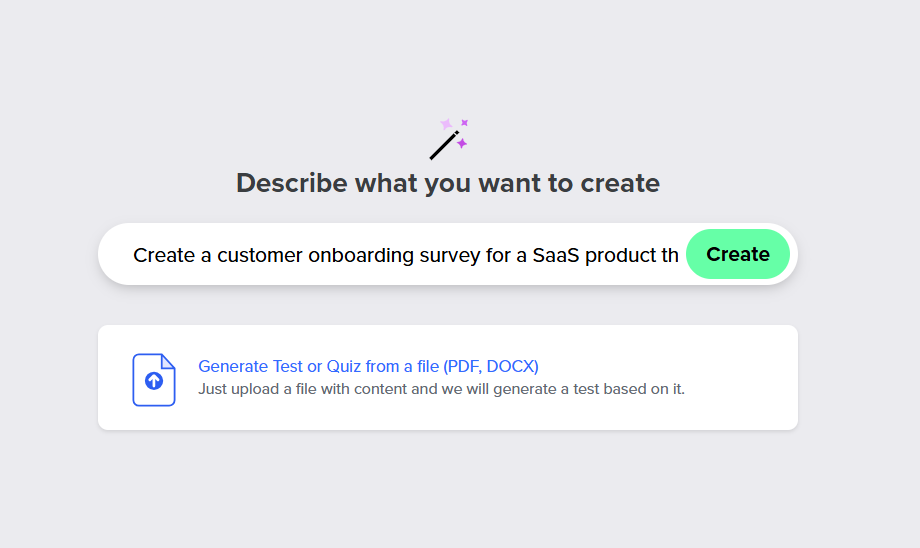
It quickly generated a detailed survey.
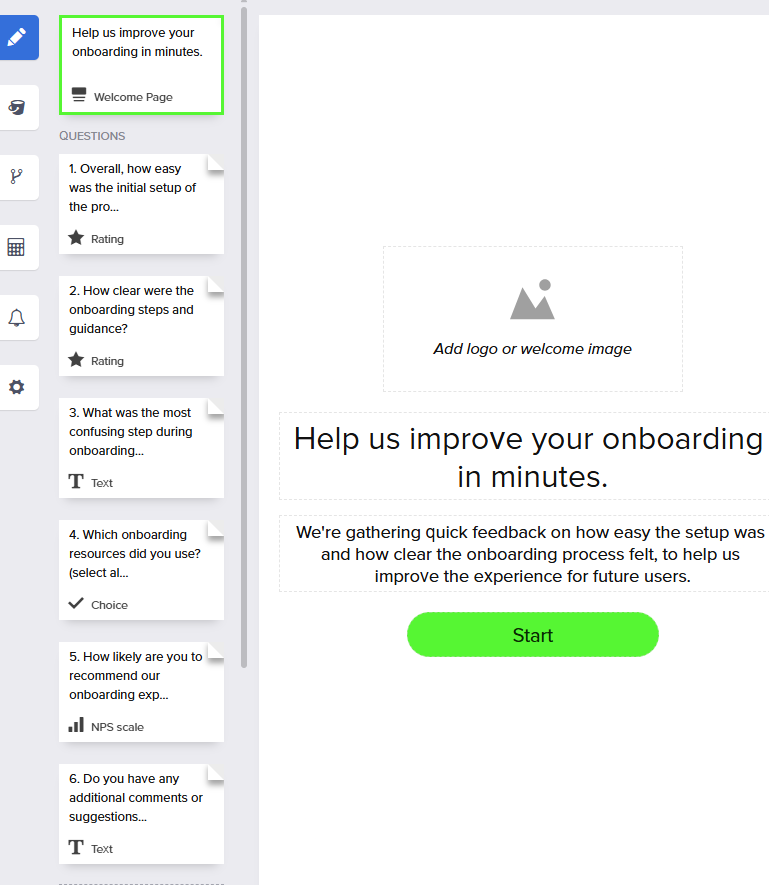
The generator also offered options to add a logo and edit the following:
- Text
- Design
- Button colors
- Typography
If you want to adjust the question logic, email respondents after they submit a survey, or make other advanced customizations, you’ll need a paid plan.
Key features: Ability to create surveys from prompts, suggestions to reduce bias and improve clarity, AI analysis dashboard
| Pros | Cons |
|---|---|
| Adaptive, AI-driven logic | No offline access |
| Multiple app integrations | Limited design flexibility beyond the provided templates |
| AI assistance with reporting and analyzing survey results |
Pricing
- Basic plan (free): Unlimited surveys and questions, AI assistant, 50 responses per month
- Essential plan ($49 per month): Basic plan features, 500 responses per month, score calculations, integrations, advanced survey settings
- Professional plan ($79 per month): Essential plan features, 1,000 responses per month, up to three users, custom subdomain, white label, A/B testing
- Enterprise plan (custom pricing): Professional plan features, custom response limit, custom number of users, conversation tracking, custom domain, multiple distribution channels
G2 rating: 5/5
5. BlockSurvey AI survey assistant
Best for: Maintaining user privacy and sending anonymous surveys
If your business is privacy conscious or handles sensitive data that would benefit from end-to-end encryption, consider BlockSurvey. With this AI research survey tool, all data is encrypted, and only the data owner has access to the responses. According to BlockSurvey, it doesn’t run third-party trackers or analytics, and it never uses your data for model training.
Unlike other solutions, BlockSurvey prompts you to verify a one-time password sent to your email address before you log in.
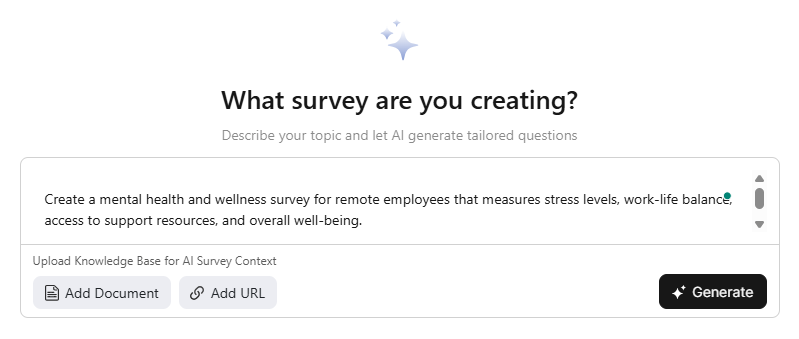
BlockSurvey can generate surveys from prompts, documents, and URLs. I asked it to create a mental health and wellness survey for remote workers, which it did in a few seconds.
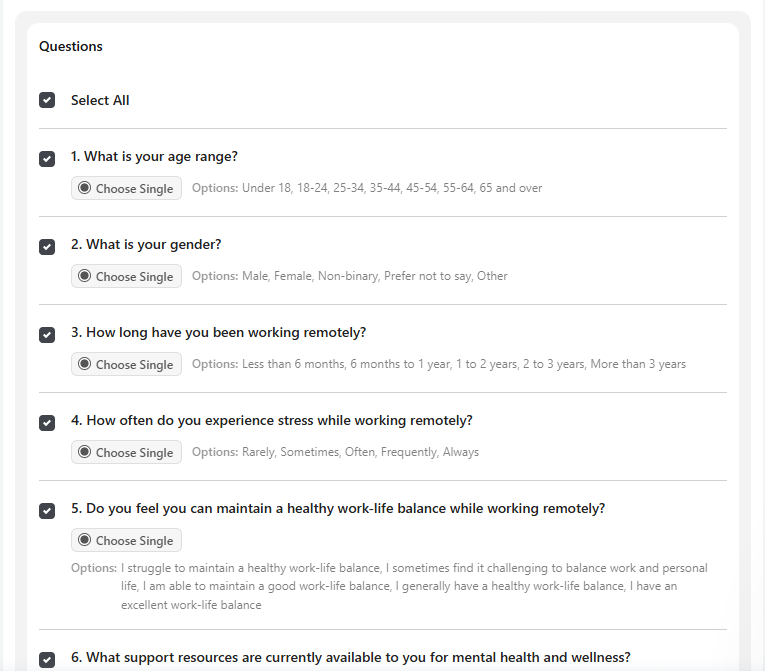
You can access the builder to design your survey and add questions, a thank-you screen, branding data, and themes. Once you’re done, you can share your survey and use integrations to send responses to other tools or automate follow-up workflows.
Key features: End-to-end encrypted surveys, AI adaptive questioning, and AI analysis for thematic and sentiment analysis
| Pros | Cons |
|---|---|
| Strong privacy and data security | Limited native integrations |
| Multilingual support and accessibility | Few design customization options |
| AI-powered question generation and insights |
Pricing
- Free plan: One user, 10 responses, 10 AI data analysis reports, three AI-created surveys, 10 questions per survey, no file uploads
- Standard plan ($39 per month): One user, 6,000 responses, 6,000 AI data analysis reports, 50 AI-created surveys, unlimited questions per survey, 1 GB file upload
- Premium plan ($79 per month): One user, 24,000 responses, 24,000 AI data analysis reports, 100 AI-created surveys, 5 GB file upload
- Team plan ($199 per month): Three users, 60,000 responses, 60,000 AI data analysis reports, 250 AI-created surveys, 10 GB file upload
- Enterprise plan (custom pricing): Unlimited users, custom response limits, unlimited AI data analysis reports and survey creation, 100 GB file upload
G2 rating: 4.7/5
How I selected these AI survey generators
A good AI survey generator should improve your online surveys, be able to create a survey from a prompt to save you time, and jump-start your questionnaire design based on your goal. To be listed among the best AI survey creators, a tool had to meet six requirements:
- Truly prompt based: The best tools behave like AI agents. Typing a plain-language description should produce a usable, well-structured survey within seconds, with no manual question-writing.
- Capable of document-to-survey conversion: Each tool should accept a PDF or existing content and automatically convert it into a survey, to save you time if you already have survey materials. While SurveyMonkey doesn’t allow direct document upload, I included it because it allows you to copy and paste content from a document.
- Built for customization: The right AI form builder should let you edit questions, change the design, and apply logic without any technical knowledge.
- Easy to use: Someone without survey experience should be able to use the tool.
- Well integrated: Good AI survey tools connect with the apps your team already uses, so survey data flows directly to your existing workflows instead of staying siloed.
- Well priced: The best AI survey generators deliver value for your money. I focused on only those tools with useful free tiers and paid plans that were reasonably priced relative to the features and response limits on offer.
Create great surveys in minutes
AI survey generators are here, and it’s time to embrace them. While all survey creators in this list will shoulder most of your survey-workflow heavy lifting, Jotform offers you a single platform that combines
- True AI generation from both prompts and documents
- Full post-generation customization
- Deep integration support
- Creative tools for turning responses into a visual report
Try the Jotform AI Survey Generator for free today to upgrade the way you build surveys.
FAQs about AI survey generators
AI survey generators use large language models and machine learning to turn your prompt or documents into a structured survey.
Yes, all five tools reviewed in this article allow you to customize survey questions and designs after the tool has generated the survey.
Marketers, researchers, HR teams, educators, and business owners looking for the best AI survey generator to quickly create structured, data-driven surveys without manual question writing.
* Ratings reflect statistics at time of writing.








































































































Send Comment: