
Students often take photos of handwritten or printed notes when they do not have time to type everything out. A summary helps turn those photos into readable notes you can study, review, or share later.
Jotform's AI Image Summarizer turns an uploaded image into a clear description. Upload your image to quickly understand what it shows. Use the chat box to rephrase, translate, or clarify details.
Best for people who need to understand an image quickly, including screenshots, charts, diagrams, infographics, and photos of handwritten or printed class notes. Images often contain details you need to interpret, not just label. This tool helps you understand what the image is communicating and turn it into usable notes.
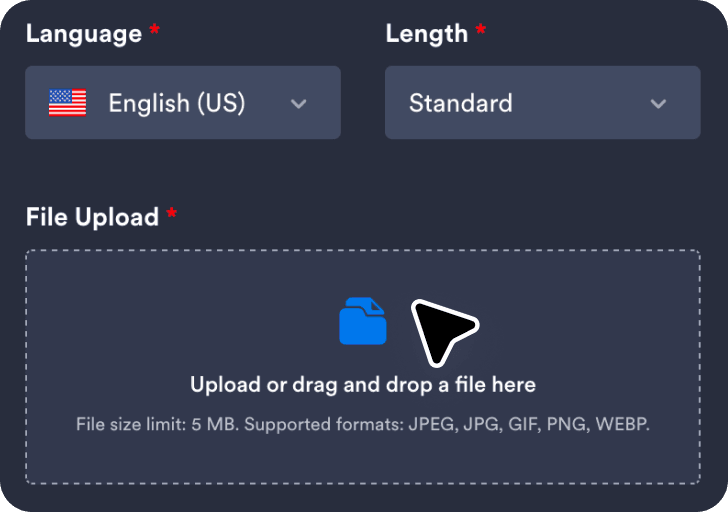
Upload the image you want summarized so the tool can analyze the visual details and context.
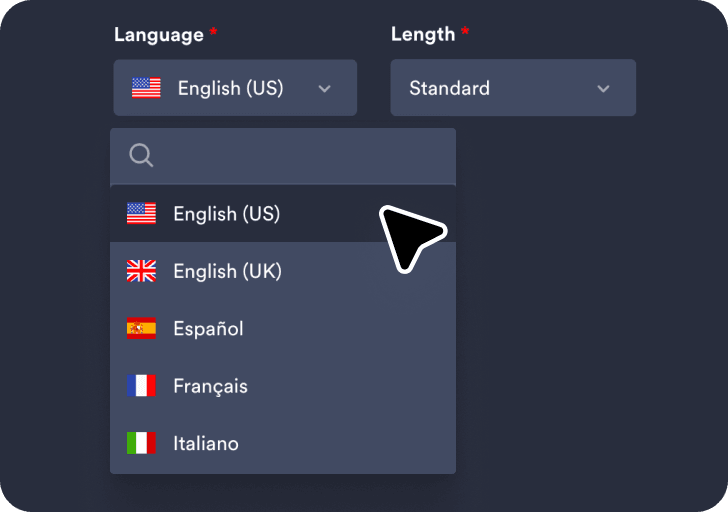
Choose your preferred language and summary length to control how detailed the generated summary will be.
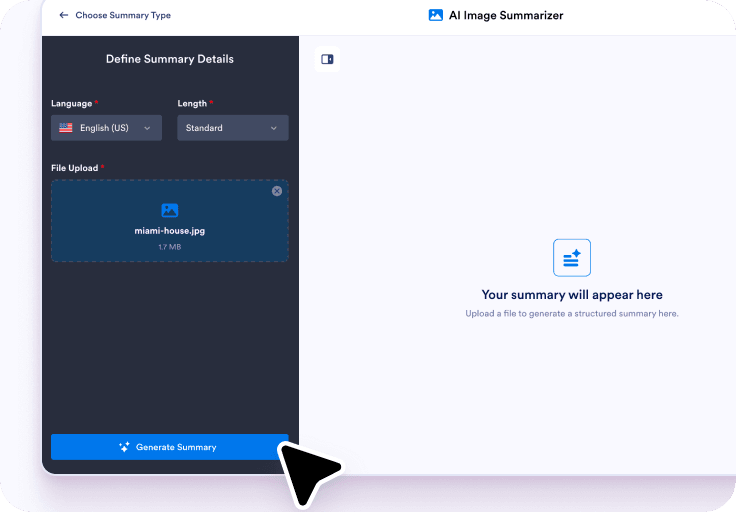
Click Generate Summary to create the results, then use the chat box to rephrase, translate, or clarify image details.
A summary helps you understand what the image is mainly about, especially when it contains many elements. It’s useful when the visual is dense or designed for quick scanning.
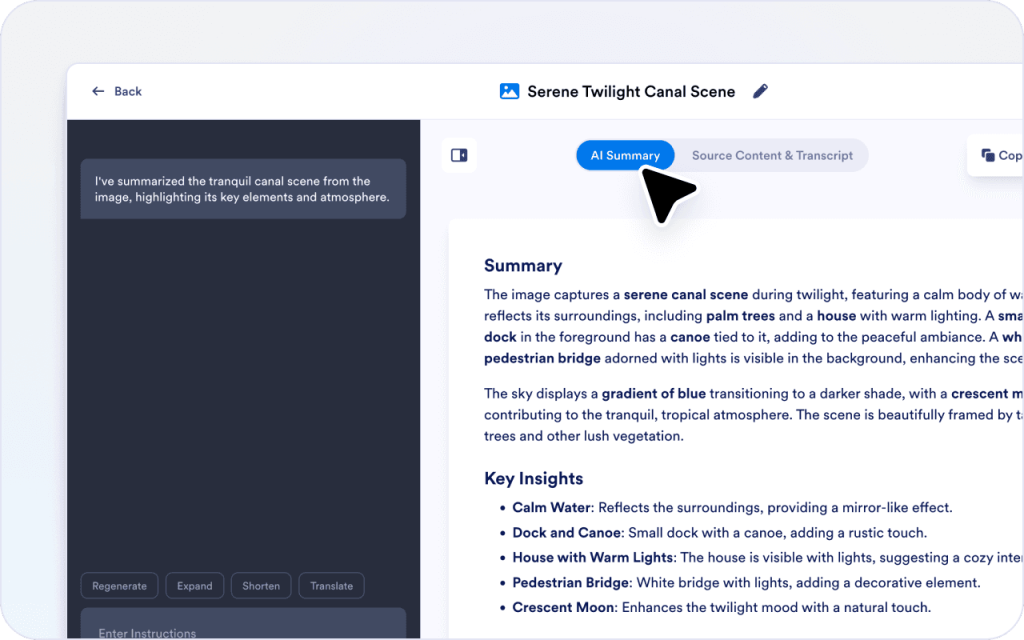
Some images include extra context that may not be important. Use the chat box to refine the summary and highlight the key points for your goal.
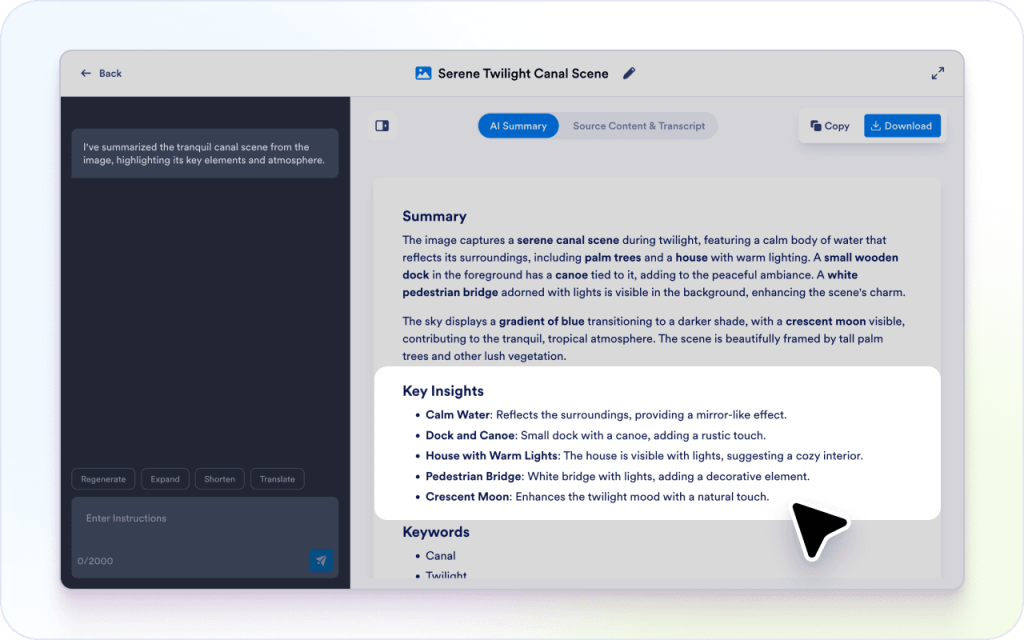
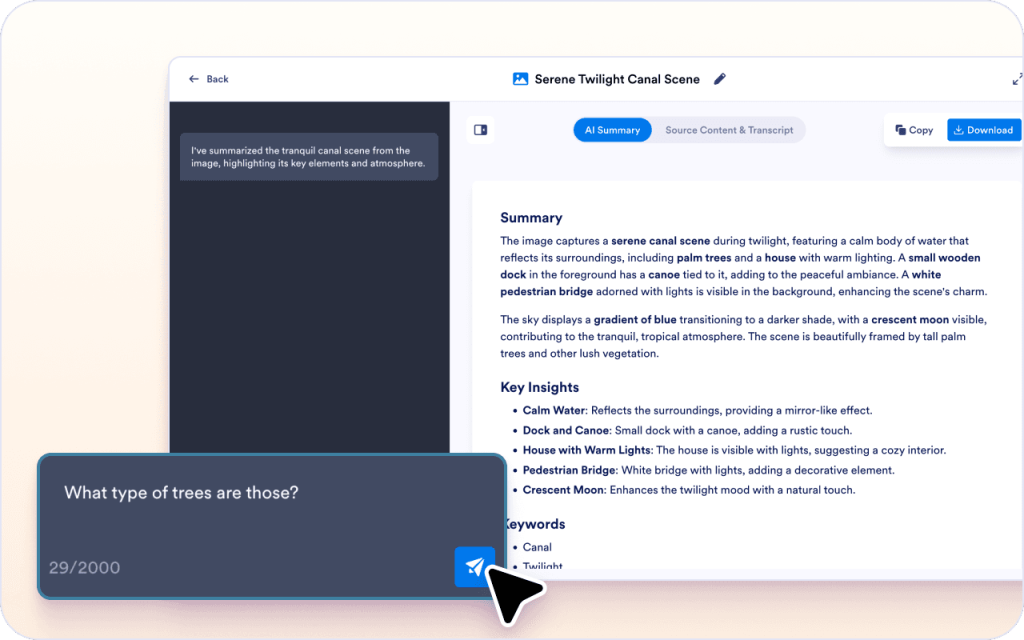
If something in the image is unclear, you can ask questions in the chat box without selecting text. This helps when the image assumes background knowledge.
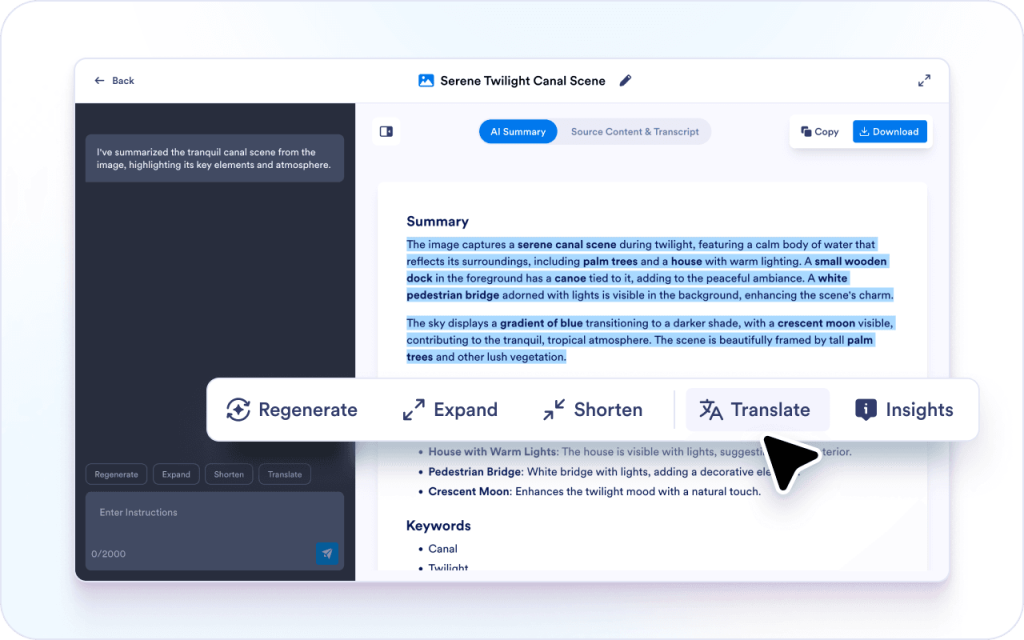
You can select parts of the summary and adjust them for a different audience. This is helpful when you need to share a visual with context.
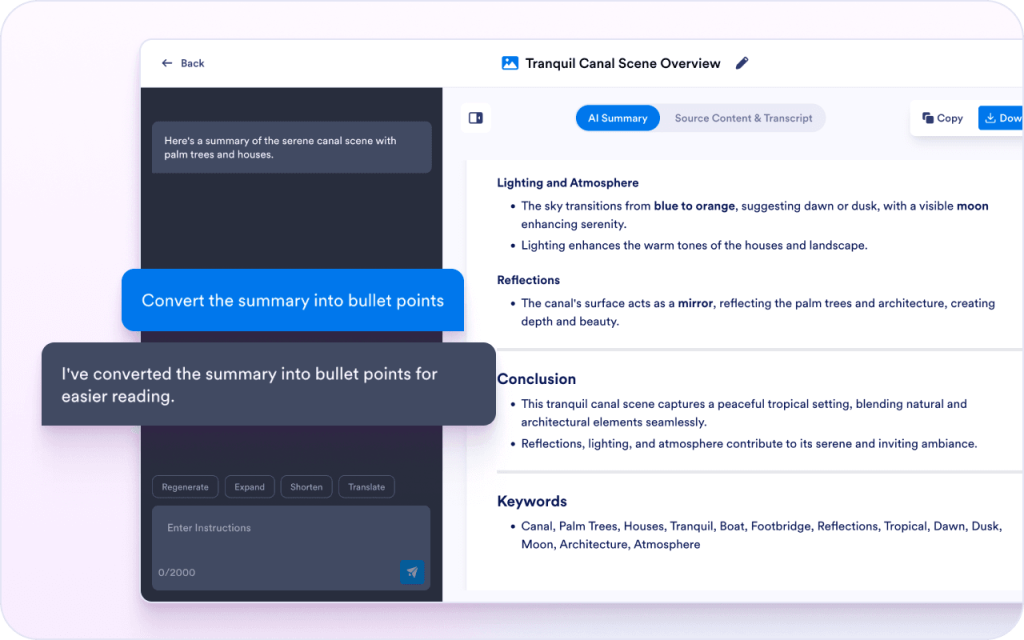
A summary becomes more useful when you can reuse it later. You can reshape the output into a format that fits docs, tickets, or updates.
Some visuals are obvious, but many are not. A summary helps explain what’s shown and what it likely means.
Charts, diagrams, and screenshots often contain many small details. The summary highlights the most important elements so you can quickly understand what matters.
A summary can be rewritten or translated for different audiences. This makes it easier to reuse a visual in notes, updates, or documentation.
Students often take photos of handwritten or printed notes when they do not have time to type everything out. A summary helps turn those photos into readable notes you can study, review, or share later.

Screenshots show what happened, but the context is often missing. A summary helps describe the issue clearly and makes tickets easier to understand.

Charts can be hard to explain quickly in writing. A summary captures what the chart shows and the main takeaway.

Diagrams often represent systems or relationships that take time to interpret. A summary helps explain the parts and how they connect.

Mockups show layout and intent, but reviewers may not interpret them the same way. A summary helps describe the screen and the purpose of each section.
Explore a suite of powerful AI-driven tools designed to streamline your workflows, enhance productivity, and deliver smarter solutions for your form creation needs.
An AI image summarizer generates a written summary of an image, including its main elements and overall message. It’s free to use and helps when you need a clear explanation of a screenshot, chart, diagram, or infographic.
Upload an image, get a clear summary, then use the chat box to rephrase, translate, explain, or ask questions while you review.