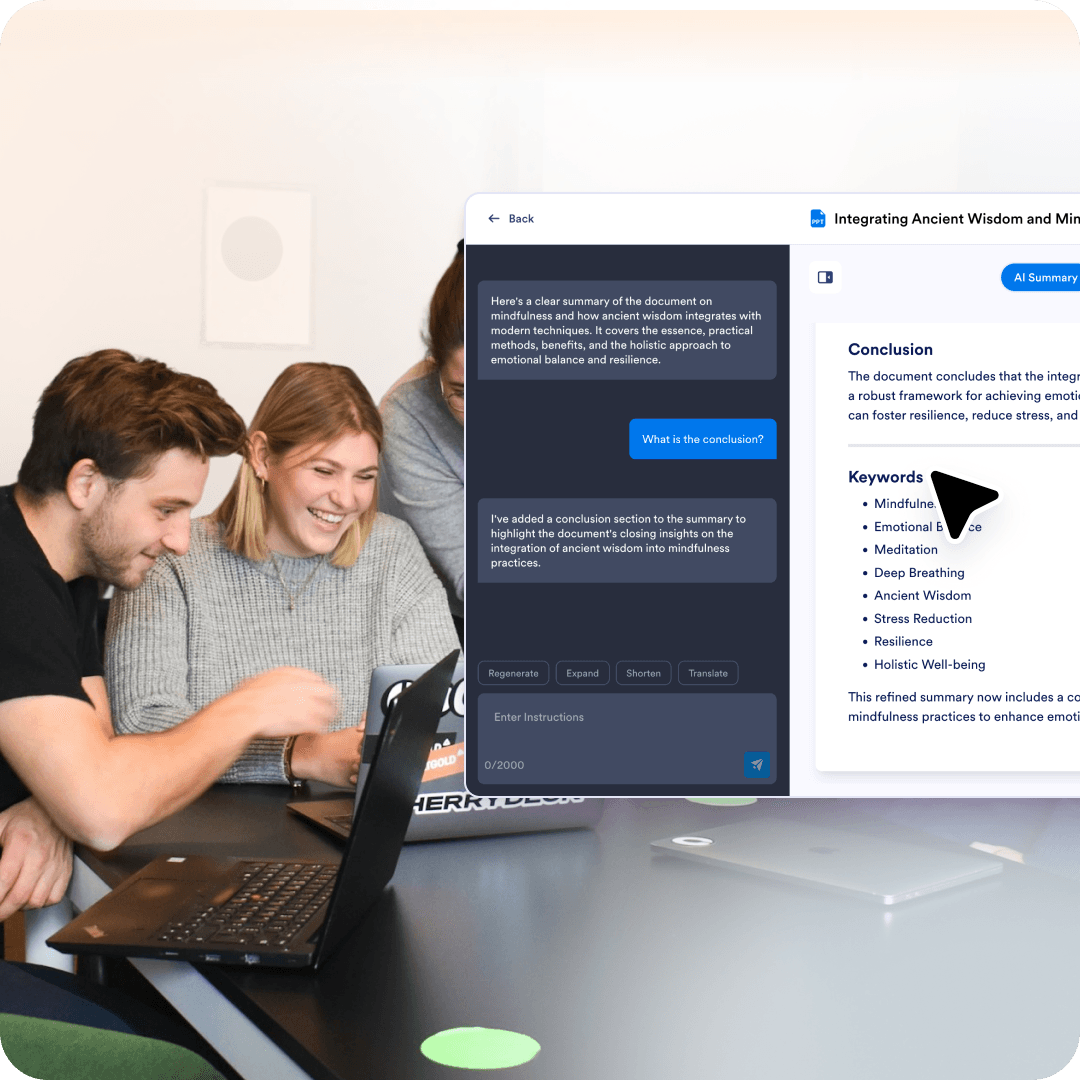
Teams summarize internal decks to capture decisions, plans, and next steps. This helps align people who were not in the presentation.
Best for teams, students, and presenters who work with slide decks and need the main points without having to scan every slide. It helps turn slides into readable takeaways you can refine and reuse.
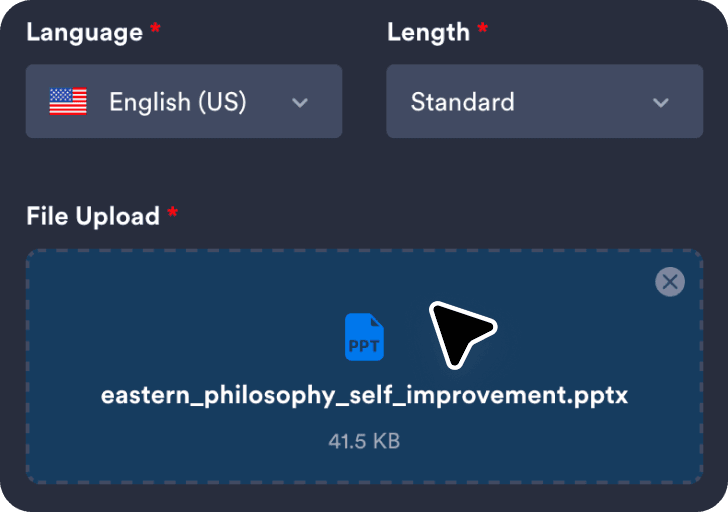
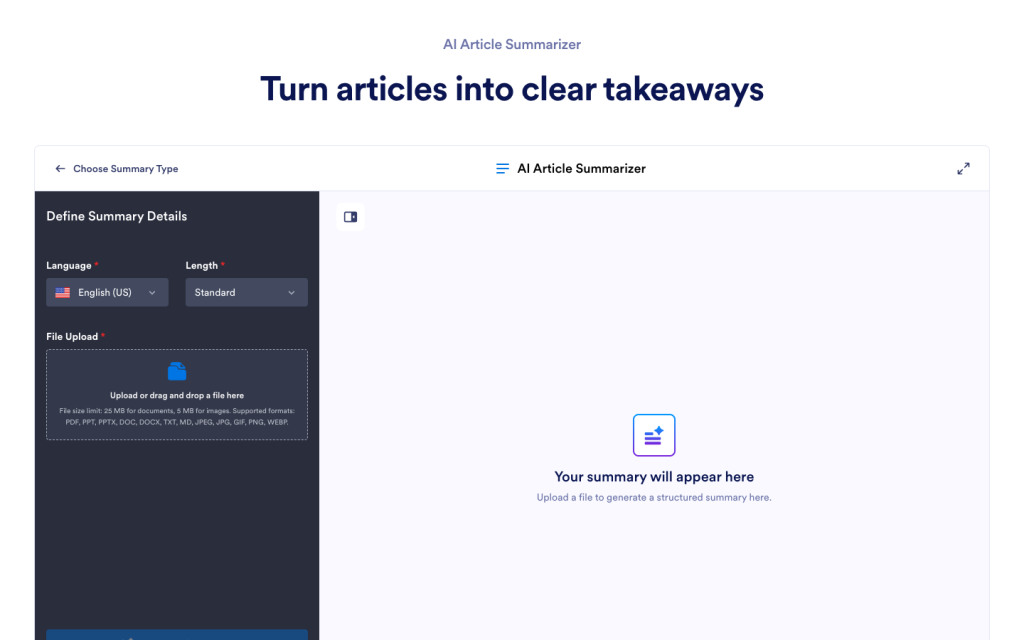
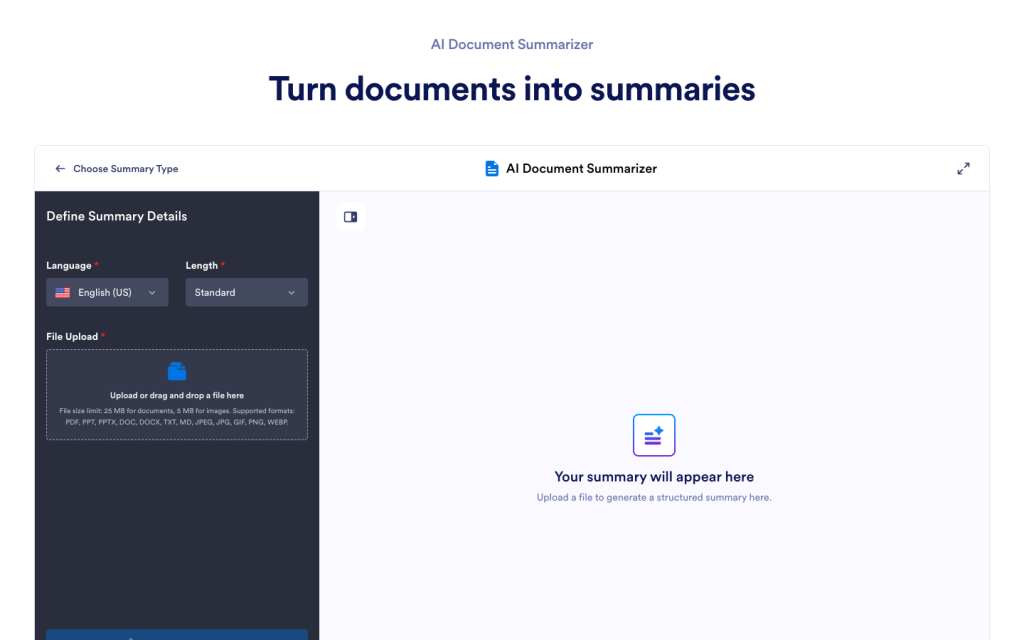
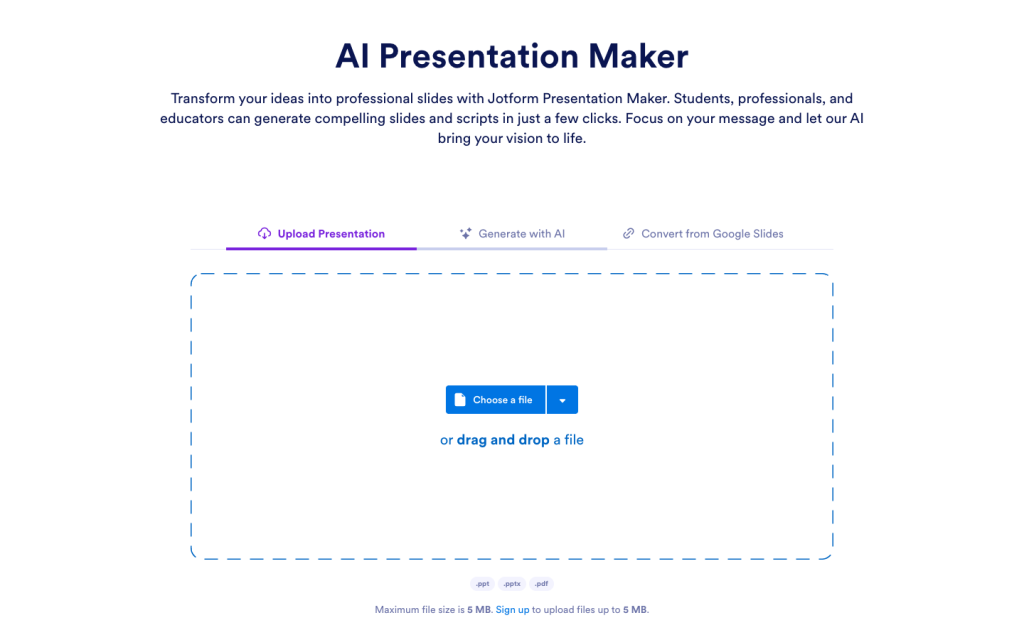
Upload your PowerPoint or slide deck so the tool can analyze the slide text and structure.
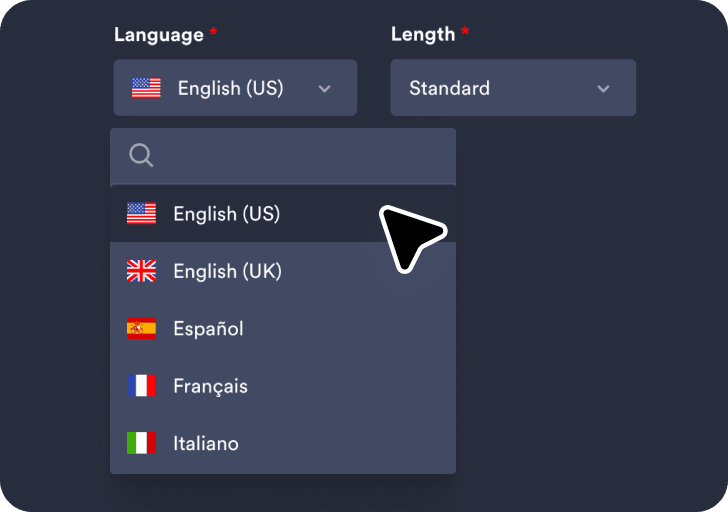
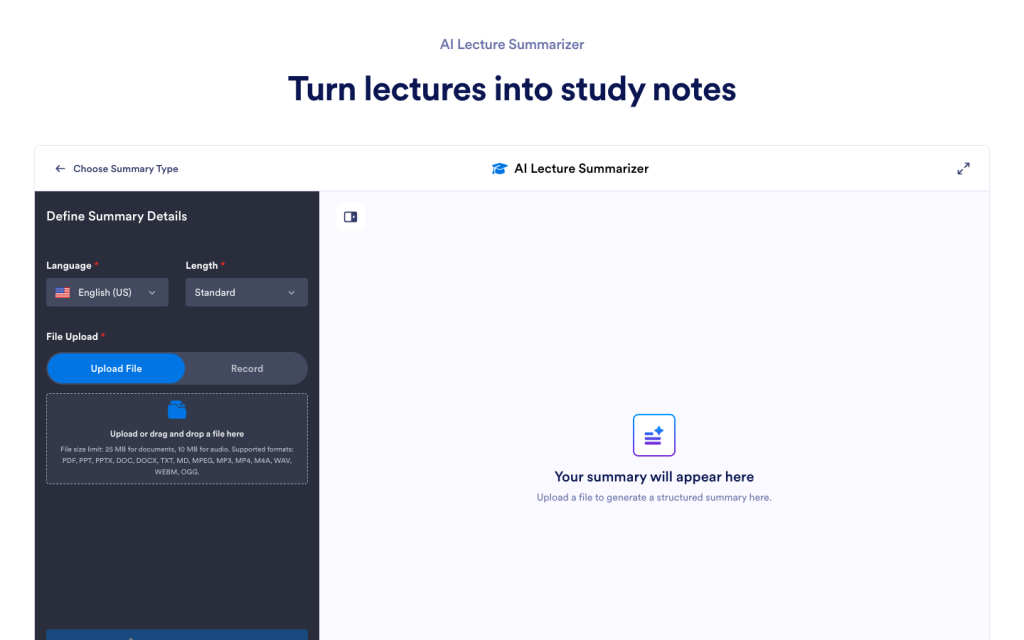
Choose your preferred language and summary length to control how detailed the generated summary will be.
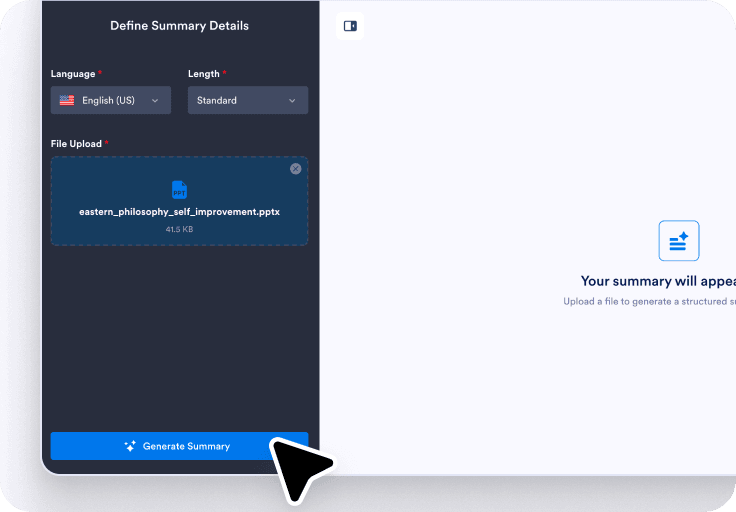
Click Generate Summary to create the results, then use the chat box to rephrase, translate, or clarify slide content.
A summary helps surface the core message and structure of a slide deck, even when slides are brief or visual-heavy.
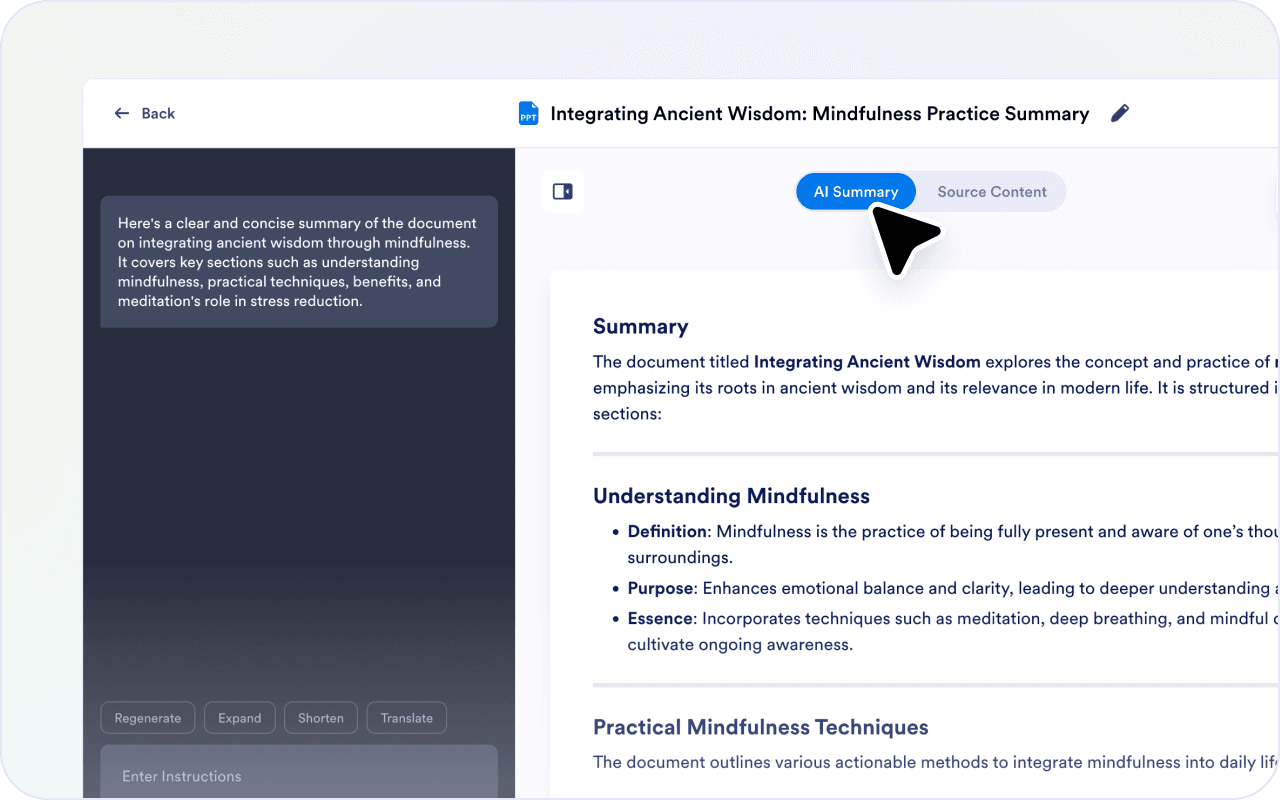
Not every slide carries the same weight. Focus notes help guide the summary toward what you care about most.
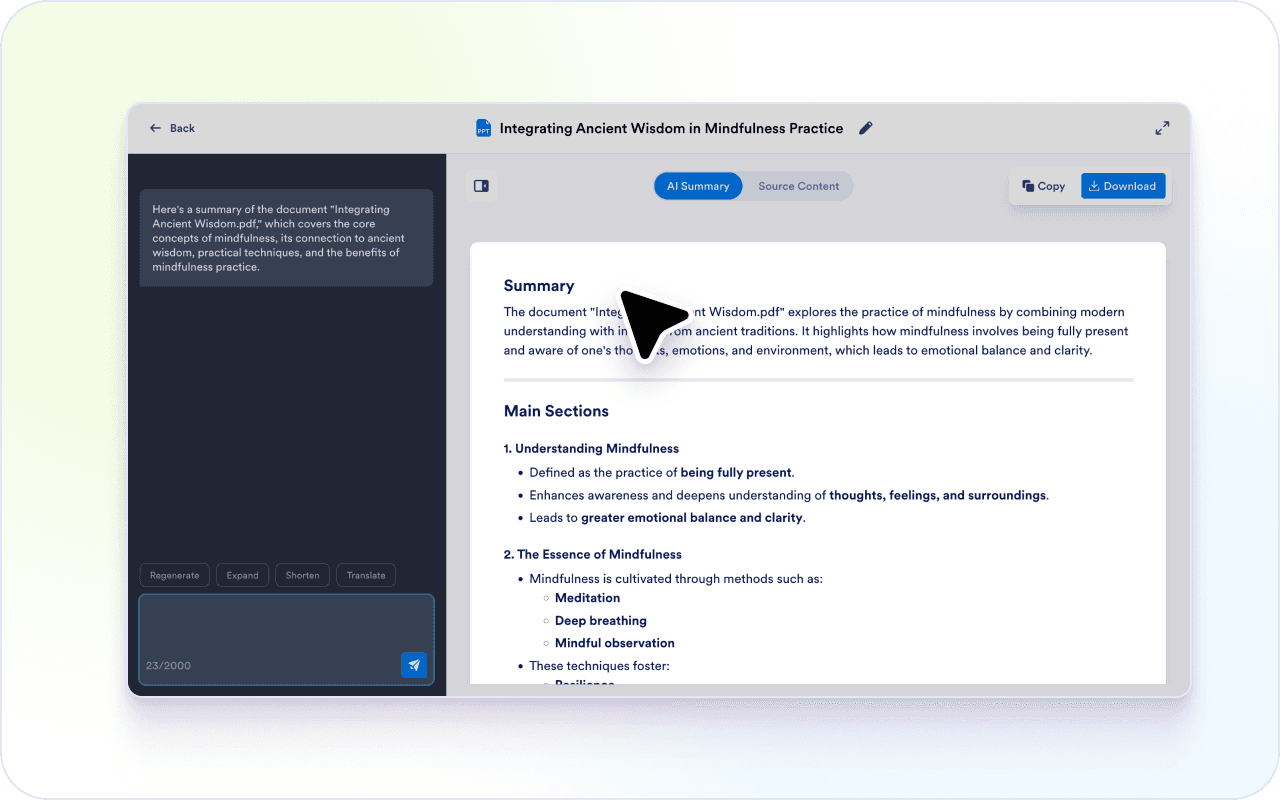
Slide text is often incomplete by design. A summary helps turn short bullets into clearer explanations.
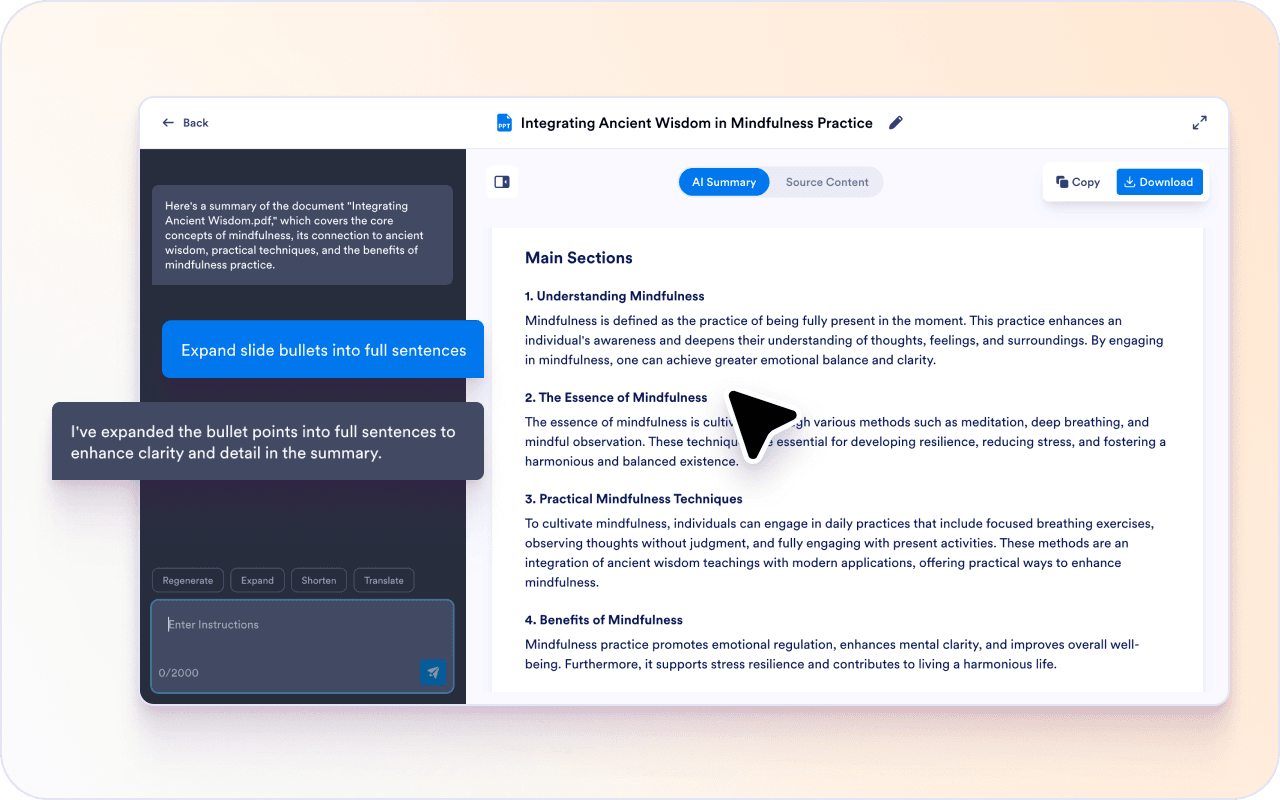
Some slides assume background knowledge or context from the presenter. The chat box helps clarify meaning without guessing.
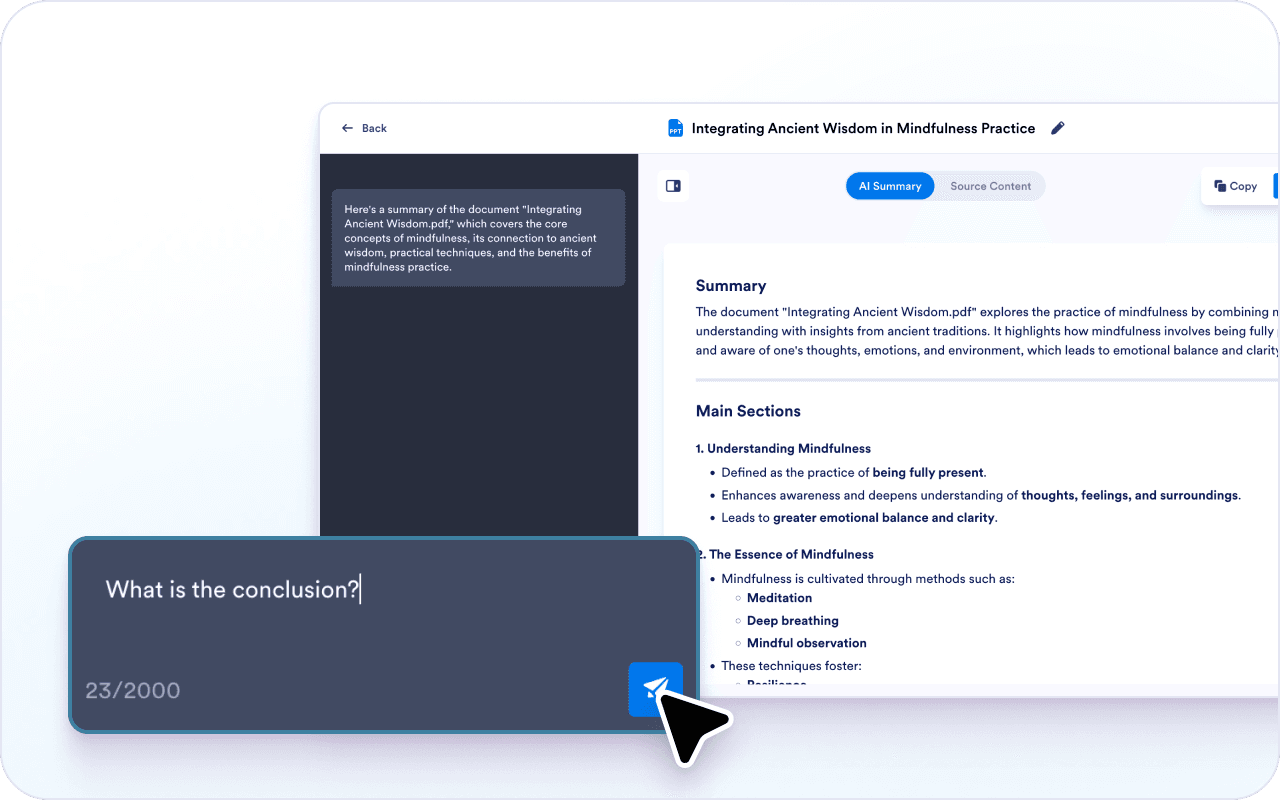
Slides are often reused across teams or regions. You can adjust the summary to fit a new audience.
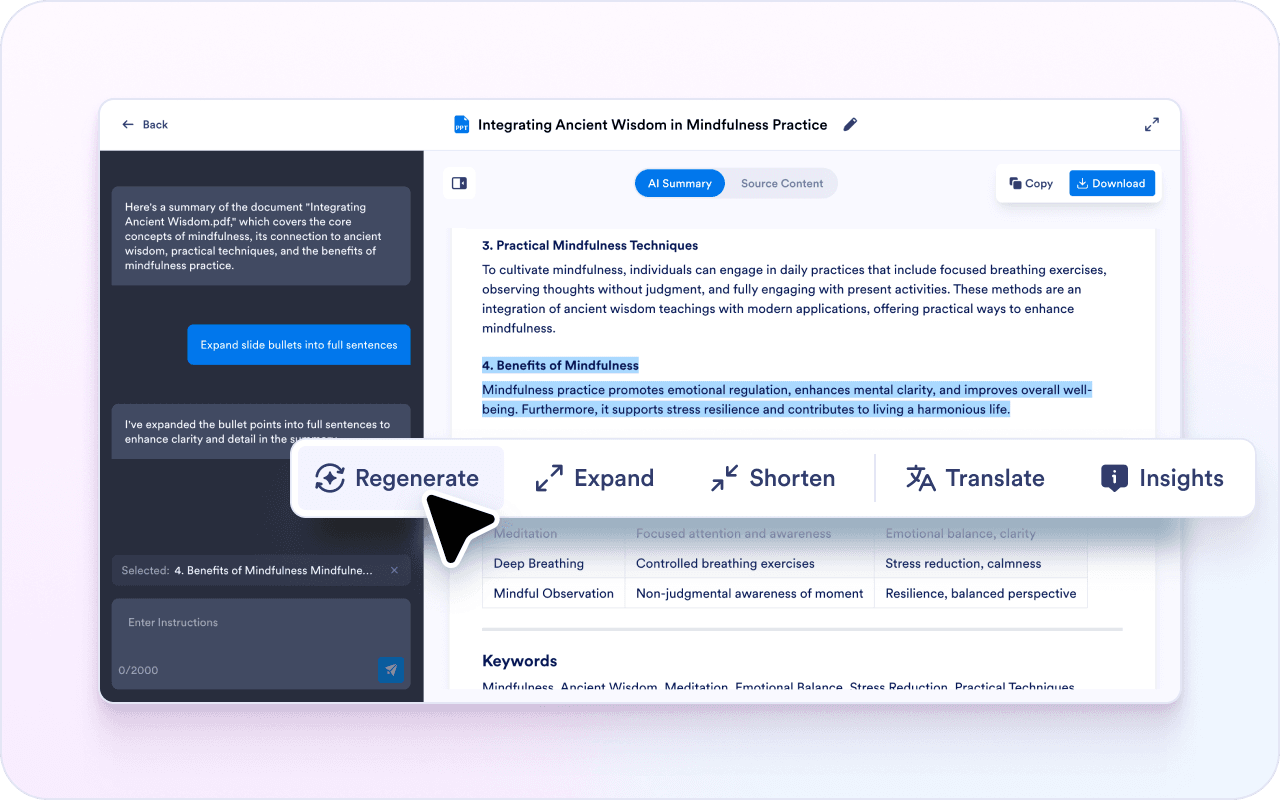
Slide decks are built for presenting, not reading. A summary turns slide content into something you can review on your own.
Instead of flipping through dozens of slides, you can scan a summary and jump to the slides that matter.
Because the summary is editable, you can reuse slide takeaways in notes, reports, or follow-up messages.
Teams summarize internal decks to capture decisions, plans, and next steps. This helps align people who were not in the presentation.

Leadership decks often include conclusions spread across slides. A summary helps surface the main message quickly.

Training decks are often reused over time. A summary helps turn slides into readable training notes.
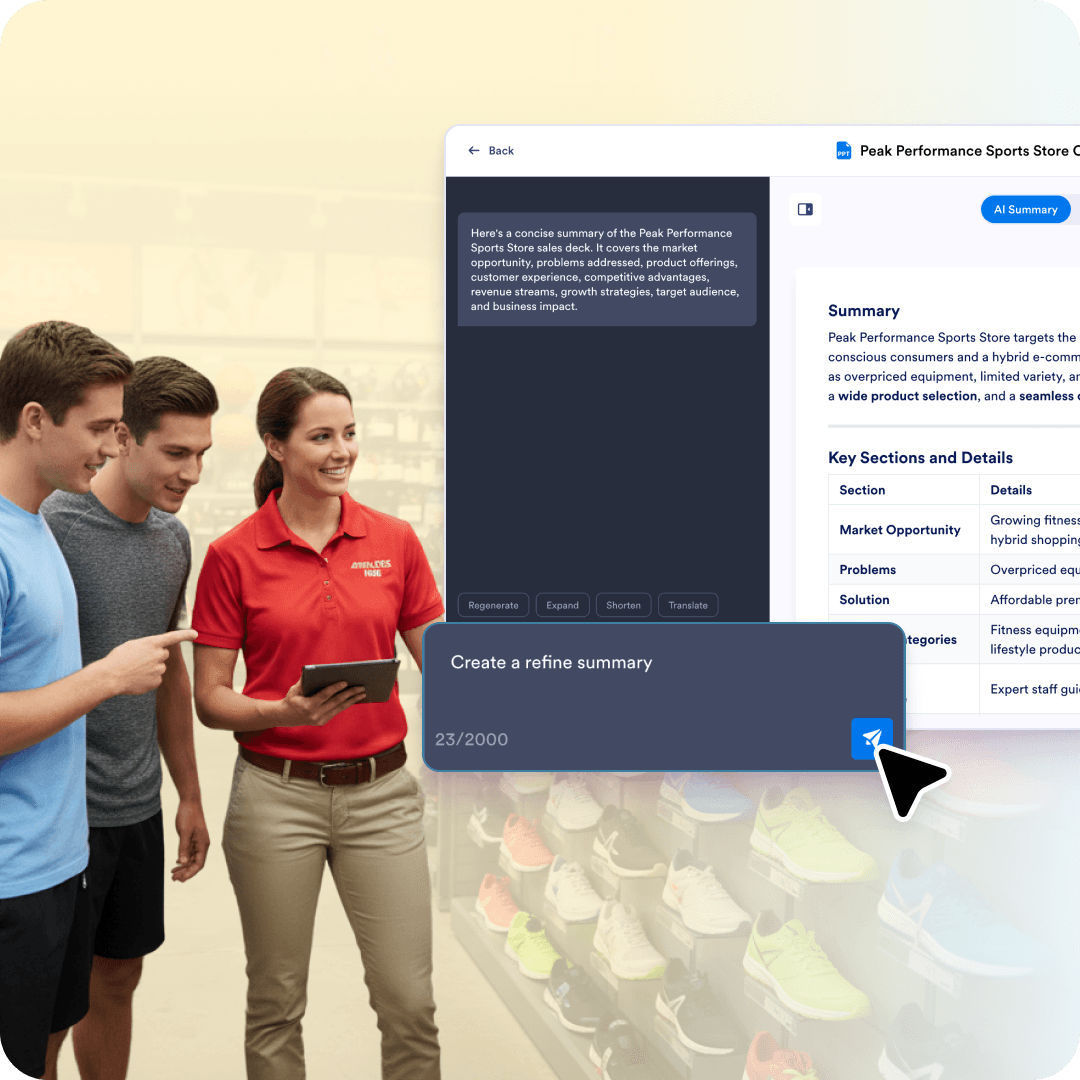
Pitch decks include claims, benefits, and positioning. A summary helps capture what the deck is arguing and who it is for.

Class slides often combine text, visuals, and examples. A summary helps turn them into study notes you can review later.
Explore a suite of powerful AI-driven tools designed to streamline your workflows, enhance productivity, and deliver smarter solutions for your form creation needs.





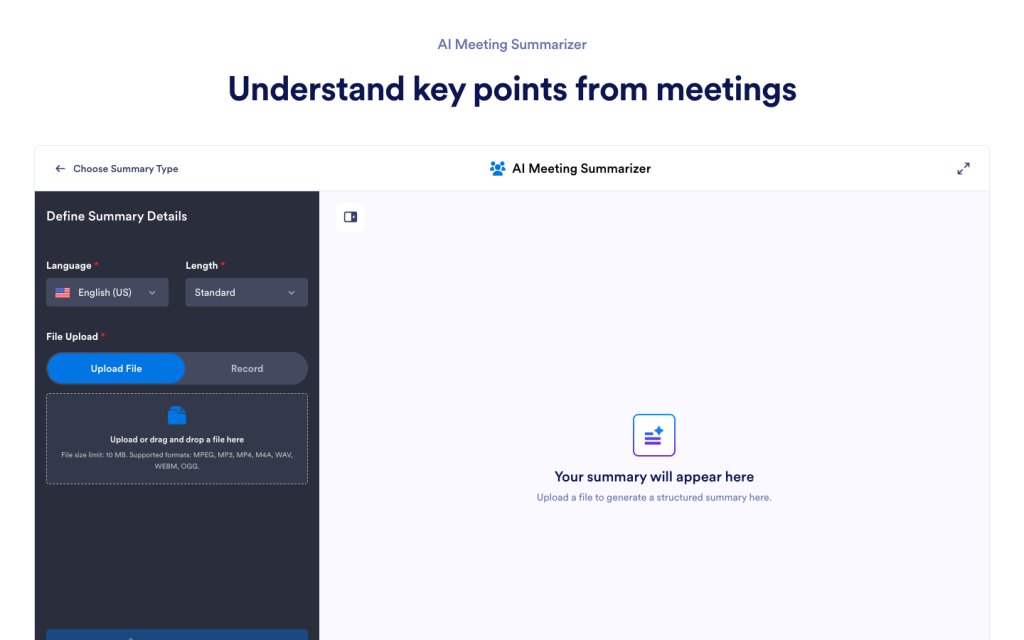
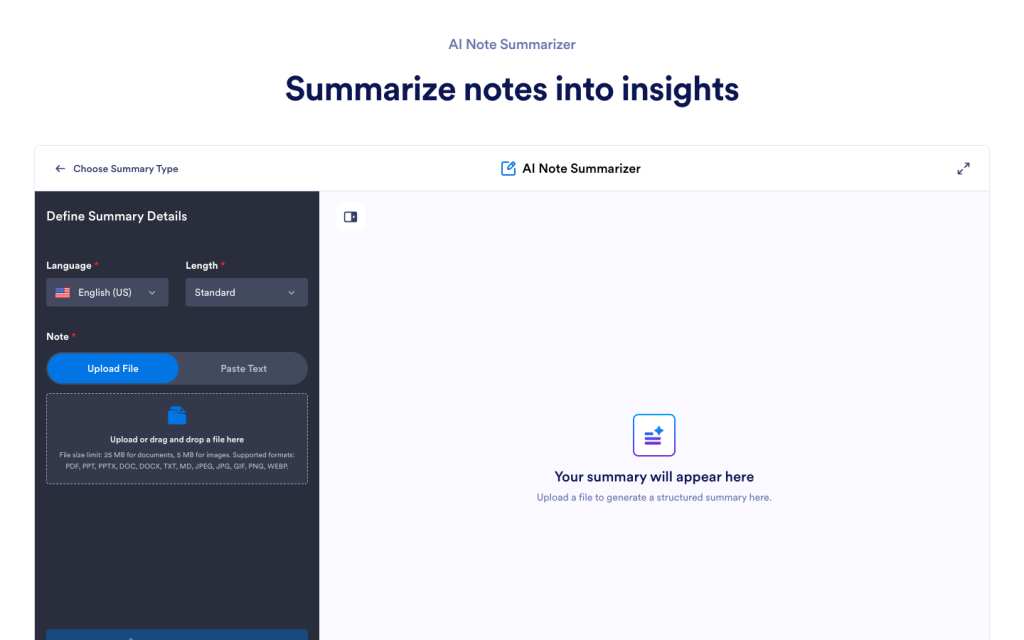
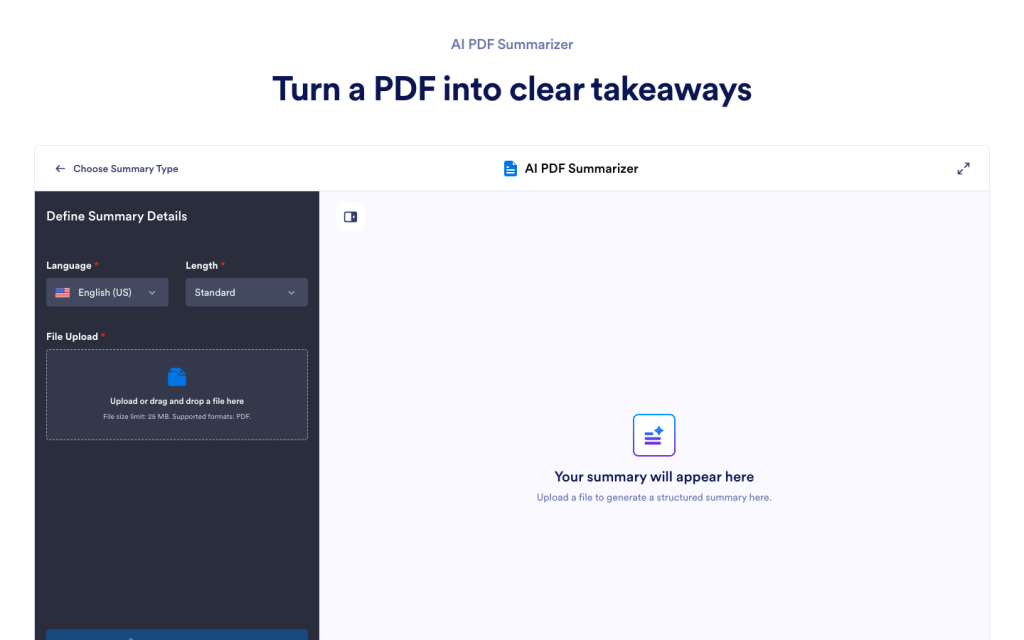






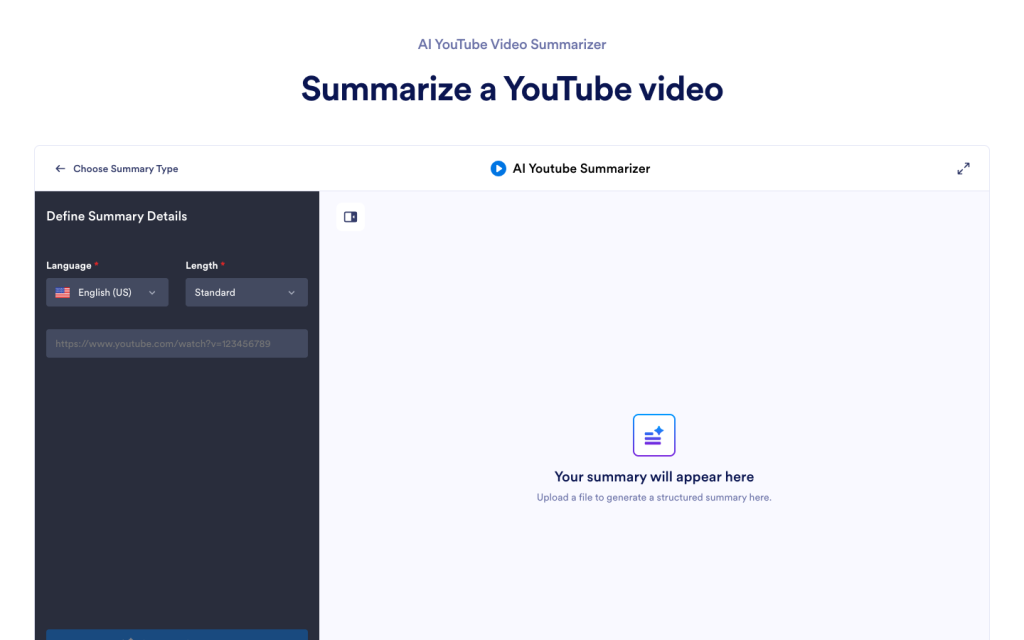
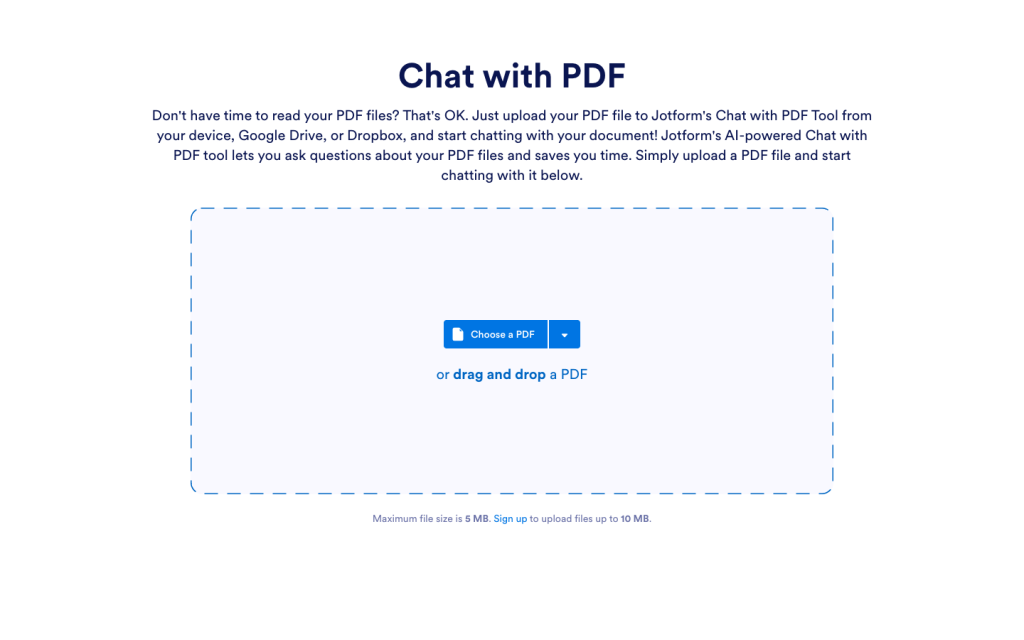
An AI PPT summarizer creates a written summary from a PowerPoint or slide deck, so you can understand the main message without having to read every slide in order. It’s useful for turning slide bullets into readable takeaways you can reuse in notes, updates, or follow-ups.
Upload a PPT file, get a clear summary, then use the chat box to rephrase, explain, translate, or ask questions as you review.