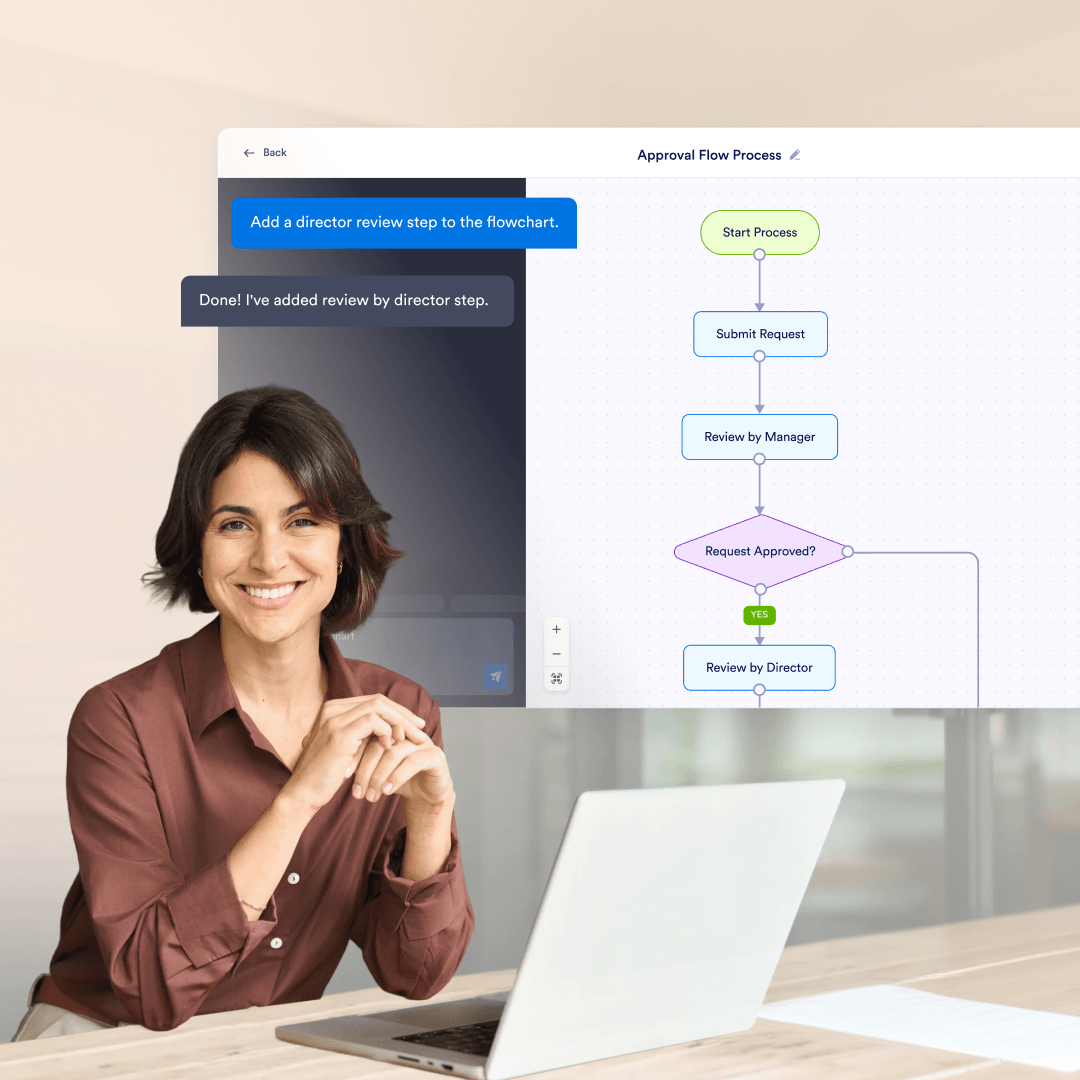
Teams use flowcharts to document how requests move through reviews and decisions, especially when different outcomes depend on amount, role, or priority.
Best for teams documenting processes, approvals, and workflows that need an AI flowchart generator they can edit after the first draft. Built by Jotform, used by 40+ million users, it lets you change nodes, connections, colors, and layout, then share a link so others can copy the flowchart into their own workspace.
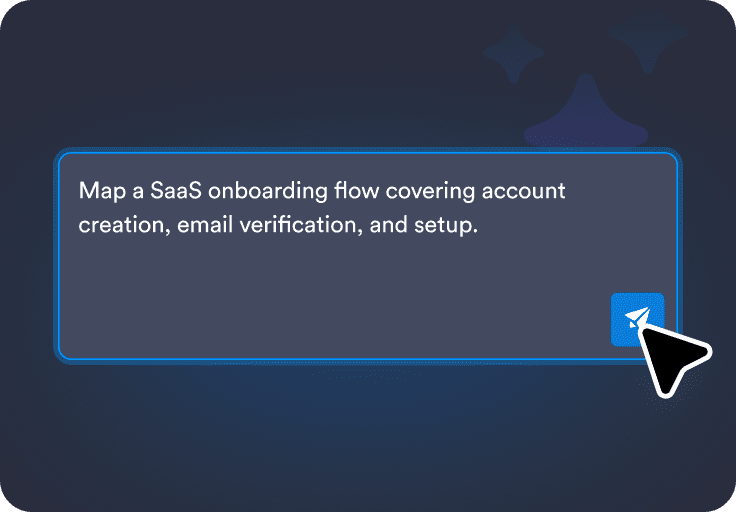
Write what you want in plain language, including key steps, decisions, and who is involved.
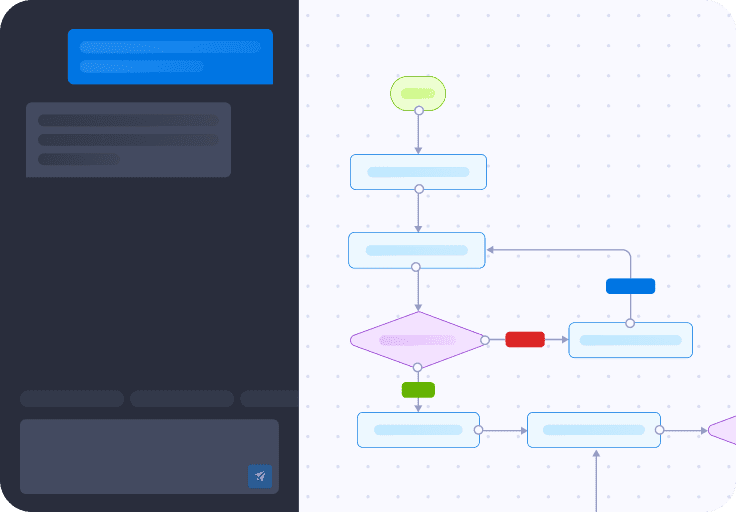
Turn your description into a flowchart with connected nodes and decision points you can review.
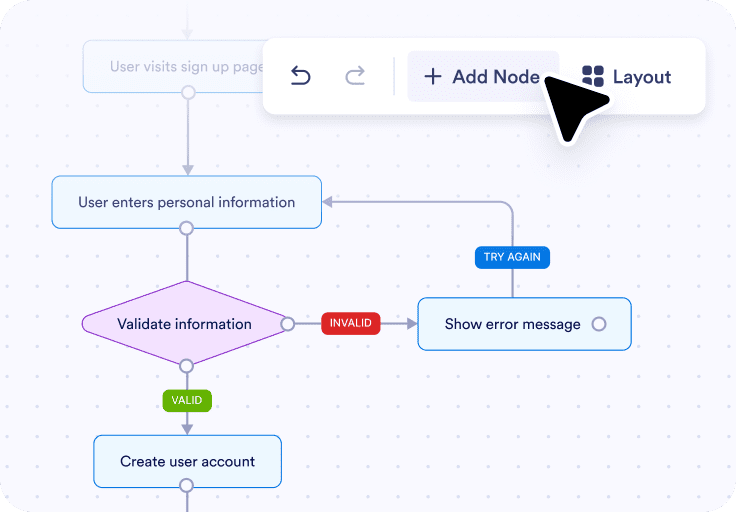
Edit the diagram manually or with AI prompts, then share a link or export it as a PNG.
You can reshape the flowchart so the steps and decision points match your real process, even if the first version is only a rough draft.

You can rename nodes to reflect the exact wording your team uses, which makes the diagram easier to review and follow.
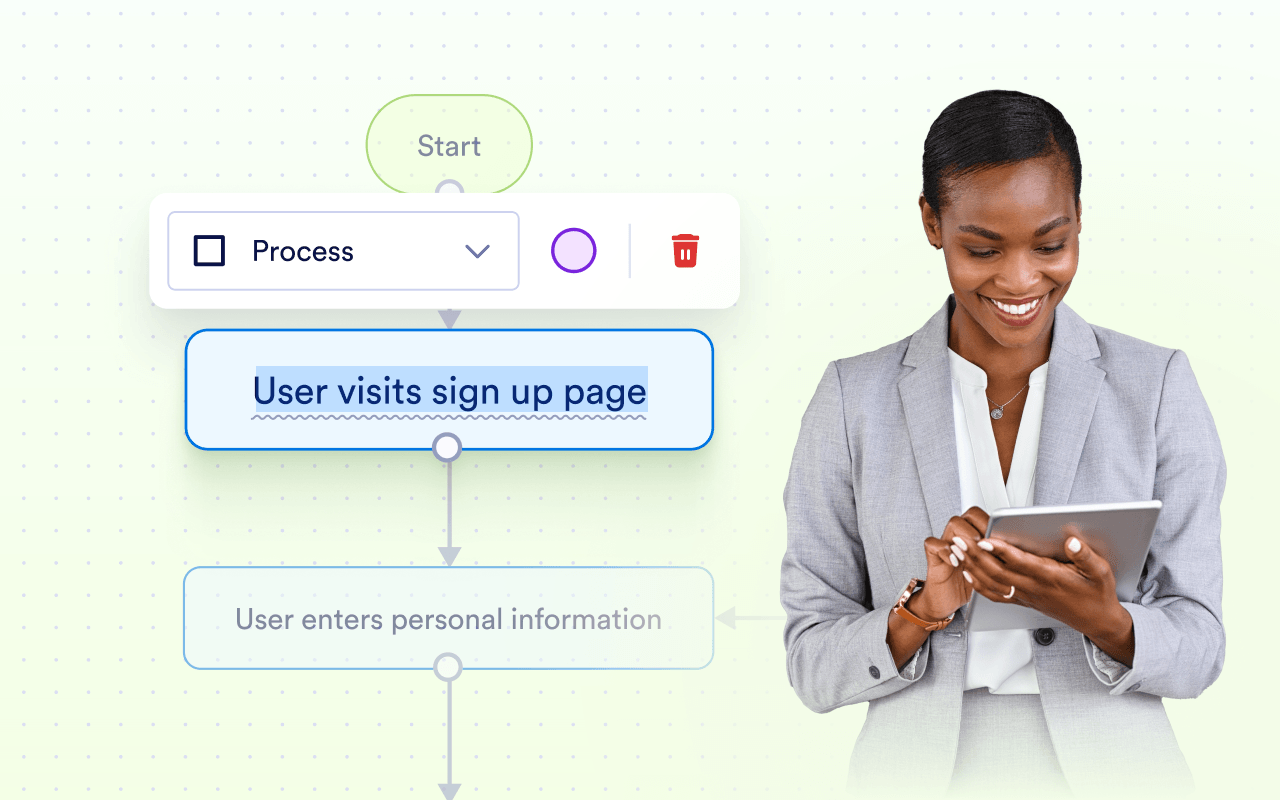
You can change the direction, spacing, and colors manually or with AI prompts so the flowchart is easier to read in meetings, docs, or screenshots.
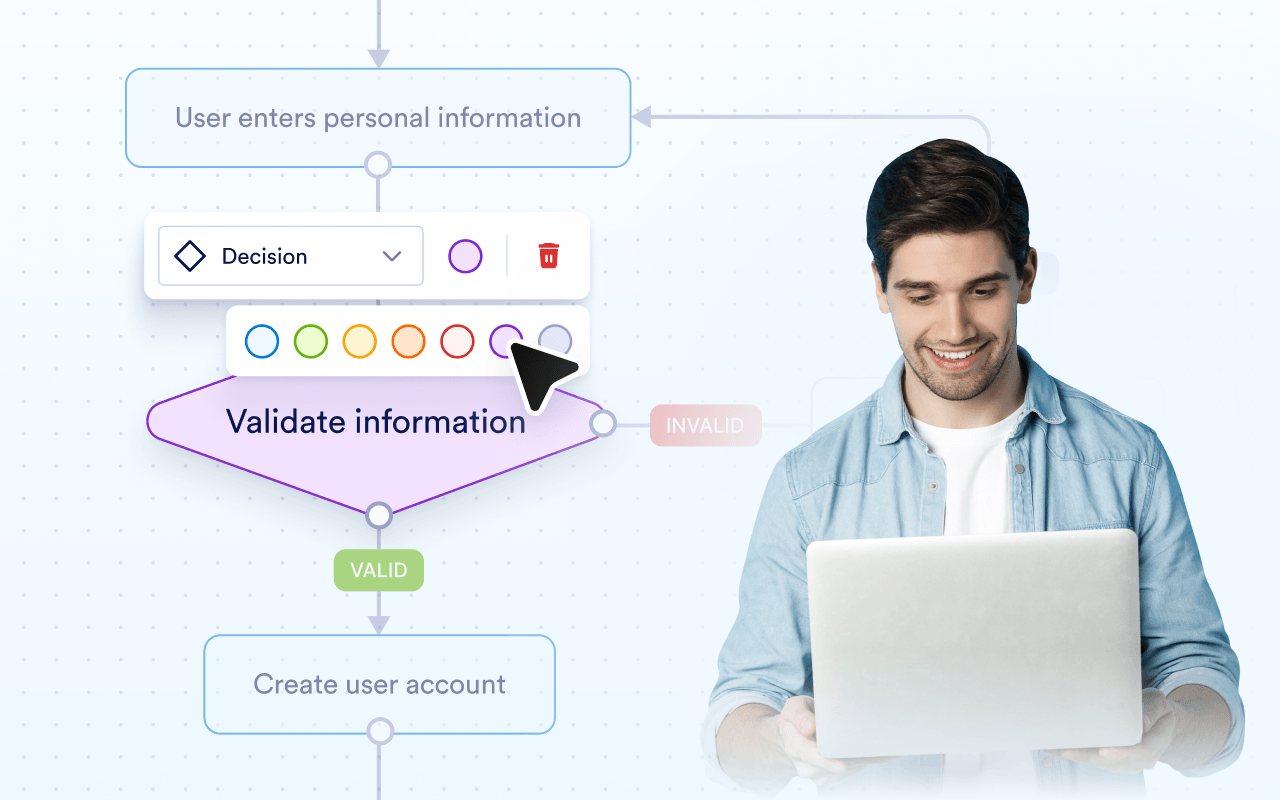
You can share the flowchart with teammates or export it as an image when you need to include it in documentation or presentations.
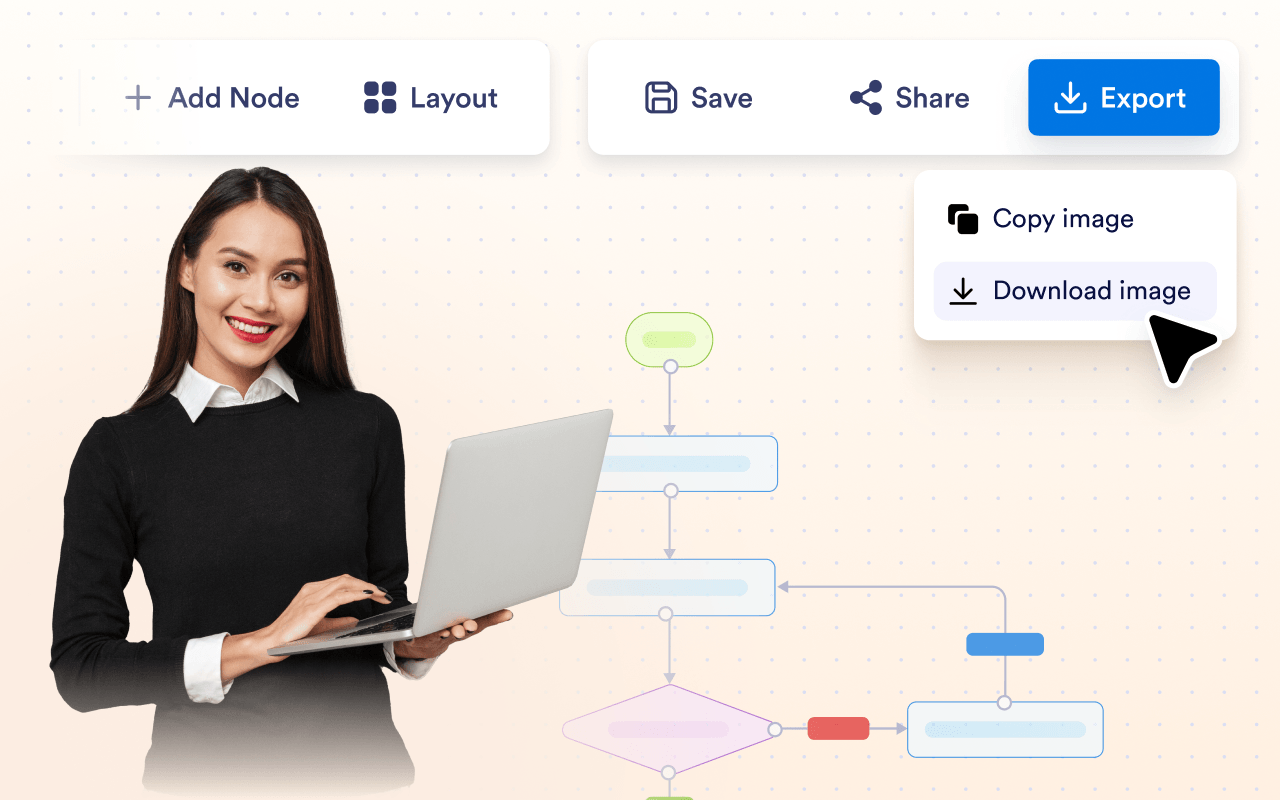
You can review earlier versions, restore a previous one, and keep track of everything you have made from a single place.

Because the diagram is fully editable, you can treat generation as a starting point and then adjust every step by hand.
Because the diagram is fully editable, you can treat generation as a starting point and then adjust every step by hand.
Because the diagram is fully editable, you can treat generation as a starting point and then adjust every step by hand.
Teams use flowcharts to document how requests move through reviews and decisions, especially when different outcomes depend on amount, role, or priority.
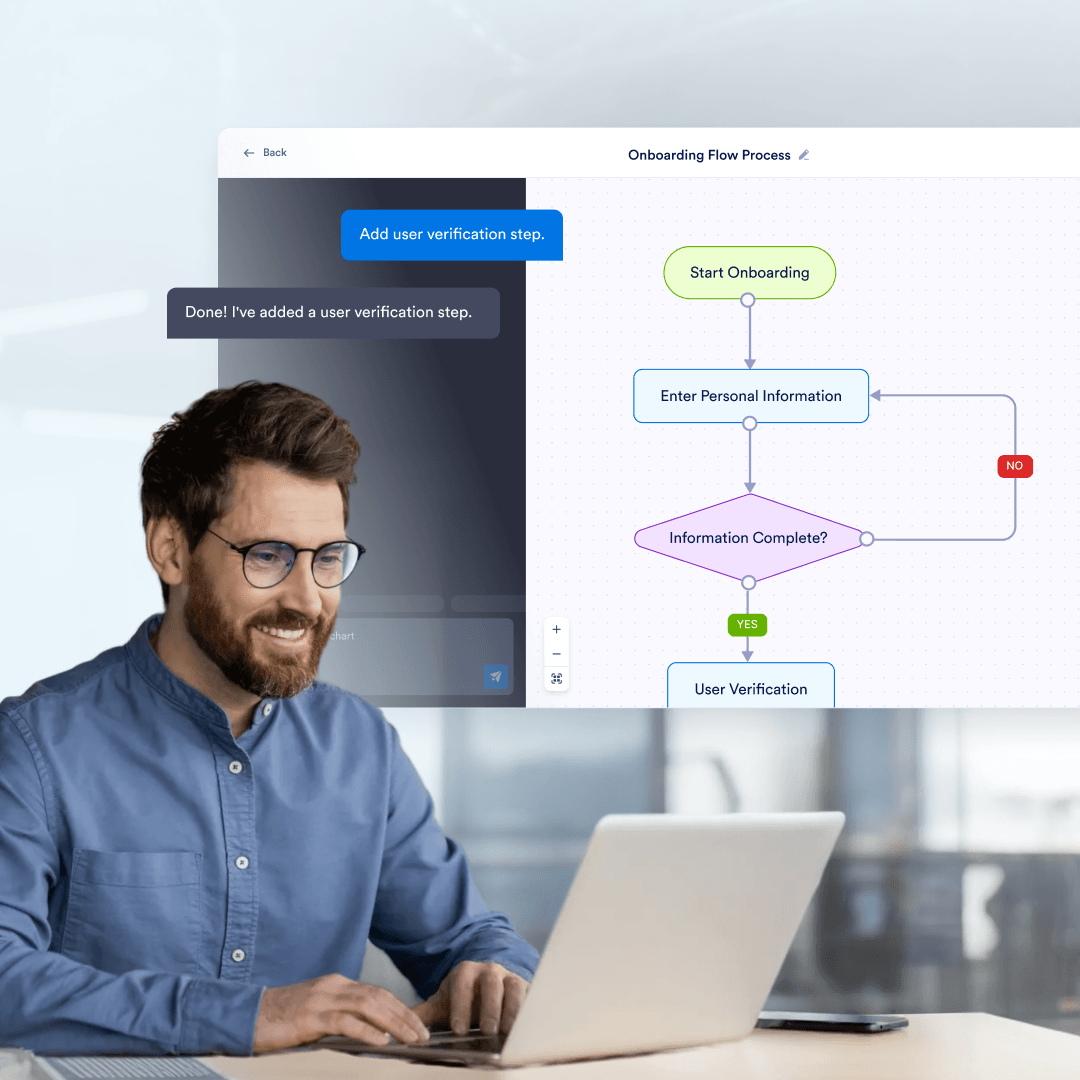
Flowcharts help standardize onboarding by showing what needs to happen, in what order, and who owns each step. This is useful for employee onboarding, contractor setup, or customer onboarding processes.
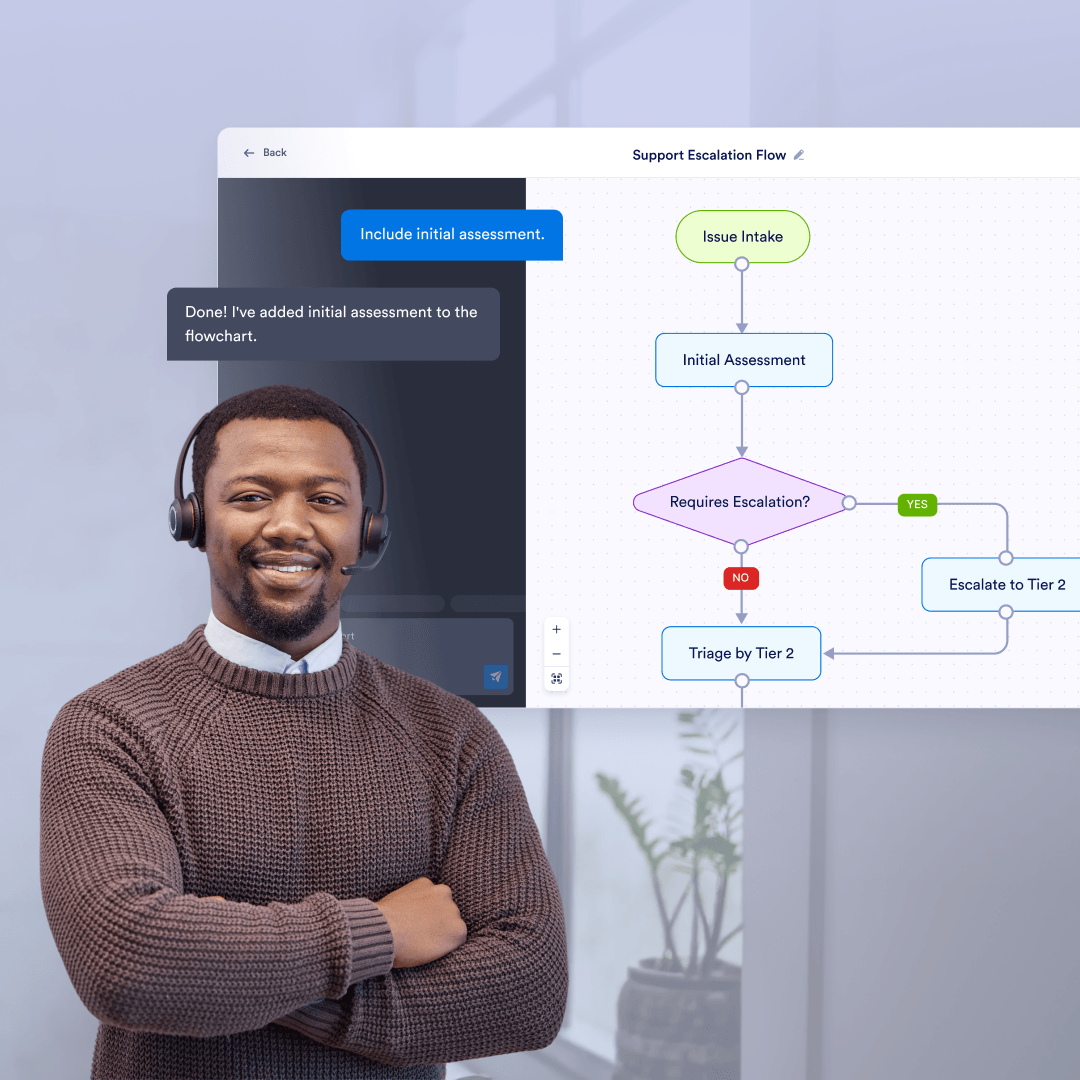
Support teams use flowcharts to define how issues are categorized, escalated, and resolved based on type, urgency, or customer status. This reduces guesswork during handoffs.
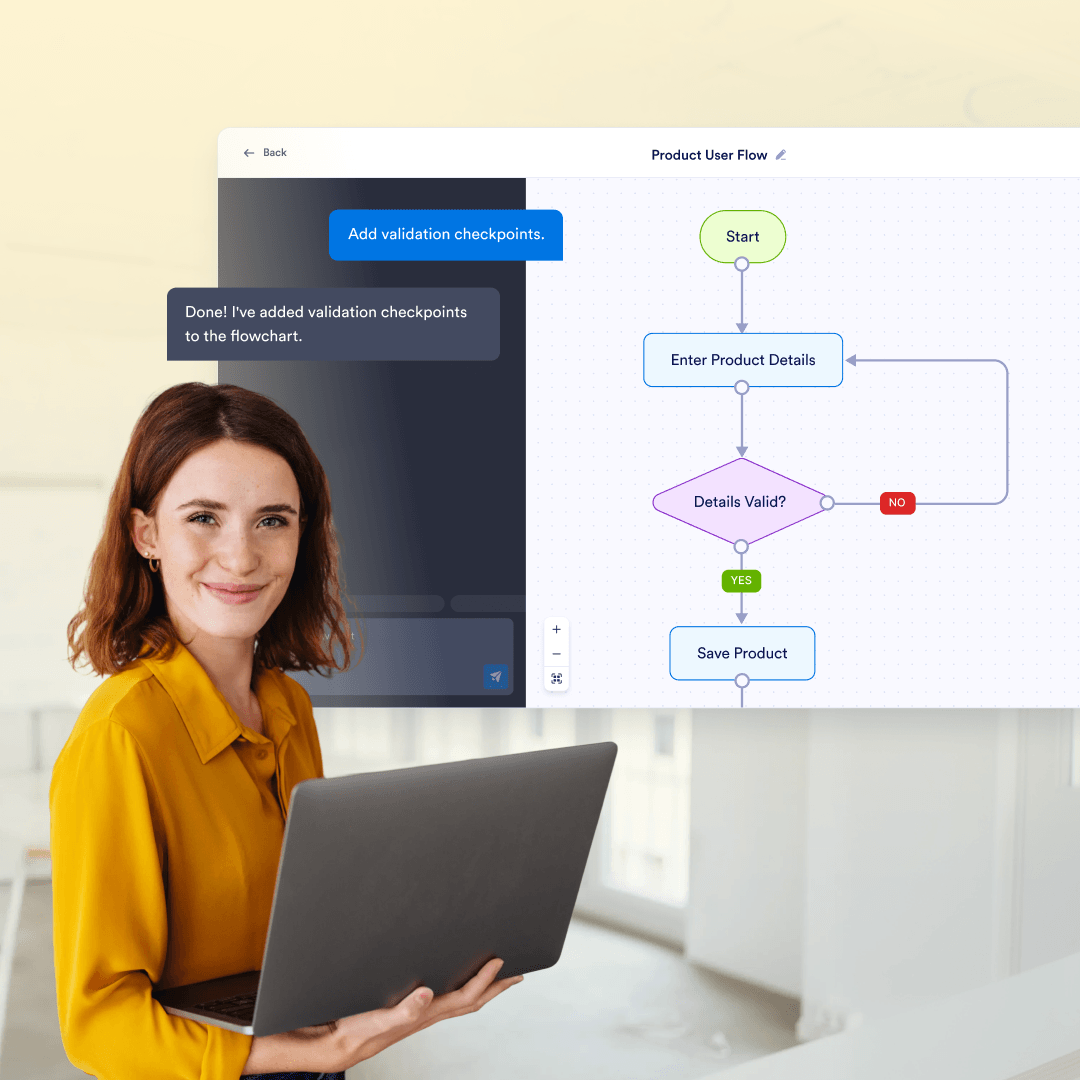
Flowcharts are often used to visualize how users move through a product, including sign-up, verification, and recovery paths. This helps teams review edge cases and improve consistency.
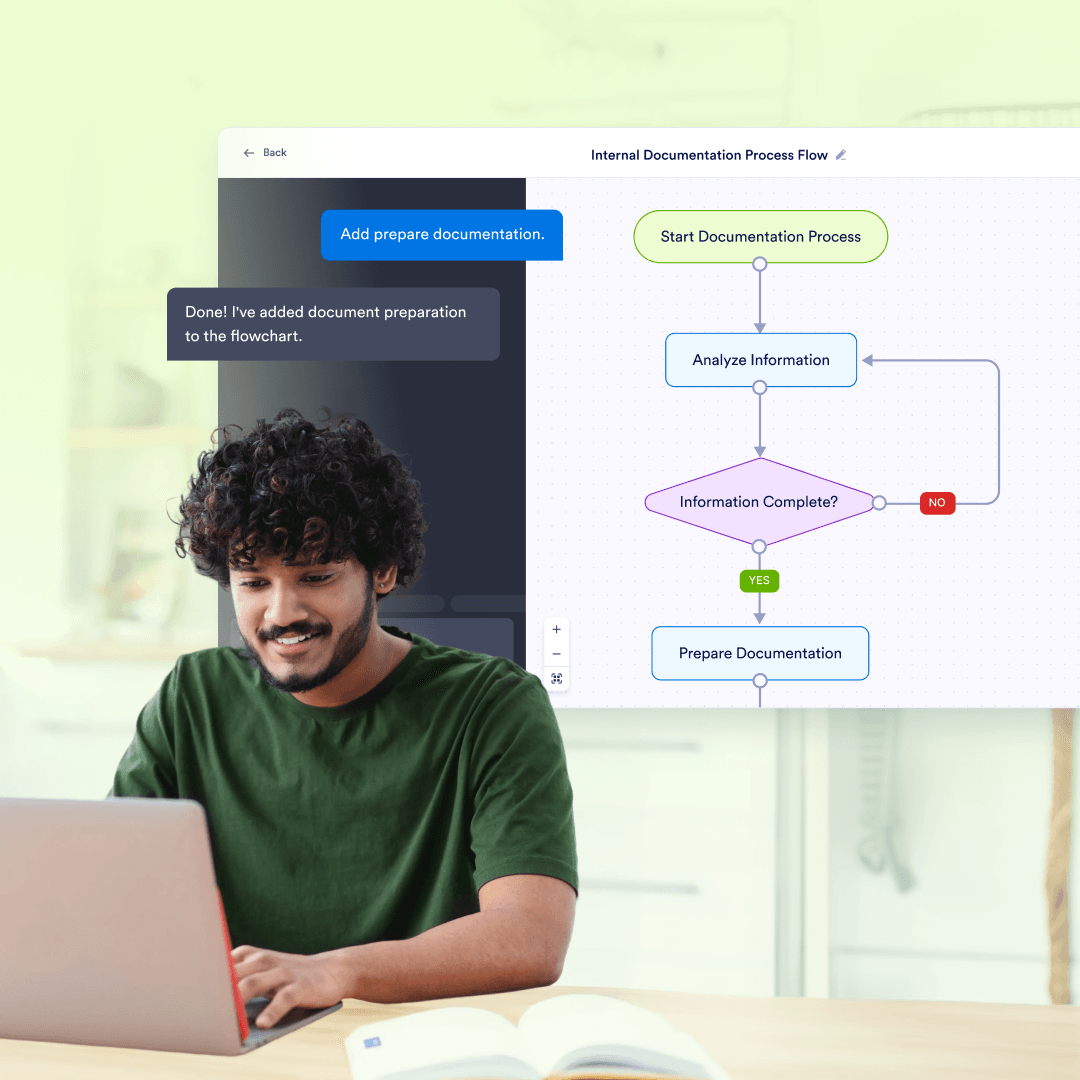
Teams use flowcharts as living documentation for recurring processes, especially when written instructions are hard to follow. A visual flow makes decisions and exceptions easier to understand.
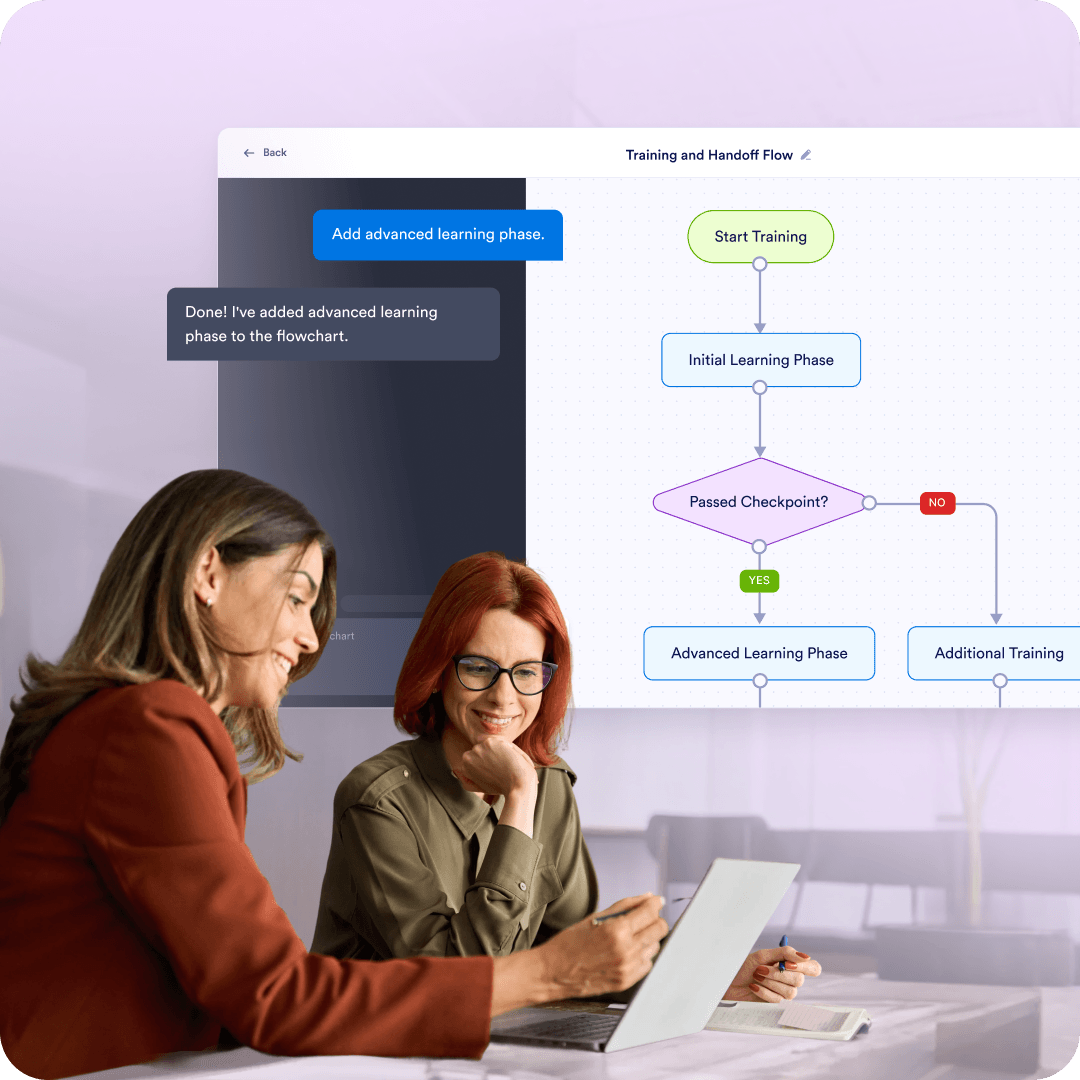
Flowcharts are useful for training new team members or handing off work by showing what to do in common and uncommon situations. They reduce dependency on tribal knowledge.
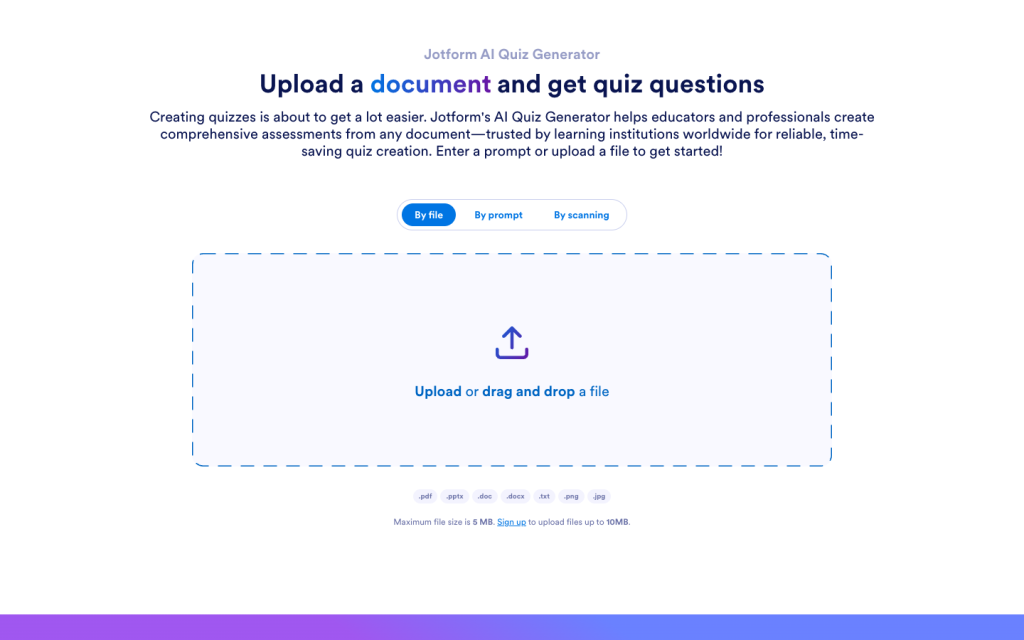
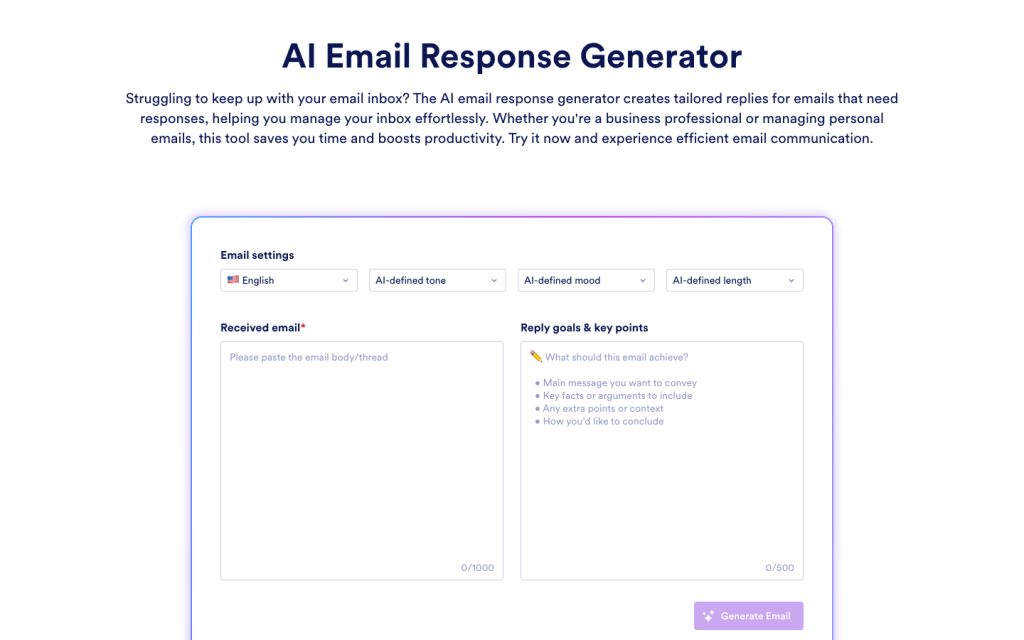
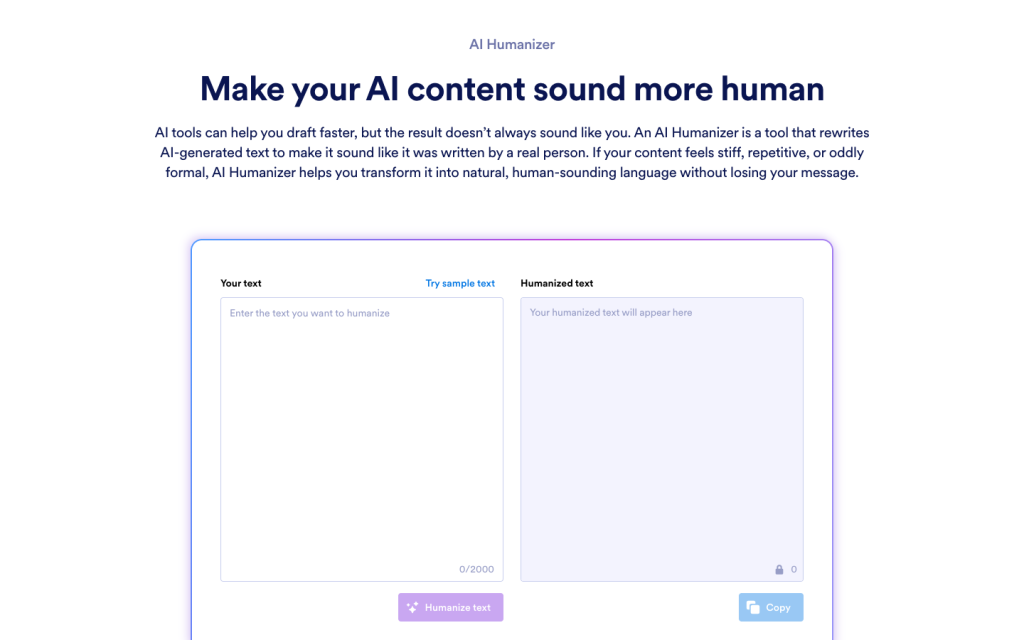
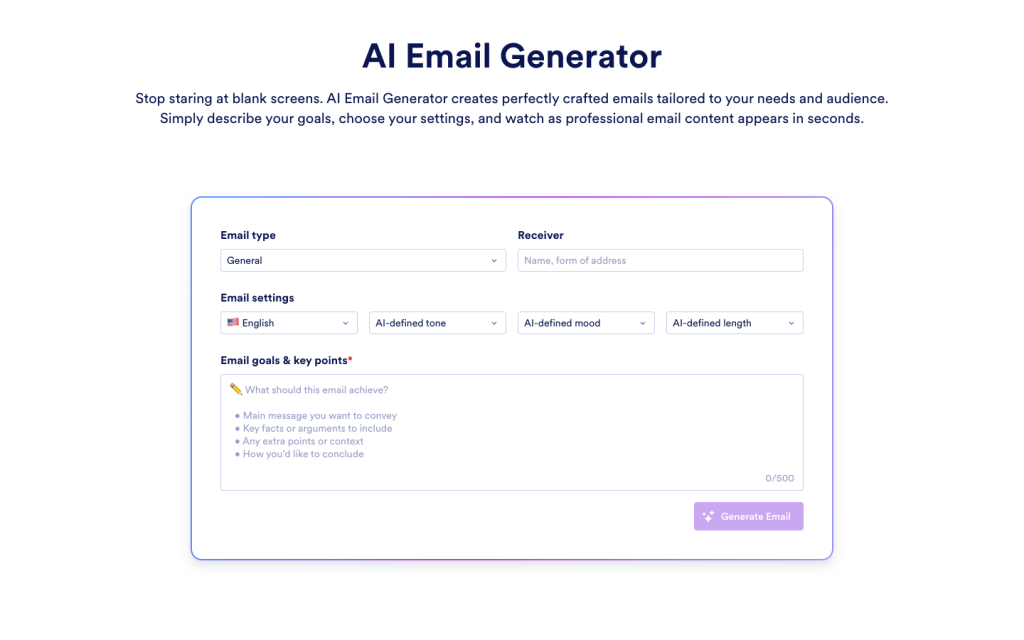
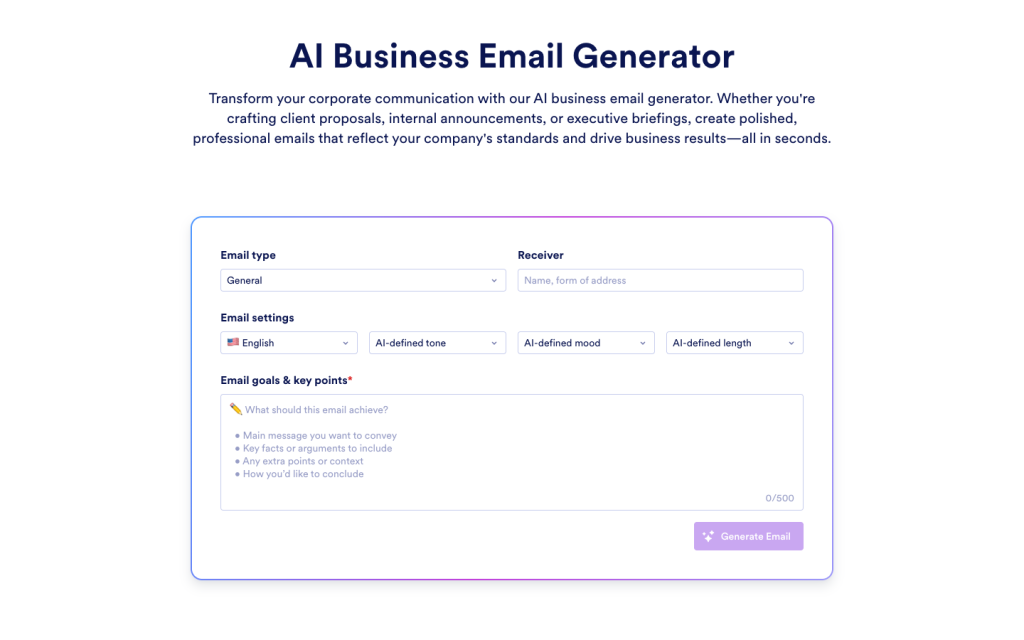
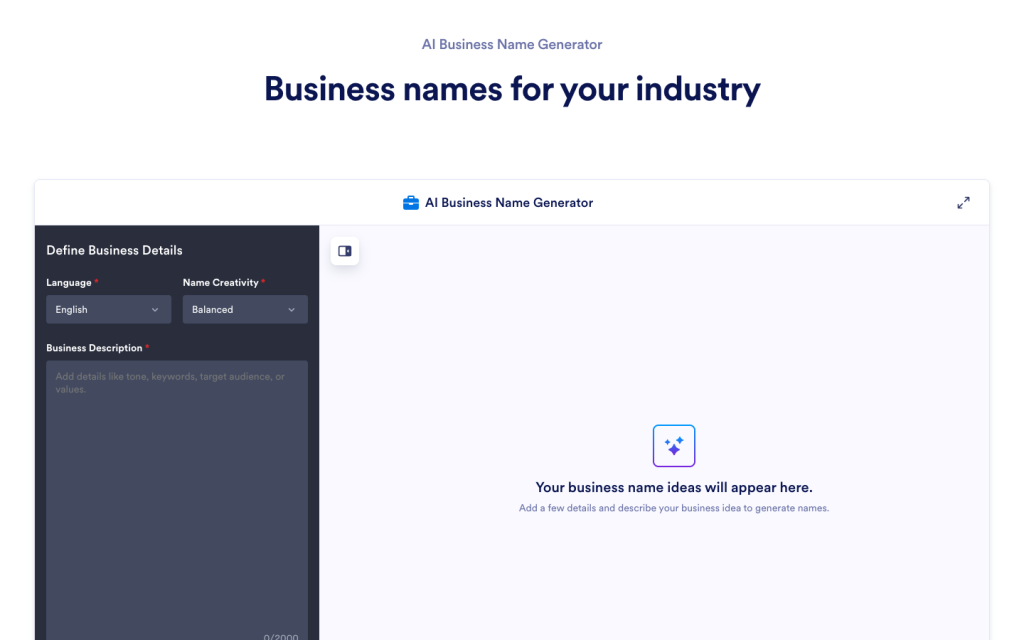
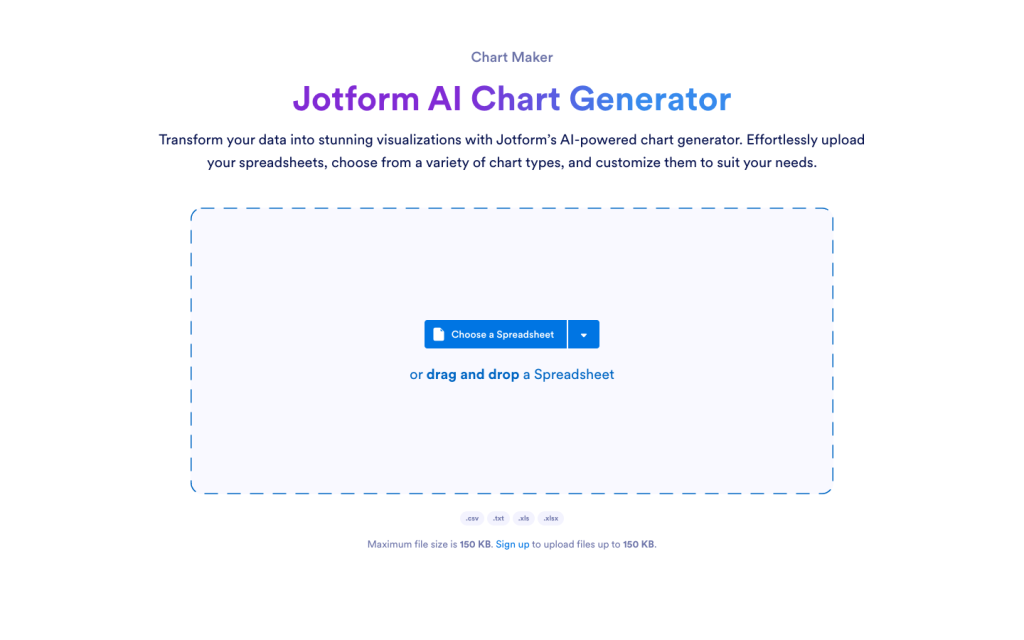
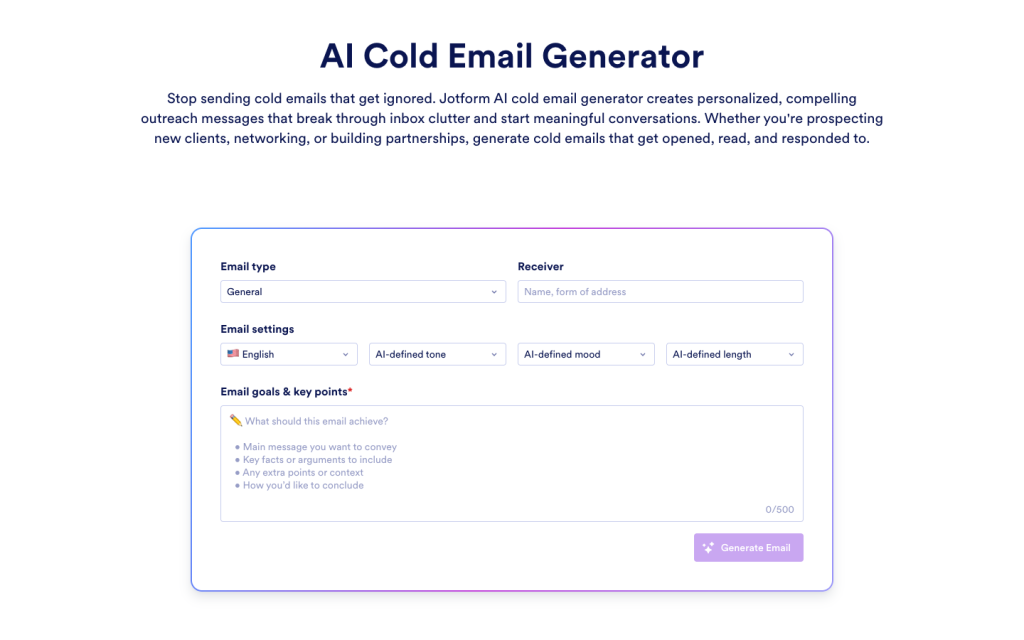
Explore a suite of powerful AI-driven tools designed to streamline your workflows, enhance productivity, and deliver smarter solutions for your form creation needs.
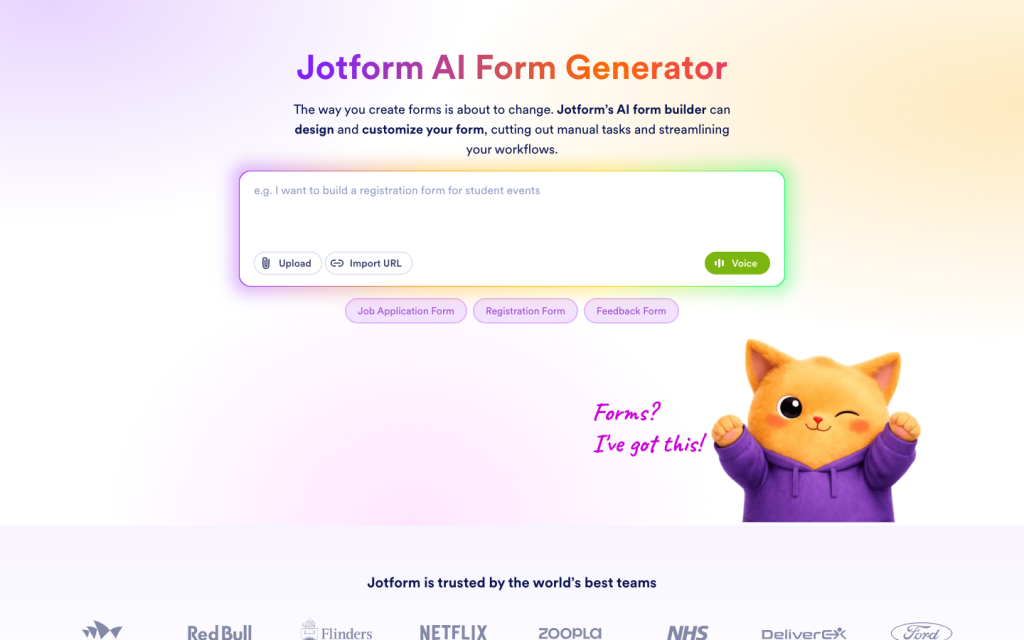





An AI flowchart generator turns a written description of a process into a flowchart with connected steps and decision points. In Jotform, the flowchart is not locked after generation, so you can keep editing the diagram until it matches your process.
Turn a written process into an editable flowchart you can adjust step by step. Keep it in Jotform so you can reopen it later and update it when your process changes.