Teams summarize internal meetings to capture decisions, owners, and follow-ups in one place. This makes it easier to share what changed and what needs to happen next.
Best for teams that rely on meetings and need a clear record of what was discussed, decided, and assigned. It helps you capture key points, follow-ups, and next steps without rereading long notes or transcripts.
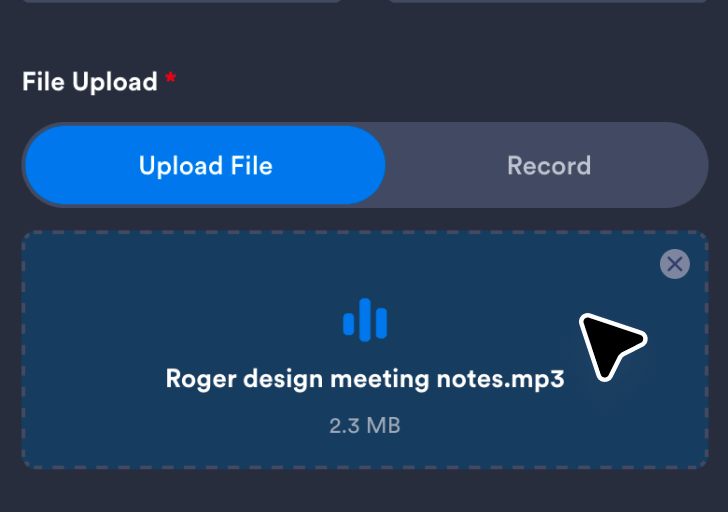
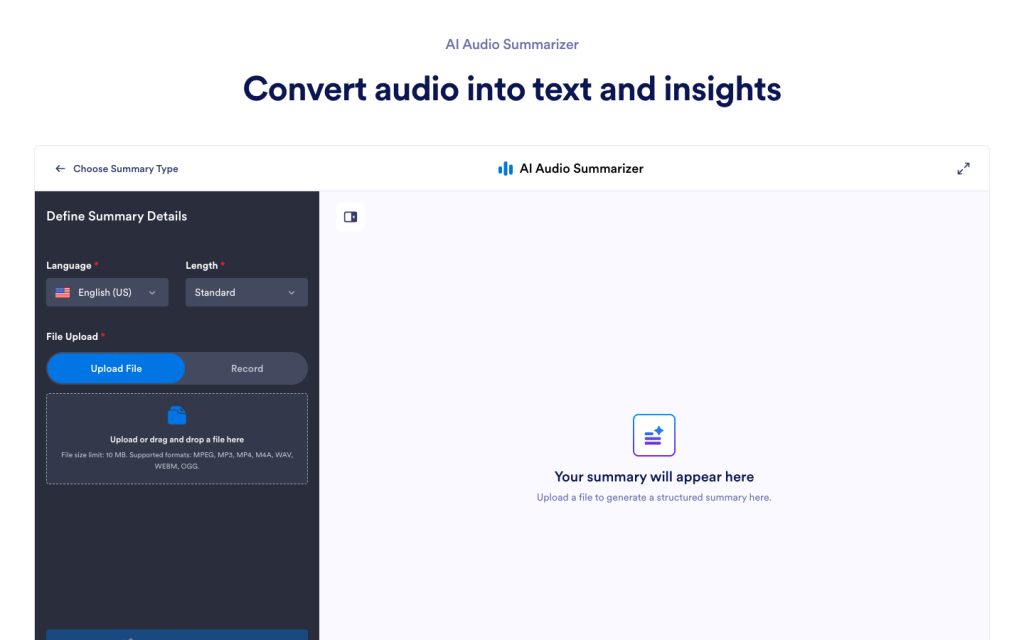
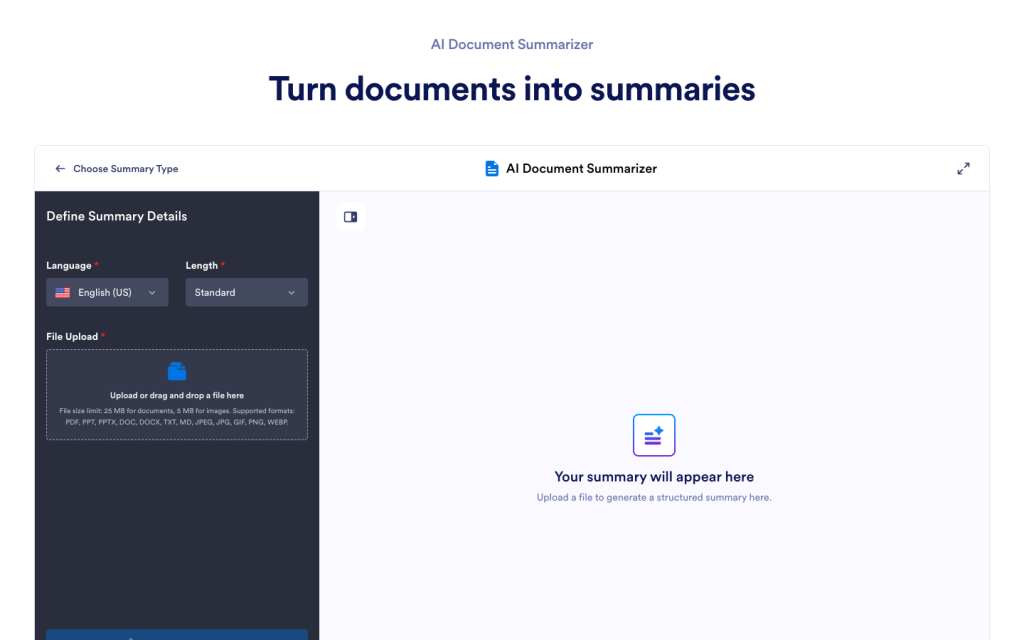
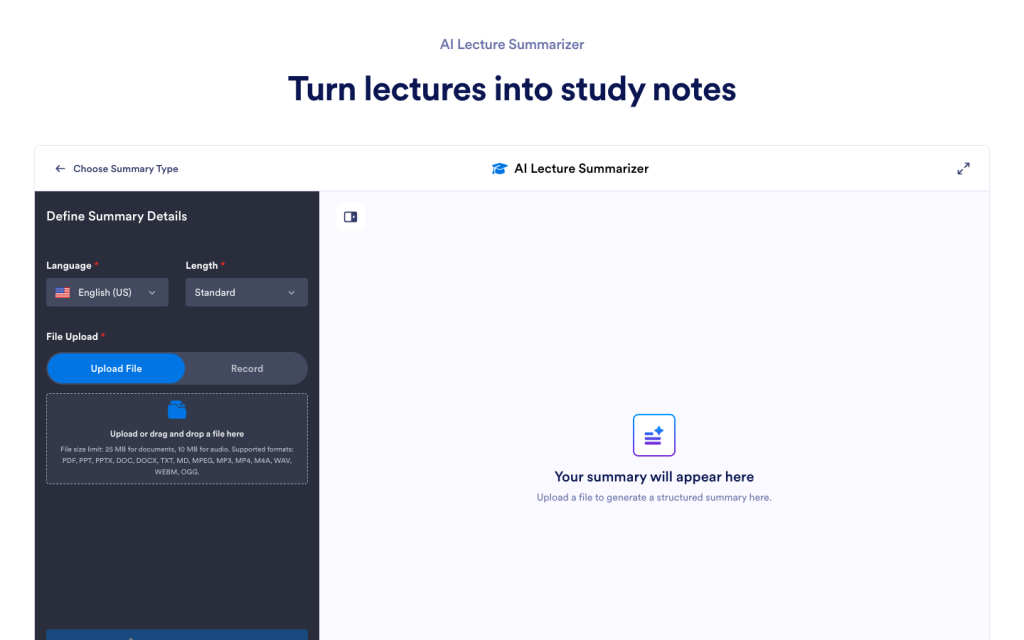
Upload your meeting recording or record it live so the tool can analyze the discussion and prepare it for summarization.
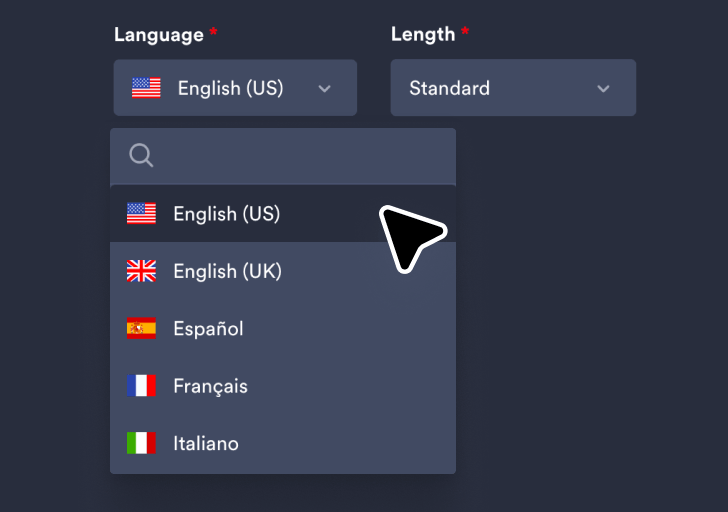
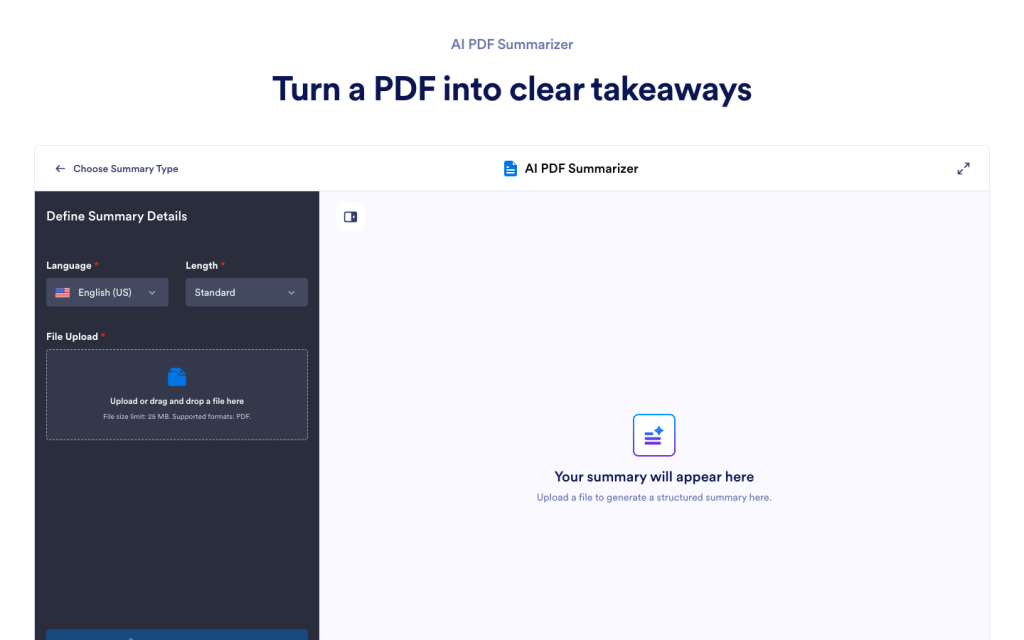
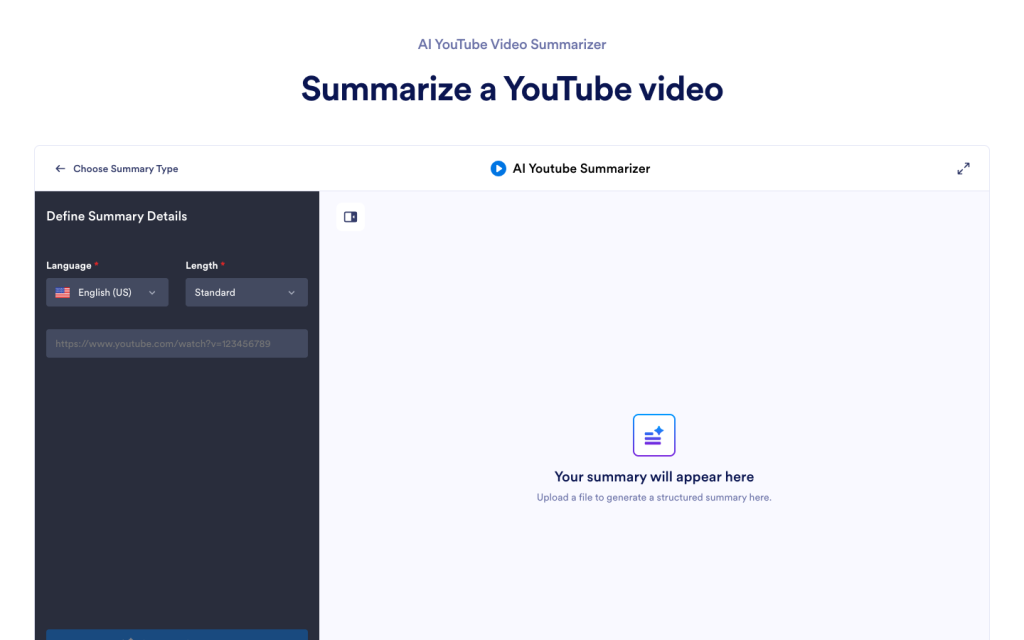
Choose your preferred language and summary length to control how detailed the generated summary will be.
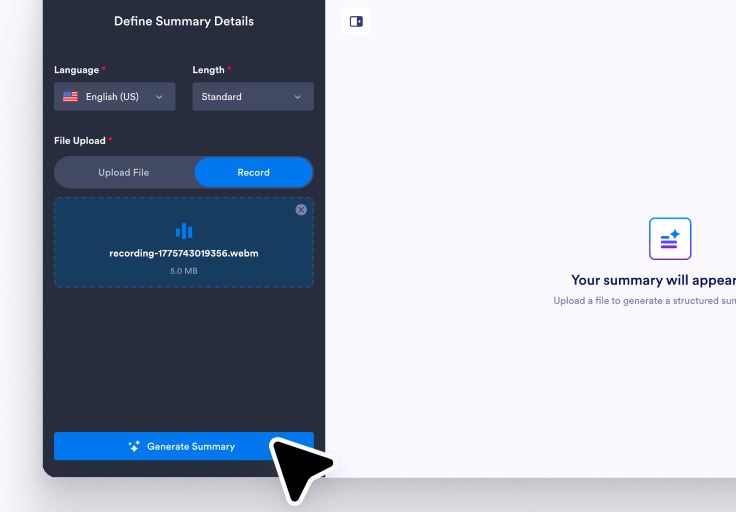
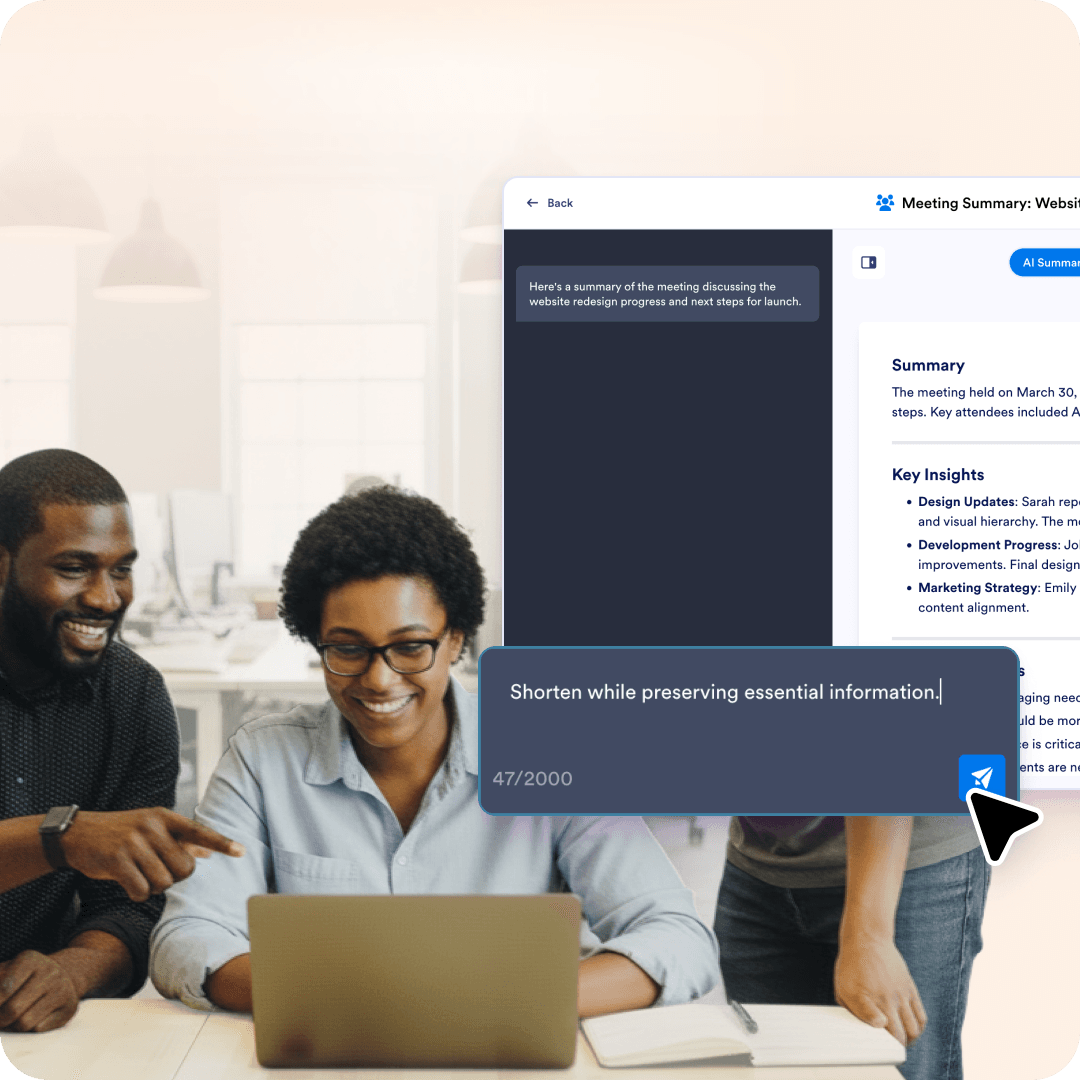
Click Generate Summary to create the results, then use the chat box to rephrase, translate, or clarify key points.
Record meetings on the spot and automatically generate summaries of discussions, decisions, and action items without missing a moment.
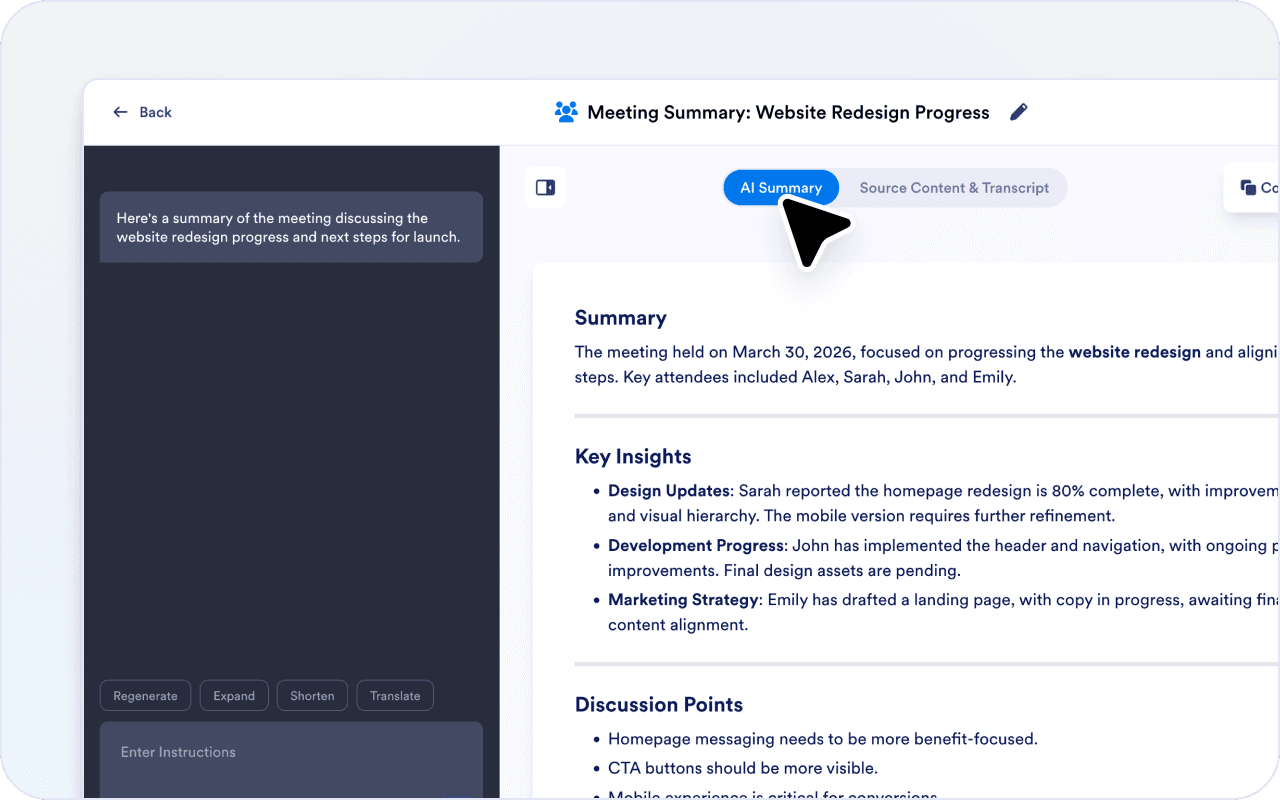
You can guide the summary so it highlights what needs to happen next, instead of listing everything that was said.
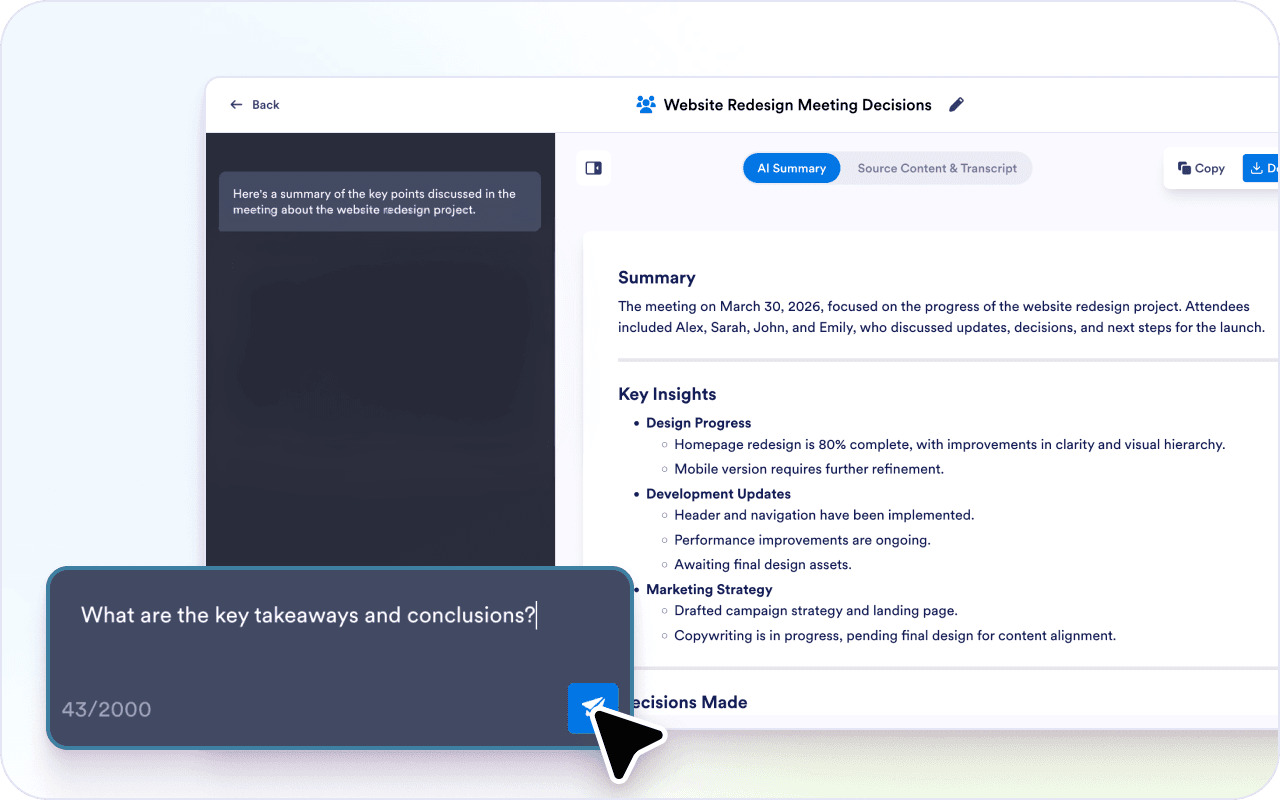
Meetings often jump between topics. A summary helps turn that discussion into structured points you can review later.
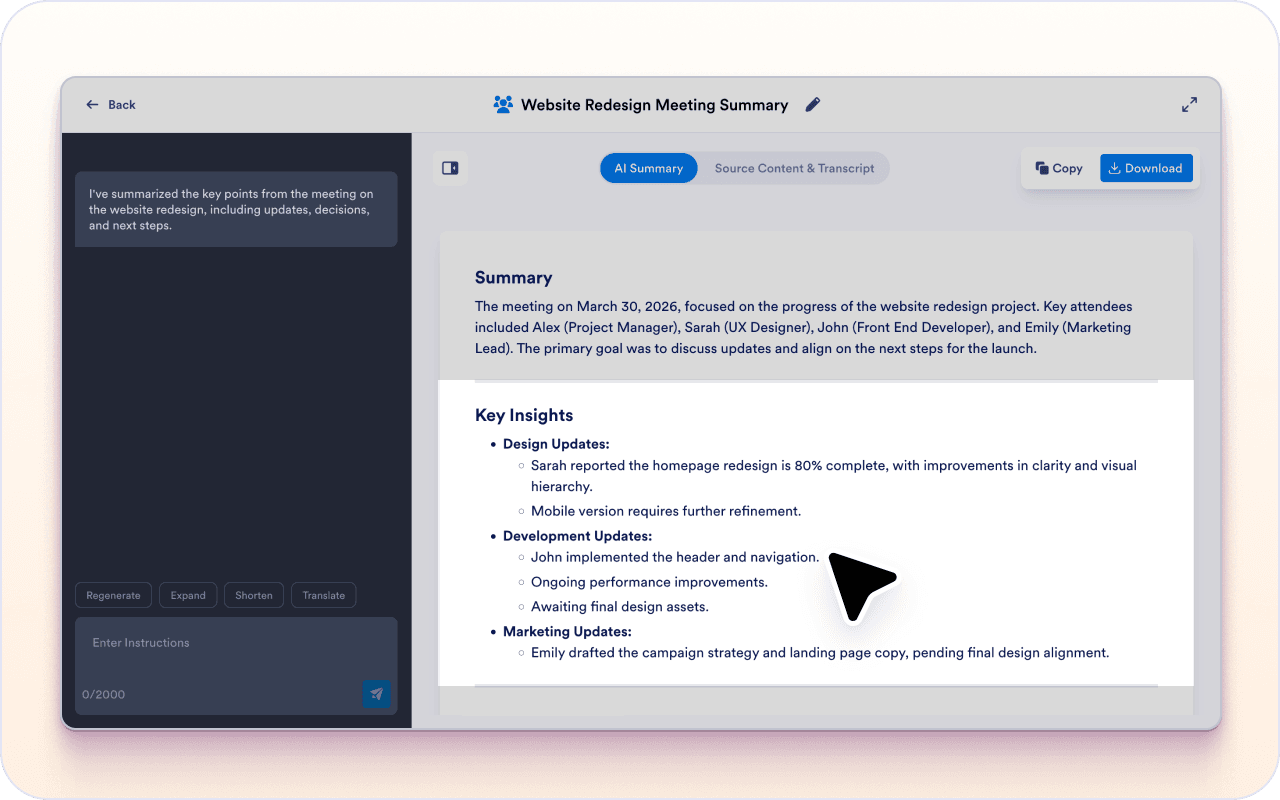
If something from the meeting is unclear, you can ask questions in the chat box without selecting text.
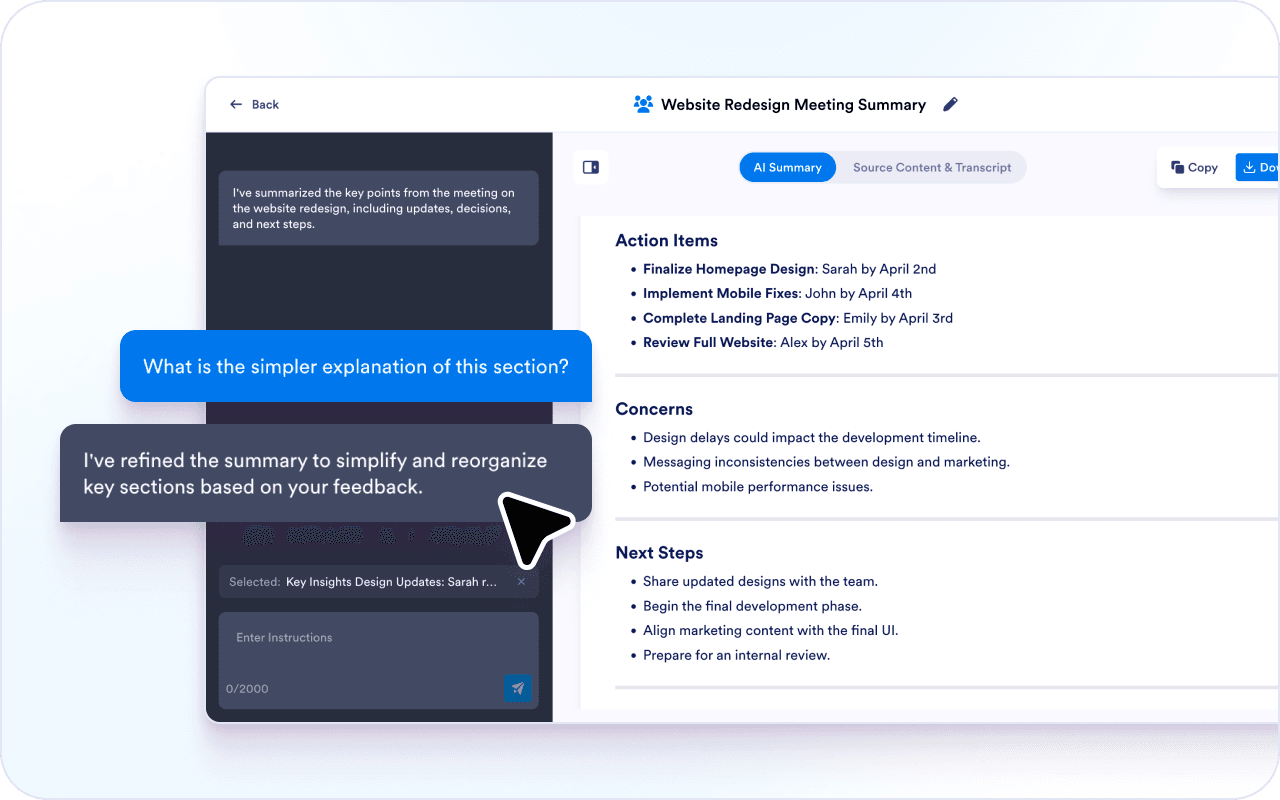
You can adjust the summary to fit how you need to share it.
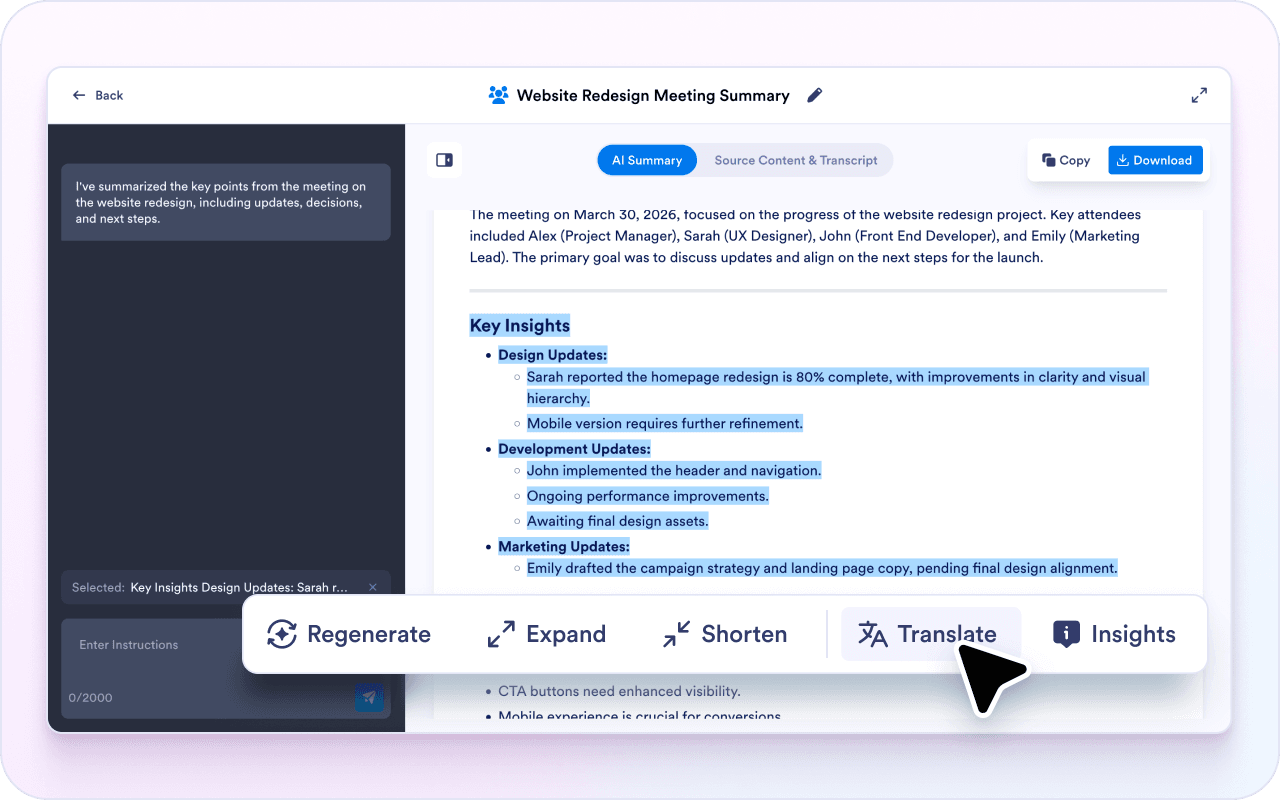
Meetings don’t always end with clear outcomes. A summary makes decisions and next steps easier to spot.
Instead of rereading notes or transcripts, you can review a short summary and move on.
Because the summary is editable, you can reuse it for emails, task lists, or documentation.
Teams summarize internal meetings to capture decisions, owners, and follow-ups in one place. This makes it easier to share what changed and what needs to happen next.
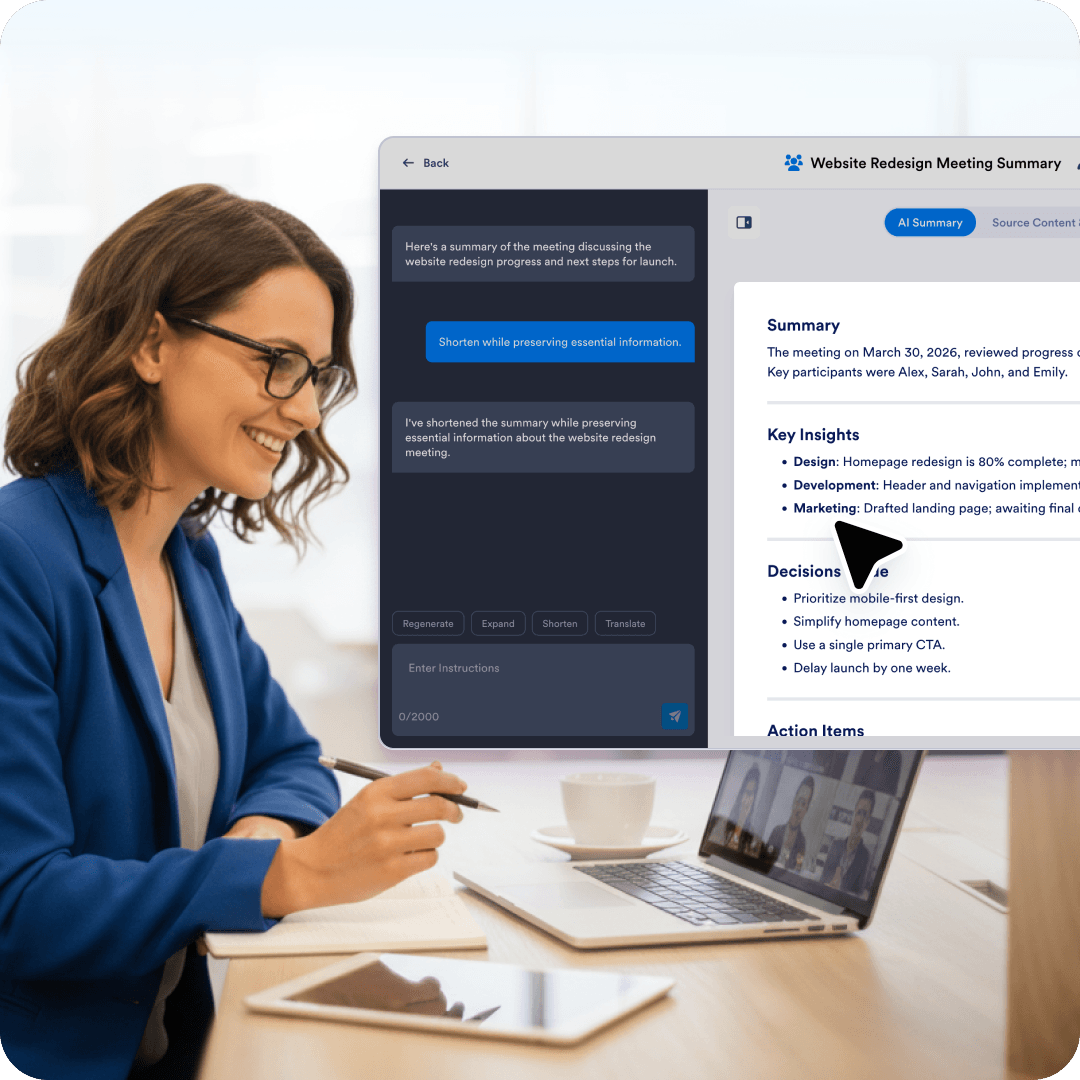
Client calls often include requirements, constraints, and next steps that are easy to miss in raw notes. A summary highlights what was agreed on and what you should follow up on.
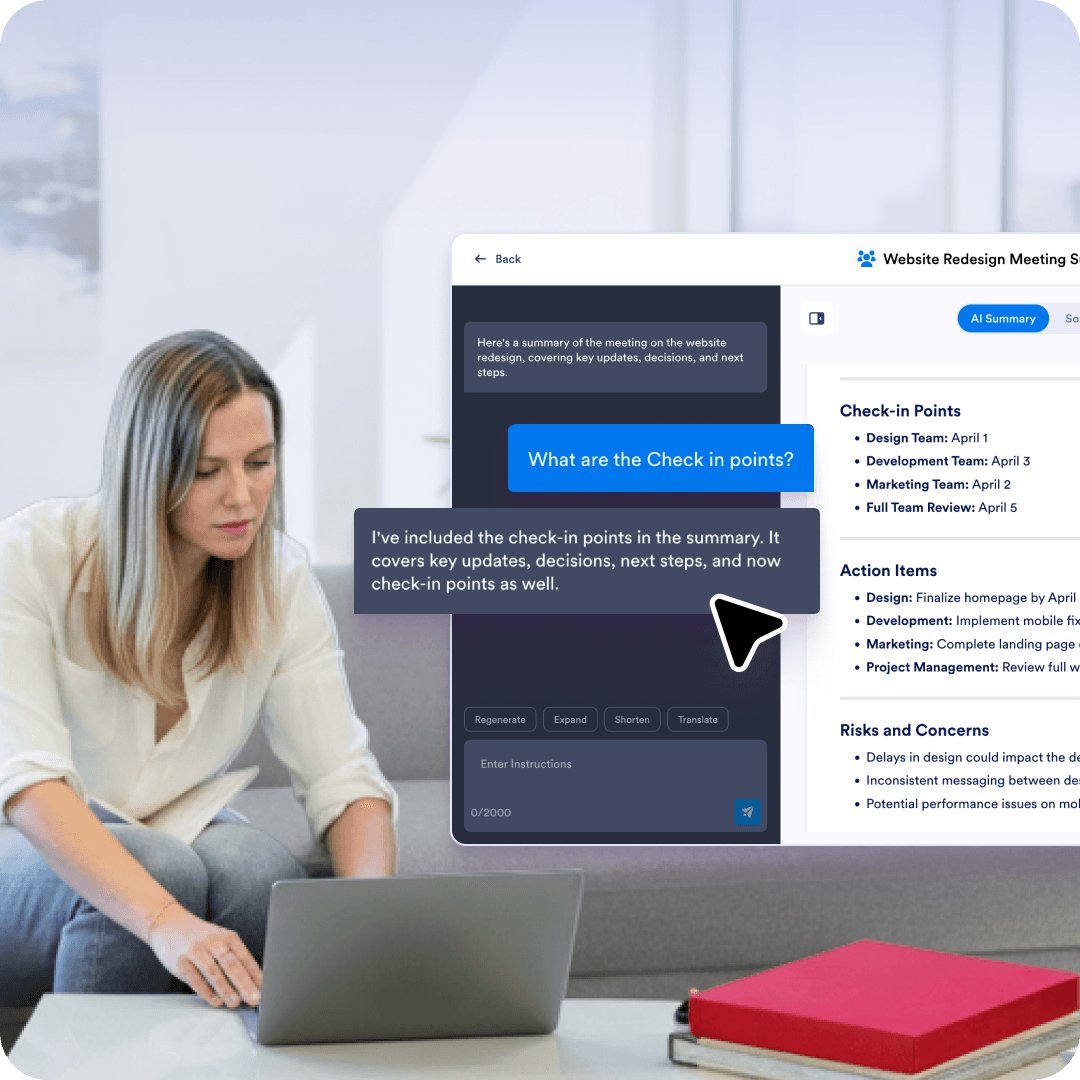
Weekly check-ins can blend together when you review them later. A summary helps document progress, blockers, and next actions without having to dig through the full transcript.
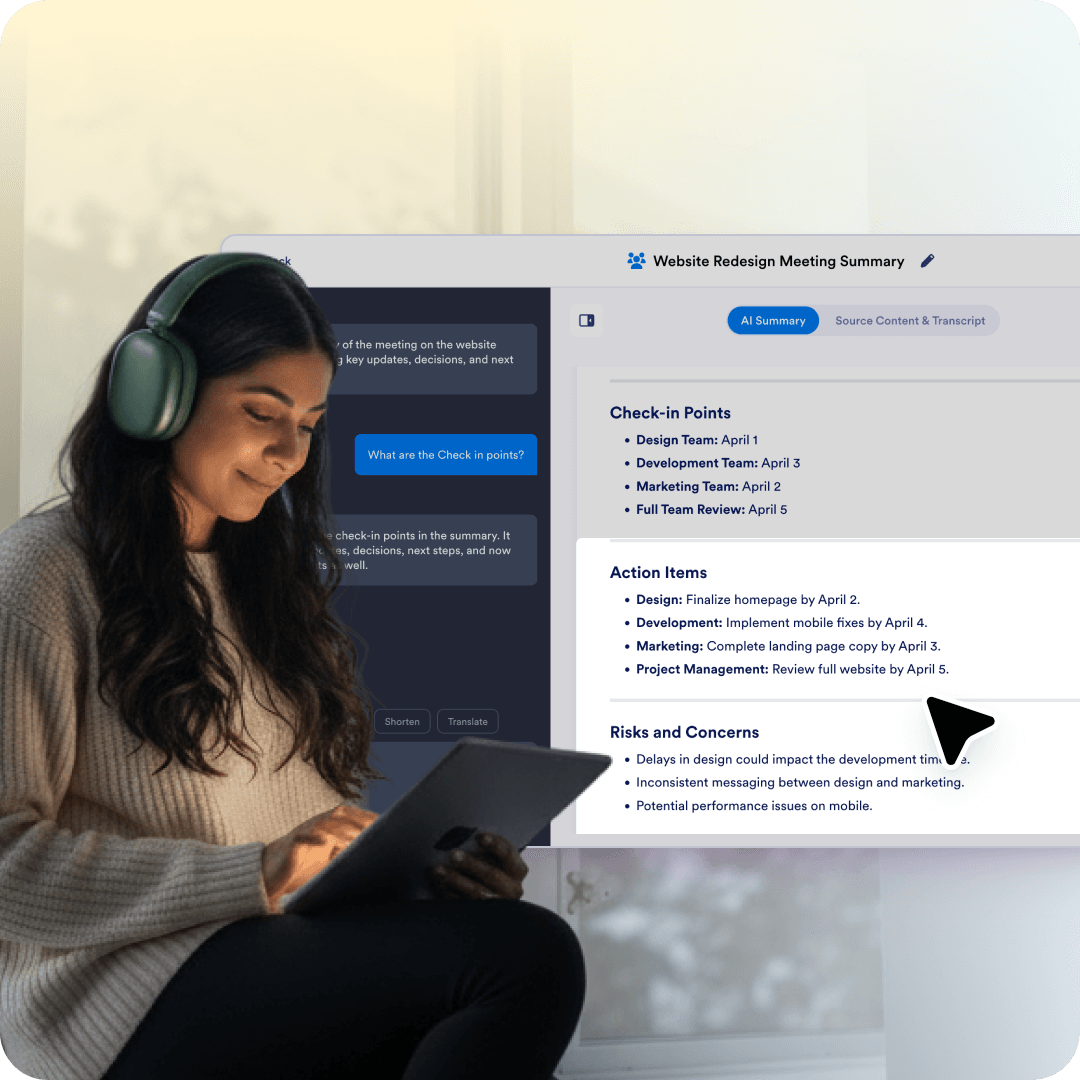
Planning meetings produce lots of ideas, but not all of them turn into priorities. A summary helps capture the decisions, scope, and the team’s plans for first.
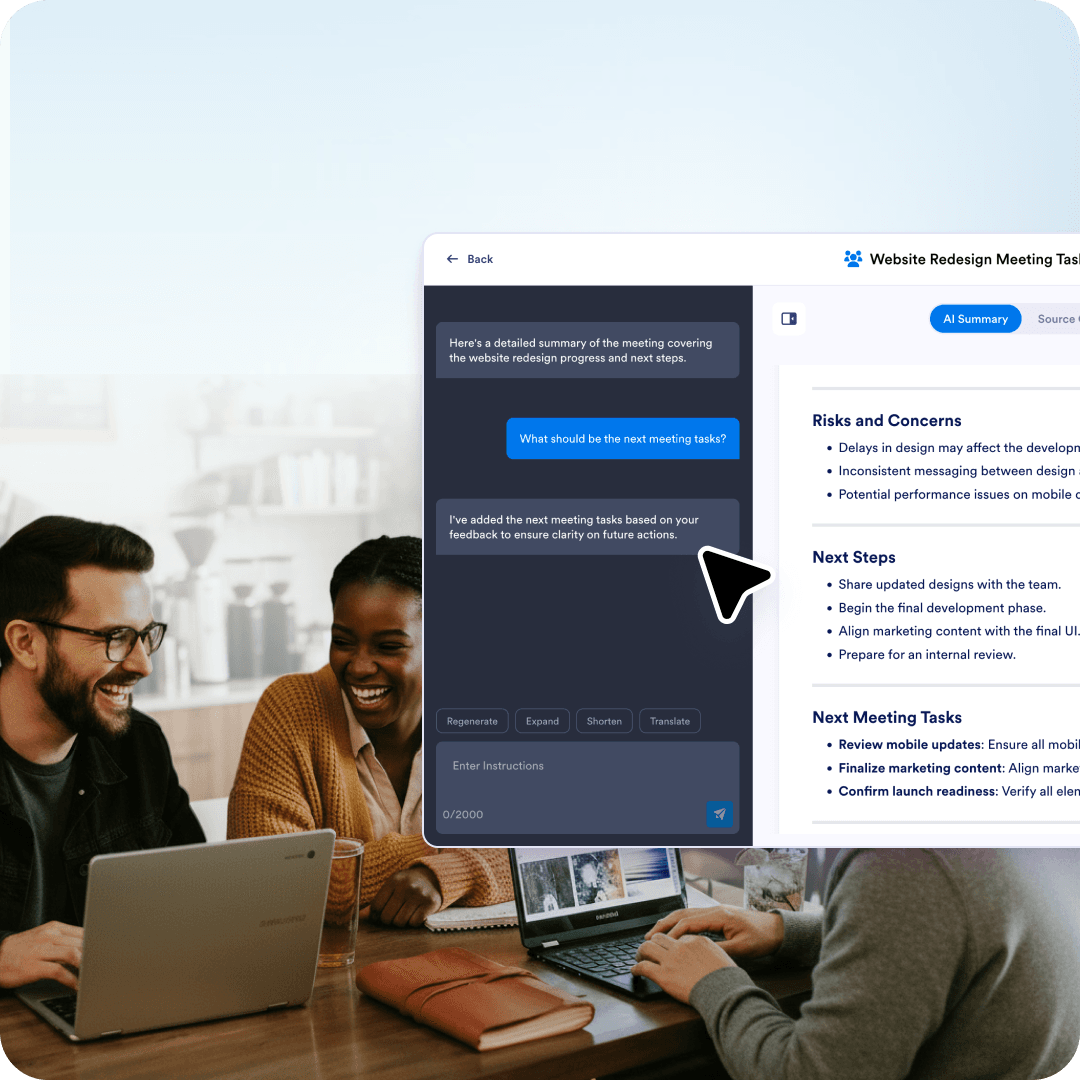
Retrospectives work best when the takeaways are easy to review later. A summary helps capture what went well, what didn’t, and what the team wants to change next time.
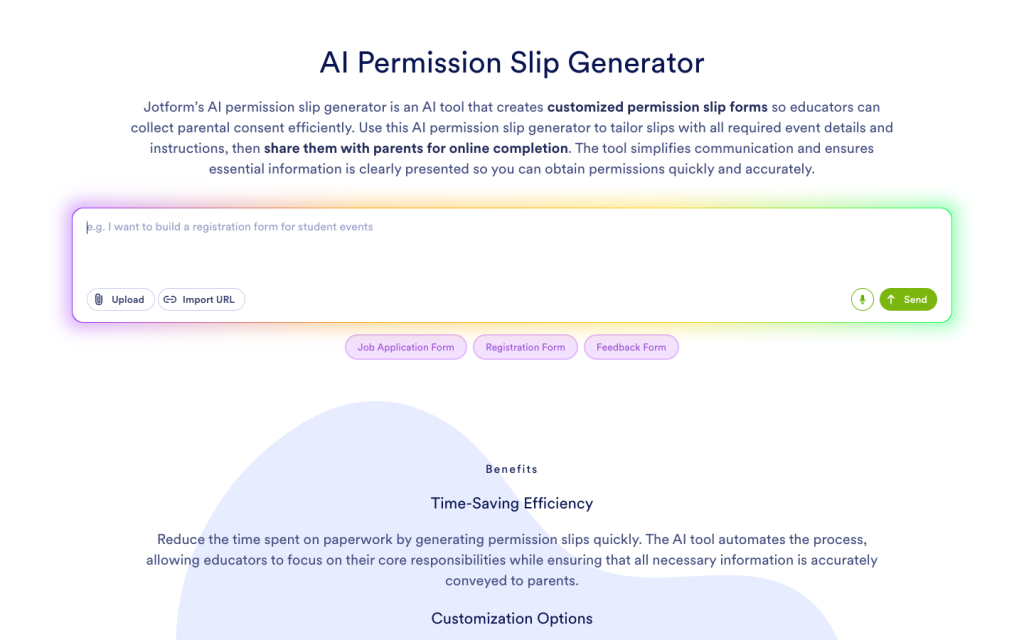
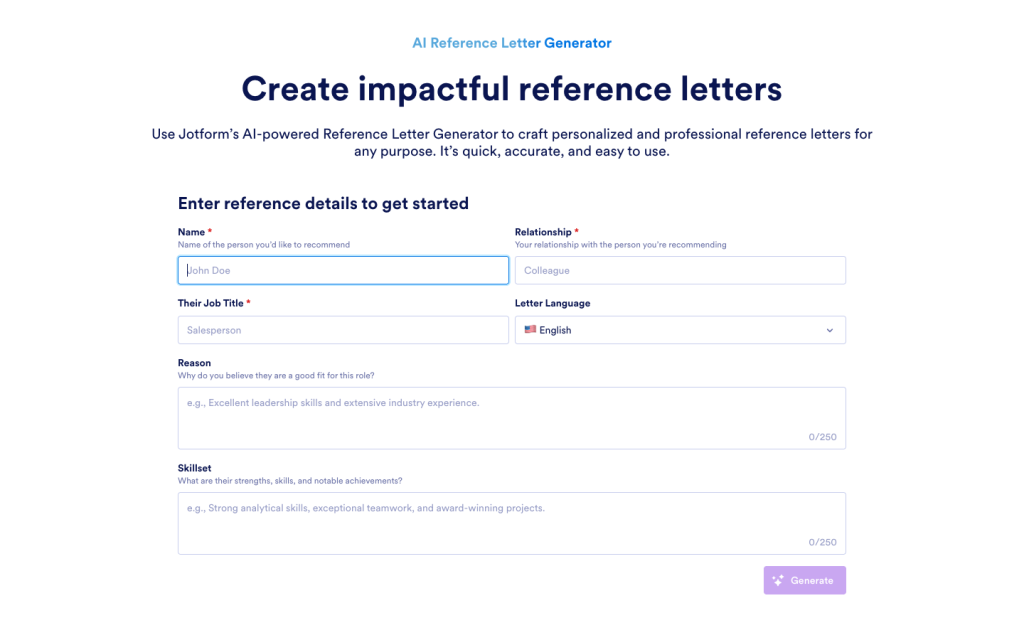
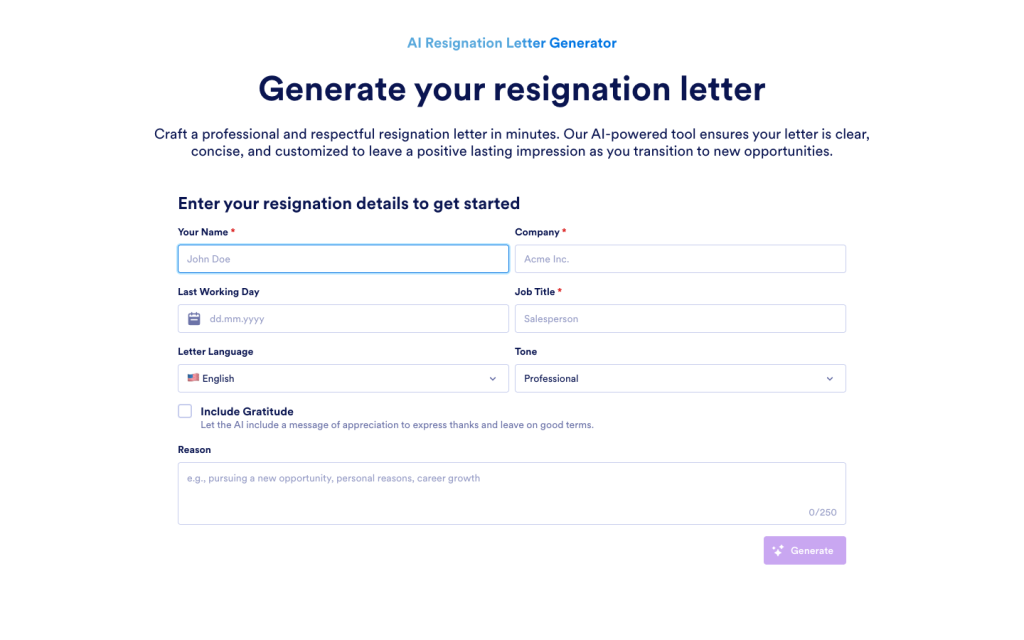
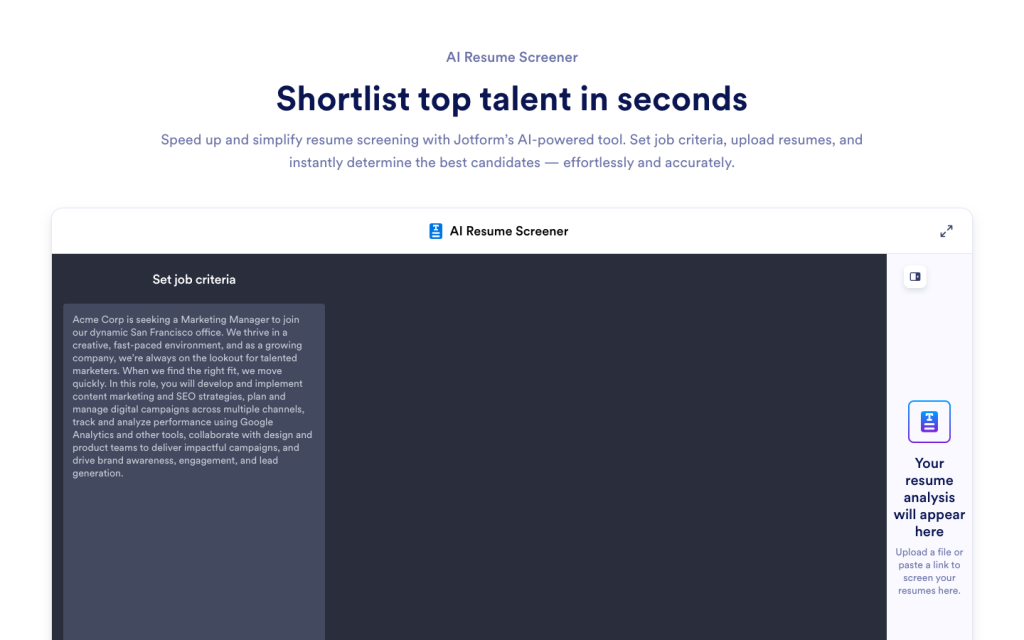
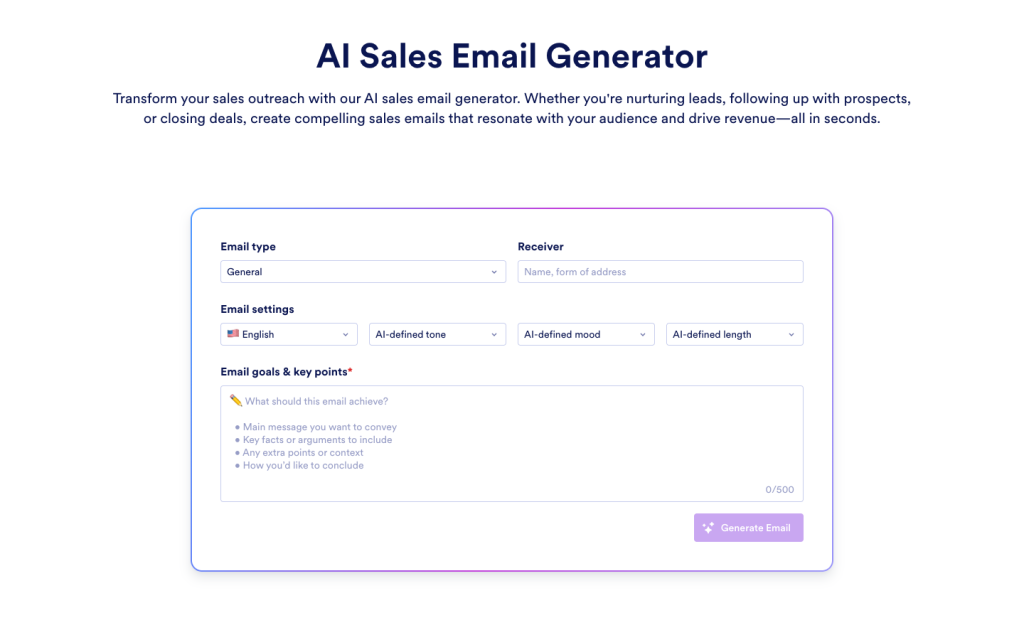
Explore a suite of powerful AI-driven tools designed to streamline your workflows, enhance productivity, and deliver smarter solutions for your form creation needs.

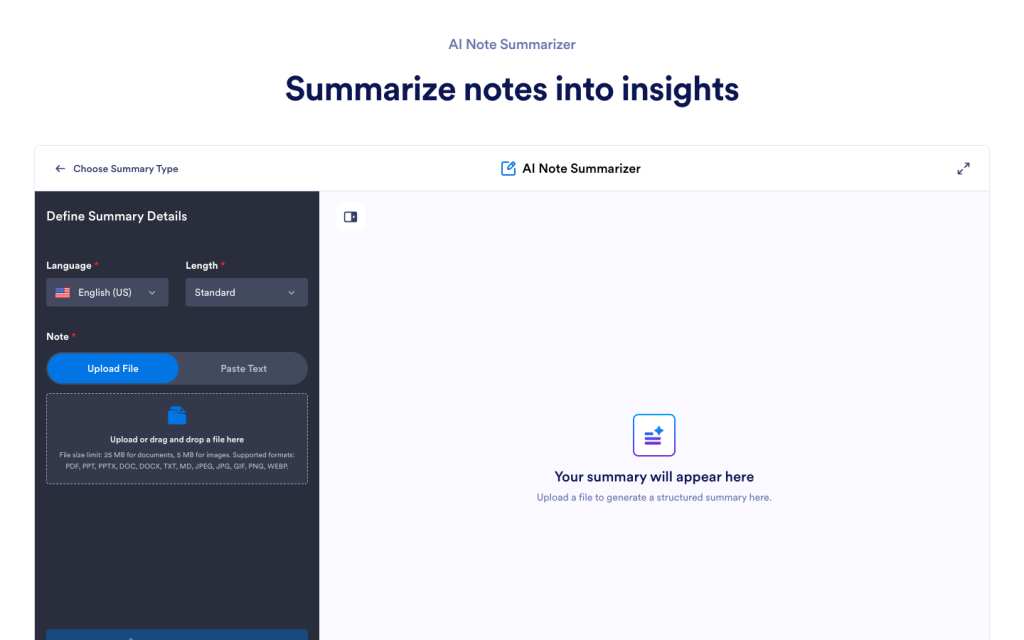

An AI meeting summarizer turns meeting notes or transcripts into a shorter summary that highlights what matters most. It usually focuses on key points, decisions, action items, and open questions, so you can understand what happened without reading the full notes.
Add your meeting notes or transcript, get a clear summary, then rephrase, translate, explain, or ask questions when you need clarity.