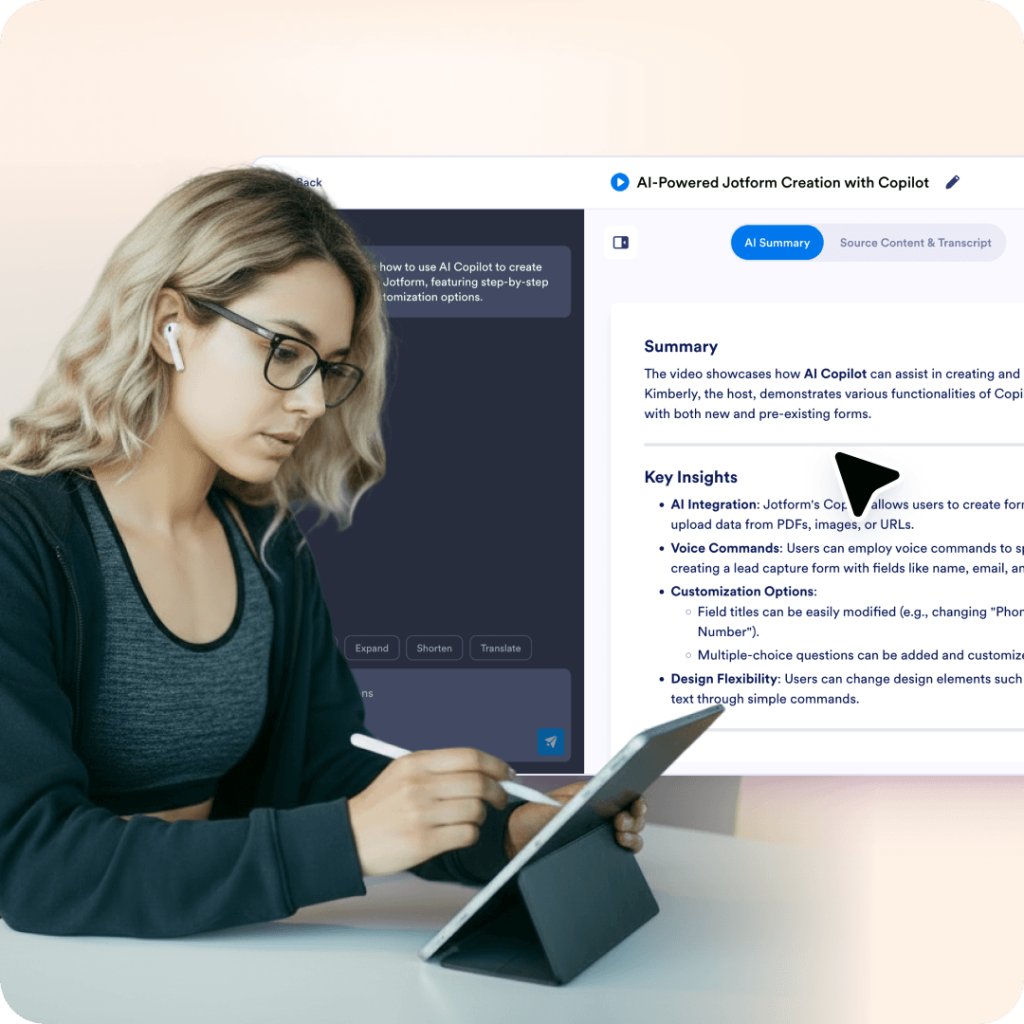
Teams summarize training videos so new hires can scan the key points and revisit the parts that matter.
Jotform's AI YouTube Video Summarizer turns a YouTube link into a clear, concise summary of the video's key points. Simply paste a video URL to generate a summary in seconds. Use the chat box to rephrase, translate, explain sections of the summary, or ask follow-up questions.
Best for students, researchers, and teams who want to pull key points from YouTube videos and then ask questions, rephrase, or explore details without losing context.
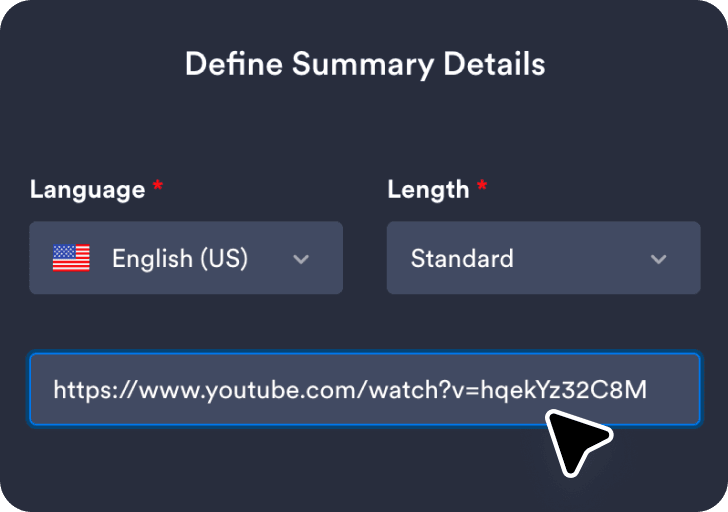
Paste the video URL you want summarized so the tool knows which content to analyze.
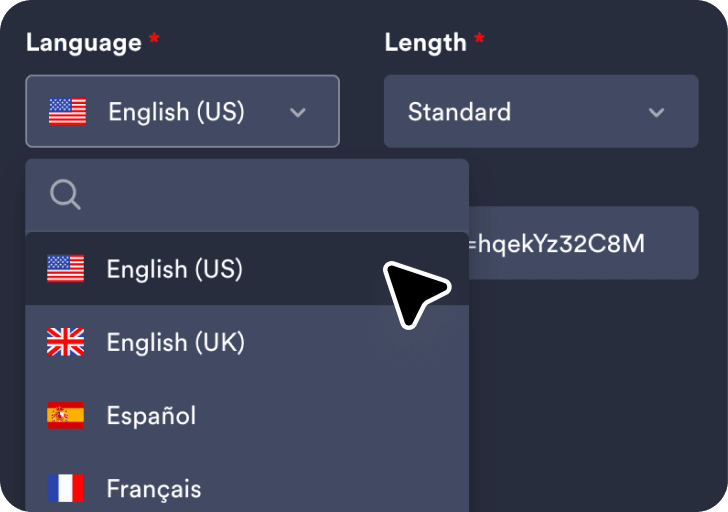
Select your preferred language and choose the summary length for the output.
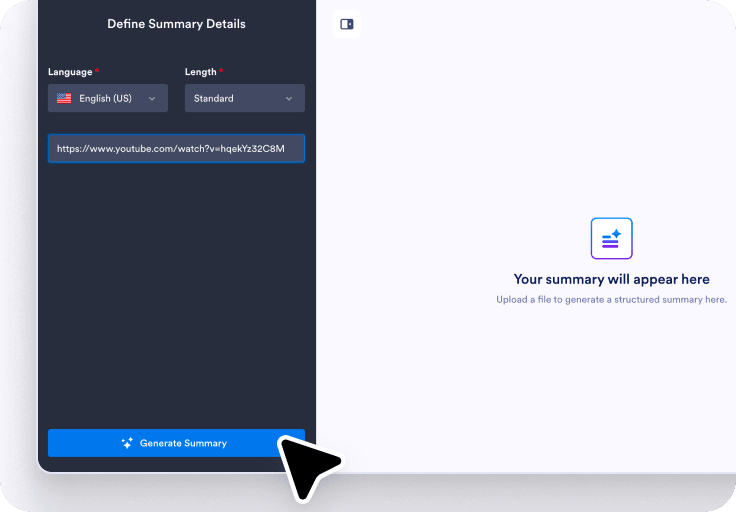
Click Generate Summary to see the results, then use the chat box to rephrase, translate, explain, or ask questions.
The generated transcript helps you verify key points from the video while reading the summary, making it easier to understand the details without having to replay the entire recording.
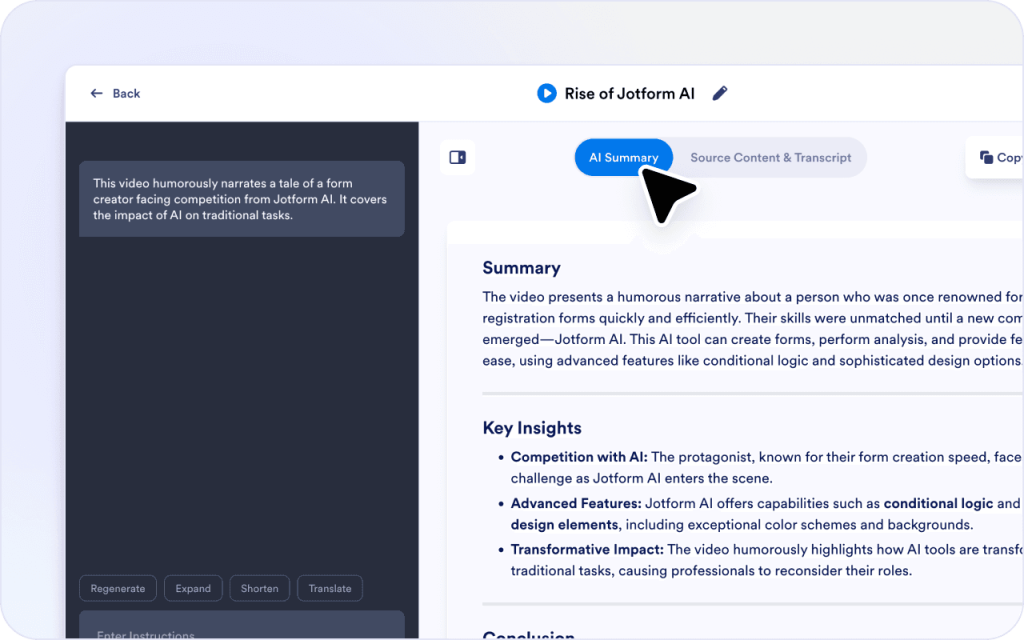
After generating the summary, you can use the chat box to refine the results and highlight the parts of the video that matter most to you.
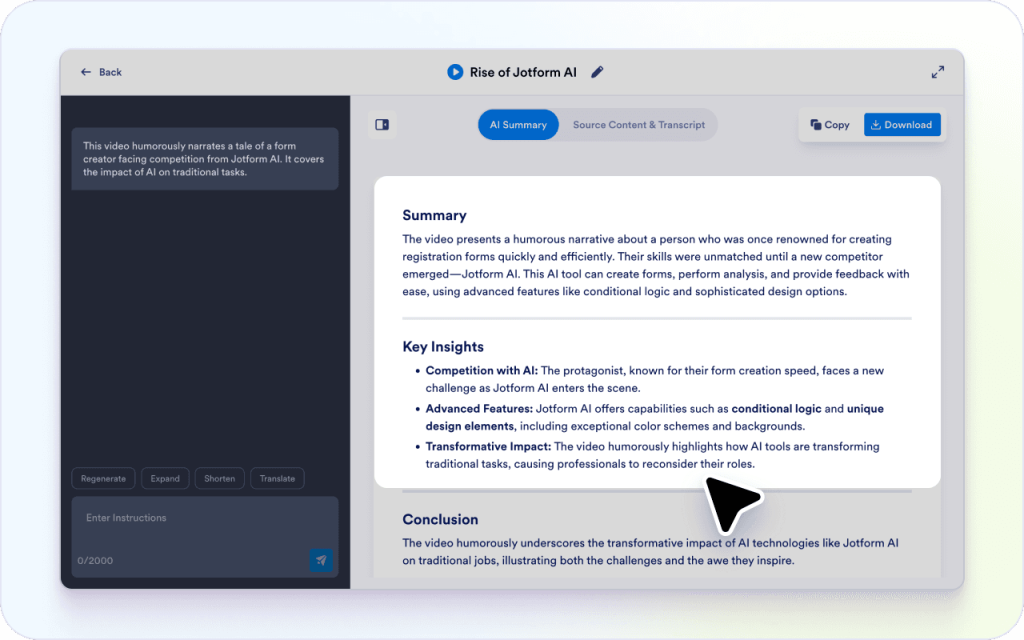
Videos often explain ideas verbally, which can be hard to scan later. The summary helps convert those explanations into something you can read and reuse.
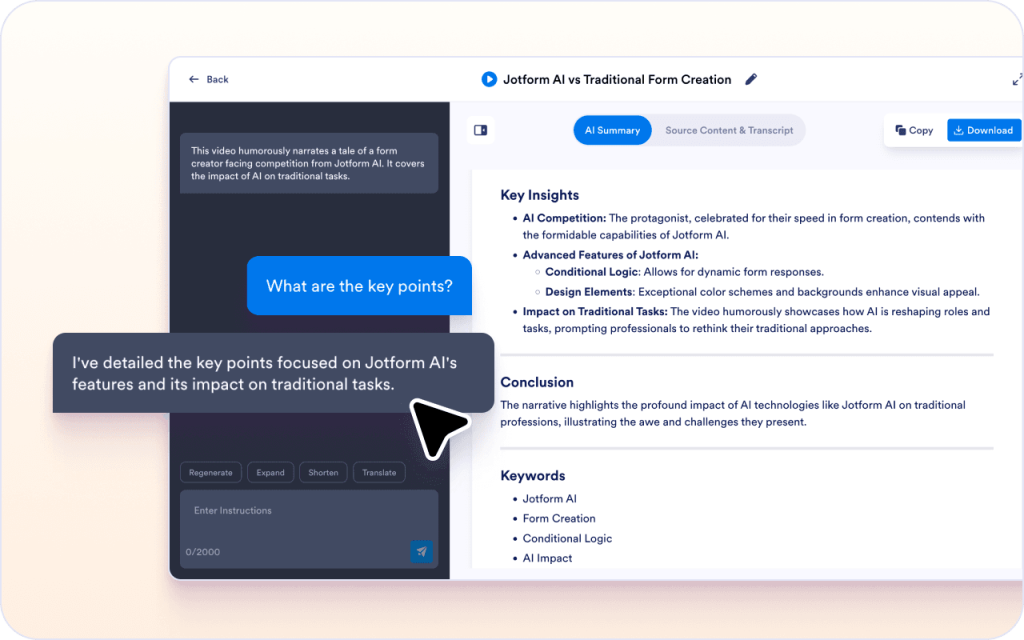
If something in the video is unclear, you can ask questions in the chat box without selecting any text.
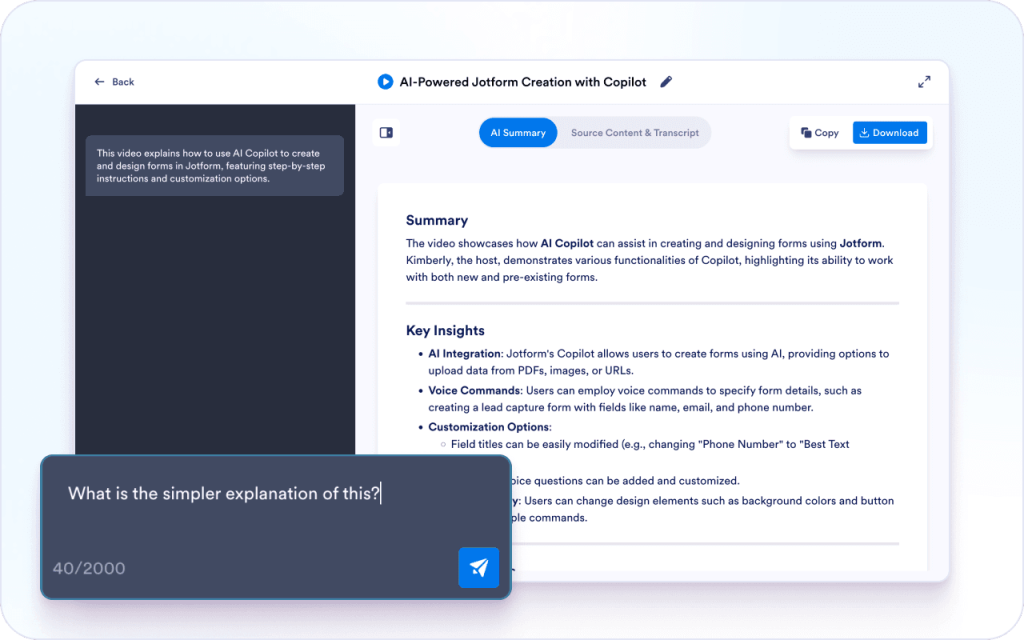
You can select parts of the summary and adjust them for a different audience or purpose.
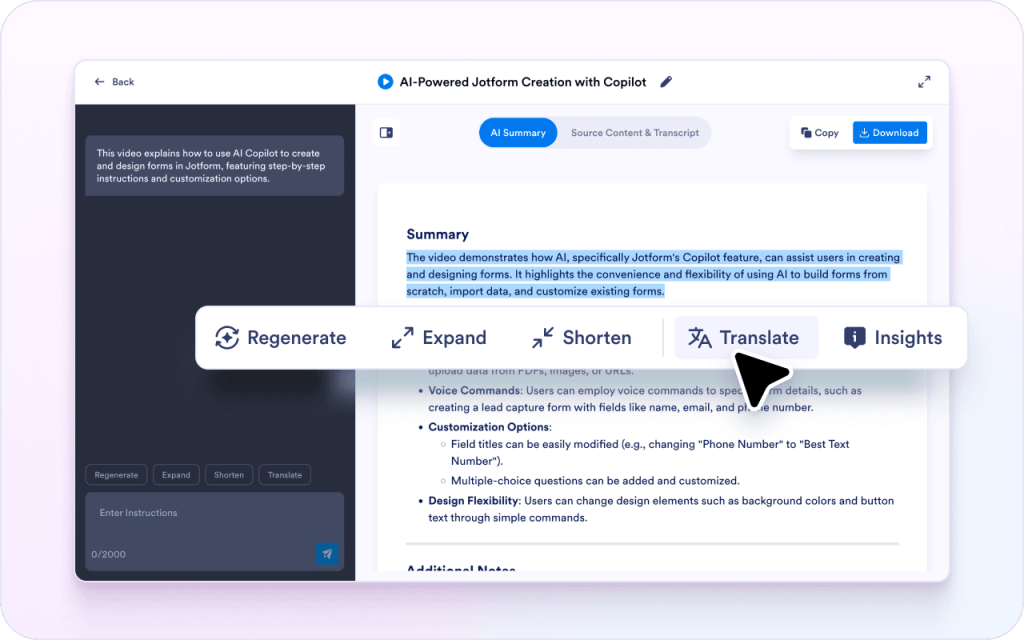
YouTube videos often repeat points or explain things slowly. A written summary lets you review the main ideas and details without replaying the video every time you need one answer.
If the speaker uses a term or explains something quickly, you can ask questions in the chat box to get clarification without searching through the video timeline.
Not every video needs a full recap. You can guide the summary to focus on technical steps, definitions, or key takeaways instead of getting a general overview.
Teams summarize training videos so new hires can scan the key points and revisit the parts that matter.
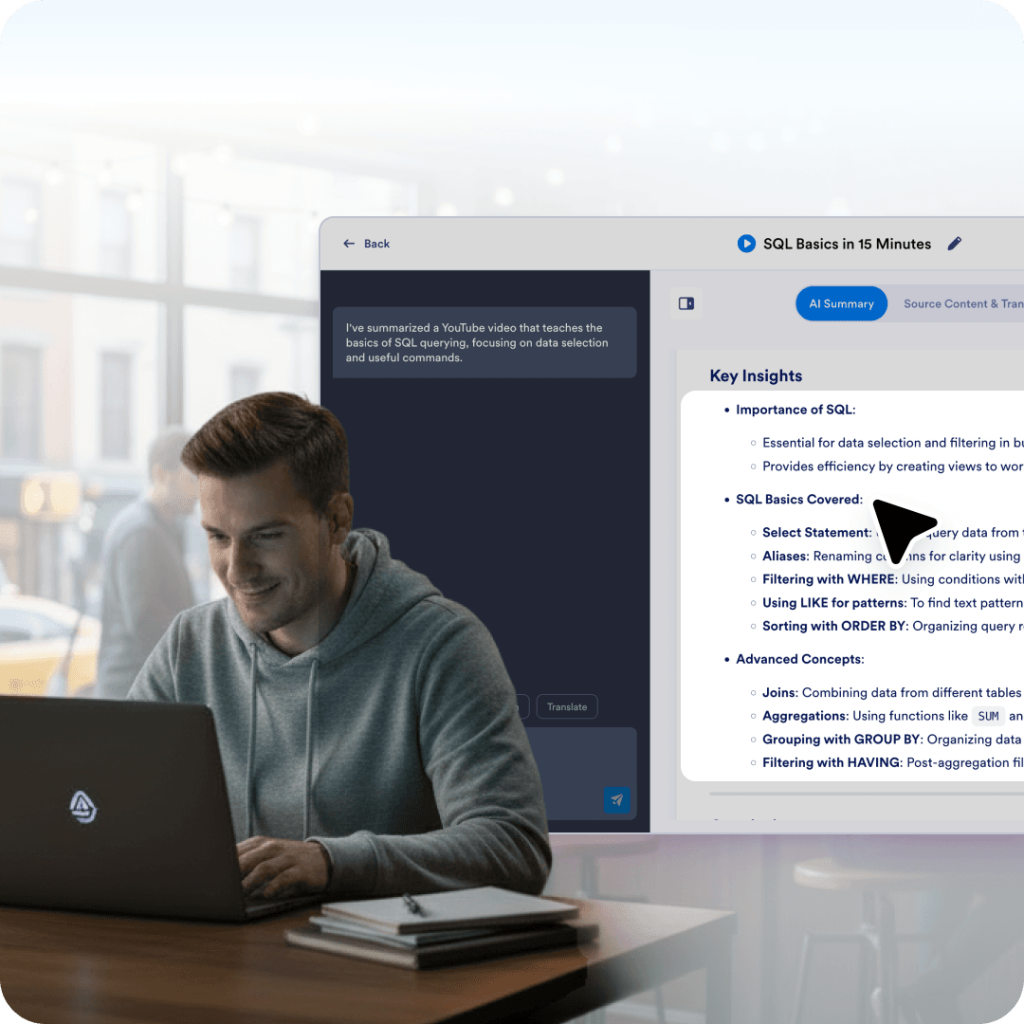
People summarize tutorials to capture the steps, terms, and tools without having to rewatch the video.
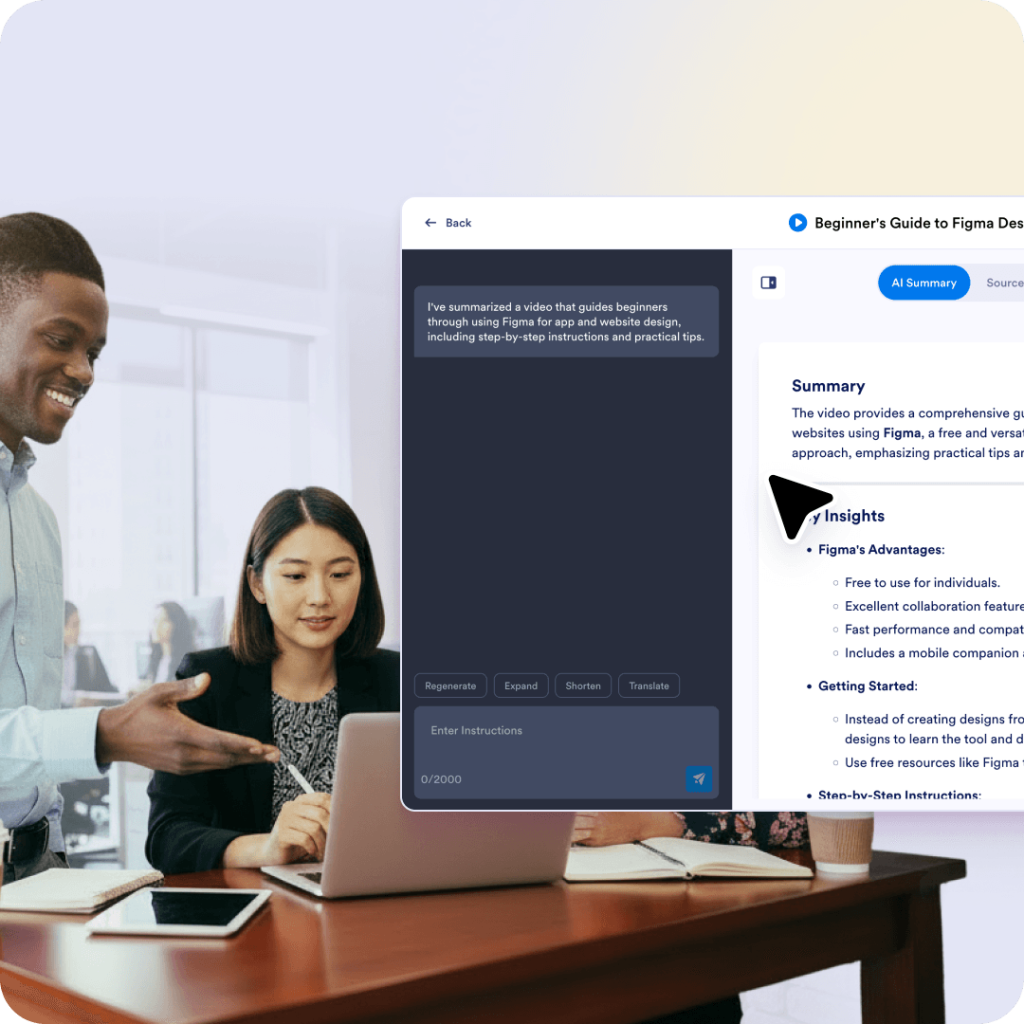
Teams summarize demos so they can share the main features and limitations with others.
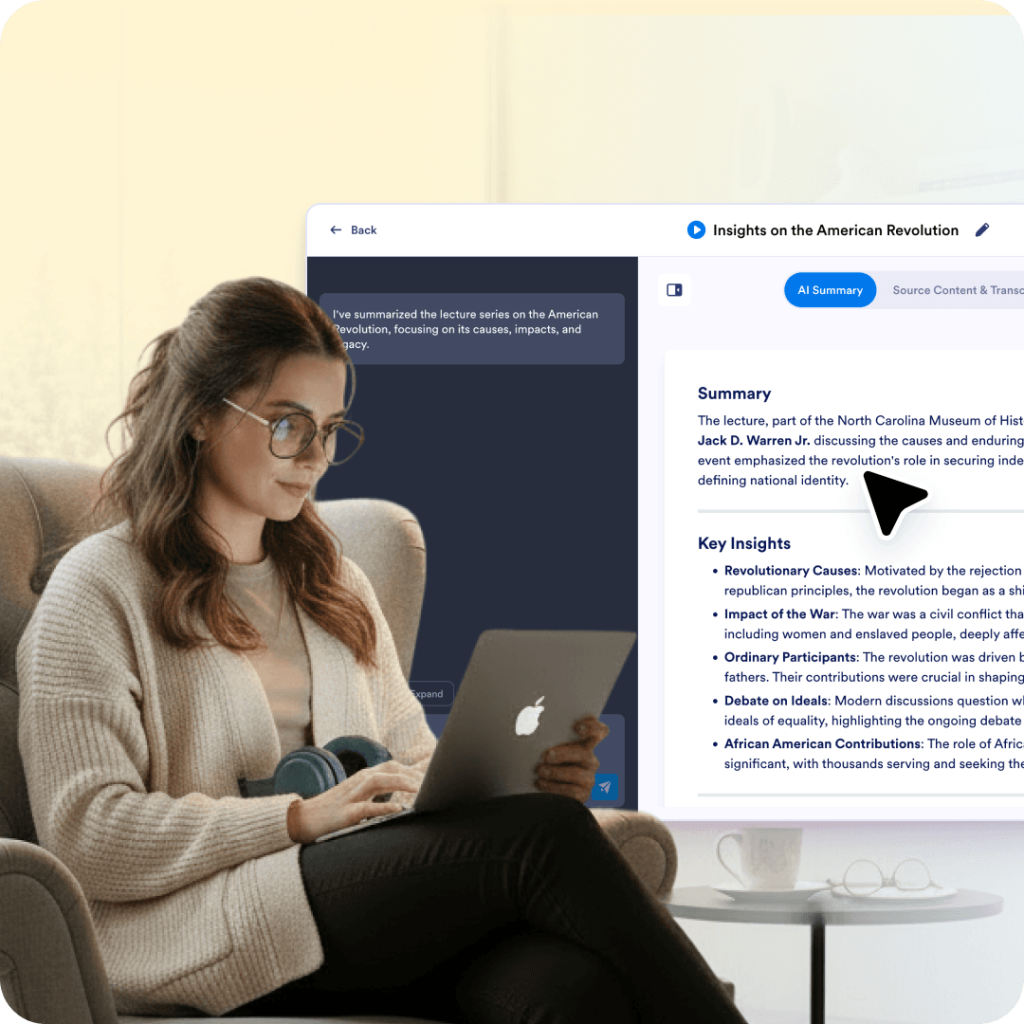
Students summarize lectures to create notes they can review later.
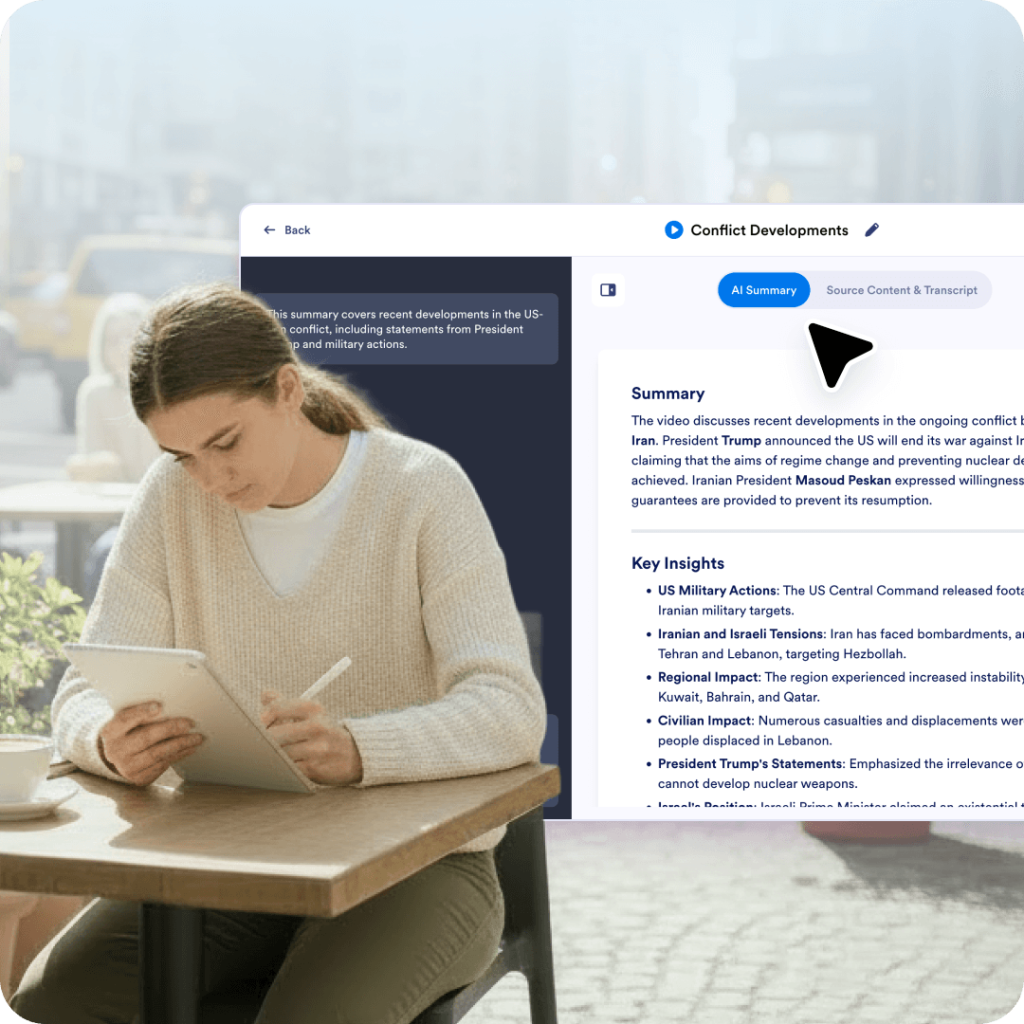
People summarize long commentary videos to capture the main claims and supporting points.
Explore a suite of powerful AI-driven tools designed to streamline your workflows, enhance productivity, and deliver smarter solutions for your form creation needs.
An AI YouTube video summarizer creates written notes from a YouTube video so you can understand the main points without watching the entire video. It’s often used to turn long videos into summaries, key takeaways, or study notes that are easier to review and reuse.
Paste a link, add what you want to focus on, then use the chat box to rephrase, translate, explain, or ask questions.