Authorization Management App helps teams organize and control how access requests are handled across an organization. It provides a clear place to review open requests, record decisions, and keep an activity log of authorization actions, so stakeholders can understand what was requested, what was approved or denied, and why. It also supports role and policy management, making it easier for IT, operations, and department leads to keep permissions consistent as people join teams, change responsibilities, or need temporary access.
With Jotform, you can adapt this app template to match your internal workflow without coding. Use Jotform’s no-code app builder and drag-and-drop interface to tailor pages, connect buttons to forms for data collection, and keep records organized for ongoing workflow visibility. Share the app through a link or QR code so employees and approvers can access the right actions quickly, whether they’re working from a desk or on mobile.
Related templates
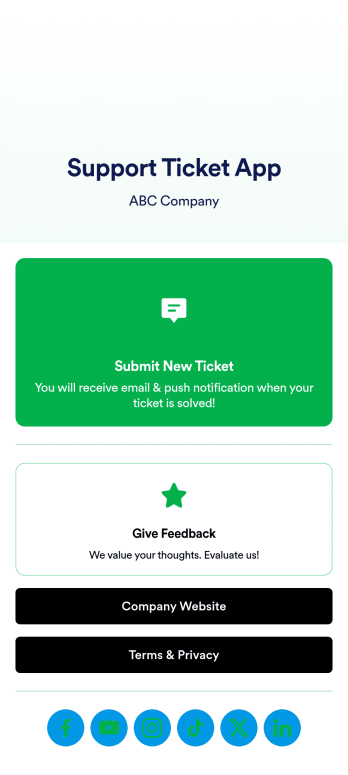
Support Ticket App
Jotform's Support Ticket App template allows customer support teams and IT departments to efficiently manage customer inquiries and issues without any coding. This free, no-code app builder enables users to create a fully customized app with forms, widgets, products, and branding that can be downloaded onto any device. With this template, support teams can collect tickets and feedback to streamline their ticketing system and provide timely assistance to customers.Are you looking for a way to simplify your customer support process? Jotform's Support Ticket App template is the solution you need. With features like a drag-and-drop builder, powerful app elements, and 70+ app widgets, you can create a seamless experience for your customers. Improve user engagement with push notifications and give users access to their submission history. Experience the ease of use and customization that Jotform Apps offer, making it the perfect choice for customer support teams and IT departments.
Go to Category:Customer Portal Apps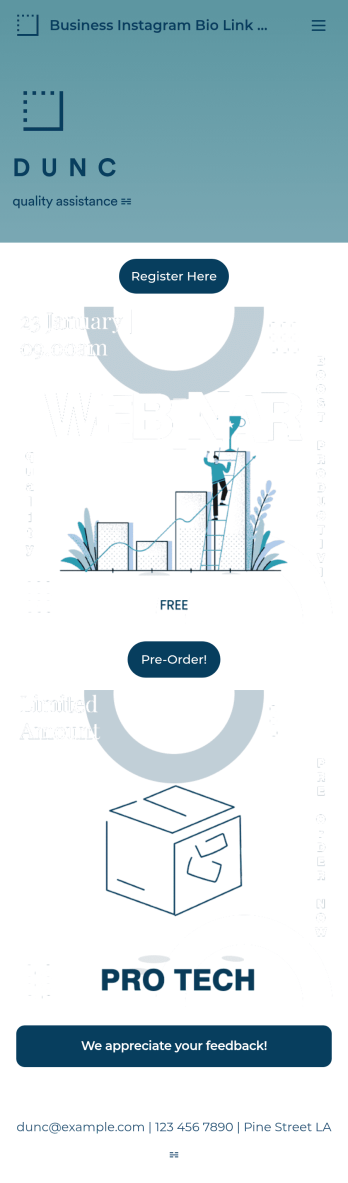
Business Instagram Bio Link App
Create an app to add to your company’s Instagram bio with Jotform’s Business Instagram Bio Link App. With this app template, you can make company announcements, showcase webinars and events, create pre-order forms, and have your followers submit feedback — all accessible from a single app in your Instagram bio. Submissions made to your app are stored in your secure Jotform account, which you can view on any smartphone, tablet, or desktop.Make this Business Instagram Bio Link App your own by adding your own branding. Just use Jotform’s drag-and-drop form builder to upload your logo or a background image, choose a custom app icon, change fonts and colors, and more — no coding required. You can also fully customize your app’s splash screen by adding or changing form elements or installing widgets. After you’re finished, simply copy and paste a link to your app in your Instagram bio and you’re off and running. Create an all-in-one app that your followers can access on any device with this free Business Instagram Bio Link App.
Go to Category:Information Technology Apps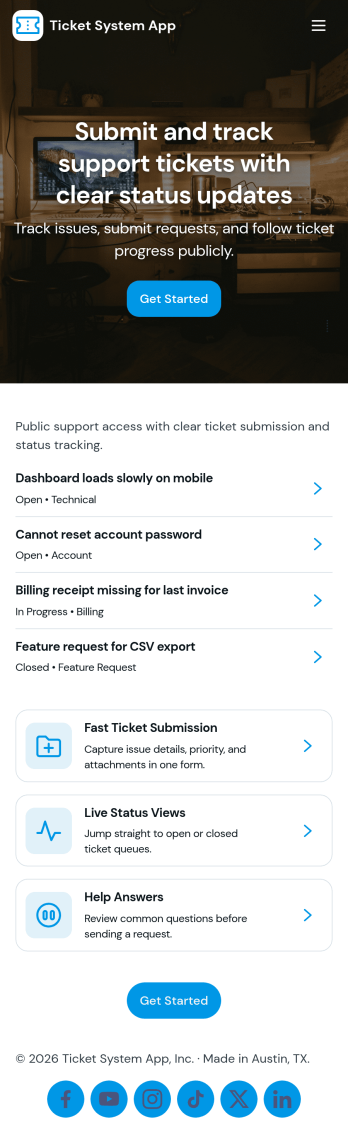
Ticket System App
A ticket system app gives teams one place to capture requests, track progress, and keep support work organized from the first report to the final resolution. This Ticket System App works well for IT help desks, customer support teams, facilities departments, and internal operations groups that handle recurring issues and questions. Users can submit new tickets, browse open tickets, and review resolved tickets so nothing gets lost in email threads. It’s especially useful when multiple people need visibility into what’s being worked on and which requests still need follow-up.Jotform makes it easy to turn this workflow into a shareable, branded experience using App Templates and a no-code app builder. With a drag-and-drop interface, you can adjust navigation, add helpful content, and connect your ticket form to the app for consistent data collection. Publish the app as a self-service hub for employees or customers, keep ticket details accessible in one place, and update the experience as your workflow evolves.
Go to Category:Information Technology Apps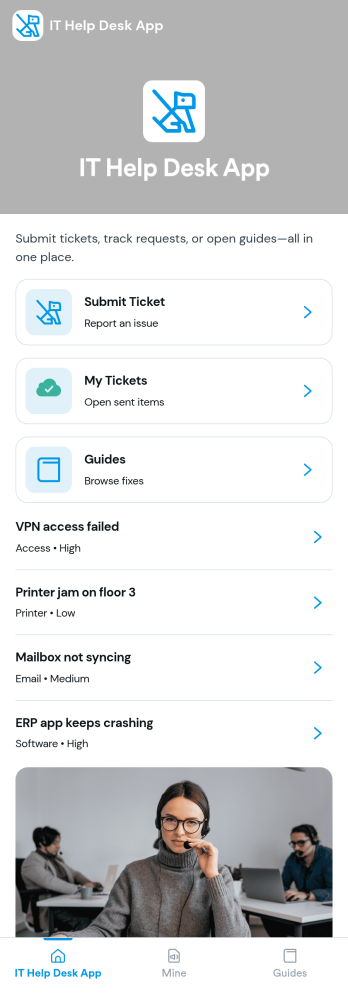
It Help Desk App
It Help Desk App gives teams a clear place to route internal tech issues and keep requests from getting lost in chat threads and inboxes. Employees can submit a ticket, check their open tickets, and review request details like priority and issue type in one simple experience. It works well for IT departments, managed service teams, and fast-growing companies that need a consistent way to capture problems, assign attention, and follow up without confusion.With Jotform App Templates, you can publish a self-service help desk that connects pages, buttons, and lists to the forms and tables behind your process. Build and update your workflow in a no-code app builder with a drag-and-drop interface, then share the app as a single link for quick access on any device. Jotform supports reliable data collection and organized request tracking, so your team can spend less time searching for context and more time resolving issues.
Go to Category:Information Technology Apps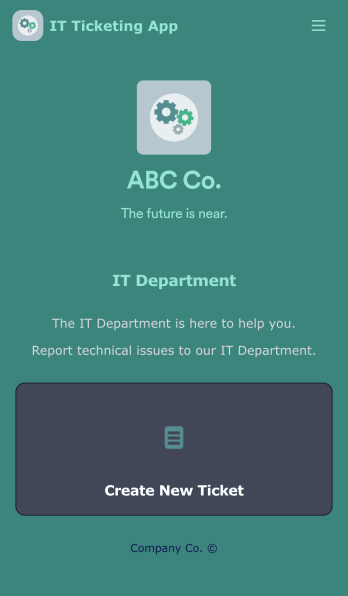
IT Ticketing App
An IT Ticketing App is used by companies to internally record IT issues using support tickets. This readymade app allows employees to specify their IT issue, browser, and operating system, add relevant URLs, assign priority level, and even attach screenshots using an included upload form. IT tickets are then stored securely in your account, where they are compiled into an easy-to-read spreadsheet in Jotform Tables.Our drag-and-drop interface makes customizing this IT Ticketing App a breeze. With just a few clicks, you can add or change forms and text, choose fonts and colors, upload your company logo, update the app name and icon, and more — no coding required. When you’re finished, just share a link with your employees, where they can access and download your app on any smartphone, tablet, or desktop. Start squashing bugs today with this fully customizable IT Ticketing App!
Go to Category:Tracker Apps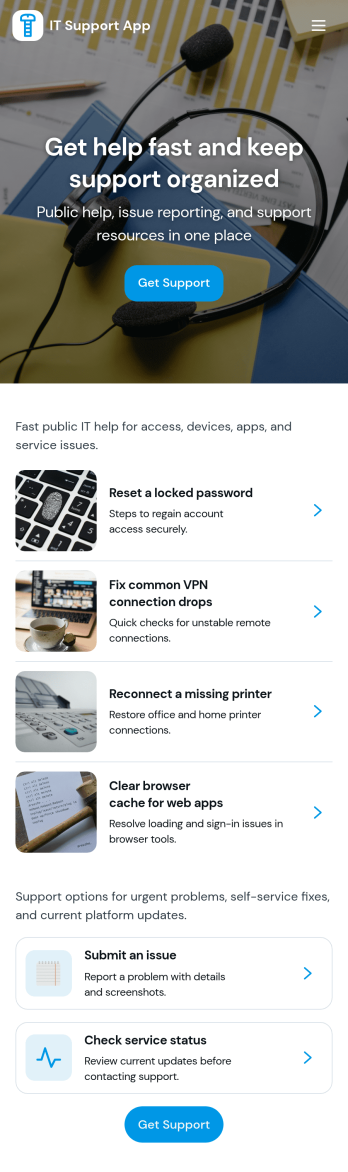
It Support App
It Support App helps teams centralize everyday IT help desk requests so employees can report issues, check service status, and find answers without guessing who to contact. It works well for internal IT departments, MSPs supporting multiple clients, and operations teams that need a simple front door for support. With clear entry points for creating a new ticket, browsing a knowledge base, and viewing service status updates, the app reduces repeated questions and keeps requests organized from the start.Built with Jotform App Templates, this app template can be tailored in a no-code app builder with a drag-and-drop interface, so you can adjust pages, labels, and navigation to match your support process. Connect ticket intake to Jotform forms and route responses into workflows your team already follows, then share the app via link or QR code for easy self-service on any device. As requests grow, Jotform helps you keep data collection consistent and make support interactions faster for both employees and IT staff.
Go to Category:Information Technology Apps