Behavior Management App helps schools and youth programs document behavior incidents and keep individual support plans organized in one place. Staff can quickly log an incident, add a new plan, and open a review view to follow up on progress without hunting through emails or paper notes. It’s a practical fit for teachers, aides, counselors, after-school coordinators, and administrators who need consistent records across multiple students and want clearer visibility into patterns, interventions, and next steps.
Built with Jotform, this app template turns behavior tracking into a simple self-service workflow that’s easy to share and update. Use Jotform’s no-code app builder and drag-and-drop interface to tailor pages, buttons, and navigation to your process, then connect your incident and plan forms to organized data collection. As entries come in, your team can review information from any device and keep student-related actions moving with less manual effort.
Related templates
Student Tracking App
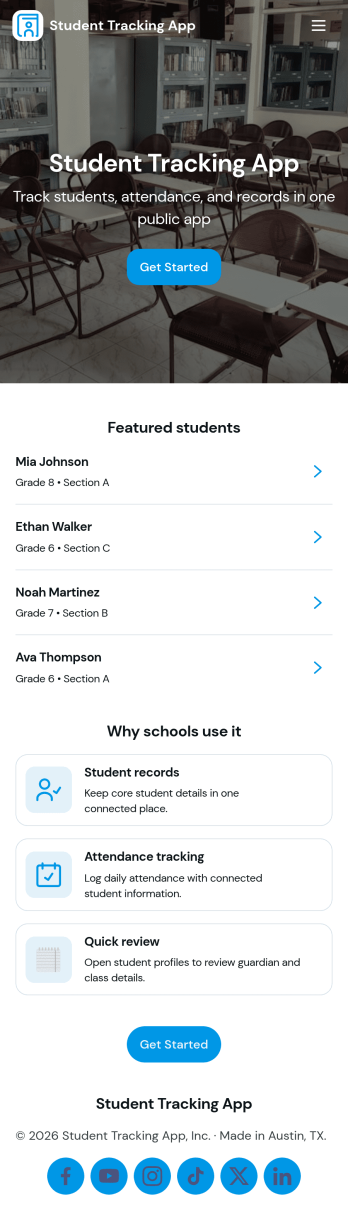
A student tracking app brings key classroom details into one place so educators can keep up with who is enrolled, who is attending, and what progress notes have been recorded. This template organizes a student roster you can browse into individual student details, then connects that view to an attendance log and academic notes so patterns are easier to spot over time. It fits K–12 classrooms, tutoring centers, after-school programs, and small academic teams that need a simple way to stay consistent with recordkeeping without digging through scattered spreadsheets or paper binders.Jotform makes it easy to turn this Student Tracking App into a working, shareable experience using App Templates and a no-code app builder. With a drag-and-drop interface, you can adjust navigation, add or remove pages, and connect the app to forms and tables for ongoing data collection and workflow needs. Share the app as a self-service hub for staff, keep attendance entries organized, and maintain up-to-date student information as your program changes throughout the year.
Go to Category:School Management Apps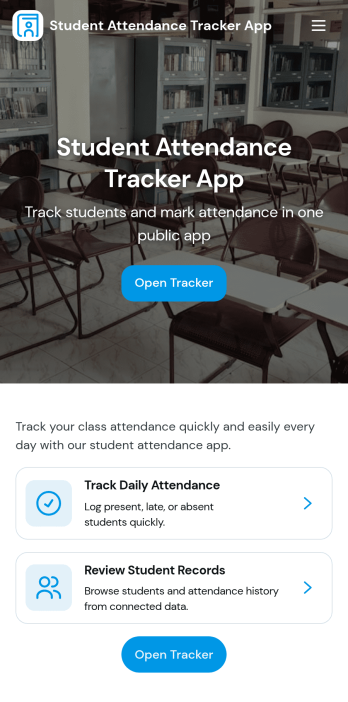
Student Attendance Tracker App
Student Attendance Tracker App helps schools and educators record daily presence, keep a clear student list, and review attendance records in one place. Use it to quickly navigate between Students, Attendance, and Records pages, log attendance as classes start, and pull up an individual student’s details when you need context for follow-ups. It’s a practical fit for teachers, homeroom advisors, after-school coordinators, and administrators who want consistent attendance tracking across periods, programs, or campuses without relying on paper sheets.With Jotform, you can turn this app template into a branded, shareable self-service experience using a no-code app builder and a drag-and-drop interface. Connect the app to your attendance form and underlying data collection so updates flow into organized records, then tailor pages, buttons, and navigation to match your schedule and policies. Share the app by link for fast access on any device and keep your workflow simple for staff members who need to log and review attendance throughout the day.
Go to Category:School Management Apps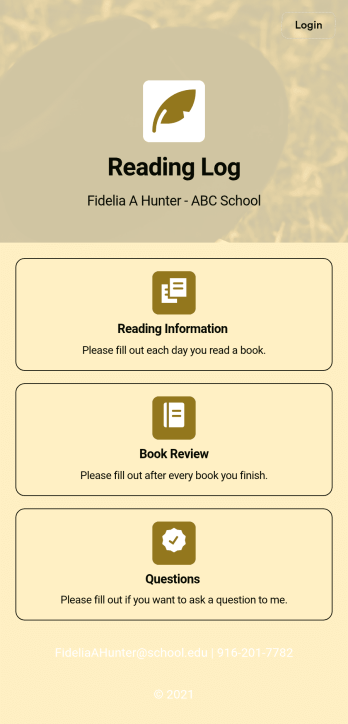
Reading Log App
As a teacher, staying on top of your students’ reading habits can be a headache. So why not create one central place to keep track of it all? With this Reading Log App, teachers can easily track, monitor, and review students’ assigned reading progress. This ready-to-use template also comes with a place for your students to send questions, and a digital signature form for parents to sign off on readings. This app works in tandem with our Reading Log Template, which allows you to easily sort through entries in a searchable spreadsheet.Want to customize this Reading Log App and make it your own? With our simple drag-and-drop interface, you can add or change forms, choose fonts and colors, update the app name or text, and more — all with zero coding. Once you’re satisfied with the look and feel of your app, simply share the link through email and have your students start filling out their assigned readings from any smartphone, tablet, or desktop. Make your job outside of the classroom easier with this customizable Reading Log App!
Go to Category:Classroom Management Apps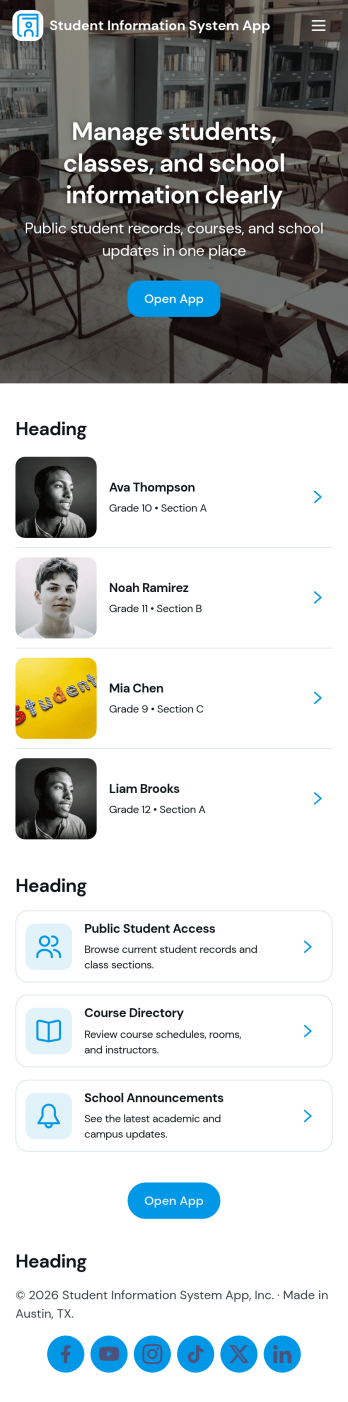
Student Information System App
Student Information System App brings key student records into one place so schools and education programs can keep day-to-day details organized without juggling spreadsheets. Use it to browse a student list, complete student registration, and capture ongoing updates like attendance and grades as the term progresses. It’s a practical fit for admins, registrars, coordinators, and teachers who need quick access to current information for classes, advising, and student support.Built with Jotform, this app template helps you turn data collection into a connected workflow using a no-code app builder and a drag-and-drop interface. Link your forms to lists so records stay easy to find, add navigation buttons for faster self-service across pages, and share the app with your team using a simple link. As needs change, you can adjust the layout, update fields, and keep information flowing to the right place with Jotform’s flexible app templates.
Go to Category:School Management Apps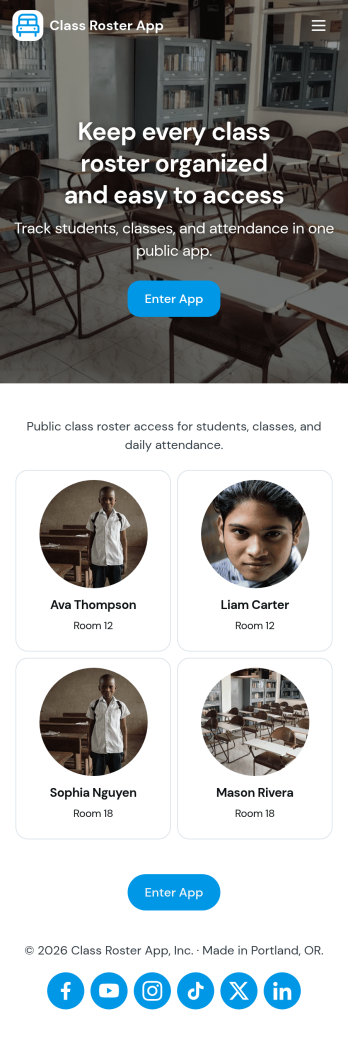
Class Roster App
Class Roster App helps teachers and academic staff keep a clear, up-to-date view of who is in each class and what is happening day to day. Use it to browse a student list, open individual student details, add new students as enrollment changes, and record attendance without jumping between scattered spreadsheets or paper notes. It’s a practical fit for K–12 classrooms, tutoring centers, after-school programs, and small training groups where rosters shift and quick access matters.With Jotform, you can turn this class roster app template into a mobile-friendly hub that supports self-service data collection and simple workflows. Customize pages with a drag-and-drop interface, connect buttons to forms for adding students or attendance, and keep records organized in one place. Share the app by link or QR code, collaborate with other instructors, and update the layout and branding anytime using Jotform’s no-code app builder.
Go to Category:Classroom Management Apps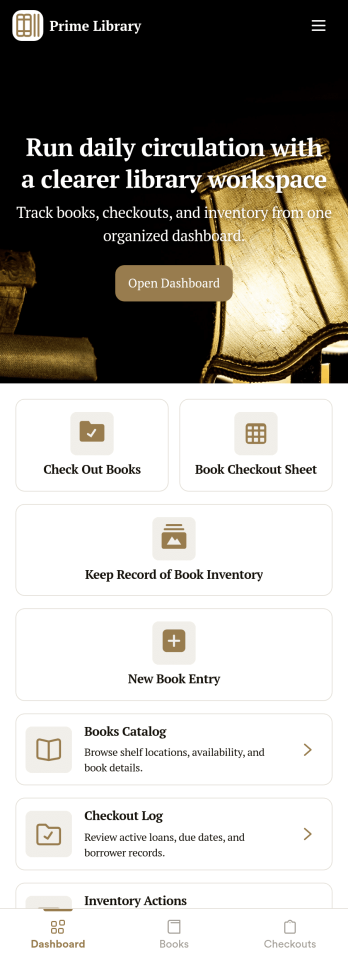
Library Management App
A library management app is used by libraries for library management and inventory purposes. Jotform’s Library Management App makes it easy to quickly fill out a form documenting book title, author, and serial number to keep an accurate record of books checked out by library patrons. A separate form allows librarians to enter incoming book orders into an inventory system. This app comes bundled with companion spreadsheets for each form, giving you an easy-to-understand overview to help you manage your library at a glance.Make this app template your own in seconds with Jotform’s no-code app builder. You don’t need to have any coding or design background — just drag and drop to add or change form elements, edit form text and fields, upload images, add documents, and more. Once you’re done customizing, download your app on any smartphone, tablet, or desktop in your library and start checking out books right away. Manage your library from any device using a single app with our readymade Library Management App.
Go to Category:Management Apps