Board Portal App brings key governance materials into one place so board members and administrators can stay aligned before, during, and after meetings. Use it to browse a board member directory, review upcoming and past meetings, reference board decisions, and find important documents without hunting through email threads. Built for nonprofits, associations, committees, and growing companies, it supports clearer communication and faster follow-through when schedules are busy and information needs to be easy to locate.
With Jotform, you can adapt this app template to match how your board works using a no-code app builder and a drag-and-drop interface. Connect lists to your data for quick browsing, add buttons that route members to the right pages, and include a simple document request form for controlled, trackable self-service. Share the app with a link so stakeholders can access the latest meeting info and resources from desktop or mobile.
Related templates
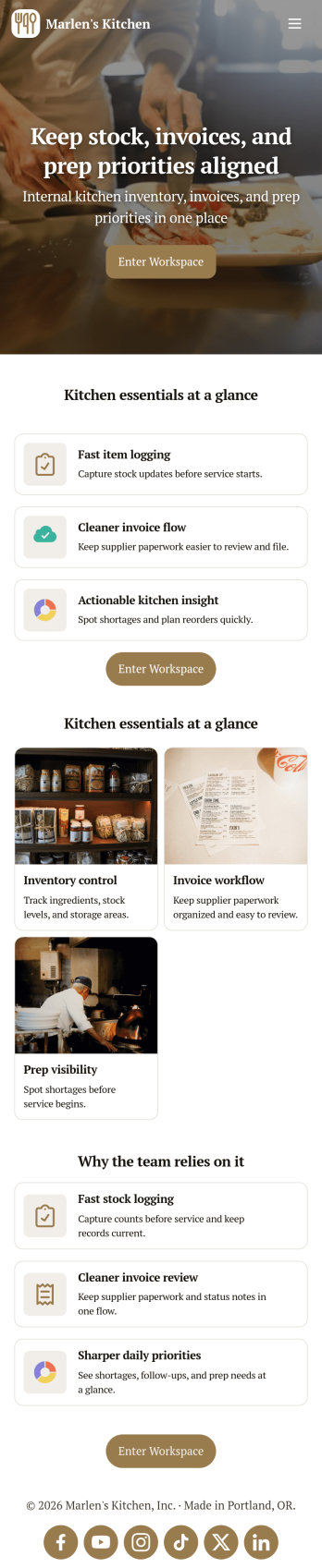
Restaurant Food Inventory App
Restaurant Food Inventory App is an app template designed to optimize the operational workflow of restaurants. It serves as a one-stop solution for restaurant owners, chefs, and kitchen managers to monitor ingredient inventory levels, track usage and expiry dates, manage supplier orders, and optimize food costs through real-time stock visibility. With this app, keeping an eye on food stocks and minimizing waste becomes a hassle-free process. By offering a comprehensive overview of all culinary inventory in one place, it replaces ad-hoc record-keeping practices, leading to more consistent and complete data collection. This app is best suited for those in the food industry who prioritize efficiency, accuracy, and waste reduction in their inventory management.With Jotform's no-code app builder, customizing the Restaurant Food Inventory App to fit your unique requirements is a breeze. The intuitive drag-and-drop interface allows for effortless modifications such as form swapping, font selection, color adjustment, and logo uploading. The result is a tailor-made app that aligns with your restaurant’s branding, without requiring any coding skills. Your app can then be accessed and downloaded onto any smartphone, tablet, or desktop via a shareable link, offering convenient cross-platform compatibility. Furthermore, Jotform Apps provide several publishing options, allowing you to control the accessibility of your app. With Restaurant Food Inventory App from Jotform, streamline your food inventory management and focus on what truly matters: delivering exceptional culinary experiences.
Go to Category:Company Portal Apps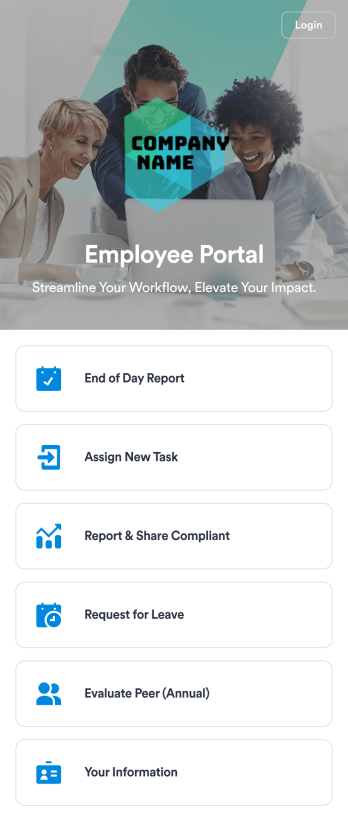
Employee Portal App
An employee portal app allows employees to access all internal company documents and links from any mobile device or computer. Create your own company portal in just a few clicks with Jotform’s free Employee Portal App. This customizable template includes a report form, task form, complaint form, leave request form, evaluation form, and employee information form all in one app. Employees will be able to fill out these forms from any smartphone, tablet, or computer, and submissions will be stored in your secure Jotform account.Customize this Employee Portal App to better meet your company’s needs. Without any coding, you can add forms, documents, links, images, buttons, videos, and much more to the template. You can also change the app icon and name and include your company branding in just a few clicks. When it’s ready to use, send email invites to employees directly or share the app link. With a fully-custom Employee Portal App for your company, your employees will enjoy more organized team collaboration and communication, no matter which device they prefer!
Go to Category:Company Portal Apps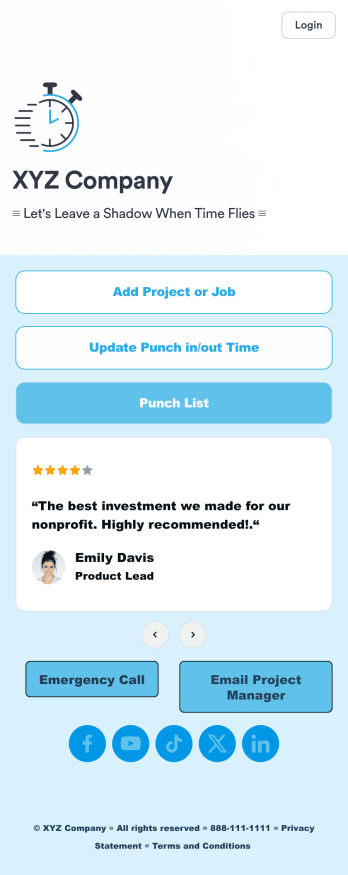
Customizable Punch In Out Timesheet App
Ditch paper timesheets with our free Punch In/Out Timesheet App! Employees can clock in or out for their shifts using the app on a company tablet or computer. As account owner, you’ll receive instant notifications for each new form submission, so you’ll know if any employee is late or leaving before their scheduled time. You can see all entries in spreadsheet, calendar, or card view using the attached Punch List Template for Jotform Tables.Customize your Punch In/Out Timesheet App in just a few minutes. Without any coding, you can use our drag-and-drop interface to add new forms, include a link to your timesheet, update the app text and design, embed links, and more. When your app is ready to use, keep it open on a company device for employees to use as they start their shift. Make employee management a breeze with a Punch In/Out Timesheet App for your company.
Go to Category:Company Portal Apps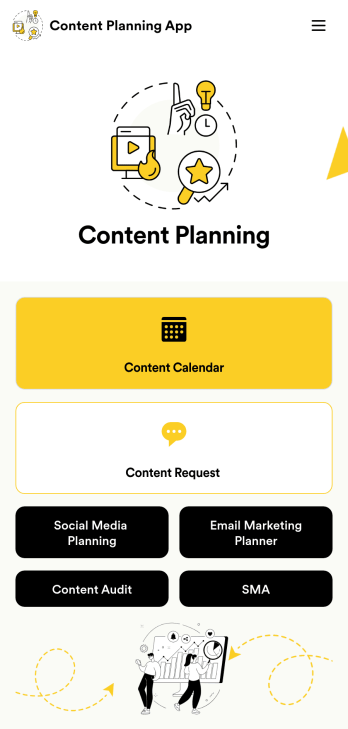
Content Planning App
A content planning app is commonly used by marketing teams to manage content calendars. With Jotform Apps, you can build your own Content Planning App for free. Add a content calendar, brainstorm notes, content audits, and so much more. You can even integrate your app with 250+ platforms to send data straight to your other marketing accounts — all with no coding required.Customizing your Content Planning App is easy and intuitive with Jotform’s drag-and-drop builder. Add or remove forms, switch up fonts and colors, choose a unique app icon, upload branding assets and images, and so much more. Once you’re happy with your app, all you need to do is share it with your team. Embed it in your online workspace or send it via link so your team members can download it to their mobile, tablet, or desktop device.
Go to Category:Company Portal Apps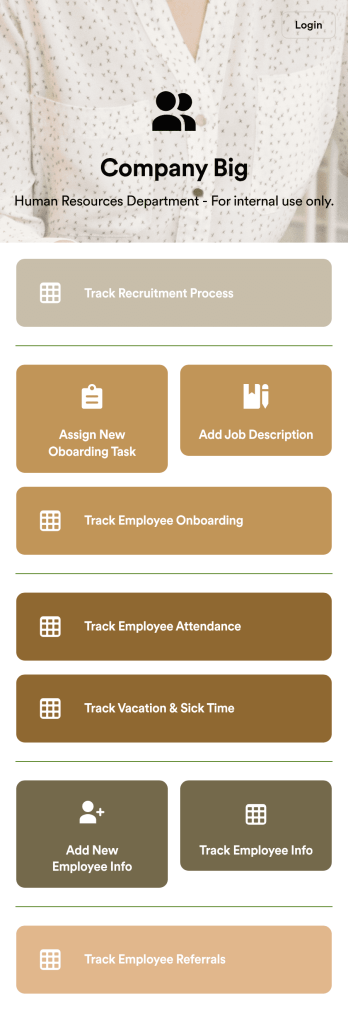
HR Management App
An HR management app keeps all your recruiting tools in one place that can be accessed from any device. Support your human resources team with a fully custom HR Management App powered by Jotform. This ready-to-use template includes multiple HR forms and tables to help you keep all of your data organized in one central location. You and your HR team can download the app onto any smartphone, tablet, or computer for easy access to your forms, tables, and other resources.Want to modify this app template for your company? You won’t need any coding knowledge – with our intuitive builder, all you need to do is drag and drop to add or update forms, tables, links, documents, pages, buttons, and other app elements. You can even change the app name, icon, fonts, colors, and splash screen to match your branding. When it’s ready to use, share it with your HR team by sending email invites or the app link. Manage new and existing employees effectively with a HR Management App built just for your HR team.
Go to Category:Company Portal Apps
Expense Report App
An expense report app is used by companies for keeping track of employee expenses. This free Expense Report App allows employees to log business expenses by filling out a form with general contact information, cost, description, date and time, and payment and expense type. There is also an upload form for employees to attach any relevant documents and receipts. Expense reports are immediately synced and stored securely in your account, and can be sorted, filtered, and exported from any device.Customize this app template in no time using Jotform’s drag-and-drop form builder. You can easily add or swap out form elements, change text, customize your app icon and splash page, and more — no coding necessary. Share a link to your app in an email or embed it in your website, and employees can access and download it on any smartphone, tablet, or computer for future use. Keep track of all your employees’ business expenses with this Expense Report App.
Go to Category:Company Portal Apps