
The Candidate Document Portal App is a centralized recruitment resource for employers, hiring teams, recruiters, and staffing professionals who need a consistent way to receive and review candidate files. Candidates can submit requested documents, check review status, and read submission guidance from one accessible location. The app is useful during candidate screening, preemployment checks, role placement, and other document-heavy hiring stages. It reduces scattered email exchanges, gives applicants clearer next steps, and helps recruitment teams organize incoming information while maintaining a more consistent candidate experience.
Jotform Apps makes it easy to adapt this app template to an organization’s hiring process without writing code. Using the no-code app builder and drag-and-drop interface, teams can update pages, adjust branding, connect forms and tables, and support data collection within a coordinated workflow. The finished portal can be shared through a direct link or quick response code for convenient mobile access. With customizable App Templates from Jotform, human resources teams can create a practical self-service destination that keeps candidate actions, guidance, and status information together.
Related templates

HR Jobs App
An HR jobs app, or human resources jobs app, helps HR departments keep track of every step of the recruitment process. Track new employee onboarding, existing employee information, attendance, and more with this ready-made HR Jobs App. Feel free to use the app as is, or customize it with our no-code builder — then share and download it to fill out easily on any device.Need to make changes to this HR Jobs App? Upload your company logo, add or remove forms, customize the app icon or background, and make other design changes in seconds. You can also connect your forms with automated approval flows, and 100+ free integrations to sync information to other platforms automatically — perfect for speeding up your HR processes and saving your team precious time.
Go to Category:Company Portal Apps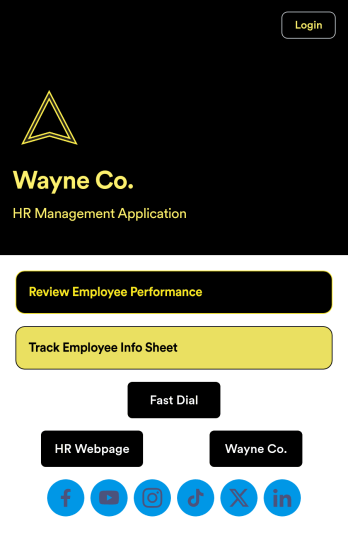
Employee Review App
An employee review app is used by HR professionals or managers to monitor the performance of employees in a company. With this free app that downloads onto any smartphone, tablet, or computer, employee reviews are a breeze! Just share the app with the members of your company who conduct employee reviews or track employee information for a paper-free solution.Without coding, you can personalize this Employee Review App by changing the icon or splash screen, creating and including other online forms, and adding any other information or spreadsheets you may need. All data is kept safe and secure with Jotform’s advanced security measures, and easy to access when you need it in a Human Resources Table. Perform employee reviews more efficiently with a free Employee Review App.
Go to Category:Company Portal Apps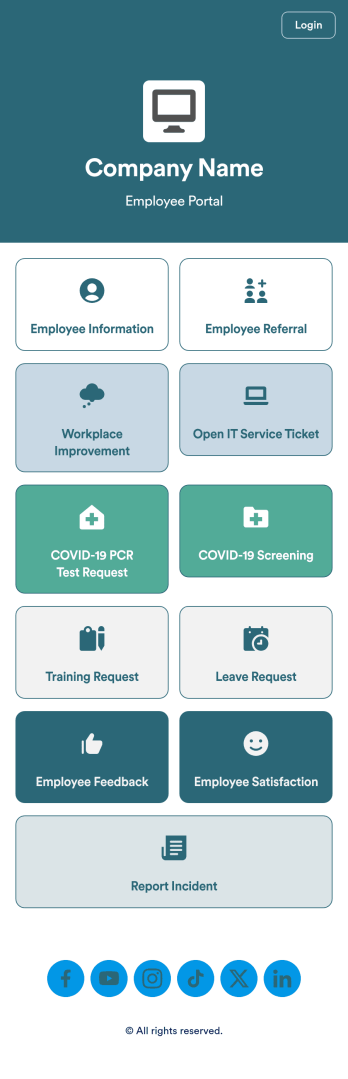
Intranet App
An Intranet App is used for consolidating company forms and documents in one convenient location. This Intranet App bundles nearly a dozen forms for employees to record general contact information, request training or time off, open IT service tickets, and fill out COVID-19 screening checklists. There are also several surveys for employees to submit workplace improvement suggestions and report incidents. Employee data and submissions are stored securely in your Jotform account, which managerial staff can access from any smartphone, tablet, or computer.Make this app template your own with Jotform’s no-code app builder. Just drag and drop to add or change forms, upload documents, create buttons, add external links, and more. You can also customize your splash screen to include your own branding and make company-wide announcements. When you’re finished, you can share your app with a link and employees can then access and download it on any device. Create a one-stop-shop for your company’s forms and documents with this free Intranet App from Jotform.
Go to Category:Company Portal Apps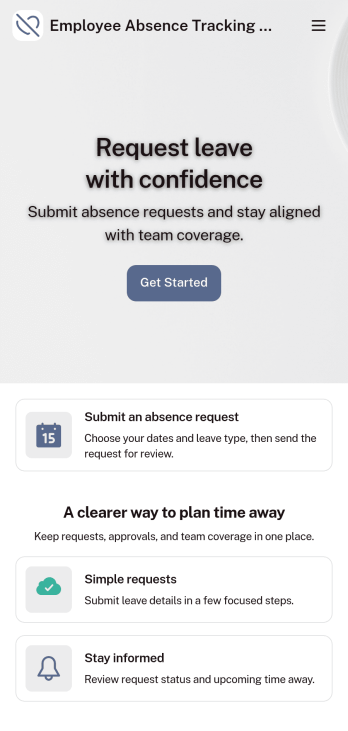
Customizable Employee Absence Tracking App
This Employee Absence Tracking App helps employees request time off and helps HR, managers, and employers track absences from any device. It includes submission tracking, with Admin-only access to view and manage requests and keep information organized and relevant based on the type of leave. All submissions are automatically available in Jotform Tables where admins can review them as a spreadsheet, calendar, or cards for faster follow-up and reporting.The app can be customized with multiple request forms for different leave types, a personalized splash screen or icon, and guidance text to support employees while submitting requests. With Jotform’s Role-based feature, you can control access so tutors, admins, and other users see only the parts of the app relevant to them. For privacy and compliance, sick leave request forms require employee login, ensuring only authenticated users can submit sensitive absence information. Save time and simplify leave management with a secure, streamlined way to handle employee absences.
Go to Category:Company Portal Apps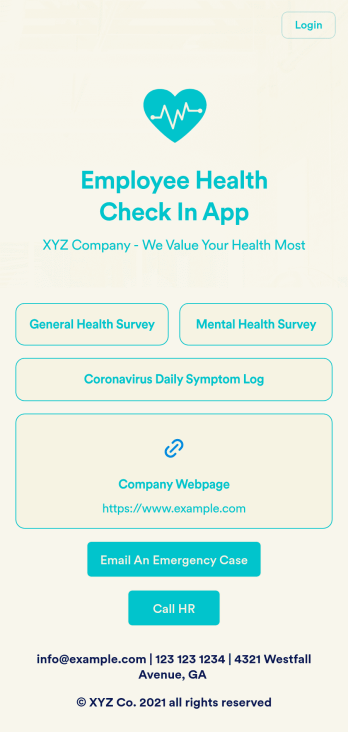
Employee Health Check In App
Screening your employees can help keep your workplace safe and free of contagious diseases. Conduct company health screenings and surveys in one place with our free Employee Health Check In App. Employees will be able to record possible coronavirus symptoms through the COVID-19 Daily Symptom Tracker and answer surveys from any smartphone, tablet, and computer.Customize your Employee Health Check In App for your company in just a few clicks. No coding necessary — simply drag and drop to add forms, surveys, spreadsheets, links, text, images, and more. You’ll even be able to modify the app name, icon, and splash page for a more professional and personalized look. When it’s ready, your app can be shared with employees via link and downloaded onto any device. Take care of your employees’ health and your business with a custom Employee Health Check In App for your company.
Go to Category:Human Resources Apps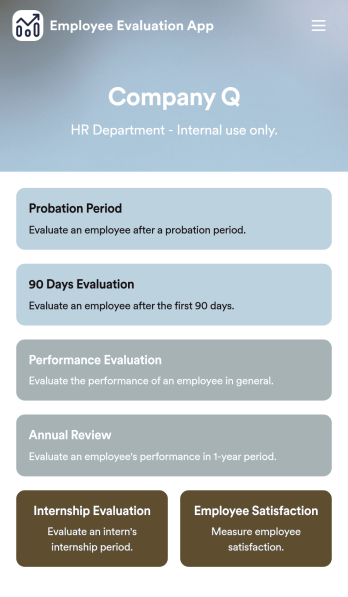
Employee Evaluation App
An employee evaluation app is used by managers or HR professionals to perform employee evaluations. With this Employee Evaluation App, you can switch from messy paper forms and start completing employee performance reviews online — a great way to create a secure database of all of your employees’ evaluations instantly. Submissions are stored in your secure Jotform account and can be converted into PDF documents automatically.Make changes to this app template with our drag-and-drop builder. Add your company logo, update evaluation questions, add or remove forms, and change fonts, colors, the background image, or the app icon for a personalized look. You can then share your custom Employee Evaluation App with members of your HR team to complete evaluations instantly on any computer, tablet, or mobile device.
Go to Category:Company Portal Apps