Check In System App keeps check-ins organized in one place so teams can capture arrivals, log activity, and review what happened throughout the day. Use it at front desks, shared offices, schools, events, clinics, warehouses, or any workplace that needs a simple, repeatable way to record who checked in, when, and where. With quick navigation to start a new check-in, view records, and open a daily overview, staff can move visitors or team members through the process without confusion while supervisors stay informed.
Jotform makes it easy to turn this workflow into a branded self-service experience using App Templates and a no-code app builder. Customize the pages with a drag-and-drop interface, connect the check-in form to your data collection workflow, and share the app by link or QR code for fast access on any device. As your process evolves, you can adjust fields, routing, and the way records are displayed without touching code.
Related templates
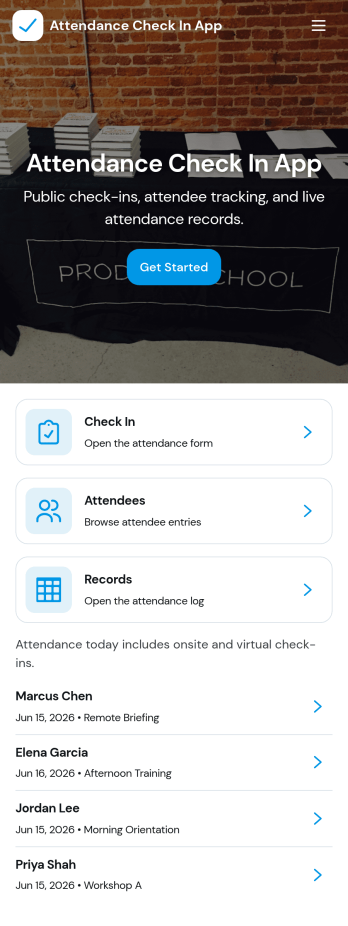
Attendance Check In App
Attendance Check In App helps teams and organizers record attendance quickly and keep an organized history of who showed up and when. It’s a practical fit for schools, training programs, events, volunteer groups, and workplaces that need a simple way to collect check-ins, review records, and let individuals access their own attendance when needed. With clear navigation for new check-ins and a records area, the app supports daily roll calls, workshop sessions, shift arrivals, and on-site sign-ins without relying on paper sheets.Jotform makes it easy to turn this workflow into a mobile-friendly experience using app templates and a no-code app builder with a drag-and-drop interface. Connect your check-in form to a records list, keep information centralized, and share the app with a link or QR code so staff can capture attendance from anywhere. As your needs change, you can customize pages, update the layout, and build a smoother workflow around data collection and self-service access.
Go to Category:Sign In Apps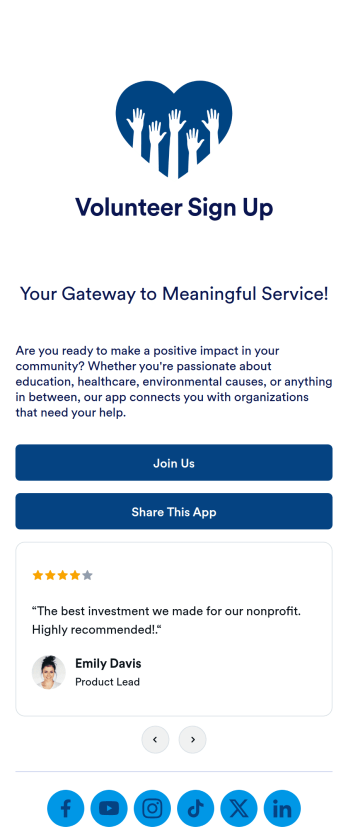
Volunteer Sign Up App
A volunteer signup app is a mobile app that businesses, schools, or programs can use to collect volunteer signups. With a free Volunteer Signup App template from Jotform, you can easily connect with volunteers, schedule their appointment times, collect waivers, and more. You can even collect donations with one of our 30+ payment gateways! All submissions made in the app will be stored securely in your Jotform account — ready to view, edit, or share on any device.Need your Volunteer Signup App to match your company branding? Not an issue. Use our simple drag-and-drop app builder to make design changes like choosing fonts and colors, uploading branding logos and assets, changing your app’s icon and backsplash, and more — all without coding. Streamline your volunteer activities with a custom app from Jotform Apps.
Go to Category:Community & Engagement Portal Apps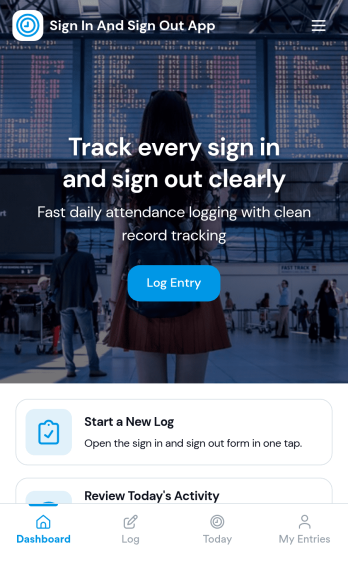
Sign In and Sign Out App
Sign In and Sign Out App helps organizations record when people arrive and leave, creating a simple digital log that’s easy to reference later. It’s a practical fit for front desks, school offices, shared workspaces, job sites, studios, and community programs that need a clear sign-in and sign-out history without relying on paper sheets. With guided navigation and an Add Entry button that opens a connected form, staff or visitors can log a new entry quickly, while a list view makes it easy to browse names and open individual records.Jotform makes it easy to publish and manage app templates like this with a no-code app builder and a drag-and-drop interface, so you can match the experience to your workflow in minutes. Add your logo image, adjust pages and buttons, and share the app by link or QR code for fast self-service check-ins. Entries submitted through the form can be organized for ongoing tracking, giving your team a dependable way to keep sign-in activity consistent across locations and shifts.
Go to Category:Sign In Apps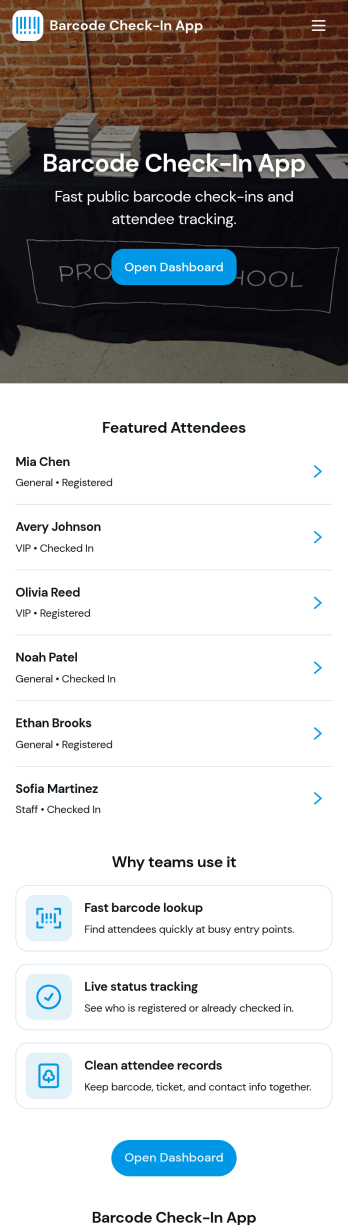
Barcode Check-In App
A barcode check-in app gives event teams and front-desk staff a fast, reliable way to verify entry and record attendance by scanning barcodes at the door. Use it for conferences, classes, workshops, ticketed gatherings, or any in-person session where you need to confirm who arrived, reduce lines, and keep an accurate check-in log. With quick navigation to scan entry, view open sessions, and review recent activity, the app supports smoother arrivals and fewer manual errors for organizers managing single or multiple sessions.Jotform makes it easy to publish this app template and adapt it to your workflow using a no-code app builder with a drag-and-drop interface. Connect check-ins to your Jotform form and table so data collection stays organized, searchable, and ready for follow-up. Share the app with staff through a link or QR code, control what each person can access, and keep your check-in workflow consistent across devices.
Go to Category:Event Registration Apps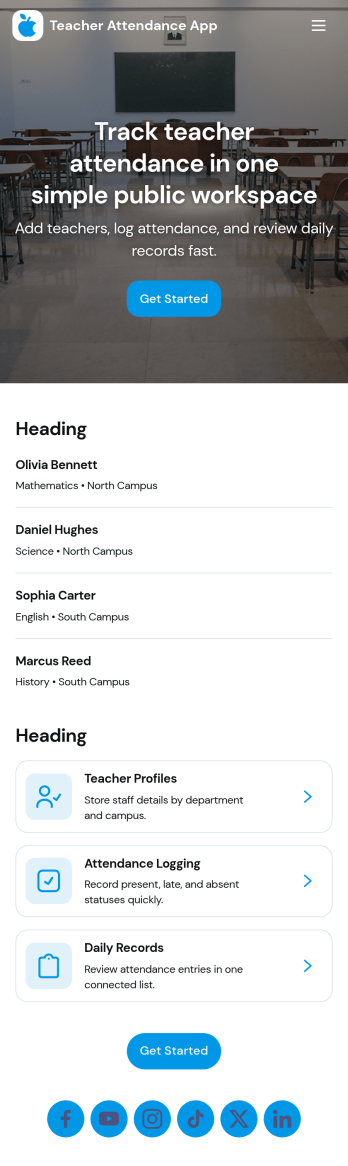
Teacher Attendance App
Teacher Attendance App helps schools and education programs track daily classroom attendance in one place, from taking attendance to reviewing past records. It’s a practical fit for teachers, substitute teachers, department leads, and school administrators who need a consistent routine for logging attendance, keeping a clean student roster, and reducing missed entries. With quick navigation to take attendance, view students, and check records, the app supports smoother mornings, more accurate reporting, and fewer manual spreadsheets.Jotform offers app templates like this one you can tailor to your process using a no-code app builder and a drag-and-drop interface. Connect the app to forms and data collection so attendance logs and roster updates stay organized, searchable, and easy to manage over time. Share your Jotform app with staff through a link or QR code, keep workflows moving with simple actions and pages, and update the experience anytime without writing code.
Go to Category:School Management Apps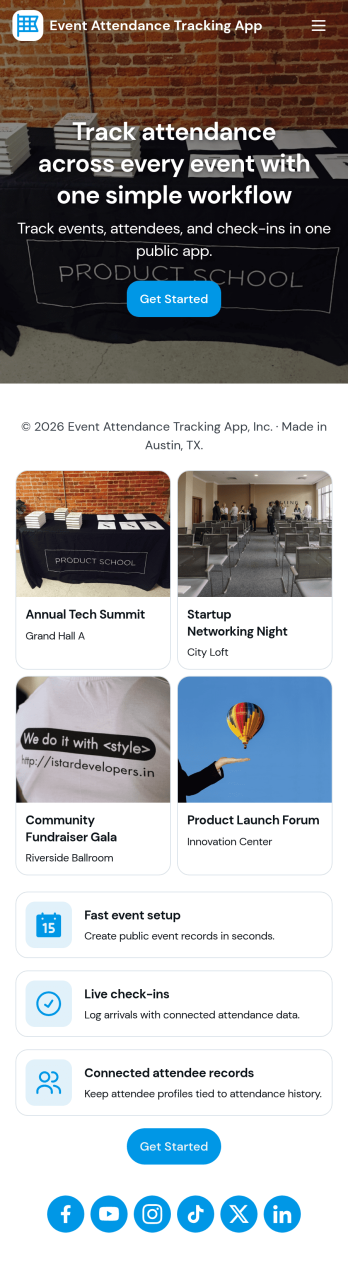
Event Attendance Tracking App
Event Attendance Tracking App helps organizers keep an accurate record of who registered and who actually showed up, without juggling paper lists or scattered spreadsheets. Use it to register attendees ahead of time, add walk-ins at the door, and log check-ins as guests arrive. It’s a strong fit for event teams running conferences, workshops, campus events, community meetups, trainings, and internal company sessions where headcounts, attendance history, and quick lookups matter throughout the day.With Jotform, you can turn attendance tracking into a simple self-service experience using App Templates and a no-code app builder. Build the flow with a drag-and-drop interface, connect registration and check-in forms, and keep records organized in linked tables for fast searching and reporting. Share the app with staff using a link or QR code so everyone works from the same up-to-date attendee list while your workflow stays consistent from registration to check-in.
Go to Category:Event Planner Apps