
The Child Progress Parent Portal App gives parents and caregivers a central place to follow a child’s learning journey and communicate with educators. Schools, childcare centers, tutoring programs, and learning support teams can use this app template to present individual progress summaries, highlight upcoming goals, and publish timely updates. Parents can review progress without searching through scattered messages, send requests to the learning team, and share feedback through connected forms. By keeping essential information and communication options together, the portal supports clearer family engagement and helps educators maintain consistent communication for each child.
Jotform makes it easy to adapt App Templates like this one to fit an organization’s routines and visual identity. With the no-code app builder and drag-and-drop interface, teams can update pages, navigation, buttons, colors, and content without programming. Forms, tables, notifications, approvals, and other workflow elements can be connected to support data collection and parent self-service. Once customized, the Child Progress Parent Portal App can be shared through a direct link or QR code, giving families convenient access from phones, tablets, or computers.
Related templates
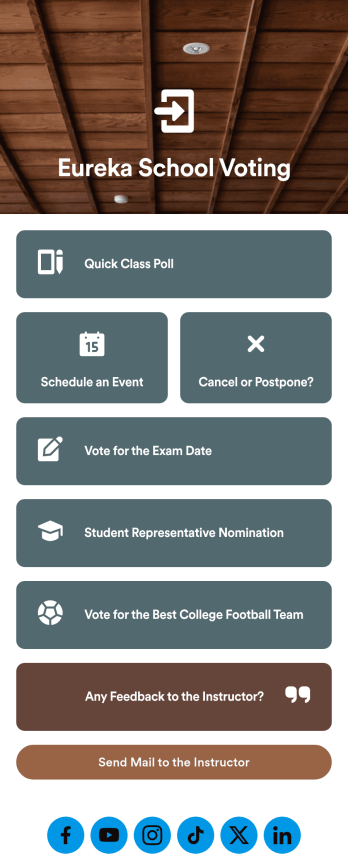
Customizable Voting App
Looking for an easier way to manage your classroom? Try organizing your students by using our intuitive, easy to set up Voting App. With this app you’ll be able to assign daily tasks, keep track of events and exams, and conduct quick polls with your students. This app can be downloaded on any Android or iOS smartphone or tablet — accessible anywhere, anytime. Every form submission from your students will be stored in your Jotform account for on-the-go access — great for at school and on fieldtrips.Let your creative side shine and customize your app the way you want it. Try using our drag-and-drop customizing tools to change your app’s design — no coding required. Upload your classroom’s school year, update student forms, pick a fresh app icon and background image, and make other changes you need. After you’re finished, you can instantly share your app with your students by sending a direct link, emailing them, or setting up scannable QR codes in your classroom. Go paperless and try out Jotform’s free Voting App.
Go to Category:Education Apps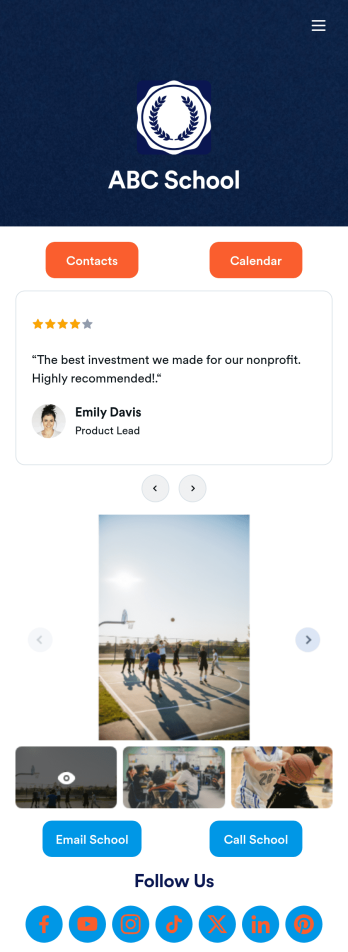
Our School App
A school app keeps important school forms, documents, links, and other resources in one central location that can be accessed on any device. Whether you run a public high school or private university, create an app for your educational institution with Jotform’s free Our School App. This customizable app template includes a calendar page, contact information, event posters, and school photos that students and their guardians can access from any smartphone, tablet, or computer for easy access.Want to customize this Our School App for your school? You won’t need to take a class — simply use our drag-and-drop builder to add forms and tables, embed links, upload documents or media files, create pages, and much more. When your app is ready to share, post the app link on your school website or send email invites to students, guardians, and teachers directly. Keep students informed about upcoming events and deadlines with an Our School App customized for your school.
Go to Category:Education Apps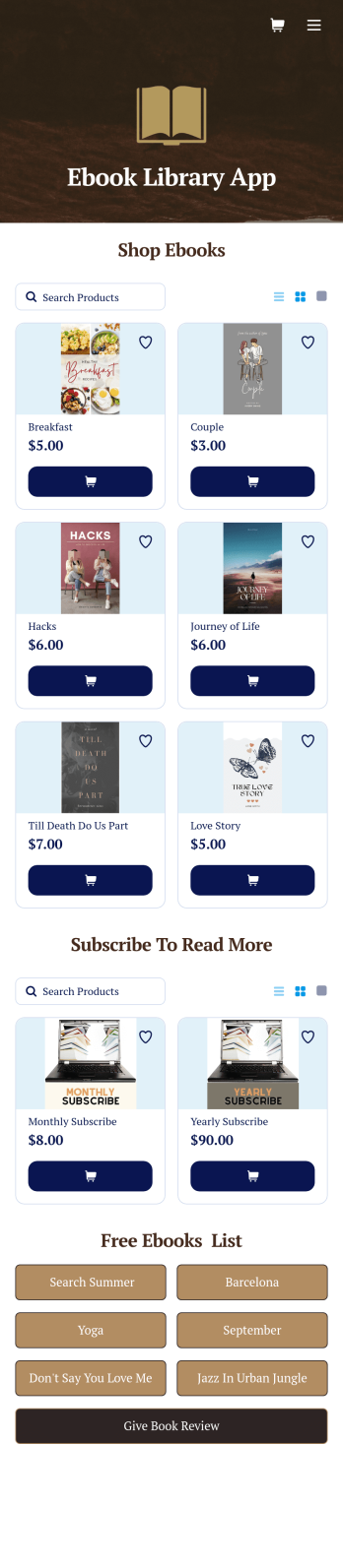
Ebook Library App
An e-book library app is used by teachers, schools, and small libraries for sharing free e-books with others. Need to know how to sell e-books online? With Jotform’s E-book Library App, you can upload multiple e-books as PDF documents to the app, and display them in a list of available titles on the main page. Users can browse and read e-books directly through the app’s interface, or download them onto their device with the tap of a button. This app template can also be used by individuals who wish to create a private library for storing their e-books in one convenient location.Want to make changes to this app template? Jotform's intuitive app builder makes it easy for anyone to customize the look and feel of their app with just a few clicks. No coding required — just drag and drop to add or change form elements, choose custom color schemes and backgrounds, add widgets, upload images, and more. Once you’re satisfied, share your app with others by sending email invites or the app link, and they can then access and download your app on any smartphone, tablet, or computer right away. Create a digital library of downloadable e-books with Jotform’s E-book Library App that works anywhere.
Go to Category:Education Apps
Summer Camp App
A summer camp app is used to collect summer camp registrations, medical information, waivers, and bus registrations. Camp attendants can access and download Jotform’s all-in-one Summer Camp App onto their preferred device and fill out registration forms from anywhere. There’s also a separate form where people can sign up to be camp volunteers! All submissions are instantly synced and stored in your secure Jotform account, which you can easily access and manage from any device.You don’t need to have any coding knowledge to fully customize this app template to your liking. Using Jotform’s intuitive app builder, simply drag and drop to add form elements, create new pages, edit text fields and checklist items, choose fonts and colors, upload your camp’s unique logo, and much more. Share your custom app by sending email invites, embedding it in a website, or linking to it in a social media bio. Go paperless and streamline your camping registration process with Jotform’s free Summer Camp App.
Go to Category:Course & Training Registration Apps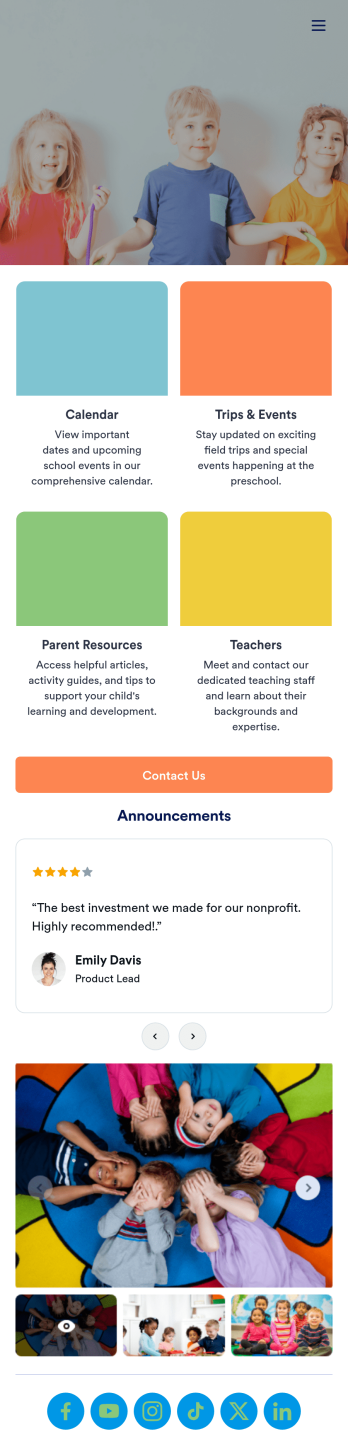
Preschool Education App
A preschool education app is a centralized application used by teachers and administrators to track and manage all things concerning their preschool. Want to build a custom app for your preschool? Use this ready-made Preschool Education App Template to get started. Keep parents updated on your school calendar, upcoming events and field trips, and any other important information. You can even set up a contact form for parents who have questions or concerns.Personalizing this Preschool Education App is simple with Jotform’s drag-and-drop app builder. Add or remove forms, select a custom app icon, switch up colors and fonts, add a slideshow of pictures from previous years, and more. And if you need an easy way to organize your app, try our handy Card element. Keep your parents in the know with this Preschool Education App from Jotform.
Go to Category:Education Apps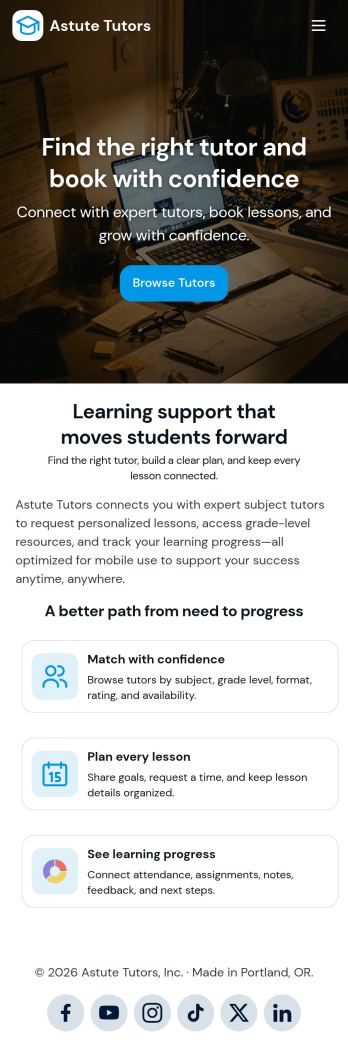
Tutoring App
Tutoring App is an app template designed to streamline the process of finding and connecting with suitable tutors. This app aids in the submission of tutoring requests, providing a platform for students, parents, and educational institutions to specify their learning goals and subject needs. This app is ideal for anyone in need of personalized academic support and learning assistance, providing a central hub for one-on-one or group instruction. The template collects information such as subject areas, desired tutoring schedules, and specific learning objectives, bringing clarity and consistency to the tutor-student matching process. It is a perfect fit for those desiring an efficient and systematic approach to locating the right tutoring support.Jotform's Tutoring App brings additional benefits to the tutoring process by offering cross-platform compatibility enabling usage across smartphones, tablets, and desktops. With its no-code app builder, customization of the app is straightforward, allowing users to tailor the app to their specific needs without writing any code. Adding forms or customizing layouts is made possible with its drag-and-drop interface. The app also provides options for sharing directly via email, social media, or QR codes, thereby making it convenient for users to distribute their tutoring requests widely. Jotform's Tutoring App, with its focus on creating a seamless experience for its users, is the go-to solution for efficient and effective tutoring coordination.
Go to Category:Course & Training Registration Apps