The Client Onboarding Portal App is a centralized onboarding experience for agencies, consultants, professional service providers, and account teams welcoming new clients. It gives customers one place to create a client profile, submit a project brief, and confirm document readiness. Organized client and project records help teams reduce scattered communication, identify missing information, and prepare for kickoff with greater clarity. Use this app template when starting consulting engagements, creative projects, managed services, or other client relationships that require accurate contact details, project requirements, and supporting documents.
Jotform Apps makes it easy to adapt this Client Onboarding Portal App to your process using a no-code app builder and an intuitive drag-and-drop interface. Customize pages, branding, navigation, and connected forms without writing code. You can bring data collection, resource access, and workflow steps into a mobile-friendly self-service experience, then share it through a direct link or QR code. Jotform App Templates provide a ready-made starting point while giving your team the flexibility to update content, organize records, and connect approvals or other processes as onboarding needs evolve.
Related templates
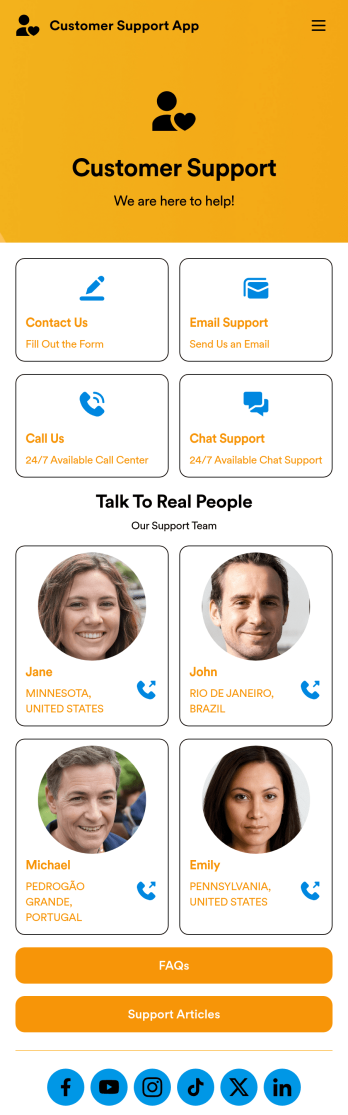
Customer Support App
A customer support app is a type of mobile application used by customer support teams to respond to customer tickets and support requests. Use this free Customer Support App to build a central hub for your support operations. Collect support tickets, link to your chat support, list FAQs, and more. To get started, use this ready-made template and customize it to your liking.Drag and drop to make any changes to this Customer Support App. Upload branding assets and logos, select a custom app icon, add or remove support forms, change your app’s backsplash, and more. You can even integrate your app with 200+ platforms to add an extra layer of customization. Streamline your support process with Jotform Apps.
Go to Category:Customer Portal Apps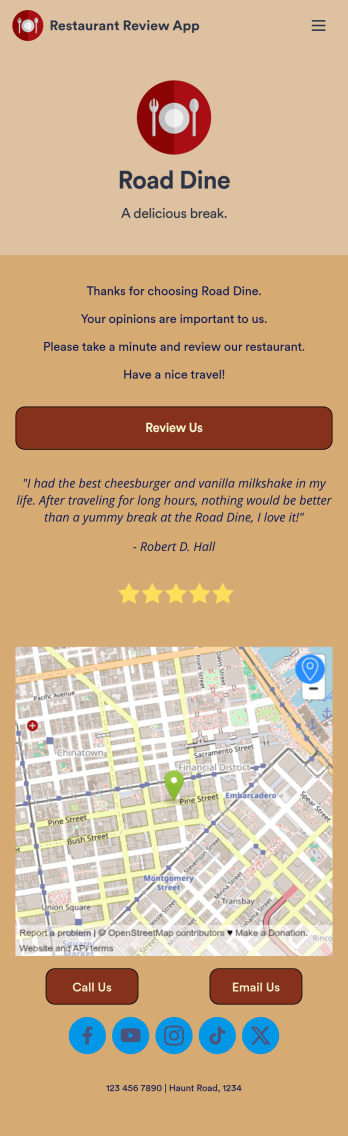
Restaurant Review App
A restaurant review app is used to gather reviews from a restaurant’s customers. With Jotform’s free Restaurant Review App, you can gather customer feedback for your restaurant seamlessly on any device! This app already comes with a review submission form, but you can add new forms and other information with our easy-to-use drag-and-drop builder.Feel free to add more forms to your app, update the splash screen, upload your logo, and customize other elements with no coding knowledge required. Once you’ve got it looking exactly how you like, share your app with your customers to either download on their mobile device or fill out on kiosk, embed the app in your website, or share it directly with customers to collect responses. Receive customer reviews fast with a free Restaurant Review App!
Go to Category:Customer Portal Apps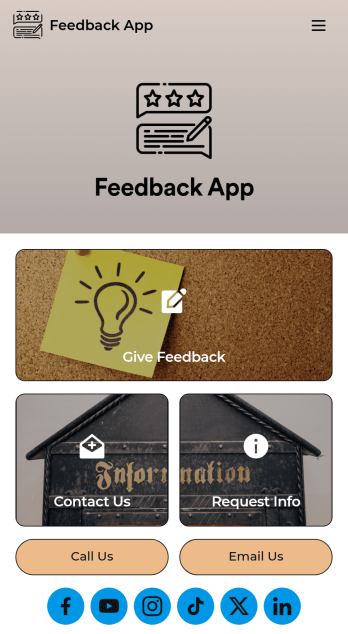
Feedback App
A feedback app is useful for capturing customer feedback to help improve your business’ products or services. This app template allows customers to fill out a form with basic contact information, as well as space to leave comments, questions, or suggestions. There is a separate form for requesting additional information, and a contact form for submitting questions to your business via email. Customer feedback is instantly synced to your secure Jotform account, where you can search, filter, and sort through entries with ease.Make this feedback app your own in seconds with Jotform’s intuitive app builder. No coding required — just drag and drop to add form elements and widgets, edit text fields, choose fonts and colors, change your app’s icon and splash screen, upload your own branding, and more. After you’re satisfied with your app’s look and feel, you can share it with customers by including a link in a follow-up email or text, or by generating a QR code to place on your business’ front desk or in a window. Customers can then download your app on their favorite device and leave feedback right away. Collect feedback from your customers to help you improve your business with this free Feedback App from Jotform.
Go to Category:Management Apps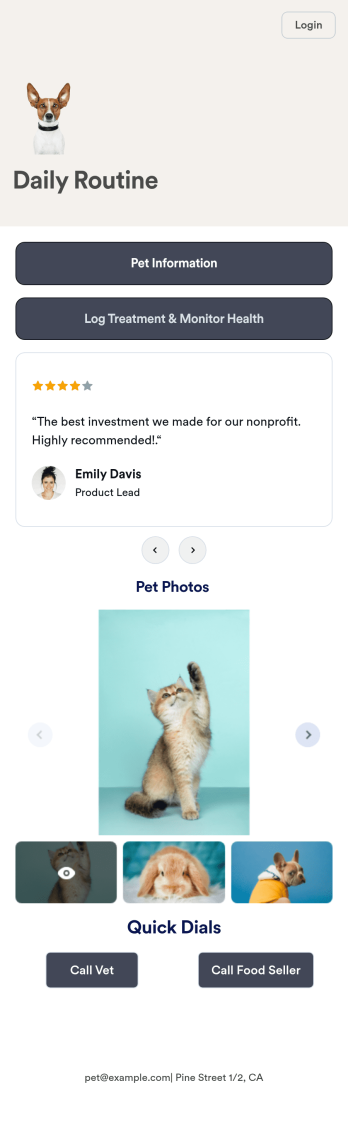
Pet Care Service App
A pet care app is used by veterinarians to monitor pet health and track treatments from any device. Whether you manage a veterinary hospital or work as an independent veterinarian, save time building a mobile app from scratch by using our free Pet Care App Template. This premade template includes a Pet Information Request Form and Pet Care Reminder Form for recording pet information, logging treatment progress, and monitoring health status.Make this Pet Care App your own by customizing it in just a few clicks. No coding necessary — simply drag and drop to create new forms, embed links to other webpages, and add text, images, and logos. When your app is ready to use, download it on your smartphone, tablet, or computer or share it on your website for pet owners to save onto their own devices. Make it easier to keep track of pets’ information no matter where they are with a fully-customizable Pet Care App for your pet care business.
Go to Category:Customer Portal Apps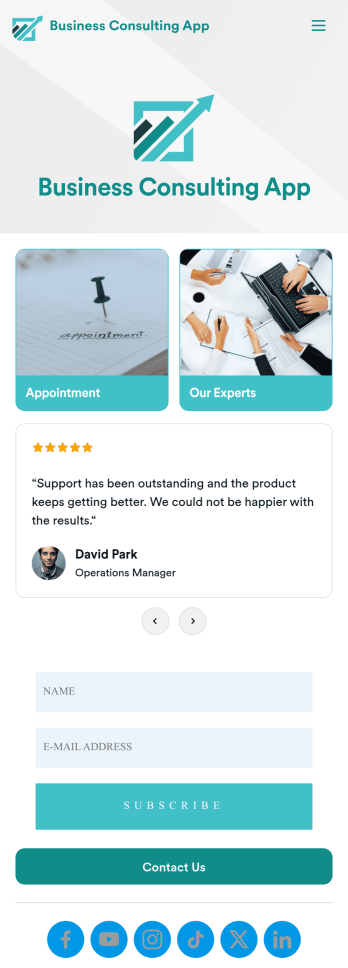
Business Consulting App
A business consulting app is a mobile application used by clients of a consulting agency to book appointments, view consultant information, and contact the agency. With this ready-made Business Consulting App, your consulting agency can quickly and easily create an app for your business! Simply customize the app design to match your branding and share the app to be accessed by your clients on any device.Want to customize this free app template? Drag and drop to get the look you want with no coding required. Add your logo, change fonts and colors, update the app splash screen and icon, and make other design changes in seconds. Once your app is good to go, you can share it via email, add it to your social media bio, or embed it in your website. Stop wasting time with back-and-forth emails — streamline the way you get in contact with your clients with this Business Consulting App from Jotform.
Go to Category:Consulting Apps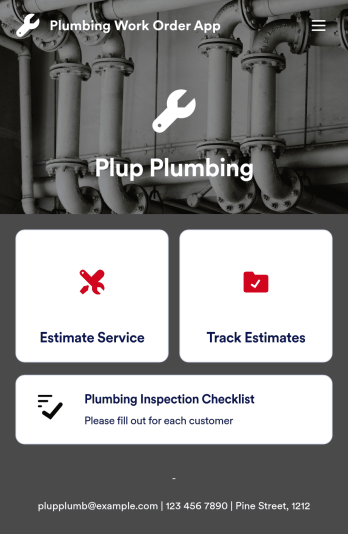
Plumbing Work Order App
A plumbing work order app allows plumbers and plumbing contractors to manage work order requests from any device. With Jotform’s free Plumbing Work Order App, you can track and manage plumbing jobs and estimates no matter where you are. This mobile app template includes an estimate request form, estimate tracking log, and plumbing inspection checklist that you can fill out on your smartphone, tablet, laptop, or computer. Submissions are kept safe in your secure Jotform account, so you can keep all your important work information in one place.Want to customize this Plumbing Work Order App for your plumbing or contracting business? No coding required — just use our drag-and-drop builder to add as many forms, tables, links, documents, text, images, and other elements to the app. You can even update the app’s colors, fonts, name, and icon to match your brand. When you’re happy with how it looks, your app can be saved onto any device and shared with others in just one click. Stay on top of plumbing jobs and estimates with a custom Plumbing Work Order App that works where you do.
Go to Category:Customer Portal Apps