
The Computer Mouse Skills Training App helps schools, tutors, libraries, workforce programs, and community learning centers teach essential mouse control through guided lessons and focused practice. Learners can build confidence with clicking, dragging, dropping, and precision movements, then complete assessments and review their progress. Instructors can use the app for introductory computer classes, digital literacy programs, learner support, or independent practice. By keeping lesson access, practice activities, results, and skill-level information in one place, the template makes it easier to provide consistent training and identify learners who may need additional guidance.
Jotform app templates offer a practical starting point that can be adapted without coding. Using Jotform’s no-code app builder and drag-and-drop interface, educators can update content, adjust branding, reorganize navigation, and connect forms for data collection. Assessment records and practice results can support a clearer training workflow, while shareable links and scannable codes make the app easy to distribute. This app template can also become a self-service learning resource where users browse lessons, open activities, submit results, and return to relevant materials from one organized experience.
Related templates
Reading Log App
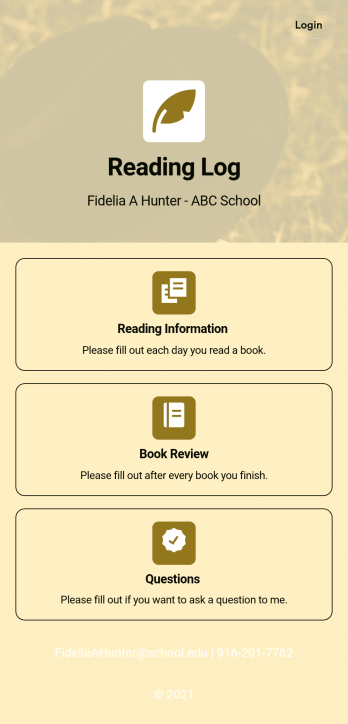
As a teacher, staying on top of your students’ reading habits can be a headache. So why not create one central place to keep track of it all? With this Reading Log App, teachers can easily track, monitor, and review students’ assigned reading progress. This ready-to-use template also comes with a place for your students to send questions, and a digital signature form for parents to sign off on readings. This app works in tandem with our Reading Log Template, which allows you to easily sort through entries in a searchable spreadsheet.Want to customize this Reading Log App and make it your own? With our simple drag-and-drop interface, you can add or change forms, choose fonts and colors, update the app name or text, and more — all with zero coding. Once you’re satisfied with the look and feel of your app, simply share the link through email and have your students start filling out their assigned readings from any smartphone, tablet, or desktop. Make your job outside of the classroom easier with this customizable Reading Log App!
Go to Category:Classroom Management Apps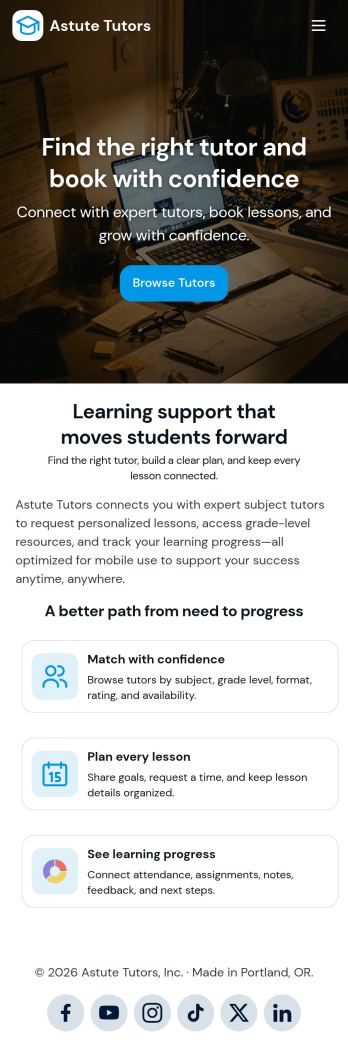
Tutoring App
Tutoring App is an app template designed to streamline the process of finding and connecting with suitable tutors. This app aids in the submission of tutoring requests, providing a platform for students, parents, and educational institutions to specify their learning goals and subject needs. This app is ideal for anyone in need of personalized academic support and learning assistance, providing a central hub for one-on-one or group instruction. The template collects information such as subject areas, desired tutoring schedules, and specific learning objectives, bringing clarity and consistency to the tutor-student matching process. It is a perfect fit for those desiring an efficient and systematic approach to locating the right tutoring support.Jotform's Tutoring App brings additional benefits to the tutoring process by offering cross-platform compatibility enabling usage across smartphones, tablets, and desktops. With its no-code app builder, customization of the app is straightforward, allowing users to tailor the app to their specific needs without writing any code. Adding forms or customizing layouts is made possible with its drag-and-drop interface. The app also provides options for sharing directly via email, social media, or QR codes, thereby making it convenient for users to distribute their tutoring requests widely. Jotform's Tutoring App, with its focus on creating a seamless experience for its users, is the go-to solution for efficient and effective tutoring coordination.
Go to Category:Course & Training Registration Apps
Football News App
A football news app is used to display football-related news, scores, and collect subscriptions from fans. As the app owner, you can aggregate news articles from other websites, or upload your own original work. Football fans can download your app onto their favorite device and sign up to receive email updates whenever your app is updated with football news or scores. Subscriber information is stored securely in your Jotform account.This Football News App can be fully customized to your liking with Jotform’s intuitive app builder. No coding knowledge required — simply drag and drop to add form elements, create new pages and forms, customize your app’s main screen, upload your own images and branding, and much more. You can even install one of our 30+ payment gateway integrations to charge for premium subscriptions fees. Create an all-in-one Football News App to keep sports fans in the know with this free app template from Jotform.
Go to Category:Education Apps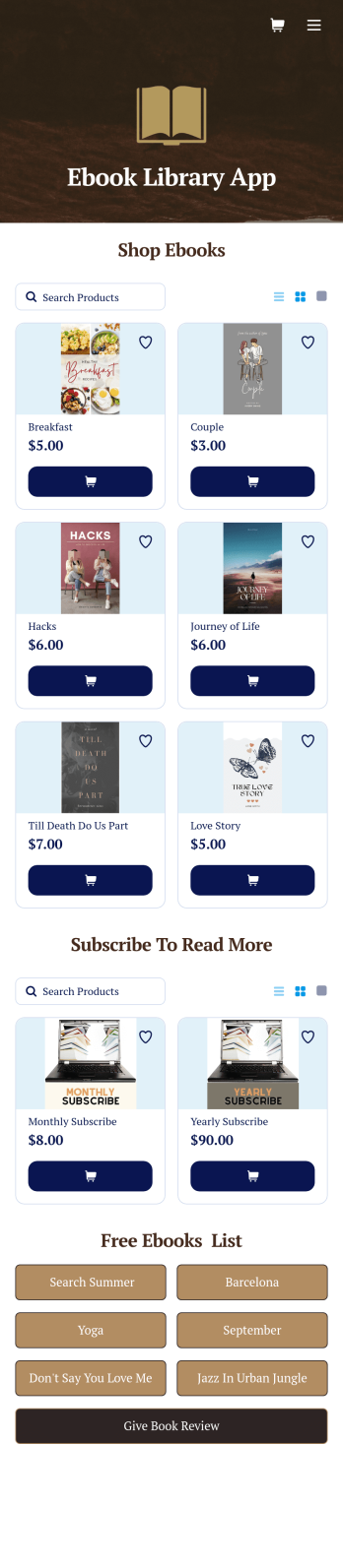
Ebook Library App
An e-book library app is used by teachers, schools, and small libraries for sharing free e-books with others. Need to know how to sell e-books online? With Jotform’s E-book Library App, you can upload multiple e-books as PDF documents to the app, and display them in a list of available titles on the main page. Users can browse and read e-books directly through the app’s interface, or download them onto their device with the tap of a button. This app template can also be used by individuals who wish to create a private library for storing their e-books in one convenient location.Want to make changes to this app template? Jotform's intuitive app builder makes it easy for anyone to customize the look and feel of their app with just a few clicks. No coding required — just drag and drop to add or change form elements, choose custom color schemes and backgrounds, add widgets, upload images, and more. Once you’re satisfied, share your app with others by sending email invites or the app link, and they can then access and download your app on any smartphone, tablet, or computer right away. Create a digital library of downloadable e-books with Jotform’s E-book Library App that works anywhere.
Go to Category:Education Apps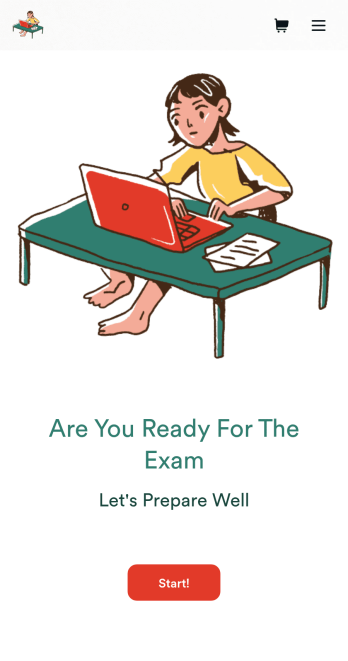
Custom Exam Preparation App
Whether you’re a teacher or a tutor, help students prepare for their exams with Jotform’s free Exam Preparation App. This fully customizable mobile app includes an exam registration form, sample exam questions, and contact buttons for students to easily access from any computer or mobile device. All submissions will be instantly synced to your Jotform account — ready to view, download, share, and approve.You won’t need to take a coding class to customize this Exam Preparation App. Simply drag and drop to add forms, images, documents, links, buttons, pages, and other app elements. Then share your app with students by posting the app link on your website or sending email invites to newly registered students. With a fully custom Exam Preparation App your students can easily access from any device, you can ensure they’ll be ready for their next exam!
Go to Category:Course & Training Registration Apps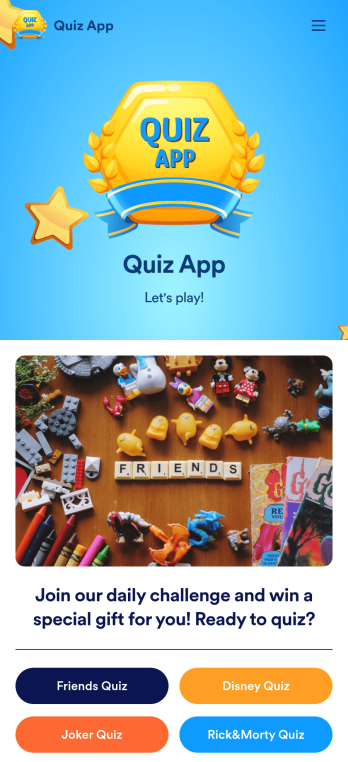
Quiz App
A quiz app lets you take quizzes and submit answers from any device. Whether you need a place to share quizzes for your classroom, office party, or friend group, get started with Jotform’s free Quiz App! This ready-to-use template includes four premade quizzes that you can fill out using any device and share with others. Using our drag-and-drop builder, you can create and add your own quizzes. All responses will be instantly synced to your secure and easily-accessible Jotform account for quick and easy scoring.Make this Quiz App your own in just a few clicks. All you need to do is drag and drop to build and add quizzes, upload tables to see results, embed links and documents, create new pages and buttons, upload photos and videos, and much more. When your app is ready to use, download it onto your favorite device and share it with others via the app link or by sending email invites. Take your online quizzes to the next level with a fully custom and engaging Quiz App that works anywhere.
Go to Category:Education Apps