
The Content Creator Network Application App is an app template for creator communities, talent networks, marketing teams, and membership organizers seeking a central place to recruit and connect creators. Prospective members can submit an application, build a collaboration profile, and provide portfolio details for review. Accepted profiles can be presented through a searchable creator directory where visitors explore work, audience information, availability, and collaboration interests. This setup reduces scattered outreach, makes creator discovery easier, and gives network managers a consistent data collection process for growing an active community.
Jotform App Templates help organizations launch polished digital experiences without writing code. With Jotform’s no-code app builder and drag-and-drop interface, teams can adapt this app template with branded pages, cards, buttons, forms, and resource links. Connected workflows can organize applications, support follow-up, and keep profile information accessible from one mobile-friendly location. Publish the finished app with a direct link or QR code to offer convenient self-service access, encourage new applications, and help creators find relevant collaboration opportunities.
Related templates
Personal Blogging App
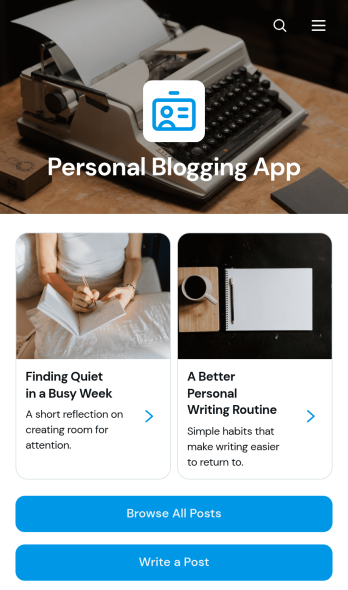
Personal Blogging App is an app template for writers, creators, hobbyists, and independent professionals who want to publish personal stories, creative work, and reflections in an inviting mobile-friendly space. Readers can browse posts, filter articles by category, view publication details, and contact the author by email. A connected form also provides a convenient way to draft or submit a new post. This format helps authors organize a growing body of work, give each article a dedicated reading experience, and make archived content easier to discover without maintaining a complex website.Jotform App Templates make it simple to turn content and data collection into an interactive experience without coding. Customize the Personal Blogging App with the no-code app builder, arrange pages and navigation through a drag-and-drop interface, and apply fonts, colors, images, and branding that reflect your voice. You can connect forms and other workflow resources, update content as your blog develops, and share the finished app using a direct link or QR code. Jotform provides a flexible foundation for managing posts while offering readers convenient self-service access from phones, tablets, or computers.
Go to Category:Journal Apps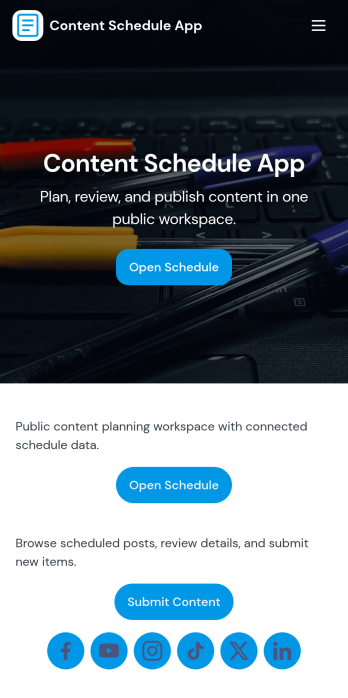
Content Schedule App
A content schedule app brings your publishing plan into one place so teams can create content requests, keep a clear review queue, and see what’s going live next. Use it to organize blog posts, newsletters, social updates, videos, and campaign assets with clear titles and publish dates, then quickly browse planned items in a list view as priorities change. It’s a practical fit for marketing teams, agencies, founders, and comms groups that need simple oversight across multiple channels without losing track of drafts, approvals, or deadlines.With Jotform, you can tailor this app template to match your workflow using a no-code app builder and a drag-and-drop interface. Link the in-app actions to your Content Plan form for consistent data collection, route entries to views like All Submissions and My Submissions, and share a single self-service hub that keeps stakeholders aligned. As your process evolves, you can update pages, navigation, and connected workflows so planning, reviewing, and scheduling stay easy to manage.
Go to Category:Sales & Marketing Portal Apps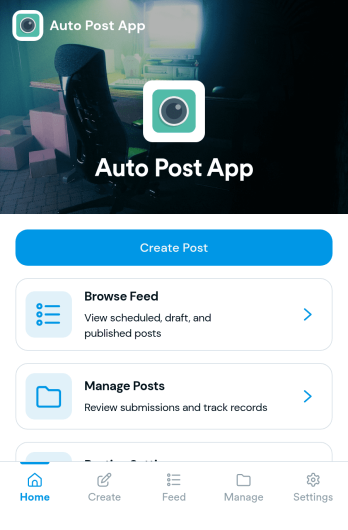
Auto Post App
Auto Post App brings your social content workflow into one place so teams can draft posts, organize what’s coming up, and keep a clear record of what’s already gone out. It’s a practical fit for social media managers, small business owners, creators, and marketing teams who want a simple way to build drafts, move them into a queue, and reference past publishing activity without relying on scattered notes or multiple tools.With Jotform App Templates, you can publish a branded, self-service app experience powered by Jotform’s no-code app builder and drag-and-drop interface. Connect your draft form to collect content details, use lists to review items in your queue and history, and share the app with teammates so everyone follows the same workflow from planning to tracking.
Go to Category:Sales & Marketing Portal Apps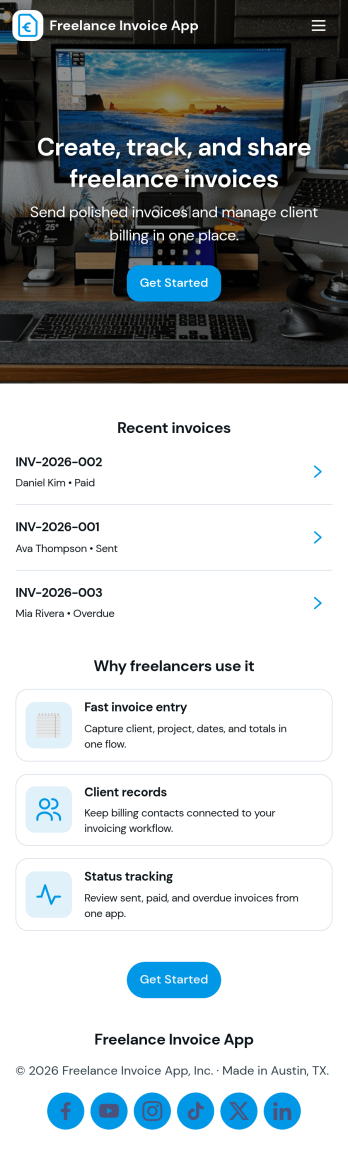
Freelance Invoice App
Freelance Invoice App helps independent professionals create invoices, keep client details organized, and review past invoices from one place. It fits freelancers, consultants, and small service providers who need a simple way to move from client work to getting paid without juggling scattered notes and documents. With pages for creating a new invoice and browsing an invoice list, it supports day-to-day billing tasks, quick lookups, and cleaner recordkeeping when you’re managing multiple clients at once.Built with Jotform, this app template can be tailored to match your billing workflow and the way you work with clients. Use the no-code app builder and drag-and-drop interface to adjust the layout, connect your invoice form, and centralize data collection so invoices and client info stay easy to access. Once published, you can share your self-service invoice experience with a link, helping you stay consistent, organized, and ready to send the next invoice faster.
Go to Category:Finance & Accounting Portal Apps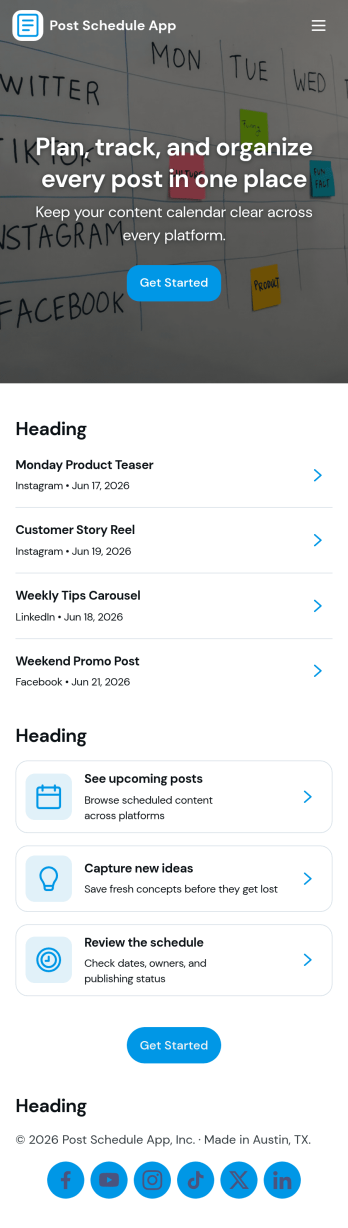
Post Schedule App
Post Schedule App helps teams plan, queue, and review upcoming posts in one place, so content doesn’t get lost in chat threads or scattered notes. Use it to add new post details, view a calendar-style overview of what’s going out and when, and keep a queue of ready-to-publish items. It works well for social media managers, small business owners, agencies, and marketing teams that need a clear publishing rhythm, quick visibility into what’s next, and an easy way to navigate from a schedule view into individual post records.With Jotform, you can turn this app template into a branded, shareable workspace using a no-code app builder and a drag-and-drop interface. Connect the app to your data collection form to capture post information consistently, keep records organized, and support a smoother workflow for planning and review. Publish with a simple link for your team, update content as plans change, and manage schedules without adding extra tools to your stack.
Go to Category:Sales & Marketing Portal Apps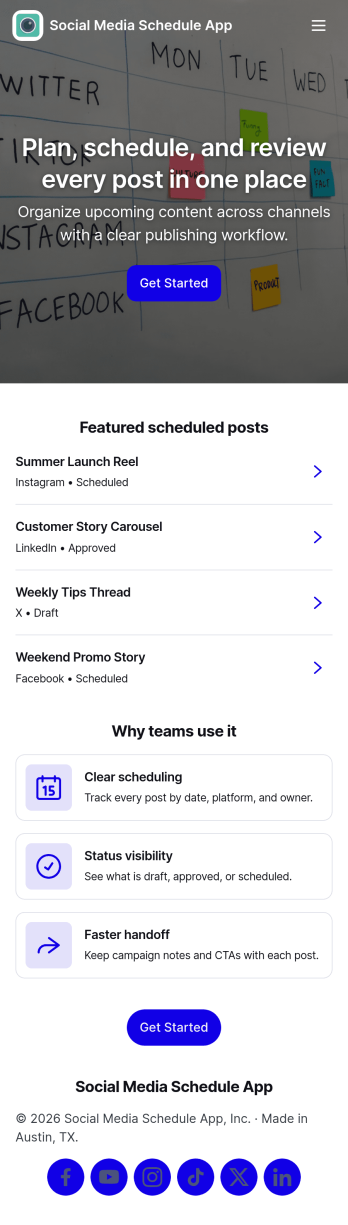
Social Media Schedule App
Social Media Schedule App helps you plan, draft, and organize upcoming social posts in one place so your team always knows what’s going out and when. Use it to add new posts through a simple intake form, keep works-in-progress in My Drafts, and review what’s already queued by opening View Schedule. It’s a practical fit for marketing teams, creators, agencies, and small businesses that need a clear posting rhythm across platforms without losing track of approvals, last-minute edits, or content gaps.With Jotform, you can turn this app template into a shareable self-service workspace using a no-code app builder and a drag-and-drop interface. Connect the app to your post form and table views so updates stay organized, then tailor pages, buttons, and navigation to match your workflow and data collection needs. Publish with a link for quick access, keep content planning consistent, and maintain a smoother workflow from draft to scheduled post.
Go to Category:Sales & Marketing Portal Apps