
The Creator Content Request App is a centralized intake and review experience for creators, social media teams, marketing departments, and creative agencies that manage incoming content work. Requesters can submit a content request with a title, contact information, required delivery date, deliverables, and a creative brief. Team members can then browse submitted requests, open individual records, review project expectations, and email the requester when clarification is needed. This app template replaces scattered messages and incomplete briefs with a consistent process that helps creative teams understand priorities, plan deadlines, and begin work with the right context.
Jotform makes it easy to adapt this experience without writing code. Using the no-code app builder and its drag-and-drop interface, teams can customize pages, cards, buttons, colors, fonts, and branding to suit their workflow. The app can connect with forms, tables, approvals, notifications, and other data collection processes to support collaboration from intake through completion. Start with one of the ready-made Jotform App Templates, tailor the request journey, and publish a mobile-friendly self-service resource through a direct link, personalized app address, or QR code.
Related templates
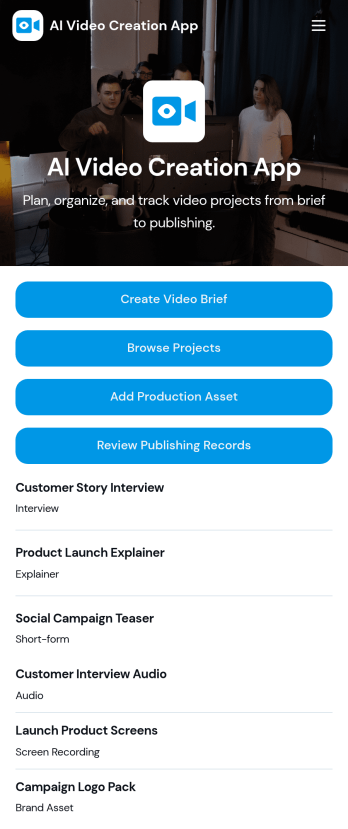
AI Video Creation App
AI Video Creation App brings your video production workflow into one place, so teams can move from concept to publish-ready content without scattered docs and endless status checks. Use it to capture consistent video briefs, organize projects, and maintain a shared library of production assets like scripts, brand guidelines, and creative references. It’s a practical fit for marketing teams, content creators, agencies, and social media managers who juggle multiple campaigns and need a dependable way to track what’s being made, what assets are approved, and what’s ready to go live.With Jotform, you can turn this AI Video Creation App into a branded self-service experience using a no-code app builder and a drag-and-drop interface. Connect buttons to forms for fast data collection, keep project and asset records organized, and build a repeatable workflow that teammates can follow across launches. Share your app with a link or QR code, update pages as your process evolves, and keep everyone aligned from brief intake to publishing records.
Go to Category:Sales & Marketing Portal Apps
Restaurant Instagram Bio Link App
Want to add a mobile app for your restaurant to your Instagram bio? Get started with our free Restaurant Instagram Bio Link App! This ready-to-use app template includes an online order form and feedback survey that customers can easily fill out from any device. You can add the app link to your Instagram bio, so customers can always access your restaurant’s forms and information while on the go. Stop wondering how to sell restaurant dishes online and start doing it today.Customize this Restaurant Instagram Bio Link App for your restaurant without any coding. Using our drag-and-drop builder, it will only take a few clicks to add or remove forms, include your branding and links to your website, and update the app name and icon to better represent your website. When it’s ready, just copy and paste the app link into your restaurant’s Instagram bio for followers to open and download onto their mobile smartphone or tablet. Save time creating a mobile app for your restaurant to share on social media with this Restaurant Instagram Bio Link App — you'll be able to sell restaurant dishes online in no time.
Go to Category:Social Bio Link Apps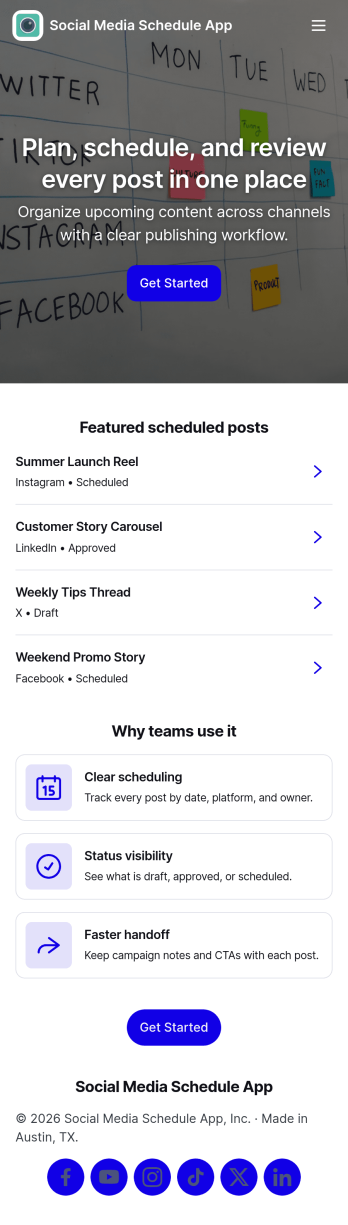
Social Media Schedule App
Social Media Schedule App helps you plan, draft, and organize upcoming social posts in one place so your team always knows what’s going out and when. Use it to add new posts through a simple intake form, keep works-in-progress in My Drafts, and review what’s already queued by opening View Schedule. It’s a practical fit for marketing teams, creators, agencies, and small businesses that need a clear posting rhythm across platforms without losing track of approvals, last-minute edits, or content gaps.With Jotform, you can turn this app template into a shareable self-service workspace using a no-code app builder and a drag-and-drop interface. Connect the app to your post form and table views so updates stay organized, then tailor pages, buttons, and navigation to match your workflow and data collection needs. Publish with a link for quick access, keep content planning consistent, and maintain a smoother workflow from draft to scheduled post.
Go to Category:Sales & Marketing Portal Apps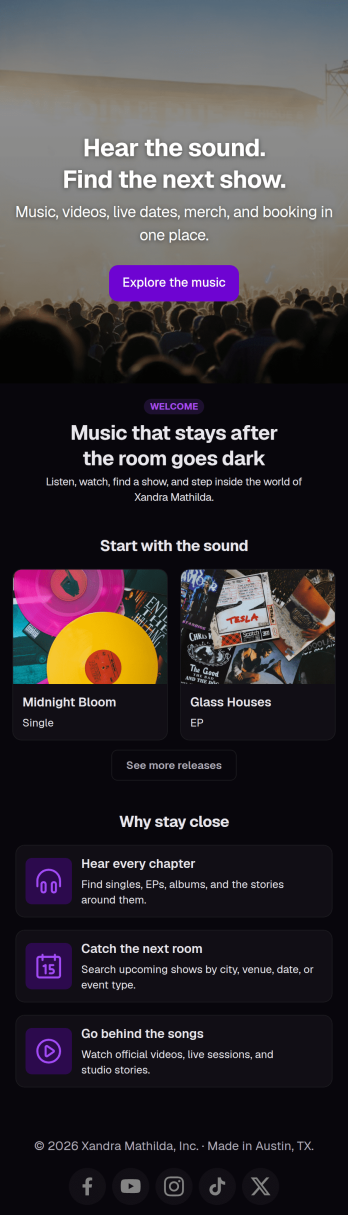
Musician Instagram Bio Link App
Wondering how to sell music online through Instagram? Add ordering links, forms, and more to your Instagram bio with a free Musician Instagram Bio Link App from Jotform. Whether you want to list upcoming concerts, collect orders for your merch store, or share album releases or other announcements, do it in a free downloadable app that followers can access in a single click. All orders and submissions through your Musician Instagram Bio Link App, and forms are stored in your secure Jotform account, ready to view on any device.Need to customize this app template? Add order forms for concert tickets, merch, or to sell music online, links to your website, or other app elements like images, documents, or text boxes at the touch of a button with our drag-and-drop builder. No coding knowledge necessary. Once your Musician Instagram Bio Link App is ready to go, add it to the bio of your music page to give your followers an easy way to access all of your important links at once.
Go to Category:Online Store Apps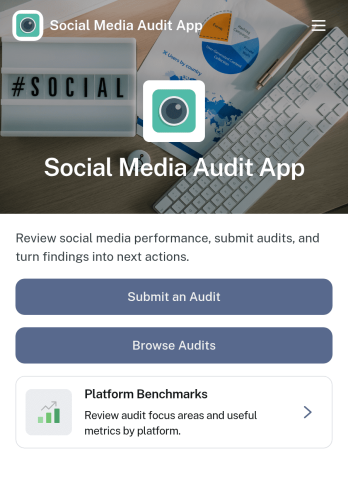
Social Media Audit App
Social Media Audit App helps marketers, creators, and agencies review social profiles with a repeatable process, so you can spot what’s working, what’s holding performance back, and what to fix next. Use it to kick off a new audit from one place, browse previous audits by platform, and capture consistent scoring across areas like content quality, engagement quality, and profile optimization. It’s a practical fit for monthly reporting, onboarding new clients, refreshing a brand’s channel strategy, or running periodic checks across multiple accounts without losing context.With Jotform, you can turn this app template into a client-ready workflow using a no-code app builder and a drag-and-drop interface. Connect your audit form to tables for organized data collection, keep audit histories easy to search, and share the app as a self-service experience for your team or stakeholders. As your process evolves, update fields, add guidance content, and refine navigation so every audit follows the same workflow while still matching each platform’s goals.
Go to Category:Audit Apps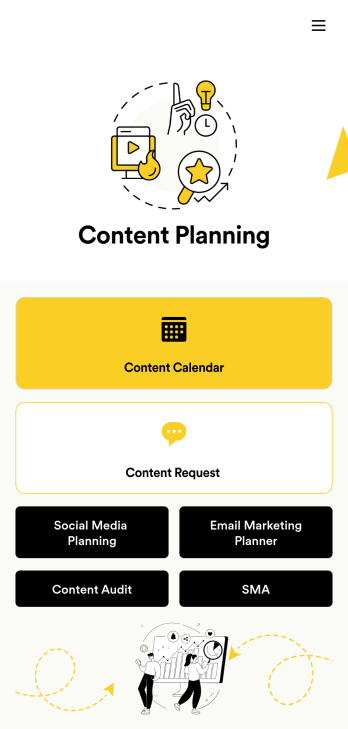
Content Planning App
A content planning app is commonly used by marketing teams to manage content calendars. With Jotform Apps, you can build your own Content Planning App for free. Add a content calendar, brainstorm notes, content audits, and so much more. You can even integrate your app with 250+ platforms to send data straight to your other marketing accounts — all with no coding required.Customizing your Content Planning App is easy and intuitive with Jotform’s drag-and-drop builder. Add or remove forms, switch up fonts and colors, choose a unique app icon, upload branding assets and images, and so much more. Once you’re happy with your app, all you need to do is share it with your team. Embed it in your online workspace or send it via link so your team members can download it to their mobile, tablet, or desktop device.
Go to Category:Company Portal Apps