
Daily Transaction Management App gives finance teams, office administrators, bookkeepers, store managers, and small business owners a central place to record and monitor day-to-day financial activity. Users can submit transactions, browse recorded entries, and review daily insights without switching between disconnected files or messages. Clear details such as transaction date, amount, transaction type, payment method, and review status help teams maintain consistent records and identify items that still need attention. This app template is useful for tracking daily income and expenses, reviewing branch activity, monitoring cash movements, and supporting routine financial reconciliation.
Jotform makes the Daily Transaction Management App easy to adapt with a no-code app builder and an intuitive drag-and-drop interface. Teams can update pages, navigation, branding, and connected workflows to match their operating procedures. Form responses can feed organized records, while connected tables and notifications support timely reviews and collaboration. Once the app is ready, it can be shared through a direct link or QR code for convenient mobile access. Jotform App Templates help organizations create a practical self-service experience for data collection and daily transaction oversight without writing code.
Related templates
Customizable Sales Tracking App
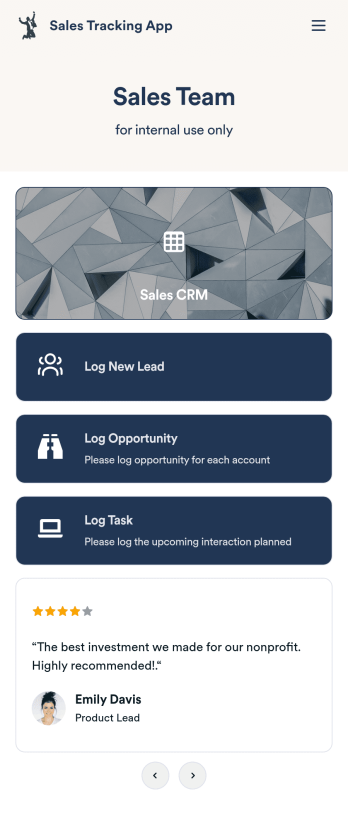
A sales tracking app enables you to track your sales from any device. Get started with our free Sales Tracking App for businesses of all sizes. This ready-to-use app bundles multiple forms that you can sync to your CRM, so you can create a seamless workflow for generating leads and logging tasks. To get started, customize the template for your company using our drag-and-drop app builder. When you’re satisfied with the look and feel of your app, download it on your smartphone, tablet, or desktop computer, or share it with other members of your sales team to save onto their own devices.Customizing this Sales Tracking App for your sales team won’t require any coding. In just a few clicks, you can create new forms, integrate them with your CRM, embed links, add images and buttons, and change app settings such as name, icon, and splash screen for a fully-custom experience. To share it, just copy and paste the app link in emails or messages to your sales team members. Your Sales Tracking App will be easy to pull up on any device, so you can track and grow sales no matter where you are — even on the go.
Go to Category:Company Portal Apps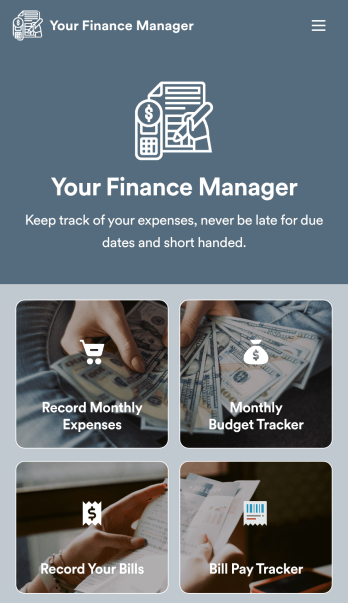
Personal Finance Management App
Manage your personal finances with Jotform’s free Personal Finance Management App. This fully customizable mobile app includes a monthly expense form, budget tracker, bill record form, and bill payment log to help you stay on track when it comes to your finances. Once you’ve downloaded the app to your favorite, you can fill out your forms and view your logs at any time. All entries will be synced instantly and automatically, so you can keep all your important finance info in one easily accessible place.Customize your Personal Finance Management App without any coding. Jotform’s drag-and-drop interface makes it easy to add forms, tables, links, documents, and other elements to your app. Then you can save your app onto any computer, tablet, or smartphone for easy access. Take control of your spending with a custom Personal Finance Management App!
Go to Category:Finance & Accounting Portal Apps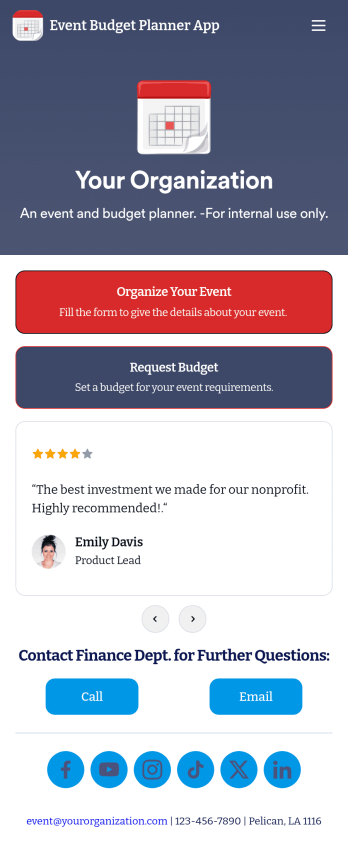
Event Budget Planner App
An event budget planner app is used by businesses and organizations to organize events and plan event budgets. This Event Budget Planner App contains an Event Planning Questionnaire for filling out contact details, event type, date, and budget. There is a separate Budget Planning Form for entering individual items, setting priority levels, and calculating total cost based on event requirements. Event planners can sign off on the proposed budget using an e-signature box at the bottom of the form.Need to customize this app template? With Jotform’s intuitive drag-and-drop form builder, it’s easy to add or change form elements, choose fonts and colors, upload your logo, personalize your splash screen, and more — no coding needed. When you’re satisfied with the look and feel, you can share your app with a link, where employees and event planners can download it on any device. Plan your next company event and stay on budget with this Event Budget Planner App from Jotform.
Go to Category:Company Portal Apps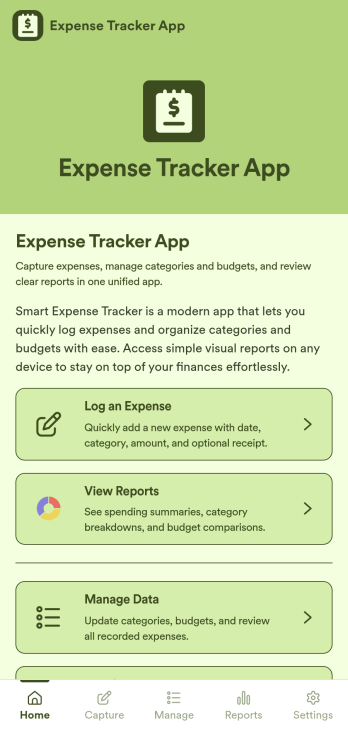
Expense Tracker App
Expense Tracker App is an app template designed to simplify and streamline the process of recording and monitoring expenses for businesses, freelancers, finance teams, and individuals. This robust app is built for making budgeting and expense management easier and more efficient, centralizing all expense data into one accessible location. Whether it’s for tracking daily operational costs, monitoring project expenses, or consolidating personal financial records, this app serves as a solid foundation for maintaining financial discipline and visibility. The app collects data related to the expenses, such as cost categories, transaction details, and corresponding notes, offering users a comprehensive view of their spending patterns. Its ready-to-use design makes it ideal for those seeking to improve their financial tracking without the need for complex setups or configurations. It's best for those who manage multiple expenses and need a reliable, convenient platform to monitor their financial activities.Jotform’s Expense Tracker App is easy to use and customizable, making it an excellent choice for all types of users, regardless of their technical expertise. The drag-and-drop interface allows for easy customization of the app to cater to specific financial tracking needs. Users can easily modify forms, adjust color schemes, and even add their logo, enhancing user experience and reinforcing their brand. The added convenience of electronic signature collection provides an additional layer of verification for expense records, enhancing accountability within teams. Moreover, Jotform’s platform supports seamless data collection, making it easier to generate comprehensive sheets and reports for analysis or audit purposes. Take control of your budgeting and expense management with Jotform’s Expense Tracker App.
Go to Category:Finance & Accounting Portal Apps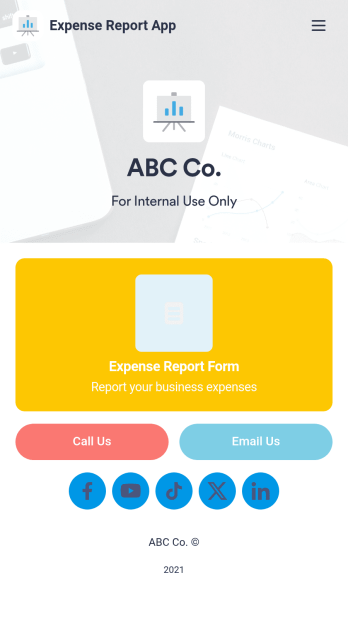
Expense Report App
An expense report app is used by companies for keeping track of employee expenses. This free Expense Report App allows employees to log business expenses by filling out a form with general contact information, cost, description, date and time, and payment and expense type. There is also an upload form for employees to attach any relevant documents and receipts. Expense reports are immediately synced and stored securely in your account, and can be sorted, filtered, and exported from any device.Customize this app template in no time using Jotform’s drag-and-drop form builder. You can easily add or swap out form elements, change text, customize your app icon and splash page, and more — no coding necessary. Share a link to your app in an email or embed it in your website, and employees can access and download it on any smartphone, tablet, or computer for future use. Keep track of all your employees’ business expenses with this Expense Report App.
Go to Category:Company Portal Apps
International Bank App
International Bank App brings key customer banking touchpoints into one place for people who bank across borders. Use it to publish up-to-date exchange rates, help customers find nearby branches, and guide them to the right support option when they need assistance while traveling or managing international activity. It’s a practical fit for retail banks, credit unions with global partners, and financial service teams that want a clear, mobile-friendly experience for everyday banking information and service requests.With Jotform, you can turn this app template into a branded self-service experience using a no-code app builder and a drag-and-drop interface. Connect pages to your forms and tables to support data collection and follow-up workflows, then share the app with a link or QR code. Update exchange-rate lists, branch details, and service pathways in minutes so customers always know where to go and what to do next.
Go to Category:Finance Apps