
The Data Storytelling Resource App brings practical learning materials for data visualization, narrative design, dashboards, and research communication into one accessible library. It is ideal for analysts, researchers, educators, consultants, marketing teams, and organizations that want to help people communicate findings with greater clarity. Users can browse resources by topic, review their practical applications and importance, and follow direct links to selected materials. By replacing scattered bookmarks and documents with organized resource navigation, this app template supports training, professional development, project research, and independent learning.
Jotform makes this resource app easy to adapt without coding. Its drag-and-drop app builder lets teams update pages, cards, buttons, images, and navigation while applying their own visual identity. Forms and connected workflows can also support data collection, resource suggestions, or user feedback. Once published, the app can be shared through a direct link or QR code for convenient mobile self-service. Start with one of Jotform’s App Templates, customize the experience, and maintain a useful learning destination as new data storytelling practices emerge.
Related templates
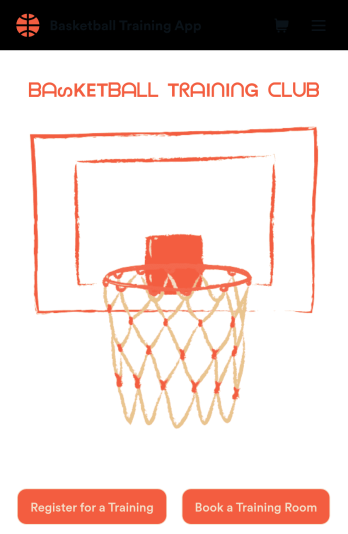
Basketball Training App
Manage all of your basketball training information in a single app with this free Basketball Training App from Jotform! Want to know how to sell your basketball lessons online? Whether you’re running a team or managing a gym, you can use the forms in this app to log practice sessions, gather bookings, collect T-shirt orders, and share your contact information — all from a downloadable app that you can customize and share in seconds.Need to make changes to this Basketball Training App? Add or remove forms, update existing forms, change the app icon or background image, and make other design changes with our drag-and-drop no-code builder. Once your app is ready to go, share it with a link or via email for others to download onto their computer or iOS or Android device for easy access. Create your own app fast with this Basketball Training App template.
Go to Category:Booking Apps
Summer Camp App
A summer camp app is used to collect summer camp registrations, medical information, waivers, and bus registrations. Camp attendants can access and download Jotform’s all-in-one Summer Camp App onto their preferred device and fill out registration forms from anywhere. There’s also a separate form where people can sign up to be camp volunteers! All submissions are instantly synced and stored in your secure Jotform account, which you can easily access and manage from any device.You don’t need to have any coding knowledge to fully customize this app template to your liking. Using Jotform’s intuitive app builder, simply drag and drop to add form elements, create new pages, edit text fields and checklist items, choose fonts and colors, upload your camp’s unique logo, and much more. Share your custom app by sending email invites, embedding it in a website, or linking to it in a social media bio. Go paperless and streamline your camping registration process with Jotform’s free Summer Camp App.
Go to Category:Course & Training Registration Apps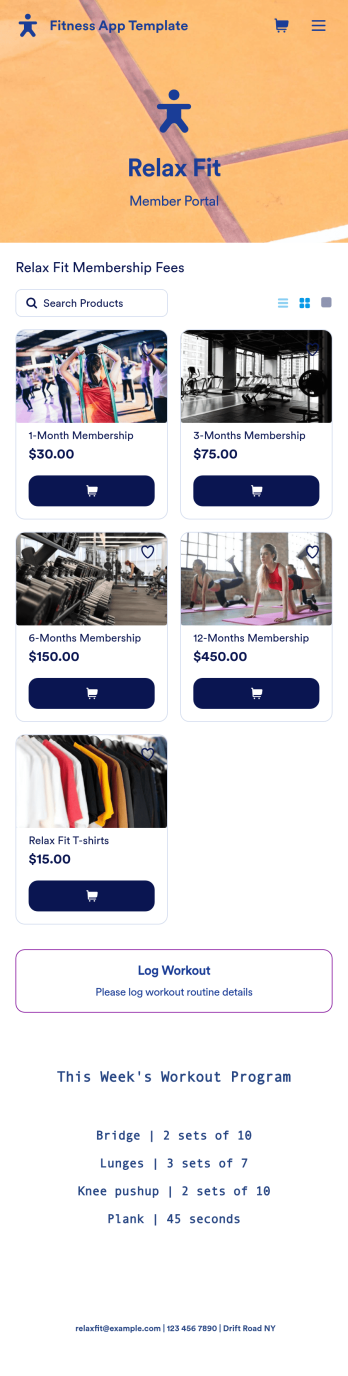
Fitness App Template
Recording your workouts is a great way to measure progress and achieve fitness goals. This Fitness App is designed for gyms to distribute to customers and includes an intake form for general information and medical history, a consent form with a digital signature box, and a workout routine log. Entries are compiled and stored in a Workout Log in your online account, where you can easily sort, group, and filter your workouts to track your daily and weekly progress.Your Fitness App can be fully customized to your liking with no coding. Just use our drag-and-drop interface to add and change forms, choose fonts and colors, upload your logo, update the app name, text and splash page, and more. After you’re done customizing, your app can be shared with a link and opened on any device. Help your customers keep track of their progress with this free Fitness App!
Go to Category:Sports Apps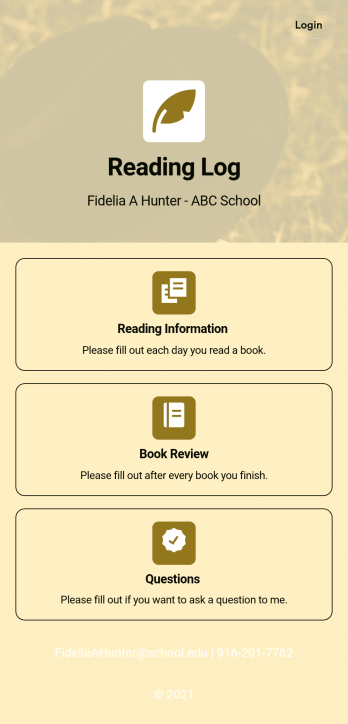
Reading Log App
As a teacher, staying on top of your students’ reading habits can be a headache. So why not create one central place to keep track of it all? With this Reading Log App, teachers can easily track, monitor, and review students’ assigned reading progress. This ready-to-use template also comes with a place for your students to send questions, and a digital signature form for parents to sign off on readings. This app works in tandem with our Reading Log Template, which allows you to easily sort through entries in a searchable spreadsheet.Want to customize this Reading Log App and make it your own? With our simple drag-and-drop interface, you can add or change forms, choose fonts and colors, update the app name or text, and more — all with zero coding. Once you’re satisfied with the look and feel of your app, simply share the link through email and have your students start filling out their assigned readings from any smartphone, tablet, or desktop. Make your job outside of the classroom easier with this customizable Reading Log App!
Go to Category:Classroom Management Apps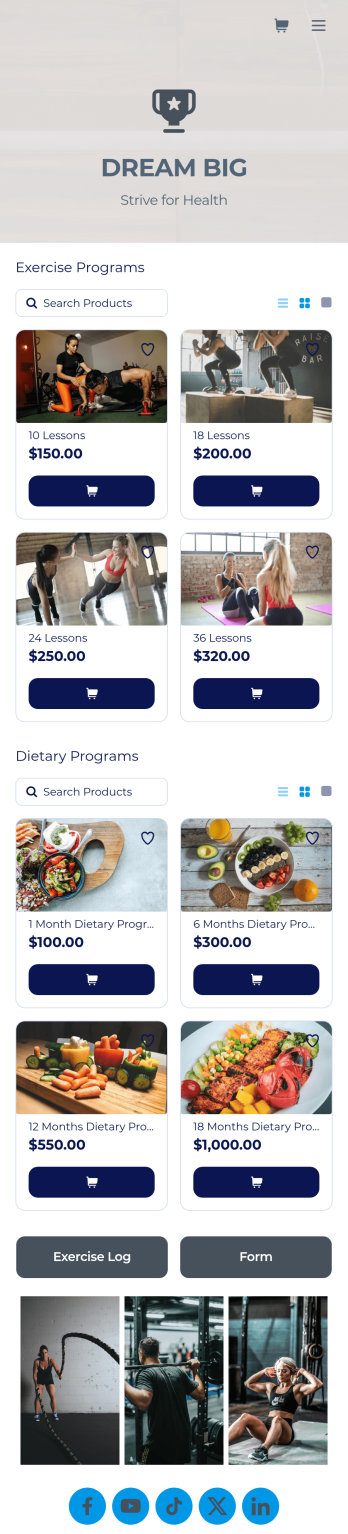
Personal Trainer App
A personal trainer app is used by personal trainers to keep track of information about their trainees. With Jotform’s Personal Trainer App — which can be downloaded on any smartphone, tablet, or computer for easy access — trainees can record their workouts, keep a daily food log, and request appointments for training sessions. All form submissions are instantly stored in the personal trainer’s Jotform account, ready to view instantly on any device.Every trainer does things differently, so be sure to customize your app to add new forms, remove existing ones, include your logo, and add other helpful links, documents, and information. Once you’ve got your app working great for your needs, share the app link so trainees can start recording their workouts. Give clients an easier way to log their training details with this free Personal Trainer App!
Go to Category:Sports Apps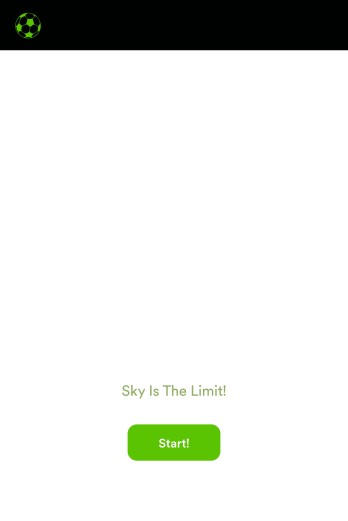
Soccer Training App
Create an app for your soccer training camp in minutes with this free Soccer Training App template! Need to know how to sell soccer lessons online? You can collect registrations, share your contact information, introduce your coaches, and add tutorial videos in a few quick clicks. Just customize the app to perfectly match your needs, then share the app with a link or via email for others to download onto their iOS or Android devices.Want to make changes to this Soccer Training App? Drag and drop to update the app icon or splash screen, add or remove forms, include your unique logo, and make other changes fast. All form responses are stored securely in your Jotform account, ready to view instantly on any device. No coding knowledge needed — make your own custom Soccer Training App easily with Jotform.
Go to Category:Sports Apps