Deployment Tracker App gives teams a clear place to log new deployments and review past release activity without hunting through chats or spreadsheets. It’s useful for software and IT groups that want a consistent record of what shipped, when it went out, and where to find it later. With a simple flow for adding a deployment record and a dedicated history area to browse prior entries, this app helps release managers, DevOps, QA, and support teams stay aligned as changes move from staging to production.
Built with Jotform, this app template can be customized in a no-code app builder using a drag-and-drop interface, so you can match your deployment workflow and the way your team works. Connect the app to a form for fast data collection, then publish it as a self-service destination your team can open on desktop or mobile. As your process evolves, update fields, page layout, and navigation in minutes while keeping every deployment record organized and easy to revisit.
Related templates
Ticketing System App
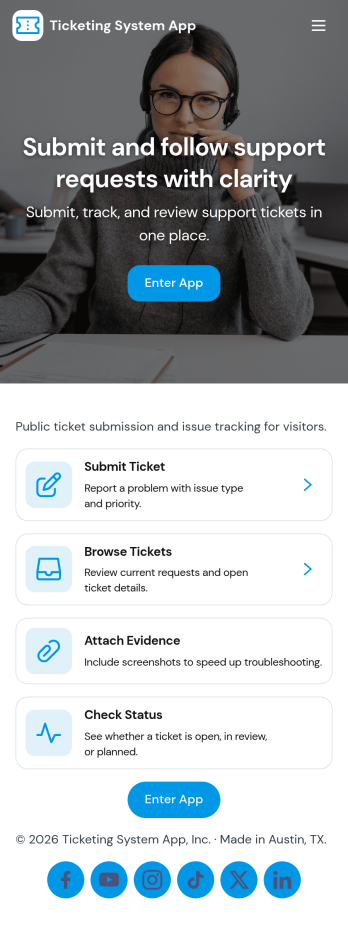
A ticketing system app gives teams a central place to capture requests, organize incoming issues, and guide people to the right next step. With this Ticketing System App, users can submit a new ticket, browse existing tickets, and review their own submissions without relying on scattered emails or chat threads. It’s a practical fit for IT help desks, internal ops teams, customer support groups, facilities, and any department that needs a clear way to intake problems, track progress, and keep request details consistent from start to finish.Jotform makes it easy to publish this experience as a branded, self-service app using a no-code app builder and a drag-and-drop interface. Connect your ticket form to the app so requests flow into a single workflow, then share the app link with employees or customers for faster data collection and better visibility. As needs change, you can update pages, navigation buttons, and the ticket list view in minutes, keeping your support process organized and accessible on any device.
Go to Category:Service & Support Portal Apps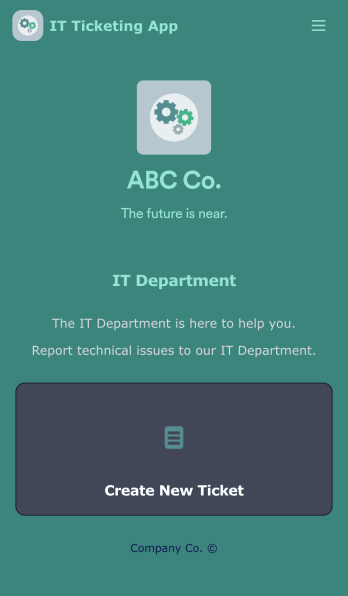
IT Ticketing App
An IT Ticketing App is used by companies to internally record IT issues using support tickets. This readymade app allows employees to specify their IT issue, browser, and operating system, add relevant URLs, assign priority level, and even attach screenshots using an included upload form. IT tickets are then stored securely in your account, where they are compiled into an easy-to-read spreadsheet in Jotform Tables.Our drag-and-drop interface makes customizing this IT Ticketing App a breeze. With just a few clicks, you can add or change forms and text, choose fonts and colors, upload your company logo, update the app name and icon, and more — no coding required. When you’re finished, just share a link with your employees, where they can access and download your app on any smartphone, tablet, or desktop. Start squashing bugs today with this fully customizable IT Ticketing App!
Go to Category:Tracker Apps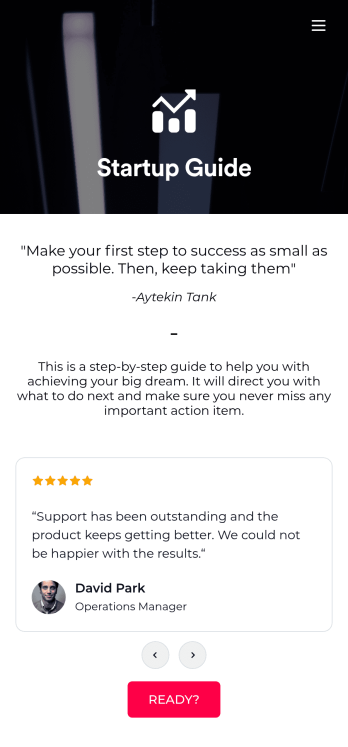
Startup Guide App
Ready to launch your very own startup? Get started with Jotform’s free Startup Guide App designed to help you turn your business vision from idea to reality. This ready-to-use mobile app template includes a link to our bootstrapping guide, inspirational quotes from business leaders, and multiple checklist forms to help guide you through the process of testing your concept and building your business plan. Responses will be synced to your secure Jotform account, which lets you view your data in whatever way works best for you — be it an inbox, spreadsheet, or as easy-to-read cards.This Startup Guide App is ready for you to use as is — but if you’d like even more from it, feel free to customize it using our drag-and-drop builder. With just a drag and drop, you can add or remove forms, include tables and documents, embed links to other websites, upload photos or videos, create new pages and buttons, update fonts and colors to match your branding, and change the app icon and name to better represent your business. When you’re happy with how the app looks, download it onto your favorite device for easy access. You can even share it with other aspiring entrepreneurs via the app link or email invites. Get your business ideas off the ground with a comprehensive and easily-accessible Startup Guide App powered by Jotform.
Go to Category:Checklist Apps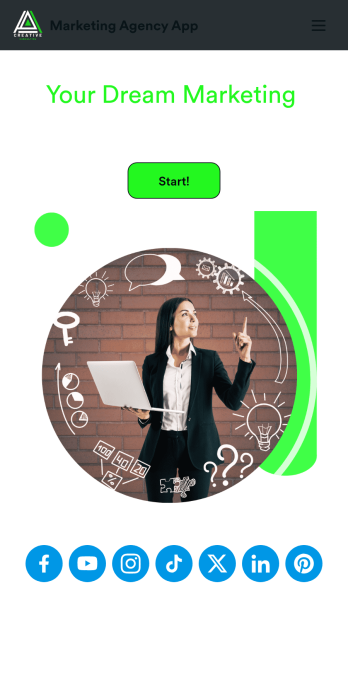
Marketing Agency App
Reach a wider audience and take your marketing agency online with a branded app from Jotform Apps. With this ready-made Marketing Agency App, you can showcase your offered services, marketing portfolio, and link to your social media accounts. Clients can access and download your app onto any smartphone, tablet, or desktop computer in seconds.Want to personalize this Marketing Agency App to suit your needs? No problem! Jotform’s drag-and-drop builder makes it easy to add form elements, install helpful widgets and integrations, change fonts and colors, upload your agency’s unique branding, and much more without any coding or design knowledge. Share your app by sending email invitations, including the app link in social media accounts and posts, or by seamlessly embedding it in your company website with a simple copy-paste code.
Go to Category:Consulting Apps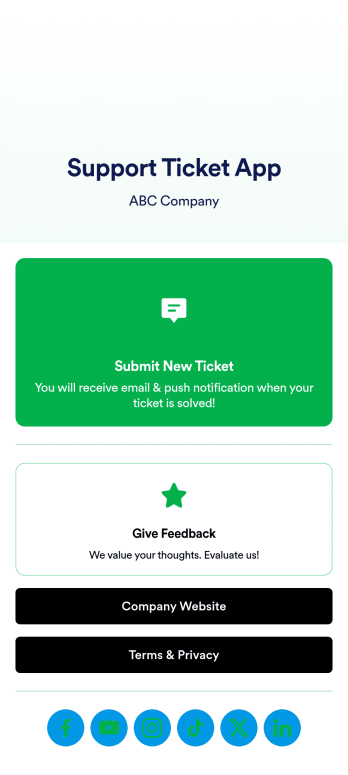
Support Ticket App
Jotform's Support Ticket App template allows customer support teams and IT departments to efficiently manage customer inquiries and issues without any coding. This free, no-code app builder enables users to create a fully customized app with forms, widgets, products, and branding that can be downloaded onto any device. With this template, support teams can collect tickets and feedback to streamline their ticketing system and provide timely assistance to customers.Are you looking for a way to simplify your customer support process? Jotform's Support Ticket App template is the solution you need. With features like a drag-and-drop builder, powerful app elements, and 70+ app widgets, you can create a seamless experience for your customers. Improve user engagement with push notifications and give users access to their submission history. Experience the ease of use and customization that Jotform Apps offer, making it the perfect choice for customer support teams and IT departments.
Go to Category:Customer Portal Apps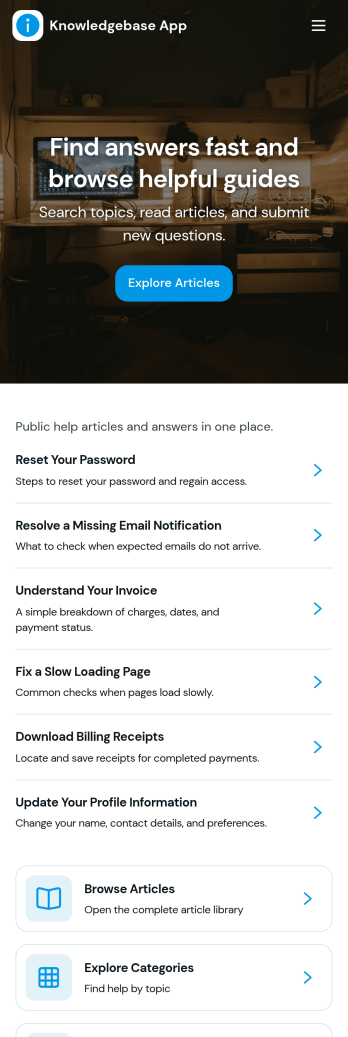
Knowledgebase App
Knowledgebase App gives teams a simple, searchable place to publish help articles and guide users to answers without extra emails. It’s ideal for customer support teams, IT departments, HR, and operations groups that need to share consistent instructions, troubleshooting steps, or internal how-to documentation. Users can browse articles, open an article details view for deeper guidance, and submit a request when they can’t find what they need, so questions don’t get lost and support stays organized.With Jotform, you can turn this knowledgebase app template into a branded self-service experience using a no-code app builder and a drag-and-drop interface. Connect your article list to Jotform Tables for easy updates, and link the request form to your workflow so the right people are notified and can follow up quickly. Share the app by link or QR code to make trusted information accessible on any device while keeping your data collection consistent across teams.
Go to Category:Resource & Learning Portal Apps