An Employee Knowledge Base App gives teams one place to find, share, and improve internal know-how such as how-to articles, policies, and troubleshooting guides. It works well for HR, IT, operations, and customer-facing teams who want answers to be easy to browse and consistent across locations and shifts. With simple browsing, a way to submit new knowledge articles, and a form to suggest updates, the app supports day-to-day questions while keeping information current as processes change.
Jotform makes it easy to launch this kind of self-service experience using app templates and a no-code app builder with a drag-and-drop interface. Connect your app to tables for organized records, link forms for guided data collection, and create a smoother workflow for reviewing, updating, and sharing internal resources. Publish and share your Jotform app in minutes so employees can access the knowledge they need from any device.
Related templates
Employee Training App
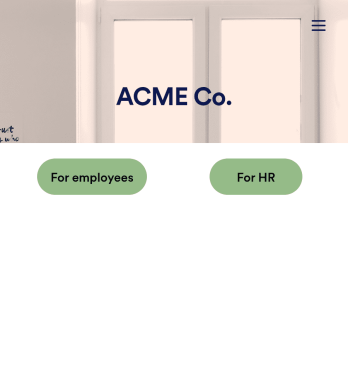
Monitor your employees’ training progress from a central location with Jotform’s free Employee Training App. Employees can download this app onto any device and document when they’ve completed individual training courses, as well as evaluate the effectiveness of their courses and instructors with a detailed checklist. HR can track employee training statuses and attendance using built-in Jotform Tables spreadsheets.Customize this ready-made app template to match your company’s branding without any coding knowledge. Simply drag and drop to add or change form fields and checklist items, create additional pages, choose fonts and colors, personalize the app icon and splash screen with your unique branding — and much more. After you’re finished, simply embed your app in an internal company website or send out email invites to new employees during the onboarding process. Make sure your employees are getting the training they need with this fully-customizable Employee Training App from Jotform.
Go to Category:Company Portal Apps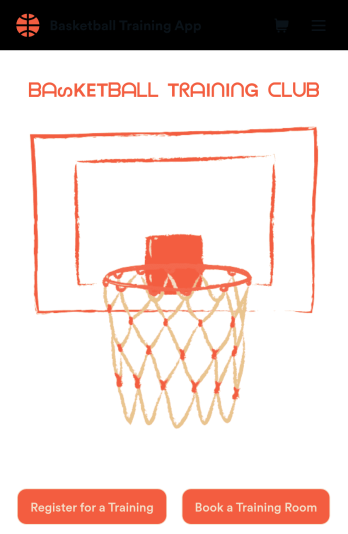
Basketball Training App
Manage all of your basketball training information in a single app with this free Basketball Training App from Jotform! Want to know how to sell your basketball lessons online? Whether you’re running a team or managing a gym, you can use the forms in this app to log practice sessions, gather bookings, collect T-shirt orders, and share your contact information — all from a downloadable app that you can customize and share in seconds.Need to make changes to this Basketball Training App? Add or remove forms, update existing forms, change the app icon or background image, and make other design changes with our drag-and-drop no-code builder. Once your app is ready to go, share it with a link or via email for others to download onto their computer or iOS or Android device for easy access. Create your own app fast with this Basketball Training App template.
Go to Category:Booking Apps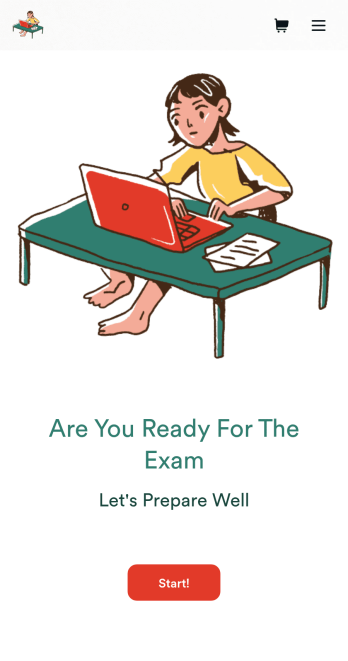
Custom Exam Preparation App
Whether you’re a teacher or a tutor, help students prepare for their exams with Jotform’s free Exam Preparation App. This fully customizable mobile app includes an exam registration form, sample exam questions, and contact buttons for students to easily access from any computer or mobile device. All submissions will be instantly synced to your Jotform account — ready to view, download, share, and approve.You won’t need to take a coding class to customize this Exam Preparation App. Simply drag and drop to add forms, images, documents, links, buttons, pages, and other app elements. Then share your app with students by posting the app link on your website or sending email invites to newly registered students. With a fully custom Exam Preparation App your students can easily access from any device, you can ensure they’ll be ready for their next exam!
Go to Category:Course & Training Registration Apps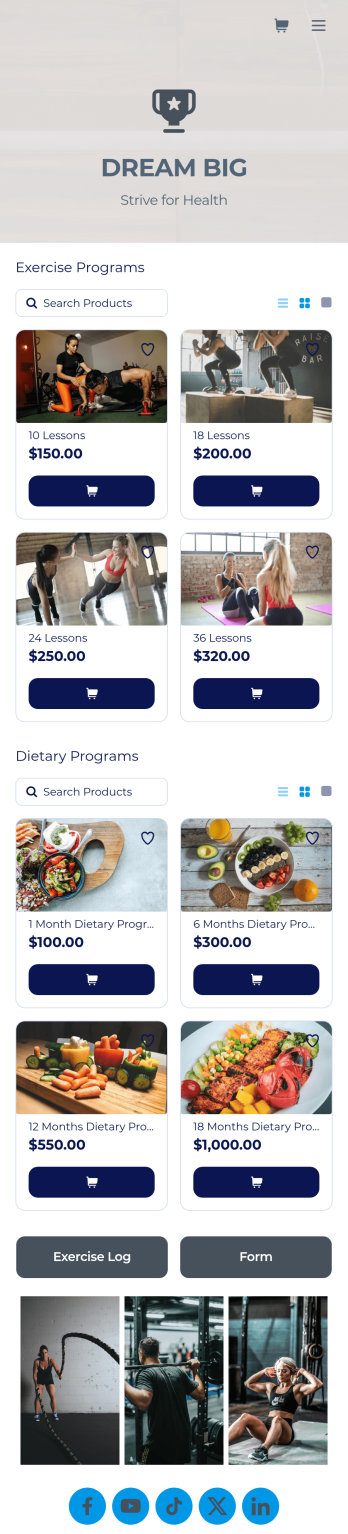
Personal Trainer App
A personal trainer app is used by personal trainers to keep track of information about their trainees. With Jotform’s Personal Trainer App — which can be downloaded on any smartphone, tablet, or computer for easy access — trainees can record their workouts, keep a daily food log, and request appointments for training sessions. All form submissions are instantly stored in the personal trainer’s Jotform account, ready to view instantly on any device.Every trainer does things differently, so be sure to customize your app to add new forms, remove existing ones, include your logo, and add other helpful links, documents, and information. Once you’ve got your app working great for your needs, share the app link so trainees can start recording their workouts. Give clients an easier way to log their training details with this free Personal Trainer App!
Go to Category:Sports Apps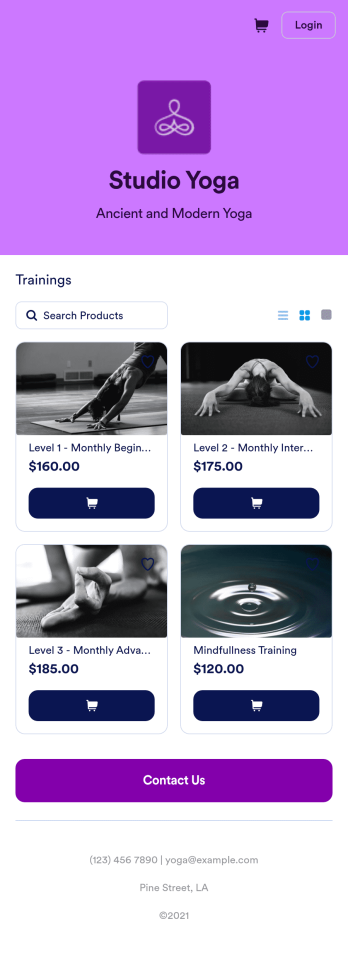
Yoga Class App
A yoga class app makes it easy for students to register for yoga classes from any device. Whether you teach yoga at a gym or yoga studio, take the stress out of class registration with Jotform’s free Yoga Class App. This ready-to-use template comes with a registration form and contact form that students can fill out using any smartphone, tablet, or computer. Submissions will appear instantly in your secure, easily-accessible Jotform account.Customize this Yoga Class App in just a few clicks with our drag-and-drop builder. Without coding, you can add or remove forms, change the app icon and name, and include documents, links, buttons, and other app elements. Once you’re happy with your app design, share it with your students by sending email invites or posting the app link on your website or social media accounts. Give your students and yourself peace of mind with a custom Yoga Class App for easier online registration.
Go to Category:Course & Training Registration Apps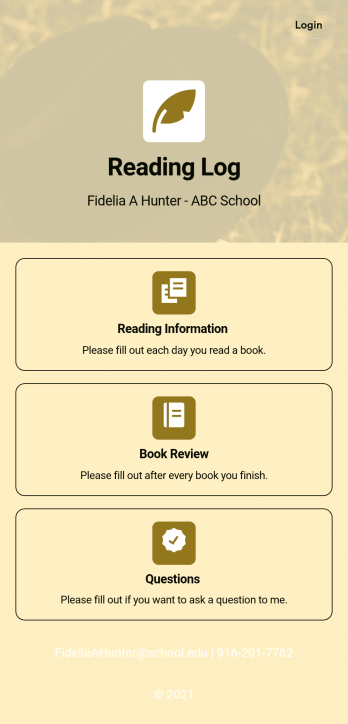
Reading Log App
As a teacher, staying on top of your students’ reading habits can be a headache. So why not create one central place to keep track of it all? With this Reading Log App, teachers can easily track, monitor, and review students’ assigned reading progress. This ready-to-use template also comes with a place for your students to send questions, and a digital signature form for parents to sign off on readings. This app works in tandem with our Reading Log Template, which allows you to easily sort through entries in a searchable spreadsheet.Want to customize this Reading Log App and make it your own? With our simple drag-and-drop interface, you can add or change forms, choose fonts and colors, update the app name or text, and more — all with zero coding. Once you’re satisfied with the look and feel of your app, simply share the link through email and have your students start filling out their assigned readings from any smartphone, tablet, or desktop. Make your job outside of the classroom easier with this customizable Reading Log App!
Go to Category:Classroom Management Apps