
Employee Timecard Approval App gives employees, supervisors, HR teams, and payroll administrators a central place to submit, review, and monitor timecards. Employees can record their hours and work period through a connected form, while reviewers can browse submitted timecards, inspect individual records, and document approval decisions. Status visibility helps staff confirm whether a timecard is awaiting review or has already been processed. This app template is useful for offices, service businesses, field teams, contractors, and growing organizations that want to reduce scattered time records, clarify review responsibilities, and maintain a more consistent approval workflow before payroll preparation.
Jotform makes it easy to customize this app template with a no-code app builder and an intuitive drag-and-drop interface. Teams can adjust pages, buttons, colors, fonts, and navigation to reflect their internal process, then connect forms, tables, approvals, and notifications for coordinated data collection. The app can be shared by a direct link or QR code, giving employees and managers mobile-friendly self-service access from nearly any device. Start with one of Jotform’s App Templates, adapt the experience to your organization, and publish a branded resource that keeps timecard activity and approval information accessible in one place.
Related templates
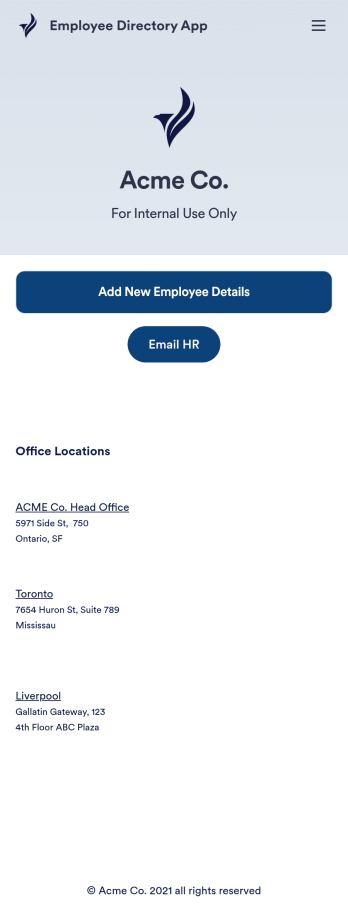
Employee Directory App
An employee directory app is used by businesses to collect information from new employees. Jotform’s Employee Directory App allows new employees to fill out general contact information, position title, manager, days of employment, and start date. If applicable, there is also space to specify an end date for contract workers. Submissions are instantly synced to an Employee Info Sheet in your Jotform account, which you can sort, filter, and search from any device.Customizing this app template to match your business’ branding is a snap. With our drag-and-drop form builder, you can add or change form elements, choose fonts and colors, upload your logo, and more — no coding required. You can also personalize your splash page by adding contact numbers and business address, or any other relevant information that might be useful to new employees. Share your app with a link or embed it in your website and employees can download it on any smartphone, tablet, or desktop. Streamline the onboarding process and keep all your employees’ information in one place with this Employee Directory App.
Go to Category:Human Resources Apps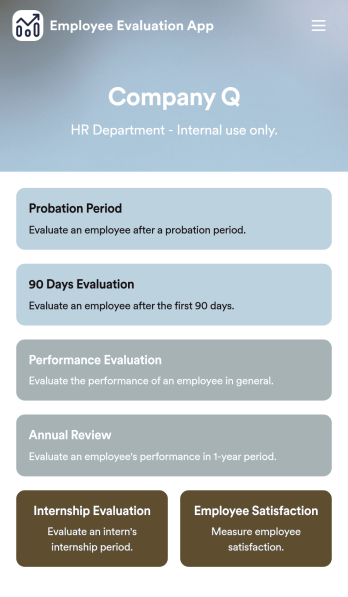
Employee Evaluation App
An employee evaluation app is used by managers or HR professionals to perform employee evaluations. With this Employee Evaluation App, you can switch from messy paper forms and start completing employee performance reviews online — a great way to create a secure database of all of your employees’ evaluations instantly. Submissions are stored in your secure Jotform account and can be converted into PDF documents automatically.Make changes to this app template with our drag-and-drop builder. Add your company logo, update evaluation questions, add or remove forms, and change fonts, colors, the background image, or the app icon for a personalized look. You can then share your custom Employee Evaluation App with members of your HR team to complete evaluations instantly on any computer, tablet, or mobile device.
Go to Category:Company Portal Apps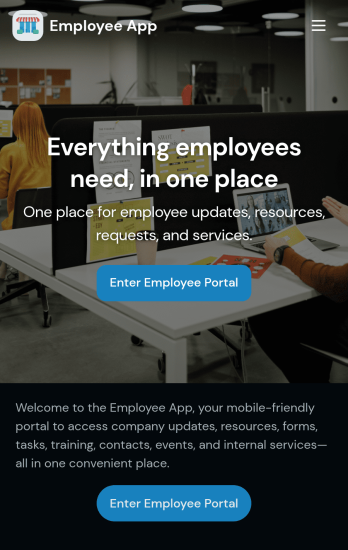
Custom Employee App
An employee app allows employees to access important company information and submit their own data from any device. Create an employee portal for your company with Jotform’s free Employee App. This ready-to-use template includes multiple forms such as employee referral forms, leave request forms, meeting reservation forms, COVID-19 screening forms, expense reimbursement forms, and more. Thanks to the role-based visibility condition, only selected admin users can see certain forms, such as department rotation. Using the app, employees can access and fill out any of the included forms from any smartphone, tablet, laptop, or desktop.Customize your Employee App to match your company in just a few clicks. With our drag-and-drop builder, you can easily add as many forms, links, documents, buttons, pages, and other app elements as you need. Plus, you can update fonts and colors, upload logos, and change the app icon and name to better represent your company. With Jotform’s Role-based feature, you can control access so tutors, admins, and other users see only the parts of the app relevant to them. Share your app with employees to download onto their own devices by sending email invites or the app link. Keep important company forms all in one secure, easily accessible Employee App!
Go to Category:Company Portal Apps
Job Application App
A job application app is used by HR teams to post open positions for the company and collect applications from any device. No matter what roles you’re hiring for, find top candidates fast with our free Job Application App. This ready-to-use app includes separate job application forms for various manager positions as well as internship opportunities. You’ll receive submissions instantly, ready to view and share in your Jotform account.Customize this Job Application App Template in just a few clicks. No coding required — simply drag and drop to create and add new job application forms, update the provided text, upload a different background image, and even include your company branding. When you’re ready to share it, embed the link in your company careers page so prospective employees can download the app onto their smartphone, tablet, or computer. Make the application process easier for applicants and your HR team with a fully-custom Job Application App for your company.
Go to Category:HR Portal Apps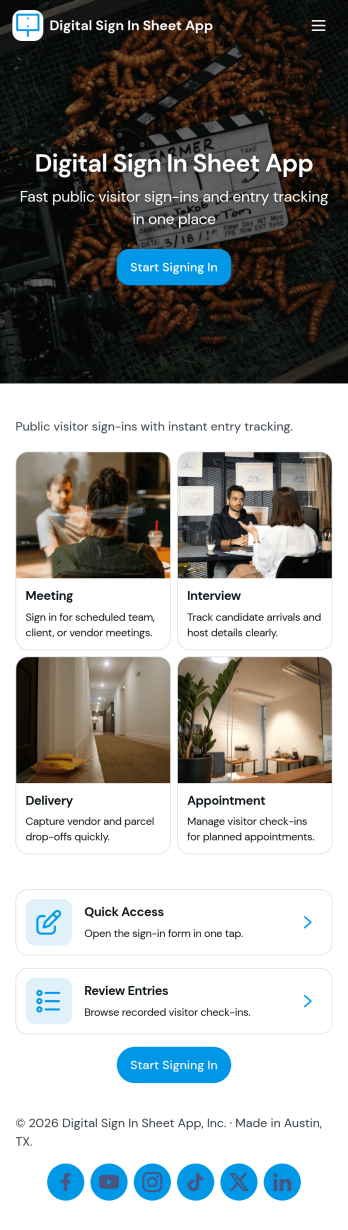
Digital Sign in Sheet App
Digital Sign in Sheet App helps organizations replace paper sign-in sheets with a simple, trackable check-in experience. Use it at a front desk, office, classroom, studio, job site, or event entrance to capture arrivals quickly and keep an accurate record of who is on-site. The app supports fast check-ins through a dedicated Check In page, plus a searchable Roster that helps staff confirm names, reduce manual errors, and handle repeat visitors without rewriting details each time.Built with Jotform, this app template can be tailored with a no-code app builder and a drag-and-drop interface, so you can match the flow to your space and your process. Connect the check-in form to your data collection workflow, keep entries organized in one place, and share the app through a link or QR code for smooth self-service sign-ins. Add branding, adjust navigation cards, and publish updates anytime without slowing down daily operations.
Go to Category:Sign In Apps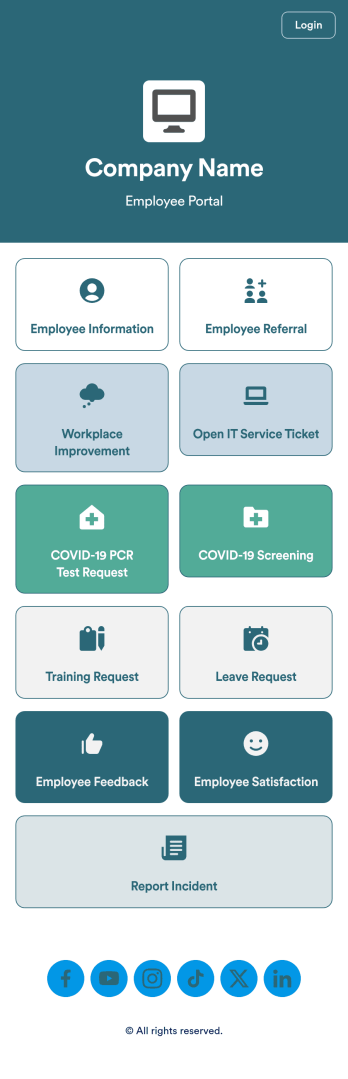
Intranet App
An Intranet App is used for consolidating company forms and documents in one convenient location. This Intranet App bundles nearly a dozen forms for employees to record general contact information, request training or time off, open IT service tickets, and fill out COVID-19 screening checklists. There are also several surveys for employees to submit workplace improvement suggestions and report incidents. Employee data and submissions are stored securely in your Jotform account, which managerial staff can access from any smartphone, tablet, or computer.Make this app template your own with Jotform’s no-code app builder. Just drag and drop to add or change forms, upload documents, create buttons, add external links, and more. You can also customize your splash screen to include your own branding and make company-wide announcements. When you’re finished, you can share your app with a link and employees can then access and download it on any device. Create a one-stop-shop for your company’s forms and documents with this free Intranet App from Jotform.
Go to Category:Company Portal Apps