Equipment Maintenance Log is a app template designed to streamline the process of tracking service activities and monitoring equipment performance. This intuitive app significantly enhances the efficiency of technicians, maintenance teams, and equipment managers by maintaining detailed log forms, reviewing technician service records, and managing equipment status. Whether used by small to mid-sized businesses or large corporations, the template's practical guidance and expert tips for proper maintenance can empower teams to improve their maintenance workflows. The centralized repository for all maintenance data, insights, and best practices allows for quick and efficient decision-making, making it an invaluable asset for those looking to refine their operational efficiency.
With Jotform, creating and customizing the Equipment Maintenance Log app is a breeze, thanks to our no-code, drag-and-drop app builder. The builder's flexibility allows you to add elements, adjust the interface, and customize layouts to fit your specific needs, all without writing a single line of code. Plus, the cross-platform compatibility ensures that your app functions seamlessly across smartphones, tablets, and desktops. With features like push notifications, you can send alerts about equipment status updates directly to your technicians' devices. The app also offers various publish options, including Public, Private, or Company-only, giving you full control over who can access your app. Start optimizing your maintenance workflows today with the Equipment Maintenance Log app from Jotform!
Related templates
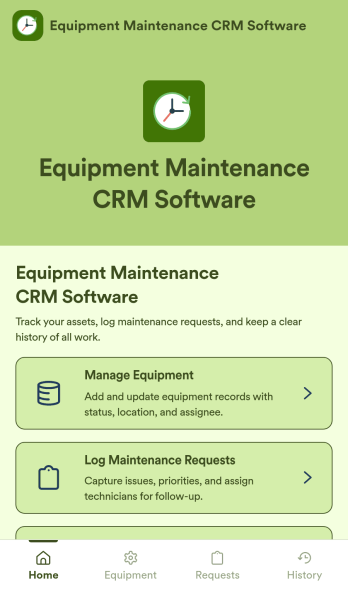
Equipment Maintenance CRM Software
Equipment Maintenance CRM Software is an app template designed to streamline the management of customer data, service histories, and maintenance activities. This robust template is intended for maintenance service companies, field service teams, asset managers, and operations departments who are keen on enhancing their service delivery. It centralizes customer data and service history, significantly reducing downtime and boosting operational efficiency. This template is particularly beneficial in scenarios of regular equipment maintenance checks, enabling a smoother scheduling process and better coordination of service delivery. What's more, it's ready to use right out of the box, making data collection a breeze for teams, whether they're in the field or at the office. This template is best suited for organizations seeking to maintain a comprehensive record of equipment maintenance activities in one accessible system.With Jotform, the Equipment Maintenance CRM Software template becomes an operational powerhouse. Jotform's ease of use and customization abilities allow you to tailor the template to your specific needs without requiring any technical skills. The ability to collect electronic signatures simplifies the verification process of maintenance activities, making it an extremely convenient feature for field service teams. Furthermore, you can generate easily digestible reports and sheets from collected data for an overview of maintenance activities. With Jotform, keeping up with maintenance schedules and coordinating service delivery has never been easier. Collect, track, and manage your maintenance data with precision using the Equipment Maintenance CRM Software from Jotform.
Go to Category:CRM Apps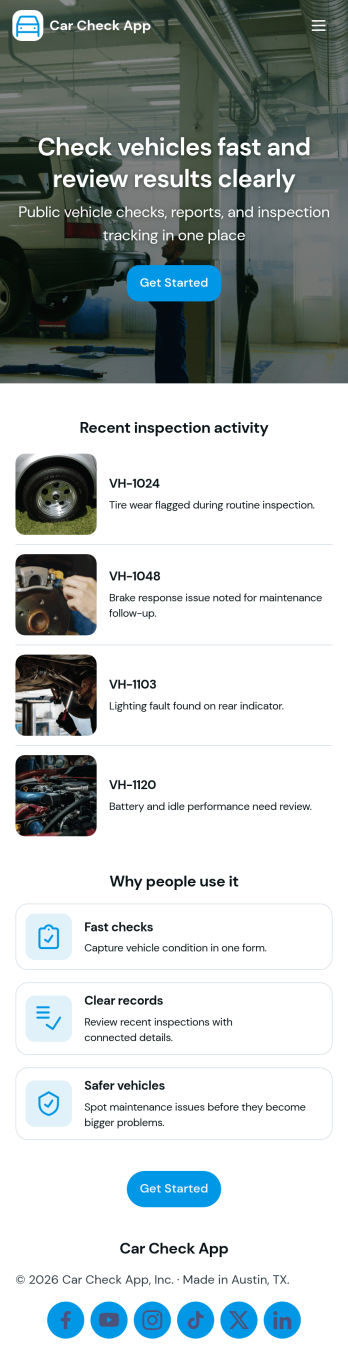
Car Check App
Car Check App helps teams capture vehicle inspection details, flag problems fast, and keep service activity organized in one place. It’s a practical fit for fleet managers, rental operators, delivery businesses, auto service teams, and anyone responsible for routine vehicle checks across multiple cars or locations. With quick actions to start an inspection, report an issue, and review records, the app supports day-to-day operations like pre-trip checks, return inspections, and documenting damage or maintenance needs without relying on scattered paperwork.Built with Jotform App Templates, Car Check App turns your inspection workflow into a mobile-friendly self-service experience that’s easy to share and update. Use Jotform’s no-code app builder and drag-and-drop interface to tailor the pages to your process, connect inspection and issue forms for consistent data collection, and keep records accessible for your team. As your workflow grows, you can expand the app into a central hub for tracking inspections, monitoring open issues, and staying on top of the service queue.
Go to Category:Vehicle Inspection Apps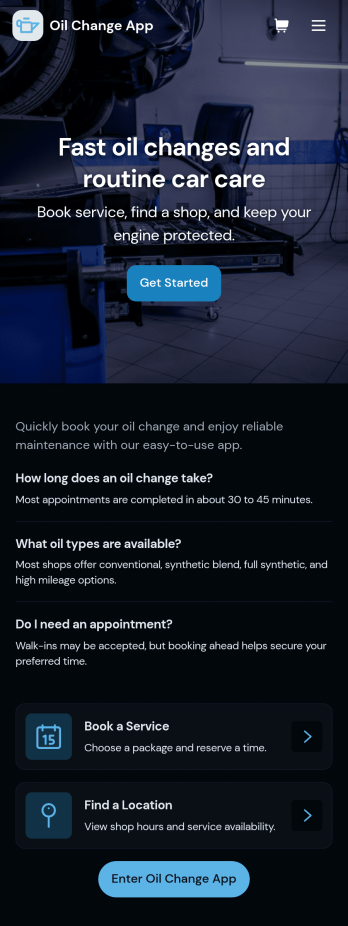
Oil Change App
Oil Change App gives auto shops and mobile mechanics a simple way to manage oil change appointments while keeping vehicle details and service history easy to find. Use it to let customers request service, track upcoming bookings, and organize key vehicle information in one place so your team spends less time searching and more time turning bays. It’s a strong fit for quick lube locations, independent repair shops, fleet-focused service providers, and any operation that needs repeatable, trackable oil change workflows across multiple vehicles.With Jotform, you can turn this app template into a branded, customer-friendly self-service experience using a no-code app builder and a drag-and-drop interface. Connect the app to your forms and tables for data collection, route requests into a workflow, and keep records centralized for staff. Share the app by link or QR code, update content anytime, and create a smoother service process from booking to completed records, all without writing code.
Go to Category:Automotive Apps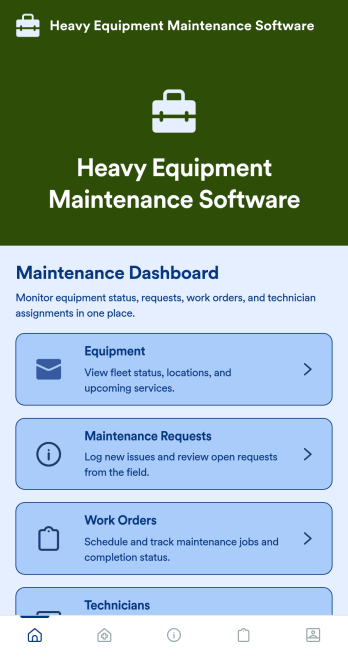
Heavy Equipment Maintenance Software
Heavy Equipment Maintenance Software is a app template designed to optimize operational efficiency in fleet-intensive industries, such as construction, mining, agriculture, and logistics. This app is specifically created to provide a systematic approach to heavy machinery maintenance, offering equipment owners, service managers, and technicians visibility and control over large assets. It serves as a comprehensive platform for tracking machine health, scheduling services based on usage hours, and coordinating repairs across multiple sites. Users can monitor performance trends, manage spare parts inventory, and prevent unexpected equipment failures that could seriously disrupt operations. This template is most beneficial to organizations that require a robust and reliable solution for heavy equipment maintenance.With Jotform's no-code, drag-and-drop app builder, customizing the Heavy Equipment Maintenance Software to fit your operational needs is a breeze. Users can tweak the layout, incorporate essential forms, and adjust functionalities as required, all without writing a single line of code. The cross-platform compatibility further enhances the app’s value, providing seamless functionality whether accessed on smartphones, tablets, or desktops. The option to add to your home screen provides instant access to the app, saving time and maximizing efficiency. Furthermore, the app allows for the centralization of multiple forms, links, and resources, providing a cohesive and streamlined user experience. With Jotform's Heavy Equipment Maintenance Software, managing your heavy machinery has never been more straightforward or efficient.
Go to Category:Construction Apps
Lifting Equipment Maintenance Software
Lifting Equipment Maintenance Software is a purpose-built app template designed to simplify the process of monitoring and maintaining heavy lifting machinery. It consolidates the task of tracking various lifting equipment such as cranes and forklifts, scheduling regular inspections, and maintaining comprehensive service records. Safety managers, maintenance teams, and operations managers in industries like construction, manufacturing, and logistics find this app indispensable in fostering a safe work environment and maintaining reliable operations by preventing equipment malfunctions and breakdowns. The app collects detailed information about each piece of equipment, including its service history, dates of scheduled inspections, and current operational status. With this information on hand, businesses can maintain a proactive approach to equipment maintenance, reducing unexpected downtimes and enhancing productivity.With Jotform's No-Code App Builder, customizing the Lifting Equipment Maintenance Software to your business requirements becomes an effortless task. You can easily modify forms, add or remove fields, and adjust the layout to fit your operational workflow, all without writing a single line of code. The app's cross-platform compatibility ensures that your maintenance teams can access the app from any device, whether it's a smartphone, tablet, or desktop, promoting real-time updates and communication. The app's seamless experience makes it easier for your teams to manage equipment lifecycle from a single interface, reducing the need for multiple platforms and enhancing efficiency. Moreover, the app’s Publish Options can be set to Public, Private, or Company-only, ensuring that only authorized personnel can access sensitive equipment information.
Go to Category:Equipment Maintenance Software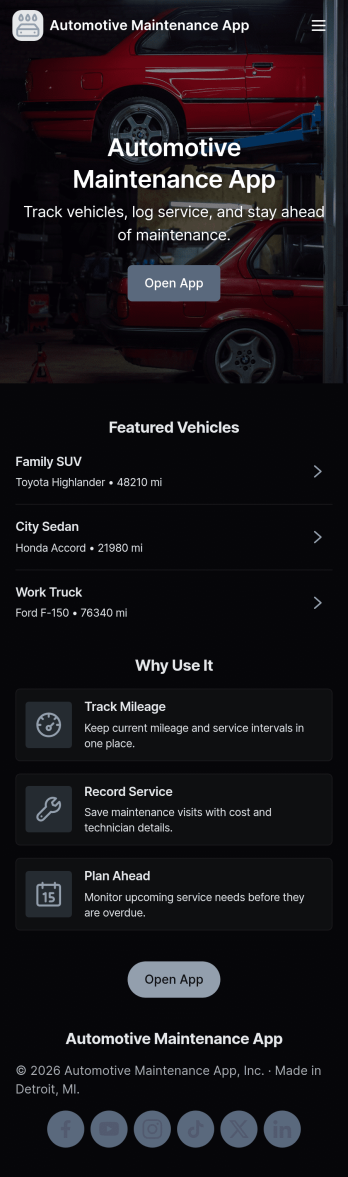
Automotive Maintenance App
An automotive maintenance app brings your vehicle details and service history into one place so you can stay on top of routine care and avoid missed maintenance. Use it to add vehicles, log service visits, and review insights that help you understand what’s been done and what may be coming up next. It’s a practical fit for individual drivers, families with multiple cars, small fleets, and auto shops that want a simple way to keep records organized and easy to access.With Jotform, you can turn this automotive maintenance app into a branded self-service experience without coding. Customize pages with a drag-and-drop interface, connect forms for data collection like adding a vehicle or logging a service, and keep everything organized in a single workflow that’s easy to share and use on the go. Update the layout as your process evolves, then publish and distribute your app with a link or QR code.
Go to Category:Automotive Apps