
The Experiential Learning Course Hub App gives schools, colleges, training providers, and instructors a central place to present hands-on courses and guide learners toward enrollment. Students can browse available courses, review learning activities and expected outcomes, and submit an enrollment form from one accessible experience. It is well suited to project-based programs, field studies, workshops, vocational training, community learning, and courses built around exploration, investigation, testing, and reflection. By bringing essential course information and next steps together, the app helps learners make informed choices while reducing repetitive questions for academic and administrative teams.
Jotform App Templates make it easy to adapt this app template to a specific curriculum, department, or training program. With Jotform’s no-code app builder and drag-and-drop interface, educators can update pages, course cards, buttons, images, and branding without programming. Forms and connected workflows can support data collection, enrollment follow-up, notifications, and organized record management. Once published, the hub can be shared by link or QR code, giving learners a mobile-friendly self-service resource that can evolve as courses, activities, and outcomes change.
Related templates
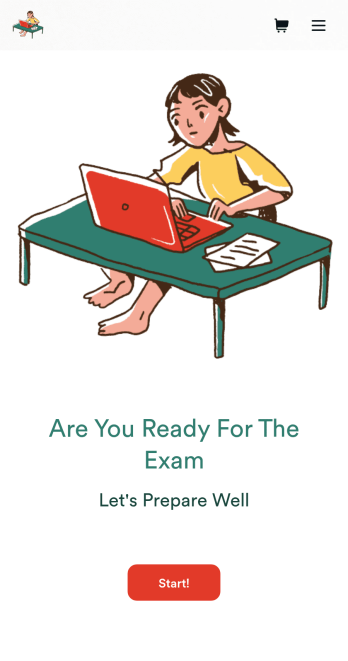
Custom Exam Preparation App
Whether you’re a teacher or a tutor, help students prepare for their exams with Jotform’s free Exam Preparation App. This fully customizable mobile app includes an exam registration form, sample exam questions, and contact buttons for students to easily access from any computer or mobile device. All submissions will be instantly synced to your Jotform account — ready to view, download, share, and approve.You won’t need to take a coding class to customize this Exam Preparation App. Simply drag and drop to add forms, images, documents, links, buttons, pages, and other app elements. Then share your app with students by posting the app link on your website or sending email invites to newly registered students. With a fully custom Exam Preparation App your students can easily access from any device, you can ensure they’ll be ready for their next exam!
Go to Category:Course & Training Registration Apps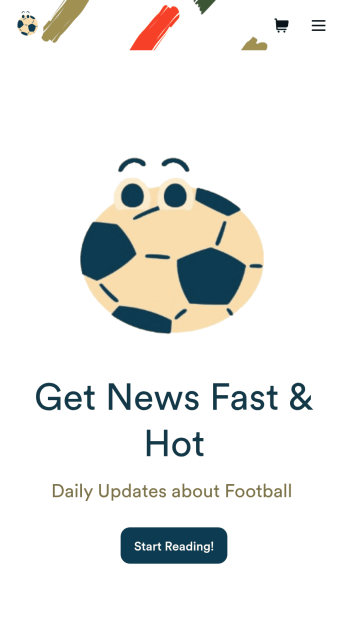
Football News App
A football news app is used to display football-related news, scores, and collect subscriptions from fans. As the app owner, you can aggregate news articles from other websites, or upload your own original work. Football fans can download your app onto their favorite device and sign up to receive email updates whenever your app is updated with football news or scores. Subscriber information is stored securely in your Jotform account.This Football News App can be fully customized to your liking with Jotform’s intuitive app builder. No coding knowledge required — simply drag and drop to add form elements, create new pages and forms, customize your app’s main screen, upload your own images and branding, and much more. You can even install one of our 30+ payment gateway integrations to charge for premium subscriptions fees. Create an all-in-one Football News App to keep sports fans in the know with this free app template from Jotform.
Go to Category:Education Apps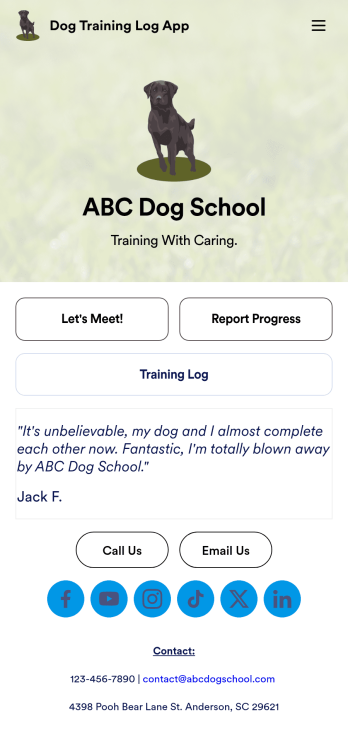
Dog Training Log App
You’ve already got your hands full training dogs all day long — so streamline the paperwork with our Dog Training Log App! With this free app template, customers can fill out an intake form with general contact information, as well as some information about their dog’s weight, breed, training goals, and more. There is also a progress form for individual training sessions so you can record whatever training commands or activities were practiced that day. Submissions are stored securely in Jotform Tables, and compiled into a single easy-to-understand progress spreadsheet. You and your customers can use this app on any smartphone, tablet, or desktop.Want to customize this Dog Training Log App to match your own branding? No problem — simply use our drag and drop interface to add more forms, upload your logo, change the background or splash screen, choose fonts and colors, update the app name or text, and more. Once you like the look and feel of it, just share the link on your website or social media and you’re good to go. Help your customers reach their dog training goals with this customizable Dog Training Log App.
Go to Category:Log Apps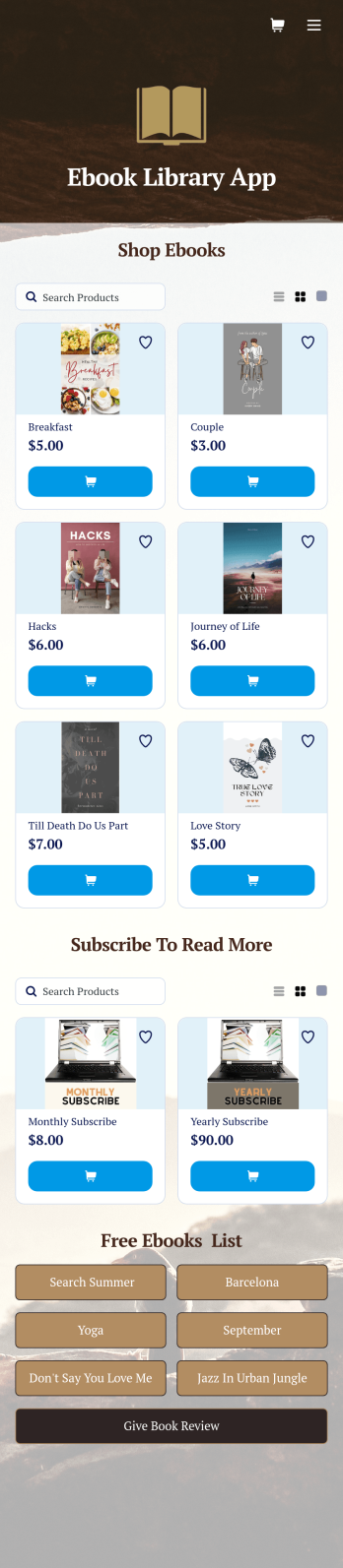
Ebook Library App
An e-book library app is used by teachers, schools, and small libraries for sharing free e-books with others. Need to know how to sell e-books online? With Jotform’s E-book Library App, you can upload multiple e-books as PDF documents to the app, and display them in a list of available titles on the main page. Users can browse and read e-books directly through the app’s interface, or download them onto their device with the tap of a button. This app template can also be used by individuals who wish to create a private library for storing their e-books in one convenient location.Want to make changes to this app template? Jotform's intuitive app builder makes it easy for anyone to customize the look and feel of their app with just a few clicks. No coding required — just drag and drop to add or change form elements, choose custom color schemes and backgrounds, add widgets, upload images, and more. Once you’re satisfied, share your app with others by sending email invites or the app link, and they can then access and download your app on any smartphone, tablet, or computer right away. Create a digital library of downloadable e-books with Jotform’s E-book Library App that works anywhere.
Go to Category:Education Apps
Career Coaching App
Need an easy way to schedule your career coaching sessions? Jotform has you covered with our Career Coaching App. It doesn’t matter if you already have a successful online career coaching business or if you’re just starting out — Jotform offers flexible app customization and templates to get you started. List your schedule for coaching appointments, add session descriptions, and integrate with 25+ easy-to-manage payment gateways to collect and manage appointment bookings.Use our drag-and-drop builder to customize your Career Coaching App! Add or swap out scheduling and payment forms, upload your coaching business logo, change colors and fonts, and integrate with hundreds of useful widgets to make your job easier. After you’re done designing your app to match your branding, share your app’s link via direct message, scannable QR code, or by embedding it directly into your website. You can also link your app on your social media pages to increase engagement and orders. Create your own Career Coaching App today with Jotform.
Go to Category:Consulting Apps
Soccer Training App
Create an app for your soccer training camp in minutes with this free Soccer Training App template! Need to know how to sell soccer lessons online? You can collect registrations, share your contact information, introduce your coaches, and add tutorial videos in a few quick clicks. Just customize the app to perfectly match your needs, then share the app with a link or via email for others to download onto their iOS or Android devices.Want to make changes to this Soccer Training App? Drag and drop to update the app icon or splash screen, add or remove forms, include your unique logo, and make other changes fast. All form responses are stored securely in your Jotform account, ready to view instantly on any device. No coding knowledge needed — make your own custom Soccer Training App easily with Jotform.
Go to Category:Sports Apps