Facial Recognition Attendance App helps teams record attendance and manage people records from one central, guided experience. It works well for HR teams, office managers, schools, training programs, clinics, and on-site operations that need a consistent way to log check-ins and quickly confirm who is present. With quick actions to record attendance and screens to view attendance history and people details, the app supports faster daily roll calls, shift starts, and front-desk check-ins while keeping staff information organized.
Built with Jotform App Templates, this app template can be tailored with a no-code app builder and a drag-and-drop interface to match your workflow and branding. Connect attendance forms and people records to your processes, route updates to the right stakeholders, and keep information accessible in a mobile-friendly self-service format. Jotform makes it easy to publish and share the app so teams can collect data, review status, and maintain accurate attendance records without relying on scattered spreadsheets.
Related templates
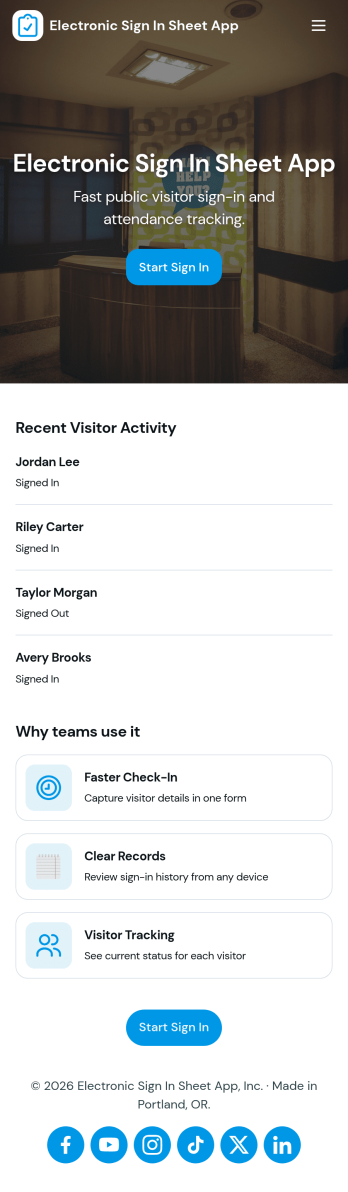
Electronic Sign in Sheet App
An electronic sign in sheet app helps you capture visitor arrivals in a clean, searchable format while keeping a simple record you can reference later. Use it at front desks, events, schools, coworking spaces, clinics, warehouses, or any workplace that needs a quick way to log who came in and when. With a dedicated My Sign Ins area for personal entries and an All Sign Ins view for broader oversight, teams can reduce paper clutter, avoid illegible handwriting, and stay organized during busy check-in periods.Built with Jotform, this app template pairs self-service check-ins with connected data collection so records stay consistent and easy to review. Customize pages with a drag-and-drop interface, tailor the form to match your visitor log requirements, and share the app with a link or QR code for fast access. As your workflow evolves, you can update fields, manage entries, and keep your sign-in process running smoothly without coding.
Go to Category:Sign In Apps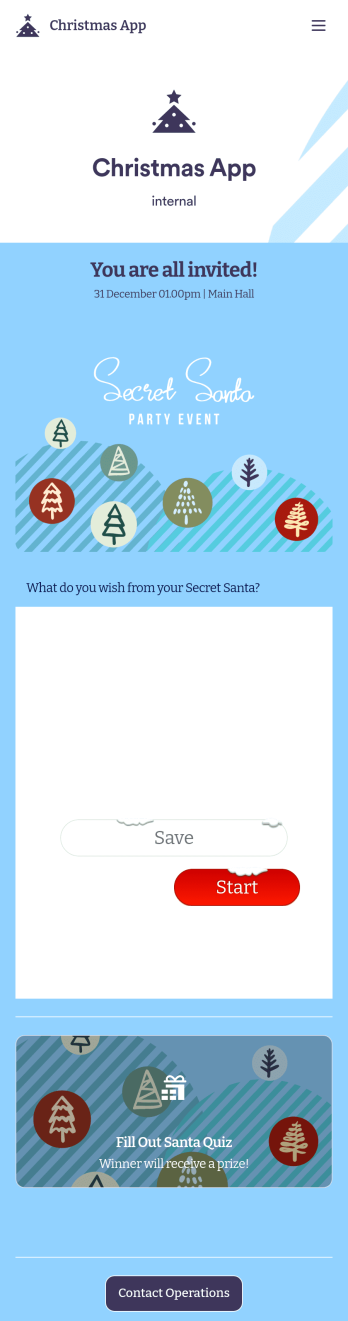
Christmas App
Planning holiday events for your company or organization? Get started with Jotform’s free Christmas App for internal use! This premade app template includes an event invitation and Secret Santa form that your employees or coworkers can fill out using any device. Submissions will be received instantly and automatically synced to your secure Jotform account, where you can view responses in a spreadsheet, calendar, or as cards. Get into the holiday spirit by customizing this Christmas App for your company! In just a few clicks, our drag-and-drop builder lets you add forms, pages, links, photos, and other app elements to the template. You can even change the app fonts, colors, name, icon, and splash page to better represent your branding or event. When your app is ready to be shared, send it to others via app link or email invite. Make event planning a breeze this holiday season with a fully-featured Christmas App made just for your company!
Go to Category:Entertainment Apps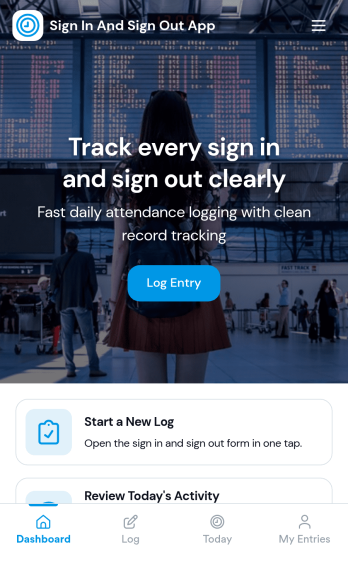
Sign In and Sign Out App
Sign In and Sign Out App helps organizations record when people arrive and leave, creating a simple digital log that’s easy to reference later. It’s a practical fit for front desks, school offices, shared workspaces, job sites, studios, and community programs that need a clear sign-in and sign-out history without relying on paper sheets. With guided navigation and an Add Entry button that opens a connected form, staff or visitors can log a new entry quickly, while a list view makes it easy to browse names and open individual records.Jotform makes it easy to publish and manage app templates like this with a no-code app builder and a drag-and-drop interface, so you can match the experience to your workflow in minutes. Add your logo image, adjust pages and buttons, and share the app by link or QR code for fast self-service check-ins. Entries submitted through the form can be organized for ongoing tracking, giving your team a dependable way to keep sign-in activity consistent across locations and shifts.
Go to Category:Sign In Apps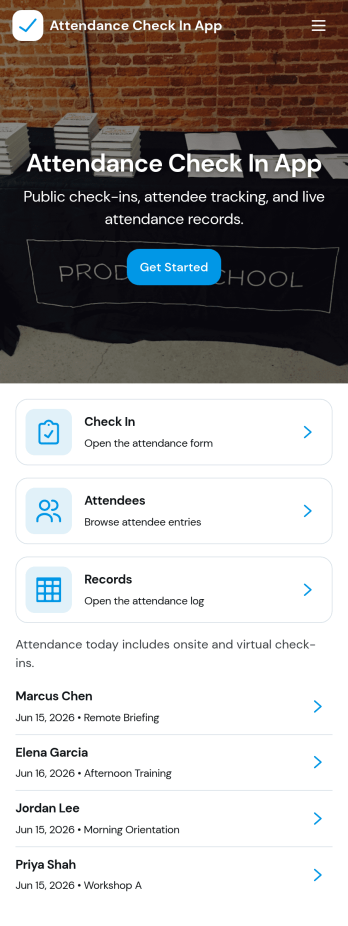
Attendance Check In App
Attendance Check In App helps teams and organizers record attendance quickly and keep an organized history of who showed up and when. It’s a practical fit for schools, training programs, events, volunteer groups, and workplaces that need a simple way to collect check-ins, review records, and let individuals access their own attendance when needed. With clear navigation for new check-ins and a records area, the app supports daily roll calls, workshop sessions, shift arrivals, and on-site sign-ins without relying on paper sheets.Jotform makes it easy to turn this workflow into a mobile-friendly experience using app templates and a no-code app builder with a drag-and-drop interface. Connect your check-in form to a records list, keep information centralized, and share the app with a link or QR code so staff can capture attendance from anywhere. As your needs change, you can customize pages, update the layout, and build a smoother workflow around data collection and self-service access.
Go to Category:Sign In Apps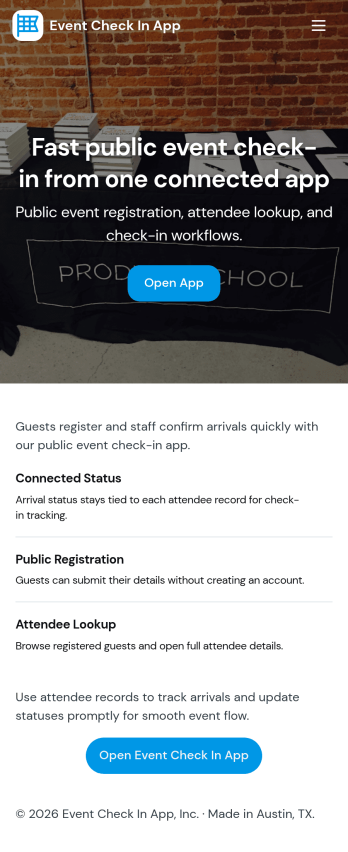
Event Check In App
Event Check In App helps organizers welcome guests faster and keep attendance organized from one mobile-friendly place. Use it to register attendees, launch a check-in form at the door, and browse an up-to-date attendee list so staff can confirm arrivals without confusion. It’s a practical fit for conferences, workshops, school events, fundraisers, pop-ups, and community gatherings where multiple team members may be helping with entry and you need a clear view of who has checked in.With Jotform App Templates, you can publish a polished check-in experience without coding and tailor it to your event in minutes. Build with a drag-and-drop interface, connect pages to Jotform forms and tables for reliable data collection, and keep your workflow moving with simple navigation for staff. Share the app by link or QR code, update it anytime, and create a consistent self-service experience for your team across devices.
Go to Category:Event Planner Apps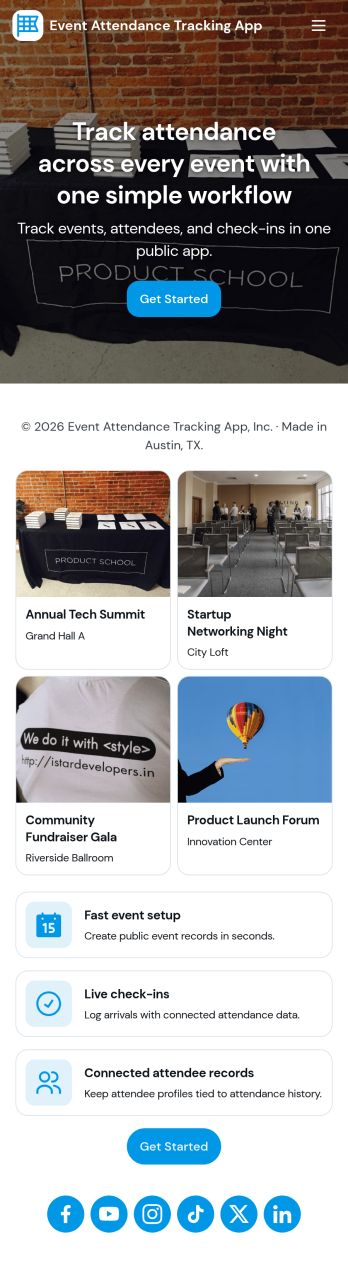
Event Attendance Tracking App
Event Attendance Tracking App helps organizers keep an accurate record of who registered and who actually showed up, without juggling paper lists or scattered spreadsheets. Use it to register attendees ahead of time, add walk-ins at the door, and log check-ins as guests arrive. It’s a strong fit for event teams running conferences, workshops, campus events, community meetups, trainings, and internal company sessions where headcounts, attendance history, and quick lookups matter throughout the day.With Jotform, you can turn attendance tracking into a simple self-service experience using App Templates and a no-code app builder. Build the flow with a drag-and-drop interface, connect registration and check-in forms, and keep records organized in linked tables for fast searching and reporting. Share the app with staff using a link or QR code so everyone works from the same up-to-date attendee list while your workflow stays consistent from registration to check-in.
Go to Category:Event Planner Apps