Features App gives teams a clear, shareable place to showcase product functionality, collect feature requests, and prioritize what to build next. Users can browse a list of features, open a feature detail view, and add votes so the most requested ideas rise to the top. It’s a practical fit for SaaS product teams, startups, internal tools teams, and customer-facing support groups that want a simple way to highlight what’s available while keeping new requests organized in one queue.
Jotform makes it easy to publish this kind of self-service experience with customizable app templates and a no-code app builder. Use the drag-and-drop interface to adjust pages, refine navigation, and connect the app to forms for data collection and ongoing workflow management. Share the app with a link so customers, stakeholders, or teammates can browse features, submit ideas, and vote without email threads or scattered documents.
Related templates
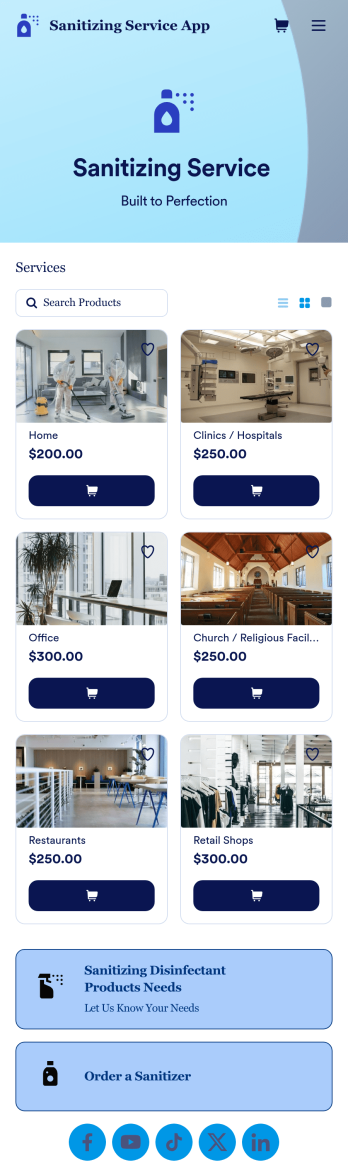
Sanitizing Service App
Sanitizing service apps are used by clients to book services from companies that offer sanitization and cleaning services. If you’re looking to build a professional app for your sanitization business, look no further than this ready-made Sanitizing Service App from Jotform. Upload available booking times, detail your different services, link to company reviews, add product descriptions, and more!Customize the look and feel of your Sanitizing Service App with Jotform’s easy-to-use online app building tool. Pick colors and fonts you like, integrate with payment services to collect fees up front, upload branding assets, pick a backsplash, and more. Create the perfect app for your services with Jotform Apps today.
Go to Category:Customer Portal Apps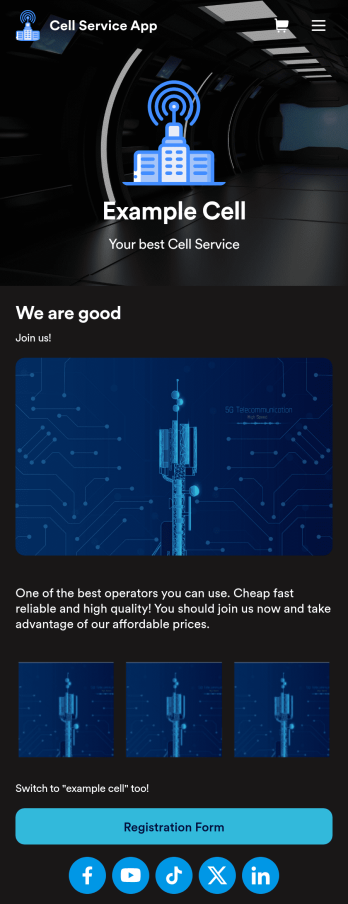
Cell Service App
If you sell cell phones or are a cell phone service provider, use this free Cell Service App to give customers an easy way to contact you and purchase your products or services! Start by customizing the app template to match your needs and branding — then share the app to be downloaded onto any iOS or Android tablet or smartphone. Customers can then submit orders, feedback, and other form responses on the go.Want to customize the design of this Cell Service App template? Drag and drop to get the look you want. Add your logo and products, update the app icon and background, split the app into multiple pages, and make other design changes in seconds with no coding required. All submissions through your custom Cell Service App are stored securely in your Jotform account, ready to view and respond to fast.
Go to Category:Customer Portal Apps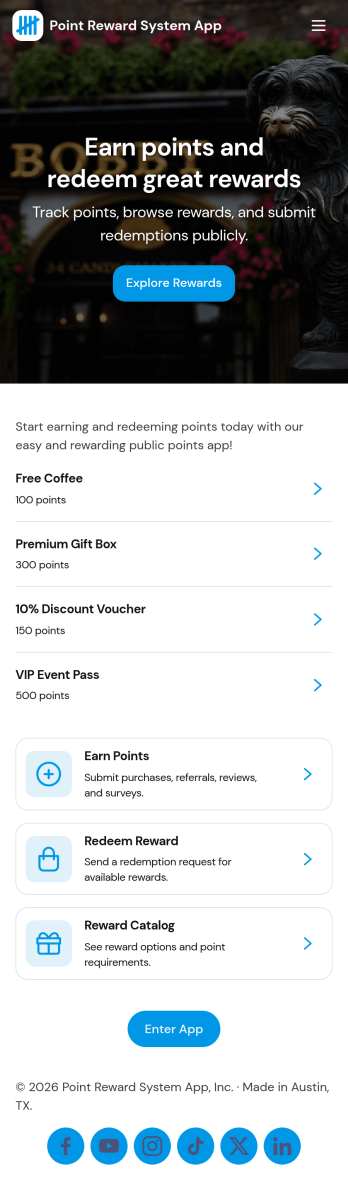
Point Reward System App
Point Reward System App helps businesses and organizations run a simple loyalty-style points experience where people can earn points, view available rewards, review activity, and redeem rewards from one place. It’s a practical fit for retail shops, gyms and studios, cafés, online communities, and internal teams that want to encourage repeat engagement without juggling scattered spreadsheets or manual updates. With dedicated areas for earning points, browsing rewards, and checking activity, users can understand how points are gained and what they can redeem next.Built with Jotform, this app template pairs a no-code app builder with a drag-and-drop interface so you can tailor the flow to your program in minutes. Connect the app to forms and tables for data collection and ongoing tracking, then share it as a self-service experience for customers or employees. You can also keep point entries organized in one place, update reward options as your program evolves, and maintain a clear workflow from point entry to reward redemption.
Go to Category:Community & Engagement Portal Apps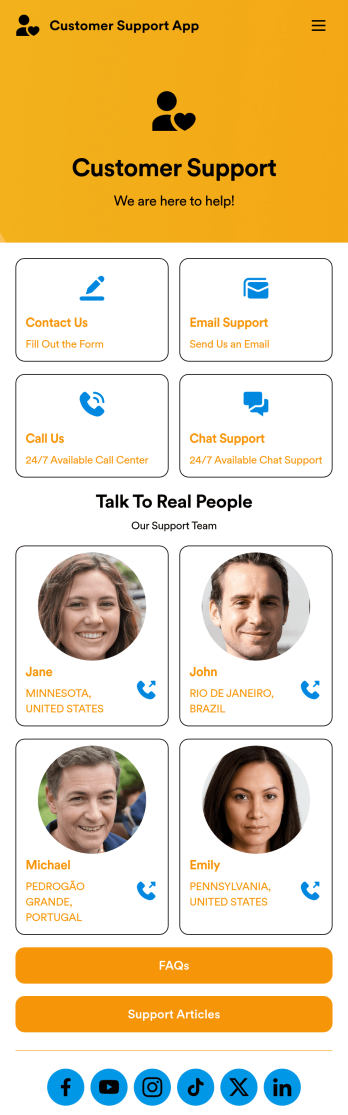
Customer Support App
A customer support app is a type of mobile application used by customer support teams to respond to customer tickets and support requests. Use this free Customer Support App to build a central hub for your support operations. Collect support tickets, link to your chat support, list FAQs, and more. To get started, use this ready-made template and customize it to your liking.Drag and drop to make any changes to this Customer Support App. Upload branding assets and logos, select a custom app icon, add or remove support forms, change your app’s backsplash, and more. You can even integrate your app with 200+ platforms to add an extra layer of customization. Streamline your support process with Jotform Apps.
Go to Category:Customer Portal Apps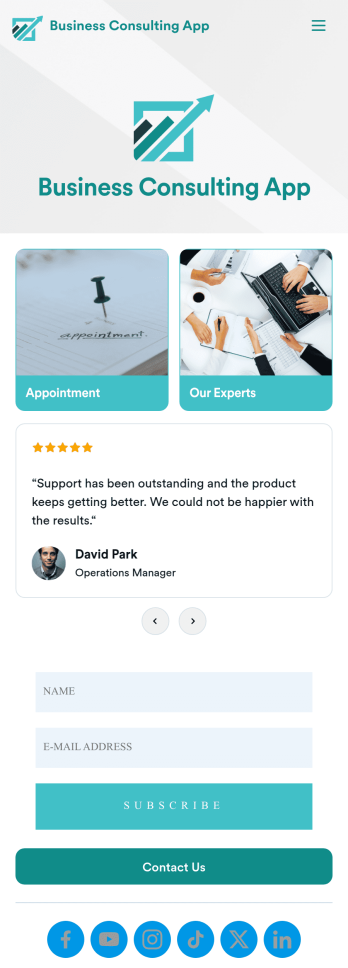
Business Consulting App
A business consulting app is a mobile application used by clients of a consulting agency to book appointments, view consultant information, and contact the agency. With this ready-made Business Consulting App, your consulting agency can quickly and easily create an app for your business! Simply customize the app design to match your branding and share the app to be accessed by your clients on any device.Want to customize this free app template? Drag and drop to get the look you want with no coding required. Add your logo, change fonts and colors, update the app splash screen and icon, and make other design changes in seconds. Once your app is good to go, you can share it via email, add it to your social media bio, or embed it in your website. Stop wasting time with back-and-forth emails — streamline the way you get in contact with your clients with this Business Consulting App from Jotform.
Go to Category:Consulting Apps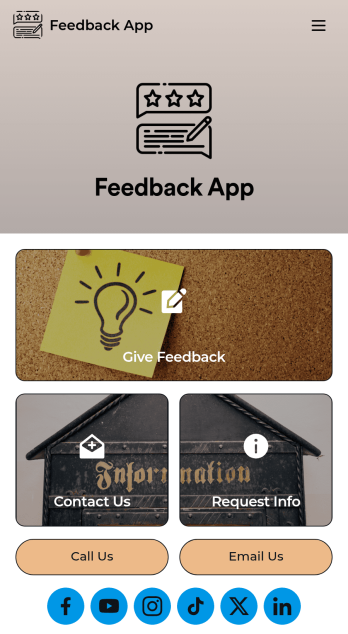
Feedback App
A feedback app is useful for capturing customer feedback to help improve your business’ products or services. This app template allows customers to fill out a form with basic contact information, as well as space to leave comments, questions, or suggestions. There is a separate form for requesting additional information, and a contact form for submitting questions to your business via email. Customer feedback is instantly synced to your secure Jotform account, where you can search, filter, and sort through entries with ease.Make this feedback app your own in seconds with Jotform’s intuitive app builder. No coding required — just drag and drop to add form elements and widgets, edit text fields, choose fonts and colors, change your app’s icon and splash screen, upload your own branding, and more. After you’re satisfied with your app’s look and feel, you can share it with customers by including a link in a follow-up email or text, or by generating a QR code to place on your business’ front desk or in a window. Customers can then download your app on their favorite device and leave feedback right away. Collect feedback from your customers to help you improve your business with this free Feedback App from Jotform.
Go to Category:Management Apps