File Conversion App centralizes file conversion requests so teams and customers can quickly ask for the right output format without confusion. It works well for IT and support desks, marketing teams handling creative exports, education departments preparing shareable materials, and service providers who routinely convert documents, images, audio, or video for clients. People can review supported formats, choose the conversion they need, and send a conversion request from one place, reducing missed details and repeat questions.
Jotform makes it easy to publish this kind of self-service experience using a no-code app builder with a drag-and-drop interface. Connect the app to a form for data collection, route requests through the right workflow, and keep everything consistent as volume grows. You can share your File Conversion App with a link or QR code, adjust branding to match your organization, and update supported options anytime without rebuilding the app.
Related templates
Ticketing System App
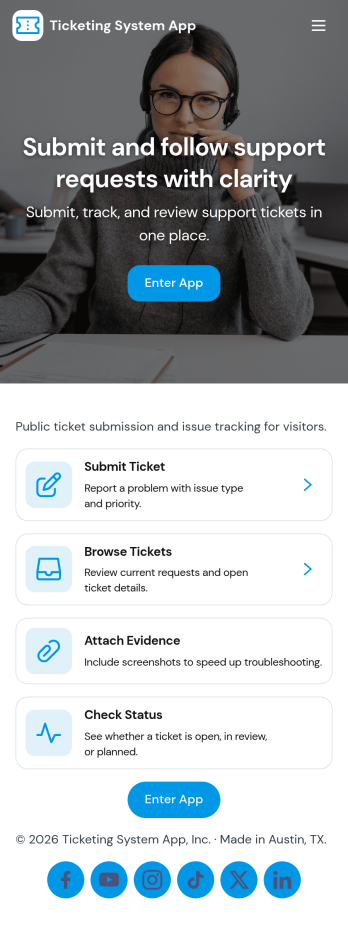
A ticketing system app gives teams a central place to capture requests, organize incoming issues, and guide people to the right next step. With this Ticketing System App, users can submit a new ticket, browse existing tickets, and review their own submissions without relying on scattered emails or chat threads. It’s a practical fit for IT help desks, internal ops teams, customer support groups, facilities, and any department that needs a clear way to intake problems, track progress, and keep request details consistent from start to finish.Jotform makes it easy to publish this experience as a branded, self-service app using a no-code app builder and a drag-and-drop interface. Connect your ticket form to the app so requests flow into a single workflow, then share the app link with employees or customers for faster data collection and better visibility. As needs change, you can update pages, navigation buttons, and the ticket list view in minutes, keeping your support process organized and accessible on any device.
Go to Category:Service & Support Portal Apps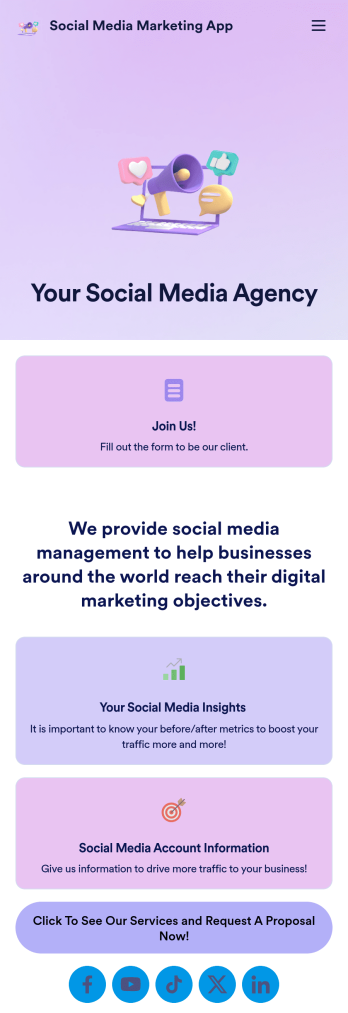
Social Media Marketing App
A social media marketing app is used by social media managers or marketing agencies to list their services, accept proposal requests, and list their contact information. With this ready-made Social Media Marketing App, your business can provide clients with a convenient mobile app — which they can instantly download onto their smartphone for easy access.Need to make design changes? Add your company logo and branding, update the listed services, and change the app background, colors, and icon for a personal touch. No coding knowledge is required with our drag-and-drop builder! Give your customers a quicker way to contact you and book your services with a custom Social Media Marketing App.
Go to Category:Consulting Apps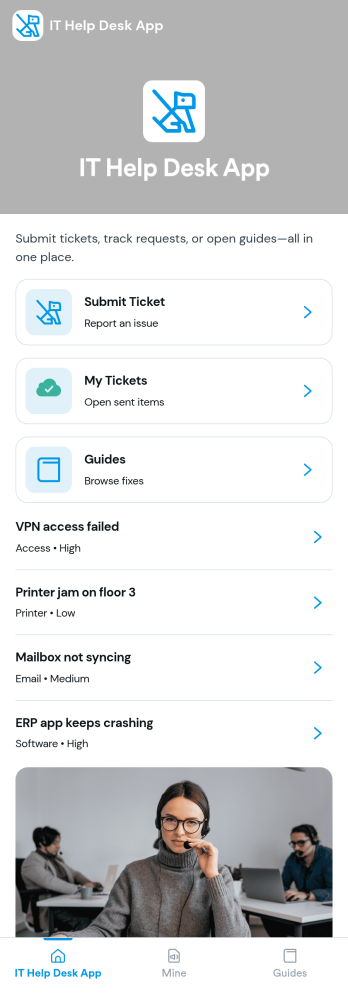
It Help Desk App
It Help Desk App gives teams a clear place to route internal tech issues and keep requests from getting lost in chat threads and inboxes. Employees can submit a ticket, check their open tickets, and review request details like priority and issue type in one simple experience. It works well for IT departments, managed service teams, and fast-growing companies that need a consistent way to capture problems, assign attention, and follow up without confusion.With Jotform App Templates, you can publish a self-service help desk that connects pages, buttons, and lists to the forms and tables behind your process. Build and update your workflow in a no-code app builder with a drag-and-drop interface, then share the app as a single link for quick access on any device. Jotform supports reliable data collection and organized request tracking, so your team can spend less time searching for context and more time resolving issues.
Go to Category:Information Technology Apps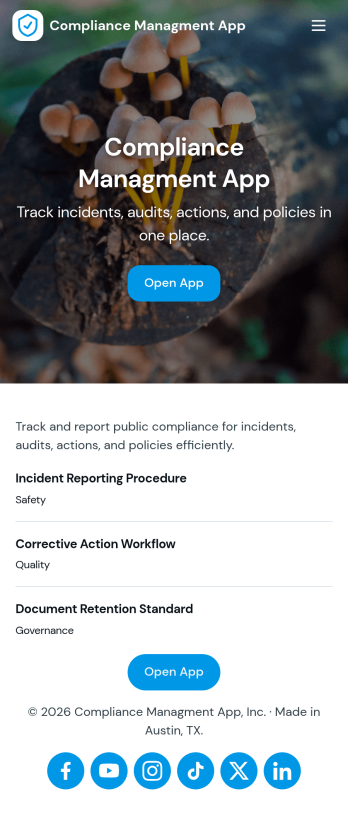
Compliance Managment App
Compliance Managment App brings your day-to-day compliance work into one place so teams can keep controls visible, document what happened, and stay ready for reviews. It’s built for operations leaders, IT and security teams, HR, and managers who need a practical way to organize controls, report incidents as they occur, log audits, and maintain supporting documents without hunting across folders or email threads.With Jotform you can turn this app template into a branded self-service workspace using a drag-and-drop interface and a no-code app builder. Connect the app to forms and tables to support ongoing data collection, route key steps through a workflow, and keep updates consistent across controls, incidents, audits, and documents. Share it with internal stakeholders through a link, tailor pages to your process, and keep information easy to access on any device.
Go to Category:Information Technology Apps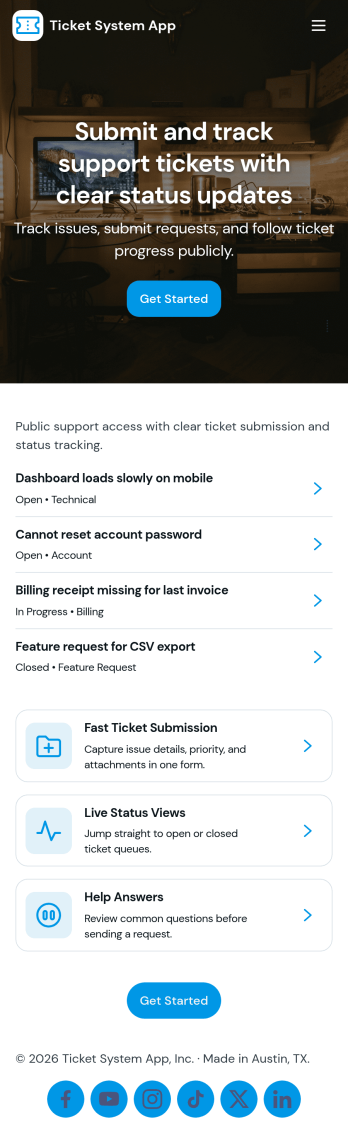
Ticket System App
A ticket system app gives teams one place to capture requests, track progress, and keep support work organized from the first report to the final resolution. This Ticket System App works well for IT help desks, customer support teams, facilities departments, and internal operations groups that handle recurring issues and questions. Users can submit new tickets, browse open tickets, and review resolved tickets so nothing gets lost in email threads. It’s especially useful when multiple people need visibility into what’s being worked on and which requests still need follow-up.Jotform makes it easy to turn this workflow into a shareable, branded experience using App Templates and a no-code app builder. With a drag-and-drop interface, you can adjust navigation, add helpful content, and connect your ticket form to the app for consistent data collection. Publish the app as a self-service hub for employees or customers, keep ticket details accessible in one place, and update the experience as your workflow evolves.
Go to Category:Information Technology Apps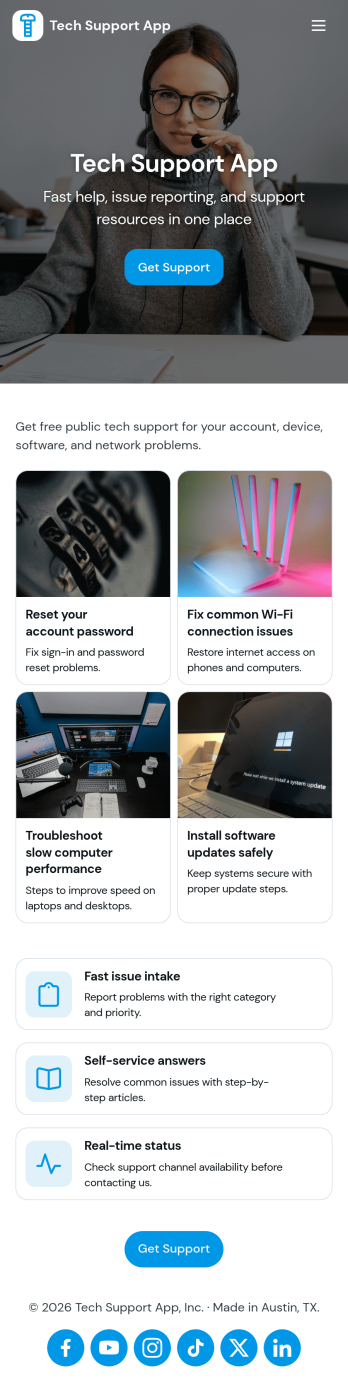
Tech Support App
Tech Support App helps teams centralize IT help requests so users can open a ticket, track progress, and find their place in the support queue without chasing updates. It’s a practical fit for internal IT departments, MSPs, SaaS support teams, and school or nonprofit tech offices that need a clear intake path and a simple way for requesters to check status. With quick actions like Submit Ticket and New Ticket plus a dedicated My Tickets area, the app supports fast reporting of issues, consistent triage, and fewer repeated emails about the same problem.Built with Jotform App Templates, this app template can be tailored in minutes using Jotform’s no-code app builder and drag-and-drop interface. Connect the ticket form to your existing workflow, organize requests in one place, and share the app through a link or QR code for easy self-service. As your volume grows, you can refine pages for different support needs, keep your process consistent across locations, and manage data collection in a way that works for both requesters and support staff.
Go to Category:Information Technology Apps