
Fish Sales Invoice App is a ready-to-use app template for fish sellers, seafood wholesalers, market vendors, fisheries, and distribution teams that need a clear way to document sales. Users can create invoices, browse existing invoice records, and review essential transaction details such as the buyer, seller, quantity, unit price, and sale total. By keeping current and previous invoices in one accessible location, the app helps reduce misplaced paperwork, support accurate billing, and give staff a consistent process for recording wholesale or direct-to-customer fish sales. It is useful at markets, sales counters, fisheries, warehouses, and during mobile sales activity.
Jotform App Templates make it easy to adapt the Fish Sales Invoice App to a business without writing code. With Jotform’s no-code app builder and drag-and-drop interface, teams can update pages, add branded visual elements, connect forms and tables, and organize invoice data around their workflow. The finished app can be shared through a direct link or QR code, giving authorized sellers and staff convenient mobile access. Businesses can start with this app template, customize its appearance and invoice process, and publish a practical self-service resource for everyday sales documentation.
Related templates
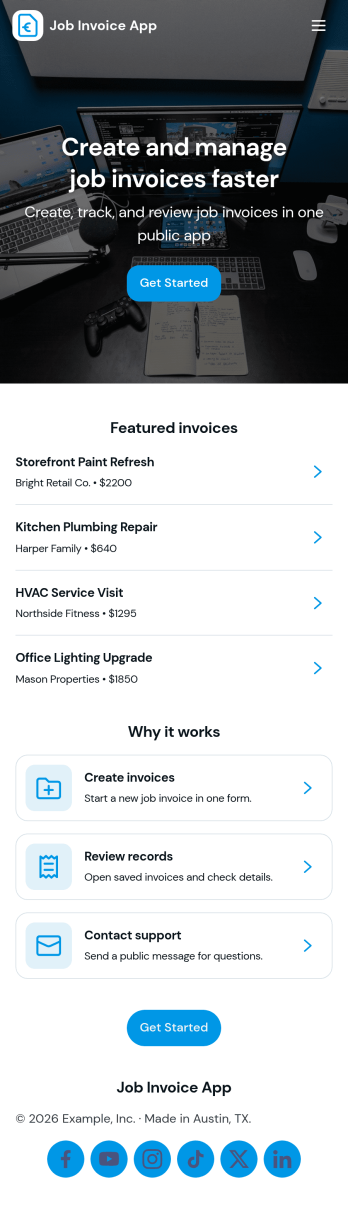
Job Invoice App
Job Invoice App helps service teams turn completed work into clear, consistent invoices while keeping job details organized in one place. It’s a practical fit for contractors, field service providers, repair businesses, and freelancers who need a simple way to add jobs, monitor job progress, and create invoices tied to specific job numbers without juggling scattered notes.Built with Jotform, this app template supports self-service data collection through connected forms and organized records, so your team can capture job information, generate new invoices, and review invoice history from an easy-to-navigate interface. Customize the pages with Jotform’s no-code app builder and drag-and-drop interface, then share the app with your staff to keep invoicing workflows consistent and easier to manage as work orders grow.
Go to Category:Finance Apps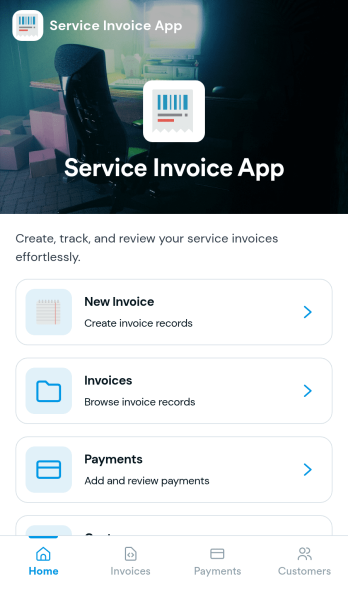
Service Invoice App
Service Invoice App helps service-based teams create invoices, manage customer records, and keep a clear view of outstanding and completed billing. It’s a practical fit for home service providers, freelancers, consultants, repair businesses, and small agencies that need a simple way to move from customer details to a new invoice without juggling spreadsheets. With quick navigation to Customers and Invoices, plus an easy New Invoice starting point, it supports faster billing cycles, fewer missed charges, and more consistent recordkeeping as your client list grows.Jotform makes it easy to turn this use case into a polished, mobile-friendly experience using App Templates and a no-code app builder. Customize pages with a drag-and-drop interface, connect buttons to forms for data collection, and keep invoice and customer data organized in connected tables. Share your app with a link for self-service access across your team, and extend your workflow with approvals, notifications, and other Jotform tools as your billing process evolves.
Go to Category:Finance Apps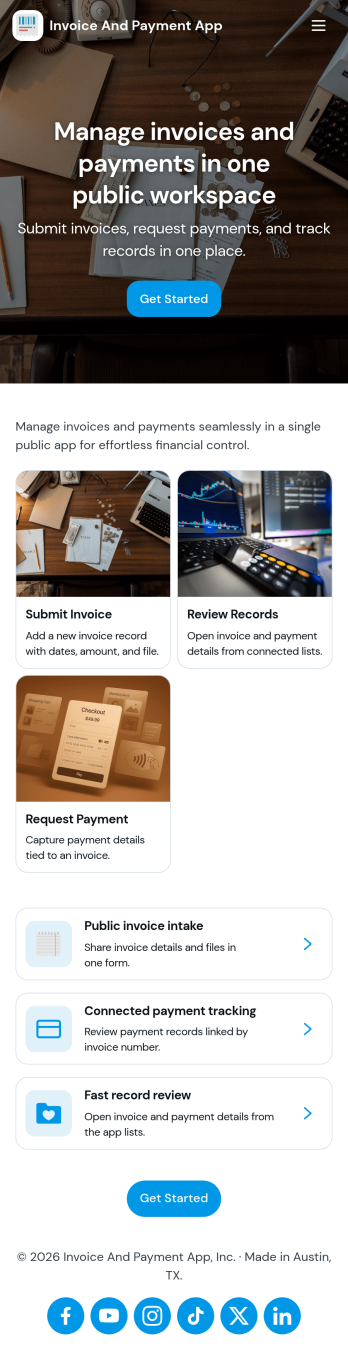
Invoice and Payment App
Invoice and Payment App helps small businesses and teams create invoices, record payments, and keep a clear view of what’s been billed versus what’s been paid. It’s a practical fit for freelancers, agencies, consultants, contractors, and service providers who need a consistent way to issue invoices and log incoming payments without digging through spreadsheets or scattered emails. With quick navigation for creating a new invoice and recording a payment, you can keep billing tasks moving and reduce missed follow-ups when multiple people handle finance admin.Built with Jotform App Templates, this app template can be customized in minutes using Jotform’s no-code app builder and drag-and-drop interface. Connect it to your existing Jotform forms to support reliable data collection, then publish a self-service experience your team can access from anywhere to manage invoicing and payment workflows. As your process grows, you can adjust pages, add steps, and keep all records organized in one place while staying aligned with how your business actually bills clients.
Go to Category:Finance & Accounting Portal Apps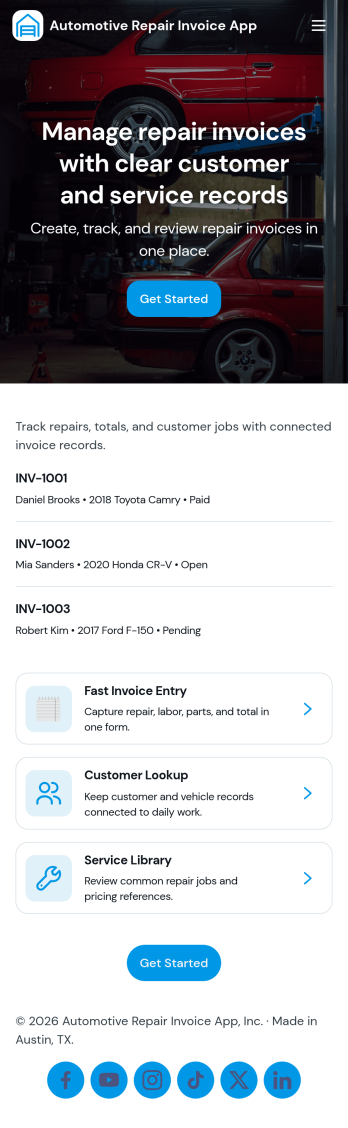
Automotive Repair Invoice App
Automotive Repair Invoice App helps auto repair shops, mobile mechanics, and service centers create professional repair invoices and keep them organized in one place. Use it to start a new repair invoice, capture customer and vehicle details, and generate a clear invoice summary your team can reference during and after the job. It’s a practical fit for busy front desks and small teams that need a consistent way to document repairs, reduce missed line items, and quickly pull up past invoices when customers call with questions.Jotform makes it easy to turn this workflow into a polished self-service experience with customizable app templates and a no-code app builder. With a drag-and-drop interface, you can adjust pages and navigation, connect your invoice form to organized records, and share the app with your staff using a simple link or QR code. As your volume grows, Jotform helps you maintain reliable data collection and keep day-to-day invoicing workflows moving without extra admin work.
Go to Category:Automotive Apps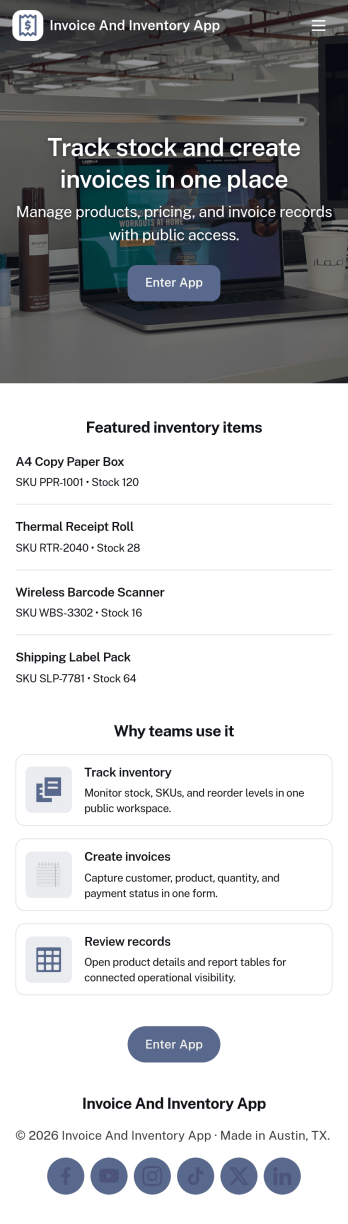
Invoice and Inventory App
Invoice and Inventory App brings invoicing and stock tracking into one place so small businesses can stay on top of what they sell and what they need to reorder. Use it to browse inventory items, create and review invoices, and keep a running record of product movement as stock comes in, goes out, or gets adjusted. It’s a practical fit for retail shops, wholesalers, ecommerce teams, service businesses that bill for parts, and anyone who needs a clearer link between what’s on hand and what’s been billed.Built with Jotform, this app template helps you publish a self-service, mobile-friendly workspace without writing code. Customize pages with a drag-and-drop interface, connect item and invoice lists to your data tables, and link buttons to the right forms so staff can add items, issue new invoices, or log movement in seconds. Share a single app link with your team, keep information organized as your workflow grows, and make day-to-day updates easier to manage from anywhere.
Go to Category:Finance & Accounting Portal Apps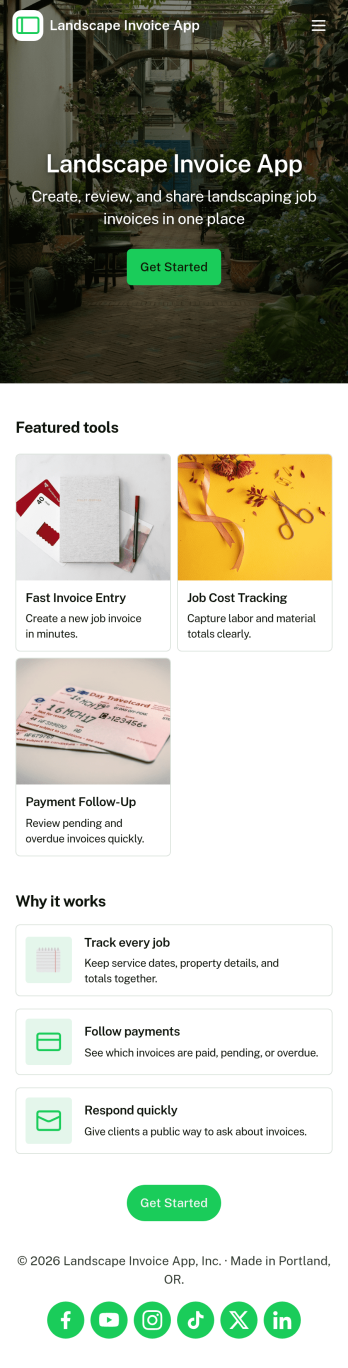
Landscape Invoice App
Landscape Invoice App helps landscaping businesses create invoices, keep a clear list of open invoices, and maintain a payment log in one place. Whether you run a solo lawn care service or manage a crew handling recurring maintenance and one-time installs, this app supports day-to-day billing without scattered paperwork. Use it after a job is completed, at the end of a weekly route, or whenever you need to send a professional invoice for mowing, edging, mulch, cleanups, irrigation checks, or seasonal services. With quick navigation to create new invoices and review invoice details, teams can stay on top of what is billed, what is still outstanding, and what has been paid.Jotform makes it easy to turn this Landscape Invoice App into a branded self-service experience using a no-code app builder and a drag-and-drop interface. Connect the app to your forms and data collection workflow so invoices and payment records stay organized as your volume grows. Share the app link with office staff or crew leads, update pages as your pricing and services change, and keep your billing process consistent across jobs, customers, and seasons with Jotform App Templates.
Go to Category:Finance & Accounting Portal Apps